
How to Print a Magazine From First Page to Finished Copy


Printing your own magazine is more approachable than it looks. Saddle stitch needs a page count in multiples of four, and that single rule shapes the whole plan.
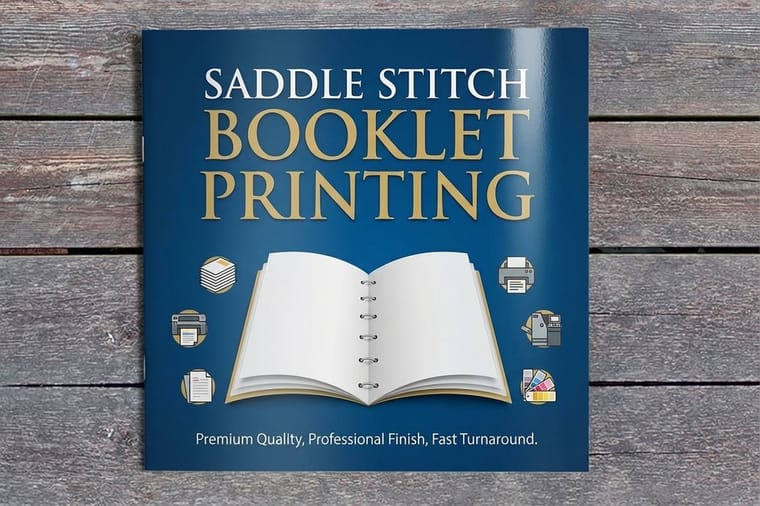
To print a magazine, choose a binding first, saddle stitch for thinner issues or perfect binding for thicker ones, then plan the page count, pick a cover and interior stock, and set up your file with bleed and spreads. Saddle stitch pages come in multiples of four. 4OVER4 prints magazines as booklets and catalogs from around $240, with a live quote as you configure.
Start here
Stapled spine or glued spine
A magazine is a bound booklet, so the print process comes down to binding, page count, stock, and file setup. Choose saddle stitch for a thinner issue or perfect binding for a thicker one, plan a page count the binding supports, pick a cover and interior stock, and export a print ready file with bleed set up in spreads. The sections below walk each step and end at a real quote, and the diagram compares the two binding styles at a glance.
Saddle stitch vs perfect binding
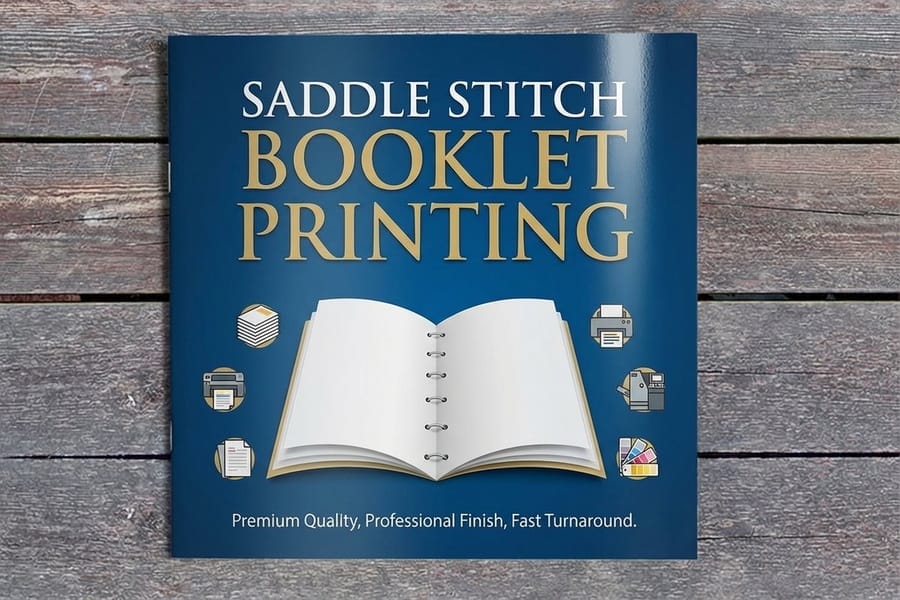
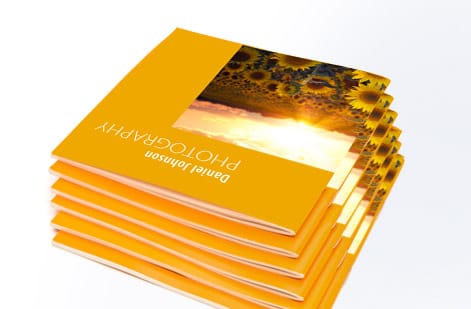
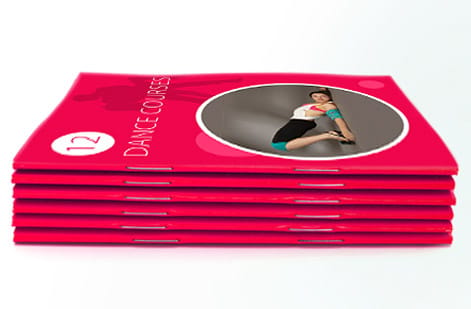
Binding is the first and biggest decision, because it shapes the page count, the look, and the cost. Saddle stitch folds printed sheets in half and staples them along the spine, which is fast, economical and suits thinner magazines, roughly up to 64 pages. It lays reasonably flat and suits most zines, programs, and lighter issues.
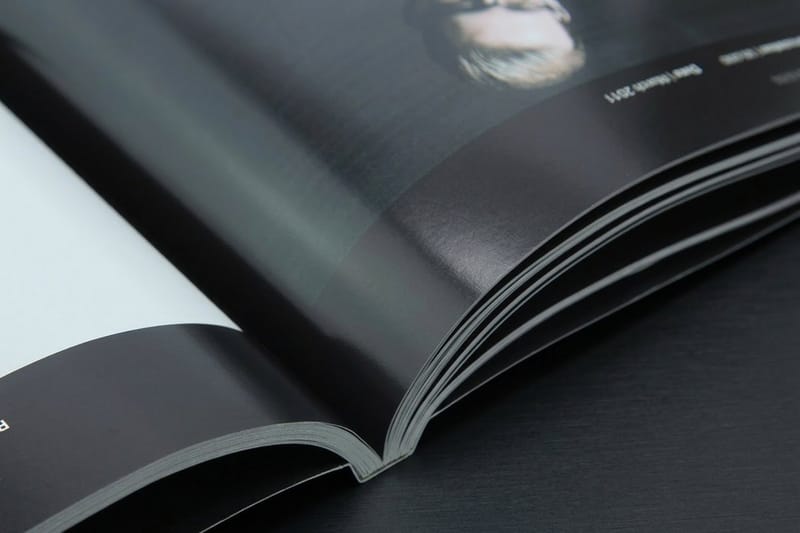
Perfect binding glues the pages to a flat spine like a paperback, giving a premium, bookstore feel and room to print a title on the spine. It suits thicker magazines, catalogs, and anything from around 48 pages up. Choose saddle stitch for a lean, budget friendly issue as saddle stitch booklets, or perfect binding for a substantial one as a perfect bound book. Our binding types guide compares every option in depth.
Page count rules
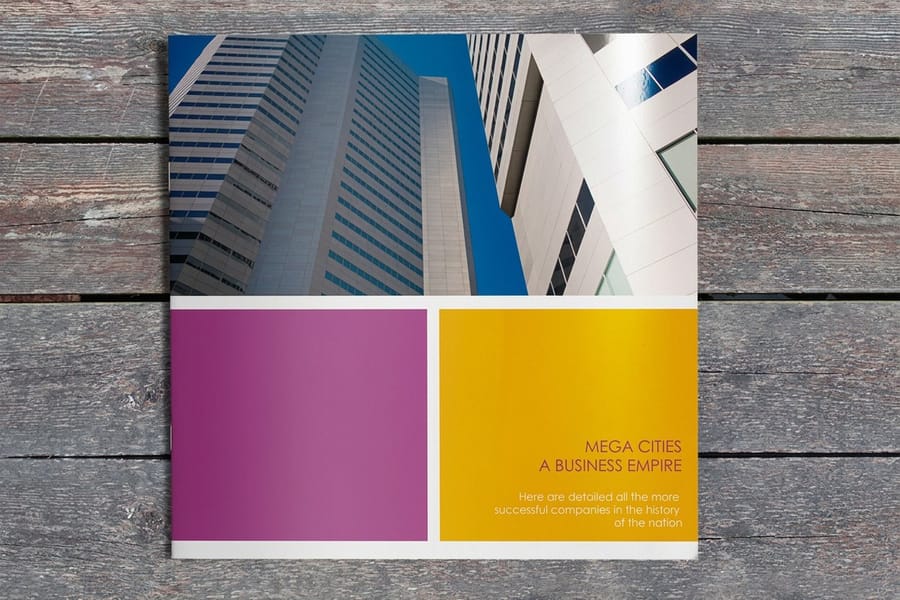
Page count is tied to the binding. Saddle stitch works in multiples of four, because each folded sheet creates four pages, front and back of two panels. So a saddle stitched magazine can be 16, 20, 24 pages and so on, but not 18. Count the cover as pages too, front cover, inside front, inside back, and back cover are four of your pages.
Perfect binding is more flexible on count and better suited to higher page numbers, since it is not limited by folded signatures in the same way. Plan your content to land on a workable number early, it is far easier to add or trim a spread while writing than to force a fix at print time. If you want a head start on layout, our online design tool and design templates keep pages sized correctly.
Choosing stock
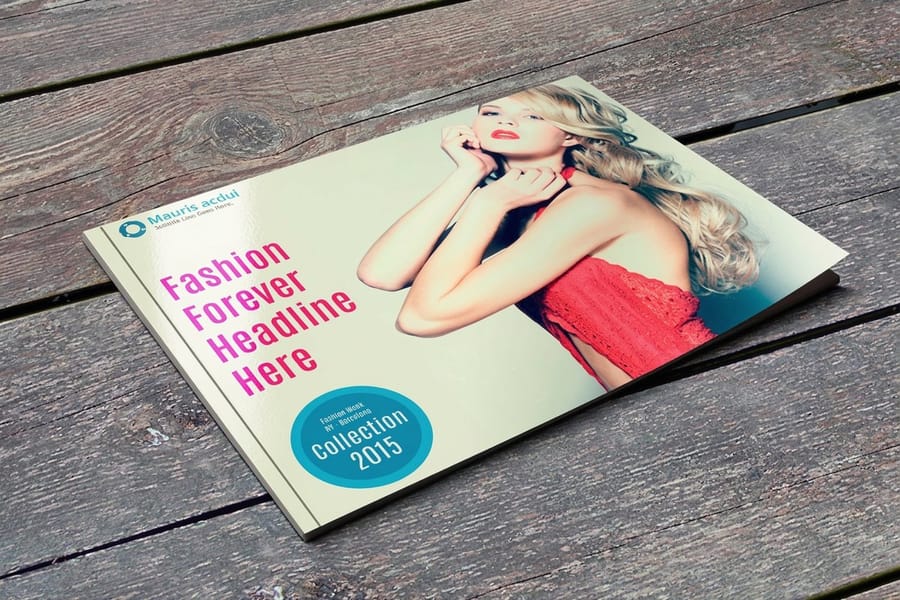
A magazine usually uses two stocks, one for the cover and one for the interior. The cover is heavier so it protects the issue and feels substantial in the hand, often with a gloss or matte coating for a finished look. The interior is lighter, which keeps the magazine's weight and mailing cost down across many pages while still holding color well.
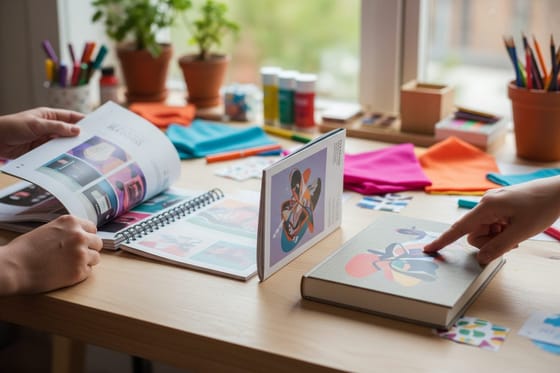
Match the stock to the content. A photography magazine benefits from a heavier, coated interior that makes images pop, while a text heavy zine can use a lighter, uncoated stock that is easy to read and cheaper per page. Coated stocks sharpen photos, uncoated stocks feel tactile and editorial. When color fidelity matters, order a sample to judge the stock before the full run, and see the range in our booklets and catalogs category.
Bleed and file setup
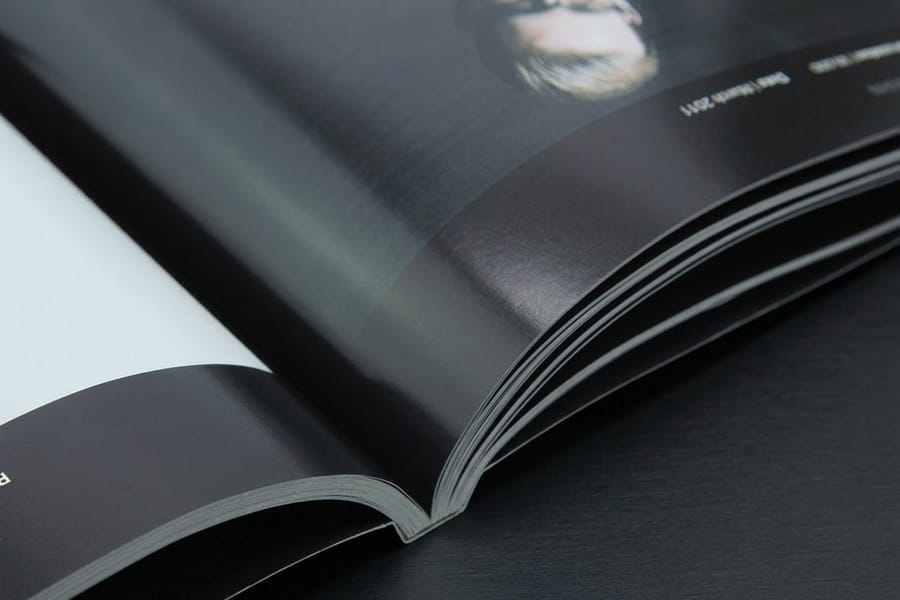
Set the file up right and the print is predictable. Build pages at the final trim size, add 0.125 inch of bleed on every edge so images that reach the edge print full, and keep text and logos inside the safe margin so nothing is trimmed. Design in facing page spreads so art that crosses the center aligns, and remember that on perfect binding the innermost margin near the spine needs a little extra room since the glued edge is less accessible.
Work in CMYK, keep images at 300 DPI at final size, and export a single print ready PDF with the pages in order. Following the fundamentals in our bleed and trim guide keeps a multi page file clean, and when you upload, our free file check reviews the artwork before the press runs so a page issue does not repeat across the whole magazine.
Get a real quote
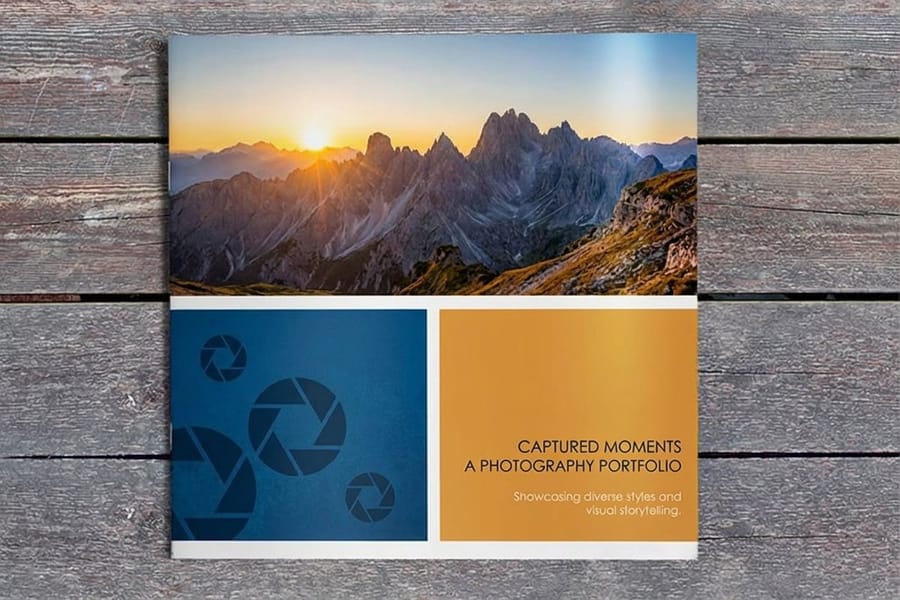
With binding, page count, and stock decided, pricing is straightforward. Magazine cost is driven by the page count, the cover and interior stocks, the finish, and the quantity, and the configurator shows the total live as you set each option. That means no waiting on an estimate, you can try 24 pages versus 32, or saddle stitch versus perfect binding, and watch the number move.
Because the price per copy drops as the quantity climbs, a larger print run lowers your unit cost, which matters if you are selling or distributing the issue. Start from saddle stitch booklet printing or a perfect bound book, set your specs, and get an instant quote before you print a single copy.
Wally picks the binding, then the page count follows
Saddle stitch thin, perfect bound thick
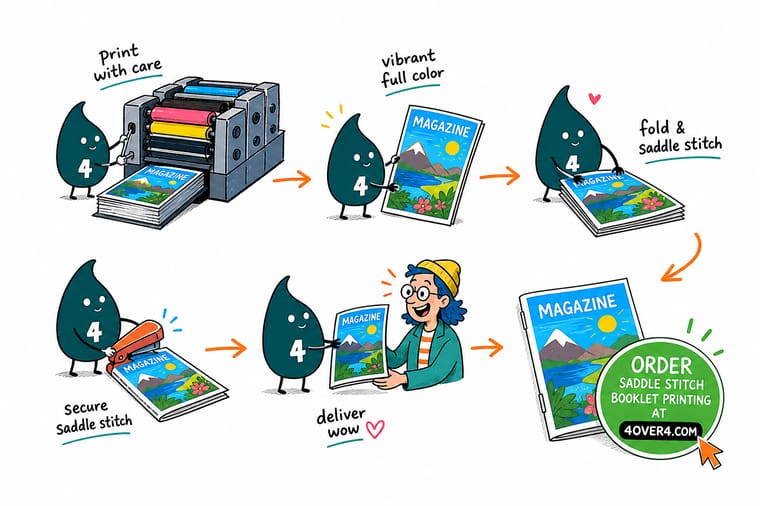
Wally decides the binding first, saddle stitch for a lean issue, perfect binding for a thick one with a flat spine. Then he lands the page count on a multiple of four, picks a heavier cover over a lighter interior, and lays the file out in spreads with bleed. He gets a live quote before printing a single copy. Set it up his way and 4OVER4 turns your file into a finished magazine.
Get a magazine quote →Quick reference
Magazine printing setup, at a glance
Get these right and your magazine file is ready for the press.
| Setting | Get it to | Why it matters |
|---|---|---|
| Binding | Saddle stitch or perfect bound | Sets the look, the page limit, and the cost of the issue. |
| Page count | Multiple of 4 for saddle stitch | Folded sheets create four pages each, so the count must fit. |
| Cover stock | Heavier, often coated | Protects the issue and gives a substantial, finished feel. |
| Interior stock | Lighter weight | Keeps weight and cost down across many interior pages. |
| Bleed | 0.125 in past every edge | Full edge to edge images with no white sliver after trimming. |
| File | CMYK PDF in spreads | Facing page layout and process color print predictably. |
Step by step
Print a magazine in 6 steps
- Choose the binding Pick saddle stitch for a thinner issue or perfect binding for a thicker one.
- Plan the page count Land on a workable number, a multiple of four for saddle stitch, counting the cover.
- Select cover and interior stock Go heavier and coated for the cover, lighter for the interior pages.
- Design in spreads with bleed Lay out facing pages, run art to the bleed, keep text in the safe margin.
- Export a print ready PDF CMYK, 300 DPI images, pages in order, ready for the free file check.
- Get a quote and order Set the specs, watch the live price, and print from a low minimum.
Specs and pricing
Magazine specs and live pricing
Once your file is ready, page count, stock and quantity set the price. Saddle stitch booklets run 25 for $240.55, which is $9.62 a copy.
| Quantity | Price Per Unit | Total |
|---|---|---|
| 25 | $9.62 | $240.55 |
| 50 | $6.04 | $302.06 |
| 100 | $3.61 | $361.37 |
| 200 | $2.22 | $444.85 |
| 300 | $1.65 | $495.38 |
| 400 | $1.29 | $515.14 |
| 500 | $1.06 | $531.61 |
| 600 | 91.5¢ | $549.19 |
Print it
Print your magazine at 4OVER4
See it in use
Issues we stitched and glued

Explore more
Where to go next
By the numbers
Booklets from $240 across 60+ paper stocks
Common Questions
Common questions about printing a magazine
How do I print my own magazine?
Printing a magazine means printing a bound booklet, so the process is choose a binding, plan a page count, pick your stock, set up the file, and order. Decide between saddle stitch for a thinner issue and perfect binding for a thicker one, land the page count on a number the binding supports, choose a heavier cover over a lighter interior, and export a print ready CMYK PDF with bleed. Upload it, get a live quote, and print from a low minimum, no publisher required.
How many pages will the finished issue run?
Let the page count and the feel decide. Saddle stitch, folded and stapled at the spine, is economical and ideal for thinner magazines up to around 64 pages. Perfect binding, with a glued flat spine like a paperback, suits thicker issues from around 48 pages up and gives a premium, bookstore look with a printable spine. If your issue is lean and budget matters, choose saddle stitch. If it is thick or you want a high end feel, choose perfect binding.
What does magazine printing cost and how is pricing set?
Magazine printing starts from around $240 for booklets, and the price is driven by the page count, the cover and interior stocks, the finish, the binding, and the quantity. You set each option in the configurator and the total updates live, so you can compare 24 pages against 32, or saddle stitch against perfect binding, and see the effect instantly. The price per copy falls as the quantity climbs, which lowers your unit cost on a larger run for selling or distribution.
What sizes, stocks, and page counts are available?
Magazines print in standard booklet and catalog sizes, with saddle stitch page counts in multiples of four and more flexible counts for perfect binding, on a heavier coated or uncoated cover over a lighter interior stock. Coated stocks sharpen photography while uncoated stocks feel editorial. The live specs panel on the product page lists the exact sizes, stocks, and page count options so you can build the issue you have in mind.
How long does magazine printing take to print and ship?
Turnaround depends on the page count, binding, stock, and quantity, and the current lead time shows on the product page as you configure the order. Saddle stitch generally moves faster than perfect binding, and larger runs take longer to produce. Once you upload your file, our free file check reviews it before the press runs so a page issue is caught before it repeats across the whole magazine, and shipping speeds are shown at checkout.
What is the minimum page count for a magazine?
In practice a saddle stitched magazine starts at 8 pages, which is two sheets folded in half and stapled, and every count above that has to be a multiple of four: 8, 12, 16, 20 and so on. Remember that the cover is four of those pages, front cover, inside front, inside back, and back cover, so a 16 page issue gives you 12 pages of interior content. Perfect binding needs enough bulk to glue a flat spine, so it makes sense from around 48 pages up. If your content lands between two counts, add a contents page, an editorial letter, or a full page ad rather than leaving a blank sheet in the middle of the issue.
How many pages can a saddle stitch magazine hold?
Saddle stitch is comfortable up to around 64 pages, still in multiples of four. Past that the staples strain and the folded sheets creep, meaning the inner pages push out at the fore edge and the trim takes more off their outer margin than off the cover, which walks page numbers and running heads out of line. A heavy interior stock brings that limit down, a lighter one lets you push it. Once you are over 64 pages, or you want the title printed on the spine, move to perfect binding. The page count options for each binding are listed in the configurator on the product page, so you can see where your issue lands before you order.
Get Started
Order 10 perfect bound books at $37.51 each
Set up your magazine at 4OVER4, choose saddle stitch or perfect binding, and get a real quote before you print. Adjust the page count, stock, and quantity and watch your price update live.
Legal Disclaimer
Gold Standard guarantees apply to all standard orders placed through 4over4.com. Price match requires verifiable proof of a competitor's published price for an equivalent product with matching specifications and turnaround time. Satisfaction guarantee covers manufacturing defects and print quality issues. Contact support with order number and documentation. On-time delivery rate based on tracked orders 1999 to 2026. Individual results may vary based on shipping carrier performance.
