
How to Make a Mouse Pad With a Picture That Prints Sharp


Jordan is our labels, packaging and sustainability voice, built from the knowledge of our production team, with over 20 years in printing.
Everything that decides how a photo mousepad turns out happens before you upload: the crop, the pixel count and the tonal range of the picture. Here is each one, with the numbers.
Crop your picture to the pad shape first, check it still has at least 1,388 pixels across the 9.25 inch edge, then upload it as a PDF, JPG or PNG and order it as a custom mousepad. One pad is $13.17 on a 7 business day standard turnaround. The pad top is 7.75 by 9.25 inches and prints full color edge to edge, so a 4:3 phone photo loses about a tenth of its long edge in the crop. A 12 megapixel phone camera clears the resolution requirement twice over. A picture saved off a social feed usually does not.
Quick answer
Crop it to the pad, then count the pixels
The pad is a fixed 7.75 by 9.25 inches, printed full color across the entire top. Fit your picture to that shape before anything else, because a 4:3 photo gives up about a tenth of its long edge and you want to choose what goes. Then measure what survives: 2,775 pixels across the 9.25 inch edge is full 300 ppi quality, 1,388 pixels is the floor, and enlarging a smaller file invents nothing. Upload a PDF, JPG or PNG, take the free online proof to confirm the crop, and a single pad is $13.17 on a 7 business day turnaround.
Choose a Picture the Pad Can Actually Print
Before you worry about file formats, look at the picture itself. The pad is 7.75 by 9.25 inches of continuous printed surface with a mouse sitting on top of it, and that changes which images work.
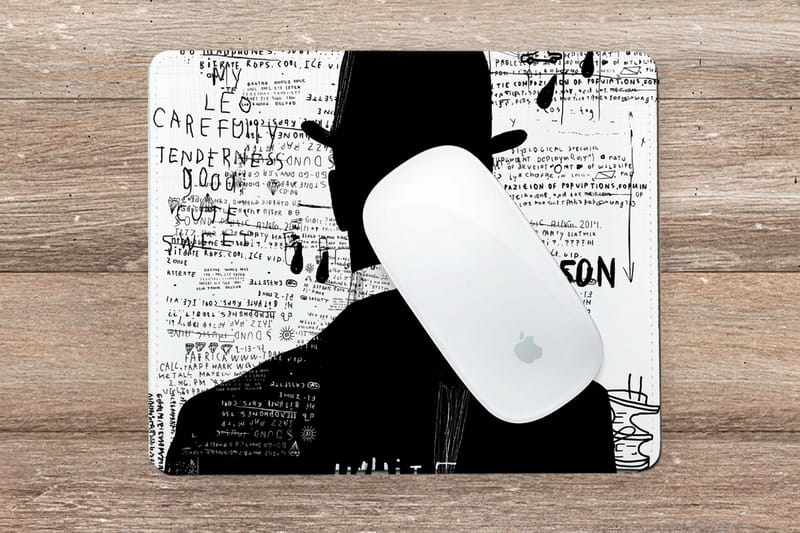
Wide open scenes beat busy ones. A landscape, a sky, a single strong subject on a clean background, a pattern: these fill the surface and still read as something when a hand covers a third of them. A group photo with eleven small faces does not, because the mouse spends all day parked on somebody's head.
Put the subject off center. The middle of the pad is where the mouse lives. Shift the important part of the image toward the top edge or one corner and the pad stays recognizable in use.
Check the tonal range. Very dark photos are the most common disappointment. Ink on a matte surface cannot reach the black an illuminated screen shows you, so a moody night shot that looks rich on a phone can print as a flat charcoal rectangle. Lift the shadows before you upload.
If the photo is the whole point, and it is genuinely a good one, consider whether a desk accessory is the right home for it. A stretched canvas shows the same image at a size people actually look at. A mousepad is better suited to a logo, a team photo, a piece of illustration or a pattern that survives being partly covered. Both live in the wider promotional products range.
File Specs, Resolution, and the Crop You Are Going to Lose
Two numbers decide whether the print looks sharp: the pixel count across the long edge, and how much of that edge survives the crop. Work them out in that order.
The pad measures 7.75 by 9.25 inches, an aspect ratio of about 1.19 to 1. A phone photo is 4:3, or 1.33 to 1. Fit the photo to the shorter dimension and roughly a tenth of the long edge falls outside the pad. That crop is not optional, so do it yourself in whatever photo app you already use rather than letting the layout choose.
Then count pixels on what is left. At 300 ppi the 9.25 inch edge needs 2,775 pixels. At 150 ppi it needs 1,388, and 150 ppi is a fair floor here because the top surface is fabric rather than a coated sheet and it softens the finest detail anyway. Below 150 ppi you can see it.
| Where the image came from | Typical pixels | Across the 9.25 in edge | Verdict |
|---|---|---|---|
| 12 MP phone photo | 4032 x 3024 | 300 ppi with room to crop | Use it. Crop to the pad shape first. |
| Photo saved from a social feed | 1080 x 1080 | About 117 ppi | Too soft. Ask the person who took it for the original. |
| Laptop screenshot | 1920 x 1080 | About 208 ppi | Usable for graphics, weak for photographs. |
| Scanned 4 by 6 print at 600 dpi | 2400 x 3600 | Over 300 ppi | Excellent, and it rescues pre-digital photos. |
| Vector logo in AI, EPS or PDF | No pixels at all | Any size, always crisp | Best case. Scale it to fill and it stays clean. |
Upload a print-ready PDF, JPG or PNG. Artwork covers the whole top, so extend the image past the trim line the template marks rather than stopping it exactly on the edge, the same principle explained in bleed and trim. Start from the blank mousepad template, which is built at the real trim size, or open one of the mousepad design templates and drop your photo straight into the layout. A free online proof shows the exact crop before anything prints.
One Size, One Surface, and What That Costs You
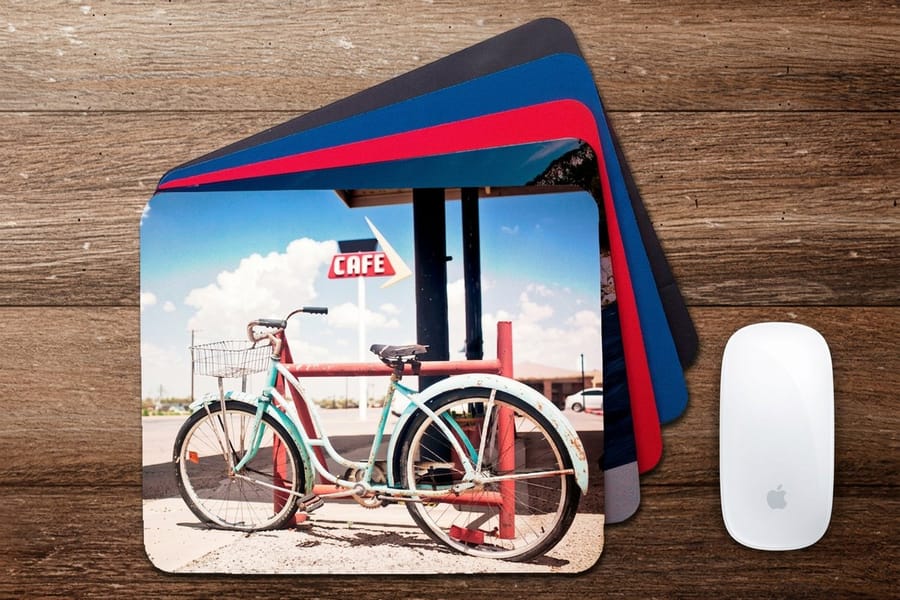
There is a single mousepad here: 7.75 by 9.25 inches, a cushioned quarter inch base, full color printed across the entire top. No thickness options, no round version, no extended desk mat that runs under a keyboard. If your brief calls for a 31 inch gaming mat, this product will not do it, and no amount of file preparation changes that.
What the fixed size buys you is a decision-free order. There is no stock to weigh, no coating to choose and no finish to compare, so the only thing you are actually designing is the picture. That suits a photo job better than it sounds, because most of the choices on a business card exist to solve problems a mousepad does not have.
The surface matters more than people expect. Fabric over foam takes ink slightly softer than a coated paper stock, so photographic tone reproduces beautifully while hairline type and one point rules lose a fraction of their edge. Keep overlaid text at 10 point or heavier and it holds. The quarter inch cushion keeps the pad planted and gives a wrist something to rest on, which is the reason a printed sheet of card is not a substitute.
Color behaves the same way it does on any CMYK product, so the usual rules apply. Convert deliberately rather than letting the file convert itself, and check the color profile if the image has to match a brand palette. For a logo that will sit on the pad next to a photo, the sizing habits in our logo design guide save a round of revisions.
To make a mousepad with your picture, this is the whole specification in one place:
| What you decide | The mousepad answer |
|---|---|
| Size | 7.75 x 9.25 inches, 1/4 inch cushioned base, the only size |
| Full color across the whole top, fabric over foam | |
| Picture | At least 1,388 pixels across the 9.25 inch edge, 2,775 for full 300 ppi |
| File | PDF, JPG or PNG, cropped to the pad shape, image run past the trim line |
| Proof | Free online proof of the crop, or straight to production |
| Standard turnaround | 7 business days after approval |
Ordering: Price, Turnaround and the Rest of the Desk
A single custom mousepad is $13.17. Six come to $79.01. Thirty total $335.02, about $11.17 each, and fifty land at $554.69, roughly $11.09 each. Read those numbers carefully, because they behave differently from the rest of print: the unit price only falls about 16 percent from one pad to fifty. On business cards a bigger run transforms the cost per piece. Here it barely moves, so order the number of pads you will genuinely hand out and spend nothing chasing a discount that is not there.
Production runs 7 business days as standard, with a 3 business day rush you select in the configurator. The clock starts once your proof is approved, so if you want the free online proof, build the approval step into your date. If the file is finished and you have checked the crop yourself, send it straight to production and save the wait.
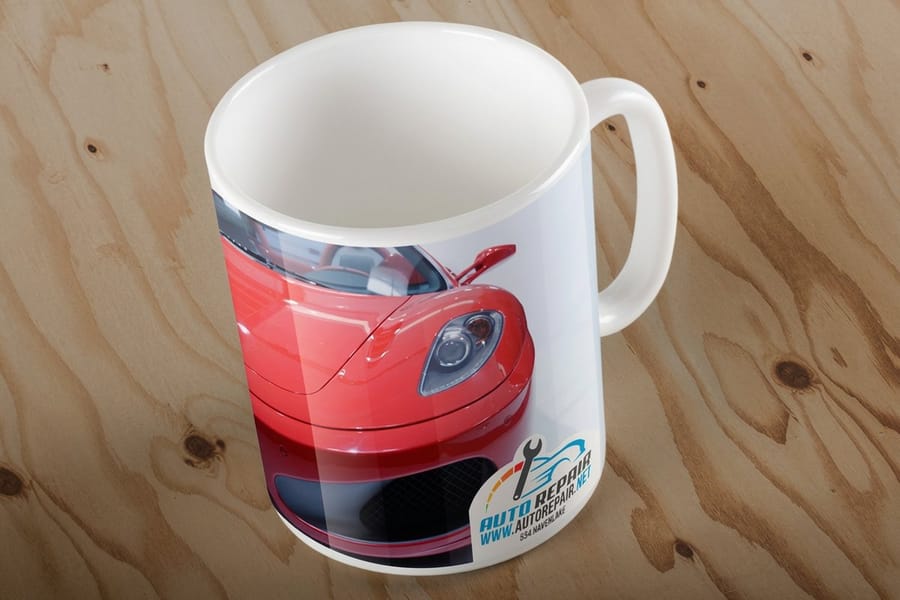
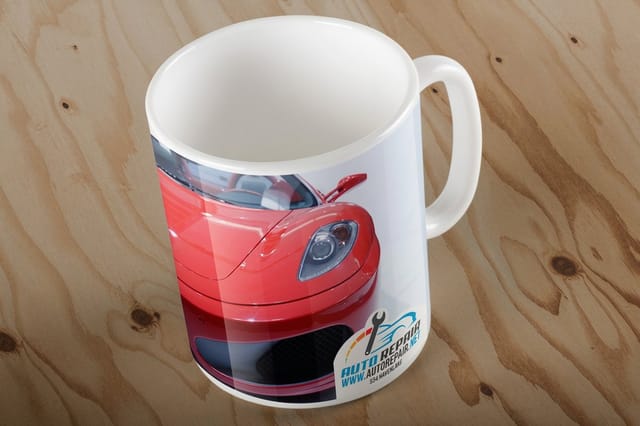
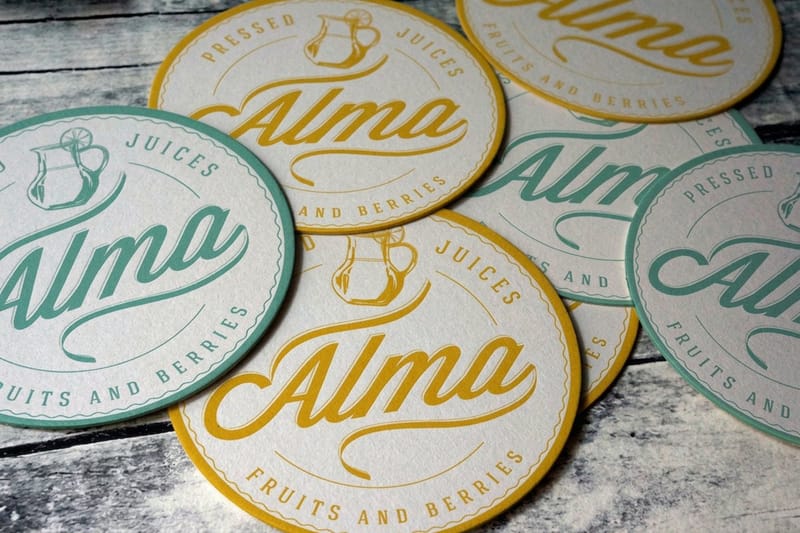
The pad rarely goes out alone. A photo or logo that works at 7.75 by 9.25 inches usually works on the other things that never leave a desk: printed mugs at $20.86, drink coasters at $10.98, and standard magnets at $19.68. Ordering them together means one artwork prep and one crop decision rather than four. Mugs take an 8.5 by 3 or 9 by 4 inch wraparound print area, and the full range of custom photo mugs sits under mug printing. If you are assembling a whole giveaway rather than a single item, the branded merchandise guide covers what people keep and what they quietly throw away, and the full mousepad printing page carries the live configurator and every quantity tier.
Wally explains the photo crop
The pad is a different shape from your camera
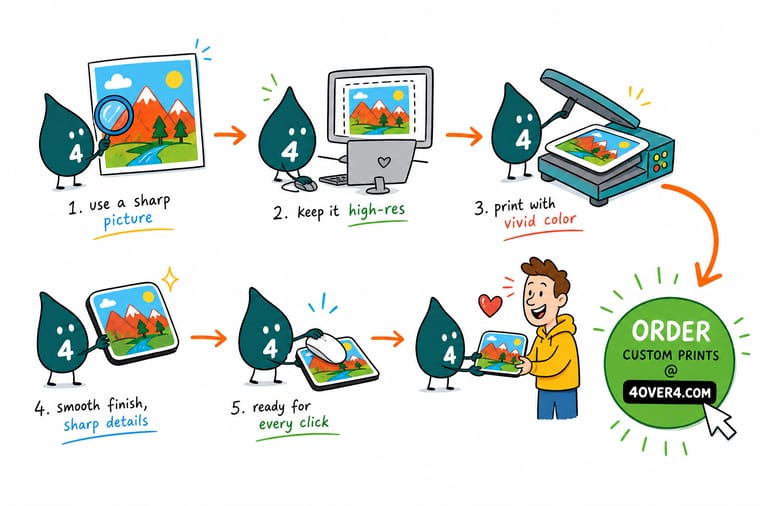
Wally holds up a phone photo and lays the pad shape over it. The pad is 7.75 by 9.25 inches, a bit squarer than the 4:3 your camera shoots, so a strip off each end has to go. He crops it himself instead of letting the layout decide, which keeps the faces safely inside. Then he counts pixels on what is left: 2,775 across the long edge is full 300 ppi, and 1,388 is as low as he will go. Below that the print softens, and no software can put back detail the camera never captured.
Order a custom photo mousepad →
Specs and pricing
Mousepad specs, quantities and starting prices
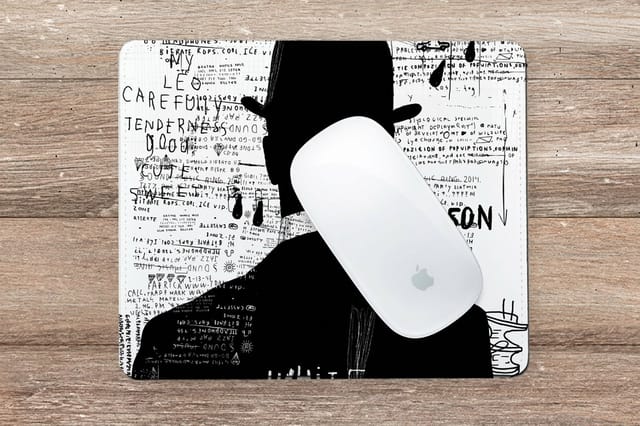
The pad is one size, 7.75 by 9.25 inches on a 1/4 inch base, printed full color from one piece. The 11 oz and 15 oz white mugs wrap the picture around the body, and the coasters come at 3.5 to 4 inches square or a 4 inch circle on 48pt or 64pt board. Here are the live configuration choices and starting prices for all three, straight from the 4OVER4.COM configurator.
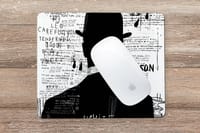
Print it
Put your picture on the desk
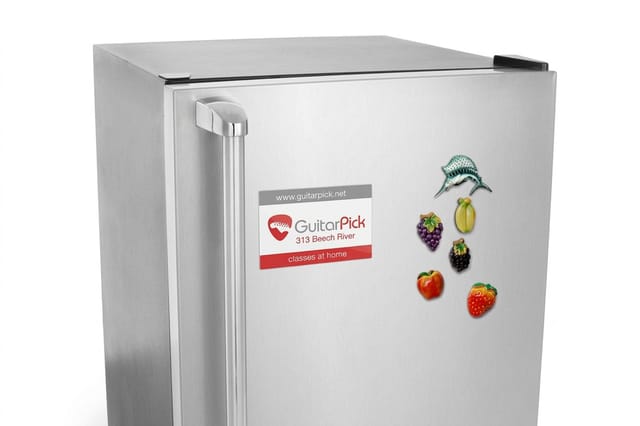
Crop once to the 7.75 by 9.25 inch pad, then reuse the same file on a mug and on magnets from 2 by 3.5 to 5 by 7 inches, so the desk set matches.
Explore more
Where to go next
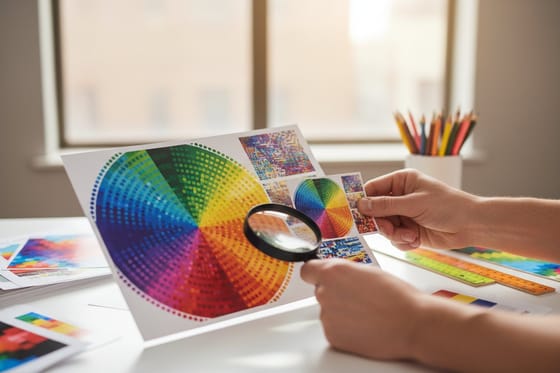
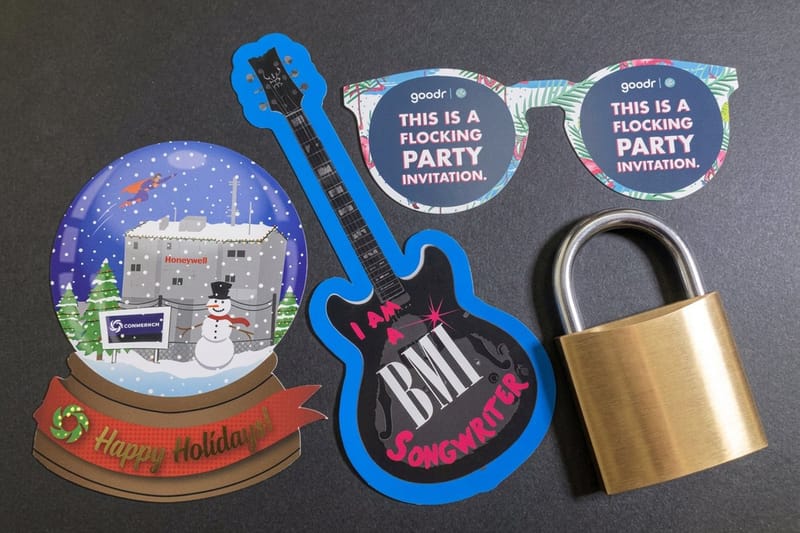
Check the pixel count for your picture, see why screen colors print a step duller, run the image past the trim, and plan the rest of a desk giveaway.


By the numbers
What customers say about the pad
Common Questions
Your photo mousepad questions, answered
Can I make a mouse pad from a photo taken on my phone?
Yes, and a phone photo is usually the safest file you can bring. A 12 megapixel camera produces roughly 4032 by 3024 pixels, which is more than double what the 7.75 by 9.25 inch pad needs at full 300 ppi quality. The catch is not resolution, it is the shape. Phone photos are 4:3 and the pad is closer to 1.19 to 1, so about a tenth of the long edge disappears in the crop. Crop the image yourself before you upload it, so you decide what leaves the frame rather than the layout doing it for you.
What resolution does the picture need to be?
Measure the pixel width across the 9.25 inch edge of the finished crop. 2,775 pixels gives you a full 300 ppi. Around 1,388 pixels puts you at 150 ppi, which still prints acceptably on a fabric top viewed at arm's length, and below that the softness becomes obvious in hair, text and fine texture. A 1080 pixel image saved from a social feed only reaches about 117 ppi across the pad. Enlarging a small file in Photoshop does not help, because the detail was never captured. Our guide to image resolution for printing works through the arithmetic on any size.
Will the printed colors match what I see on my screen?
Close, but not identical, and the gap is predictable. A screen emits light and can show neon greens, electric blues and a black far deeper than ink on a surface. Print mixes CMYK inks, so the most saturated screen colors land a step duller and deep shadow detail closes up. Photos with a normal tonal range reproduce well. Night shots, heavy backlighting and neon-toned edits are the ones that surprise people. Lift the shadows a little before you upload, and read CMYK vs RGB for printing first if the image is color critical.
Can I add a name or a logo on top of the photo?
Yes, with one restriction worth knowing. The pad surface is fabric over foam, which softens very fine detail slightly compared with a coated paper stock. Type at 10 point and above with reasonable weight holds up fine. Hairline scripts and small light-on-busy text lose their edges. Put the text over a calm part of the photo, or drop a semi-transparent panel behind it. You can set all of this in the editor with one of the mousepad design templates, or build it yourself on the blank mousepad template.
Is there more than one mousepad size?
No. 4OVER4.COM prints one mousepad, 7.75 by 9.25 inches on a cushioned quarter inch base, printed full color across the entire top. There is no extended desk mat, no round option and no thickness choice. That is a genuine limit rather than a feature: if you want a long desk mat that runs under a keyboard, this is not the product. If you want a photo printed large enough to hang, look at stretched canvas instead.
How much does one photo mousepad cost, and does ordering more help?
A single pad is $13.17. Six come to $79.01, thirty total $335.02 at about $11.17 each, and fifty are $554.69, roughly $11.09 each. The per pad price only falls about 16 percent across the whole ladder, which is unusual for print. On business cards a bigger run transforms the unit cost. Here it does not, so there is no reason to over order for the discount. Buy the quantity you will actually hand out.
How long does it take to get them?
Standard production is 7 business days, with a 3 business day rush available in the configurator. The clock starts after your proof is approved, so if you choose the free online proof, allow time for the approval step. If your file is locked and correct you can send it straight to production and skip that wait. Shipping time sits on top of production time.
Can I use a picture I found online?
Only if you hold the rights to it. A photograph downloaded from a search result, a social feed or a stock site preview belongs to whoever shot it, and printing it on merchandise is a use the license usually does not cover. Your own photos, a properly licensed stock image, or artwork your designer made for you are all fine. The practical problem lands on top of the legal one: images pulled off the web are typically 1080 pixels or smaller, which is under the resolution the pad needs anyway.
Get Started
Put the picture on a mousepad from $13.17
Crop the photo to 7.75 by 9.25, upload a PDF, JPG or PNG, and approve the free online proof. Standard turnaround is 7 business days, with a 3 business day rush when the date is tight.
Legal Disclaimer
Gold Standard guarantees apply to all standard orders placed through 4over4.com. Price match requires verifiable proof of a competitor's published price for an equivalent product with matching specifications and turnaround time. Satisfaction guarantee covers manufacturing defects and print quality issues. Contact support with order number and documentation.
