
How to Print Bulk Mailing Labels That Machines Read First Time


Nadia is our customer education voice, built from the knowledge of our production team, with over 20 years in printing.
Mailing label sizes run from 3 x 5 inches, which fits a standard flat, to 4 x 6 inches for a parcel. To print a mailing label in bulk you make three decisions: roll or sheet, how the addresses get merged, and which adhesive holds on the surface you are shipping. Each one is below, with the prices attached.
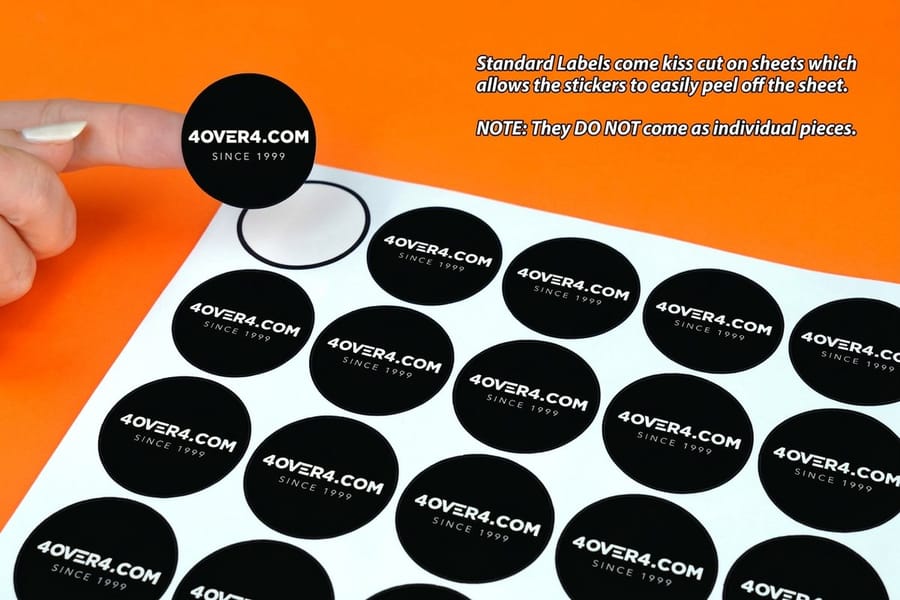
Bulk mailing labels print two ways. Roll labels come off a core in one continuous stream for an applicator or a fast hand-apply bench, and sheet labels come flat so a short run can go through an office laser printer. The addresses themselves come from variable data printing, where one label file merges with one spreadsheet and every impression carries a different name. Permanent acrylic adhesive holds on clean, dry, room-temperature surfaces; kraft cartons and cold warehouses are where labels lift. You can watch a roll run in the Roll Name Labels video.
Quick answer
One list, one label file, thousands of different addresses
Bulk mailing label printing is a merge. The fixed part of the label images once per impression and the address fields swap out for every record in your spreadsheet, so a run of unique addresses costs the same to print as a run of identical ones. Roll labels feed applicators and never round up in quantity. Sheet labels suit short runs and desktop laser printing. The list is where the job succeeds or fails, because the press prints exactly what the rows say, in the order they sit. The steps for ordering bulk labels of any kind have their own guide.
Mailing Label Sizes and What Each One Fits
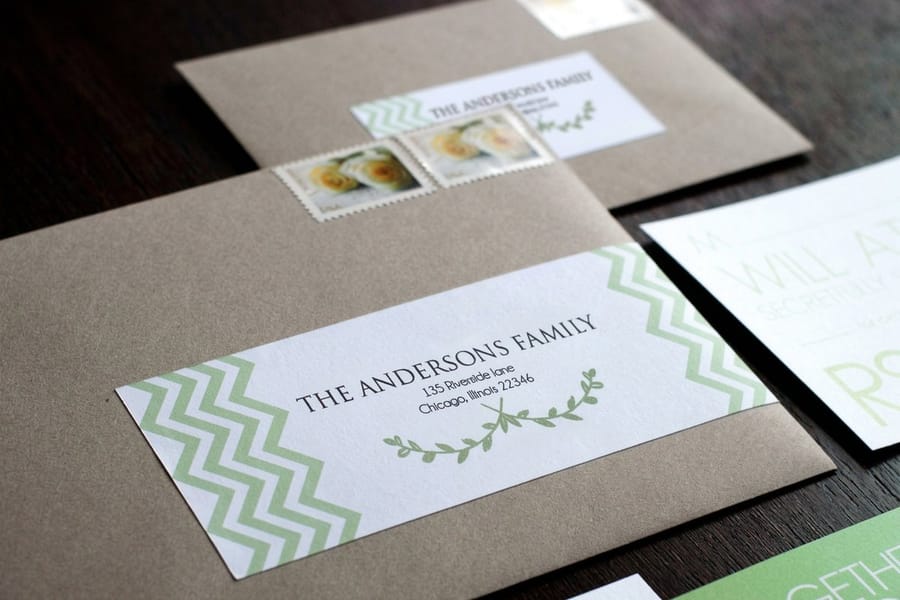
The size of a mailing label follows the piece it goes on. A letter or flat takes a label of 3 by 5 inches or smaller, and a parcel takes 4 by 6 inches, the size carrier thermal printers produce. These are the sizes on our menus today:
| Label | Sizes | Starts at | Suits |
|---|---|---|---|
| Premium Shipping and Mailing Labels | 3 x 5, 3 x 6, 4 x 4, 4 x 6, 5 x 5, 5 x 7 in, or any size | 25 for $29.16 | Flats at 3 x 5, parcels at 4 x 6 |
| Premium Address Labels | The same six sizes, or any size | 25 for $29.16 | Recipient and return addresses on blank stock |
| Standard labels | 55 sizes from .375 x 1 to 4 x 5 in, including the 1 x 2.625 in address label, circles and ovals | 25 for $23.88 | Return addresses and small seals |
| Die-cut labels | 16 sizes from 2 x 2 to 11 x 11 in, custom shapes | 25 for $93.37 | Shaped seals applied by hand |
Premium mailing labels print in black or full color on 14 face stocks, from uncoated paper that takes a pen to white vinyl, clear and fluorescent red, with square corners or a 1/8 or 3/8 inch radius. Standard production is 3 business days.
Not Seeing Your Size
The fixed sizes stop at 5 by 7 inches, but the Premium Shipping and Mailing Labels and Premium Address Labels menus both carry an Any Size option. Type the width and height your envelope, carton panel or applicator needs, and the price updates from the same 25 for $29.16 starting point. Measure the piece before you draw, then leave room around the whole address block and keep the label out of the barcode area along the bottom of the address side.
- Smaller than 3 by 5: standard labels run 55 fixed sizes down to .375 by 1 inch, from 25 for $23.88.
- A shape, not a rectangle: die-cut labels cut basic or complex custom shapes from 2 by 2 up to 11 by 11 inches.
- No label at all: if the envelope is going on press anyway, print the address on it. Printed envelopes start at $142.99, and direct mail postcards at $89.68 carry the address on the card itself.
How to Print a Mailing Label, Step by Step
Printing a mailing label with us takes five steps, and the list does most of the work.
- Pick the size: 3 by 5 inches for a flat, 4 by 6 for a parcel, or any size you measure.
- Pick the face stock: uncoated if someone writes on it, semi gloss or hi gloss for color, white vinyl for rain and cold docks.
- Build the artwork: fix the logo and return address, and leave the name, street and city lines as fields wired to your spreadsheet columns.
- Send the list: a CSV or Excel file with one header row, one record per row and ZIP codes stored as text.
- Proof and print: choose straight to production, a free online proof or a next day hardcopy proof, and the run ships after 3 business days of production.
Printing one or two labels yourself works on paper sheet labels through an office laser printer. Past a few hundred pieces, having the addresses imaged with the label is faster.
Roll or Sheet, Decided by Whoever Applies It
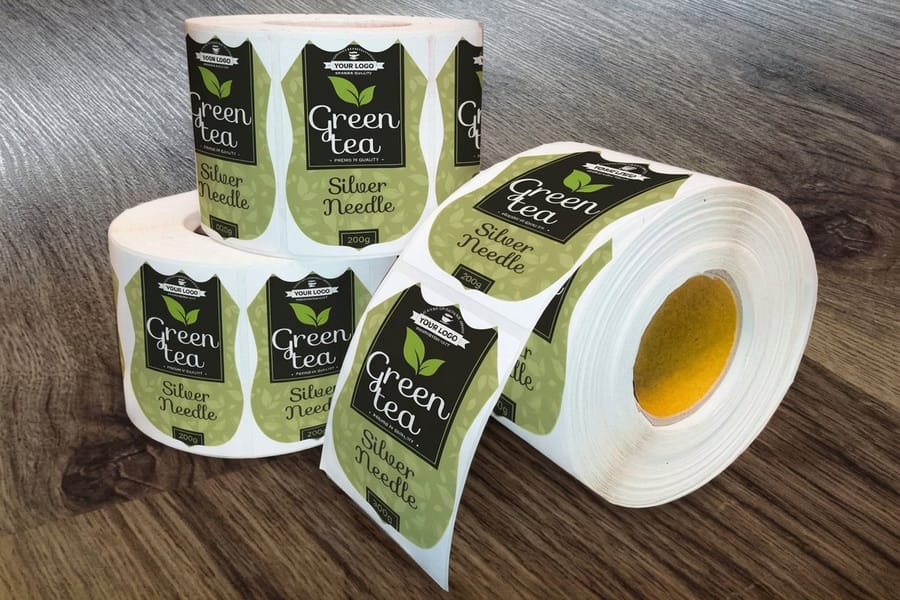
Pick the format by watching the person or machine that puts the label on. Everything else follows from that.
| Format | How it arrives | Suits | The catch |
|---|---|---|---|
| Roll | Wound on a core, one continuous stream of labels. | Applicators, fulfilment benches, anything above a few hundred pieces. | You must specify core diameter and unwind direction, and no desktop printer will take it. |
| Sheet | Flat pages, several labels imposed per page. | Short runs, office use, and addresses you want to laser print yourself. | Quantity rounds up to whole sheets, and peeling from a sheet is slower per label. |
| Die-cut singles | Individually cut shapes, loose or on a backing card. | Odd shapes, seals, and pieces applied by hand one at a time. | The highest cost per label, and it needs a dieline in the artwork file. |
Unwind direction is the spec people forget. It describes which way the label faces as it comes off the roll, and an applicator set for one direction will lay the label upside down if the roll was wound the other way. If a machine is involved, get the direction and the core size from whoever runs it before the job is placed.
The sheet trade-off is quantity. Sheets are imposed several labels to a page, so an order of 1,100 buys the same paper as an order of 1,200 and you throw the difference away. Rolls have no such rounding, which is part of why standard labels get cheaper per piece faster than sheet stock does. Sizes and shapes for both live in the label printing category, and our guide to choosing the correct label size covers measuring the piece before you draw anything.
Variable Data Addressing, Explained Without the Jargon
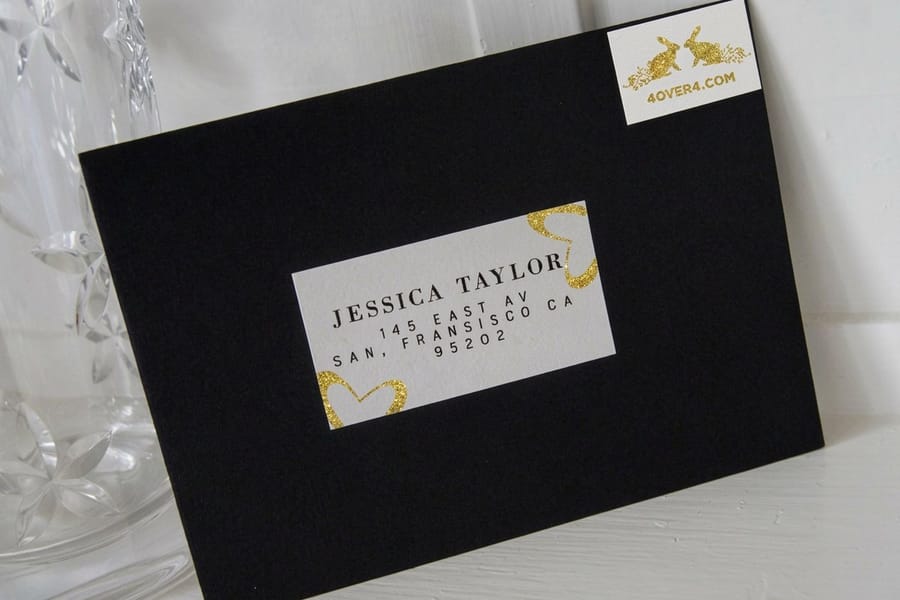
Variable data printing means one label file and one spreadsheet produce thousands of labels that are all different. The artwork prints once per impression. The fields inside it change every time.
Think of the label as a form. The logo, the border, and the return address are fixed and never move. The name, street, and city lines are placeholders wired to columns in your list. When the job runs, the press images record one, then record two, then record three, in the order the rows sit in your file. No plate is remade between them, which is why a run of 5,000 unique addresses costs the same to image as a run of 5,000 identical ones. You can see the whole merge in the diagram above.
What the merge needs from your file:
- One header row at the very top, with nothing above it. The header cells become the field names.
- One record per row, and each address line in its own column. Name, company, street, suite, city, state, ZIP.
- ZIP codes stored as text. A spreadsheet that reads them as numbers deletes the leading zero, and every address in New Jersey prints wrong.
- No merged cells, no blank rows in the middle, no totals row at the bottom.
- A final proof taken from the first, middle, and last records. The end of a list is where the bad data hides.
Two things the press will not do for you. It does not deduplicate, so the person who appears twice in your spreadsheet gets two labels. And it does not fix an address: standardizing to USPS format, flagging undeliverables, and adding the Intelligent Mail barcode all happen to the list before the merge, which is what our variable data printing service and mailing services handle together. If the list itself is still a question mark, start with building or renting a mailing list, and if the piece is a card rather than an envelope, the address side layout rules tell you what has to stay clear.
Adhesive and Face Stock, or Why Labels Lift
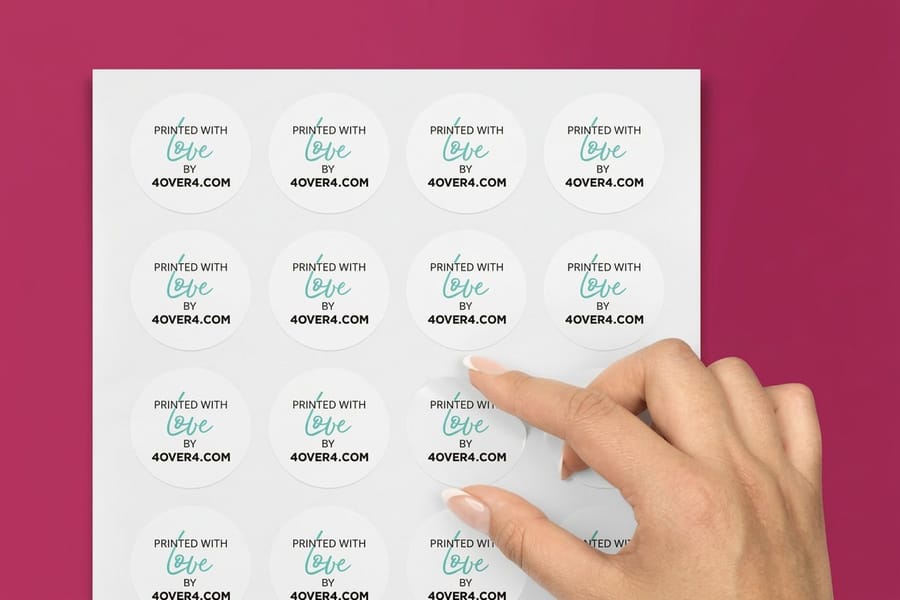
A label that peels in transit almost never failed at the press. It failed at the surface, the temperature, or the choice of face stock.
Permanent acrylic is the default for mail and shipping. It grabs on contact and reaches full strength over about a day, but it wants a clean, dry surface at roughly 40 degrees Fahrenheit or warmer. Label a carton straight out of a cold loading dock and the adhesive stays soft and gummy instead of bonding. Removable adhesive is for anything the recipient peels off, such as a price flag or a temporary routing label. It is not a cheaper permanent, and it will not survive a conveyor.
Surface matters as much as glue. Recycled kraft corrugated is dusty and porous, so the contact area is smaller than it looks and the bond is weaker than the same label on coated board. Waxed cartons defeat paper labels entirely. Shrink film and poly mailers flex, so a stiff face stock lifts at the corners where the bag stretches.
Face stock is the second decision. Paper takes a pen, costs the least, and is right for anything indoors that ships in a week. Waterproof film survives rain, ice, and a wet dock, and it is the honest choice for freight and cold chain, but it costs more and a ballpoint will not write on it. Clear film disappears into a white carton and is a poor choice for a mailing label, because contrast is what the scanner reads. Our material selection guide compares the face stocks side by side, the waterproof label range covers the wet-and-cold end, and die-cut labels handle shapes a rectangle cannot.
What It Costs, and When a Label Is the Wrong Answer
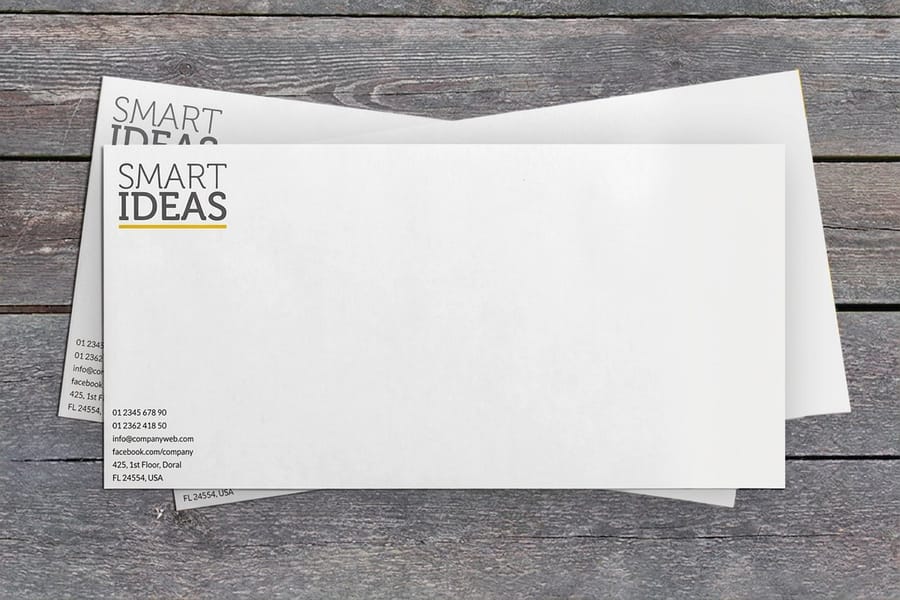
Label pricing is driven by quantity, face stock, and the cut. Standard labels start at $23.88, premium shipping and mailing labels at $29.16, and premium address labels at the same $29.16. Die-cut labels start at $93.37, because a custom cut carries a tooling step that a rectangle does not. Match those against the pieces they go on: printed envelopes start at $142.99 and direct mail postcards at $89.68.
Now the part most label pages leave out. If the carrier is an envelope you are already sending to press, print the address block on the envelope and skip the label. You save the label, the peel, and the person doing the peeling, and the result looks better because there is no visible square. A label costs money twice: once to print and once to apply.
Labels earn their place in four situations. The carrier cannot be printed, which covers poly mailers, kraft boxes, and tubes. The stock was bought blank and plain, so a printed return address label is the only branding it will get. The mailing is urgent and there is no time to reprint envelopes. Or the address has to survive weather that ink on kraft would not. Compare the addressed options in the address label range and the envelope range before you commit, and start your artwork from a correctly sized blank template so the die and the safe area are right from the first draft.
Wally explains variable data addressing
One label file, one spreadsheet, every label different
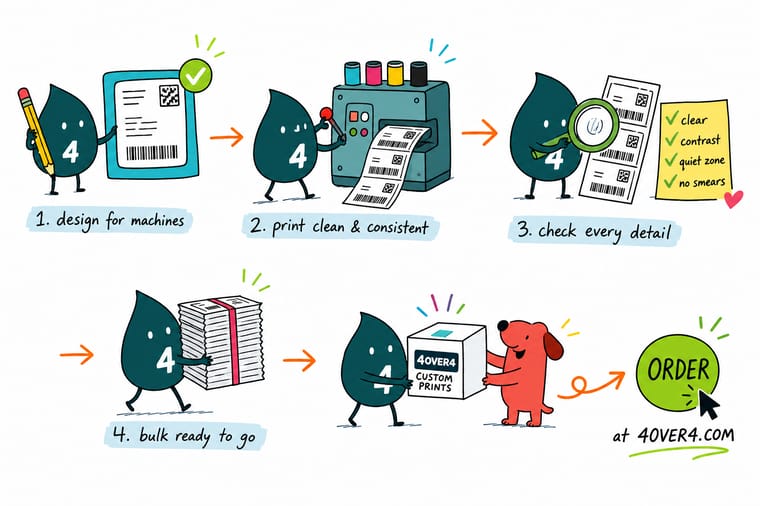
Wally draws the label once. The logo and the return address never move, and the name, street, and city lines are wired to the columns in your list. He presses go, and the press images row one, then row two, then row five thousand, straight down the file in the order you sent it. Nothing gets re-sorted and nothing gets deduplicated on the way. So Wally proofs the spreadsheet, not the label, and he checks the last record as carefully as the first.
Order shipping and mailing labels →%22%2F%3E%3Ccircle%20cx%3D%2242%22%20cy%3D%221%22%20r%3D%2217%22%20fill%3D%22%2314b8a6%22%20opacity%3D%220.15%22%2F%3E%3Ccircle%20cx%3D%2240%22%20cy%3D%2250%22%20r%3D%225%22%20fill%3D%22%2314b8a6%22%20opacity%3D%220.1%22%2F%3E%3Crect%20x%3D%2272%22%20y%3D%22-7%22%20width%3D%2227%22%20height%3D%2210%22%20rx%3D%224%22%20fill%3D%22%2314b8a6%22%20opacity%3D%220.08%22%20transform%3D%22rotate(7%2080%2030)%22%2F%3E%3C%2Fsvg%3E)
Specs and pricing
Label sizes, stocks, and starting prices
Three label products that cover most mailing work. Premium Shipping and Mailing Labels come in six sizes from 3 x 5 to 5 x 7 inches or any size, from 25 for $29.16. Standard labels run from .375 x 1 to 4 x 5 inches, circles and ovals included, from 25 for $23.88, and die-cut labels cut 2 x 2 to 11 x 11 inches from 25 for $93.37. The live configuration options and starting prices below come straight from the 4OVER4.COM configurator.
Print it
Order labels that stay on and scan first time
Premium Shipping and Mailing Labels and Premium Address Labels share six sizes and 14 face stocks, from uncoated paper to white vinyl and fluorescent red, both from 25 for $29.16. When the address can print on the envelope itself, printed envelopes start at $142.99.

Explore more
Where to go next
Six next reads for a mailing job: measuring the piece before you pick a label size, which carton panel a shipping label goes on, where a mailing list comes from, how EDDM Retail differs from a BMEU drop, the shipping label range and our printing FAQs.


By the numbers
Roll and sheet labels, printed and die-cut here
Common Questions
Your mailing label questions, answered
What is the difference between a mailing label and a shipping label?
The wording, mostly, and then the size. A mailing label carries a recipient address for letter and flat mail, so it is usually small enough to sit inside the address block of an envelope or a catalog. A shipping label carries a carrier barcode as well as the address, which is why the parcel trade settled on 4 by 6 inches. Our Premium Shipping and Mailing Labels cover both jobs from $29.16, and the configurator defaults to a 3 by 5 inch size that fits a standard flat.
How should I send my mailing list for a variable data run?
Send a CSV or an Excel file with one header row and one record per row, and keep every part of the address in its own column. Two details cause most of the reruns. Store ZIP codes as text, because a spreadsheet reading them as numbers eats the leading zero and turns 07030 into 7030. And do not merge cells or leave a stray title row above the headers, because the merge reads row one as the field names. Ask for a proof of the first, middle, and last records rather than the first three: errors hide at the end of a list.
Can I print addresses onto labels myself?
Yes, on sheet labels, provided the face stock is rated for a laser fuser. Paper sheet labels handle it. Vinyl and some waterproof films do not, because the fuser runs hot enough to soften the film and it can lift at the edges or leave adhesive on the roller. Roll labels are not designed for a desktop printer at all. If the run is bigger than a few hundred pieces, having the addresses imaged with the label is faster and it removes the alignment problem entirely.
What size should a mailing label be?
There is no legally required size. What matters is that the whole address block fits with room around it, that the label sits flat and square on the piece, and that it does not stray into the area USPS reserves for the barcode along the bottom of the address side. For letters and flats, 3 by 5 inches or smaller is the common range. For parcels, 4 by 6 inches matches what carrier thermal printers produce. Our guide on how to choose the correct label size walks through measuring the piece first, then the artwork.
Do printed labels qualify for USPS automation rates?
The label itself neither earns nor blocks the discount. The address does. Automation rates require addresses matched against CASS-certified software, an Intelligent Mail barcode, and a presorted mailing presented the way the USPS asks for it. A printed label carries all of that perfectly well as long as it is applied square to the edge of the piece and lies flat. A label stuck on at a visible angle, or one with a lifted corner, is what fails the scan.
Why do labels fall off cartons in winter?
Because the adhesive never bonded. Most permanent acrylic adhesives want an application surface at roughly 40 degrees Fahrenheit or warmer, and they want it dry and clean. A carton pulled from an unheated warehouse is below that, and recycled kraft is dusty and porous, which gives the adhesive less to grip. Bring the boxes indoors for an hour before labeling, wipe the panel, and press the label down across its whole face rather than just the middle.
Get Started
Order 25 mailing labels from $23.88
Pick the size and the face stock, hand us a clean spreadsheet, and we print every label with its own address, barcode included.
Legal Disclaimer
Gold Standard guarantees apply to all standard orders placed through 4over4.com. Price match requires verifiable proof of a competitor's published price for an equivalent product with matching specifications and turnaround time. Satisfaction guarantee covers manufacturing defects and print quality issues. Contact support with order number and documentation.
