
Free Poster Templates for a Poster That Prints Sharp


Start from a free poster template with the size, bleed, and safe zones already set, then learn the resolution and layout rules that make a poster print sharp. Everything here ties straight to standard US poster sizes and a print-ready checklist.
A free poster template hands you the correct size, bleed, and safe zone so the design prints sharp. Pick a standard US size such as 18 by 24 or 24 by 36 inches, work at 150 to 300 DPI at final size, run art to the bleed and keep text inside the safe margin, build a bold hierarchy, then export a CMYK PDF and print it.

Start here
Start sized, bleed included
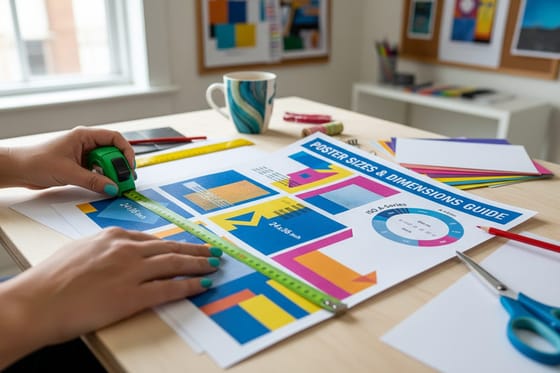
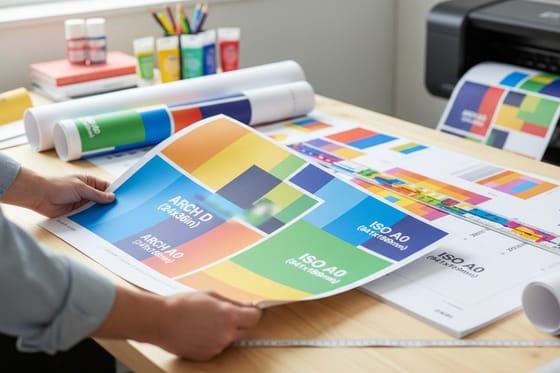
A free poster template gives you the size, bleed, and safe zone already set, so you design instead of guessing. Pick a standard US size like 18 by 24 or 24 by 36 inches, work at 150 to 300 DPI at final size, run art to the bleed, keep text inside the safe margin, and build a bold hierarchy that reads from a distance. Export a CMYK PDF and print it sharp at 4OVER4.COM. The size comparison below shows the standards side by side.
What a good poster template includes

A poster template is a design file that already has the print mechanics built in. Open a good one and you get the right trim size, a bleed area past the edge, and a safe margin holding your text clear of the cut, all set before you place a single element. That is the whole value: the parts people most often get wrong are handled up front.
What a template does not do is design the poster for you. You still bring the message, the imagery, and the hierarchy that makes it work across a room. Think of it as a print-ready canvas rather than a finished piece, and you will use it the right way.
If you would rather not download a file at all, our online design tool and design templates give you the same print-safe starting point in the browser, with the size, bleed, and margins already correct for a poster order.
Standard US poster sizes
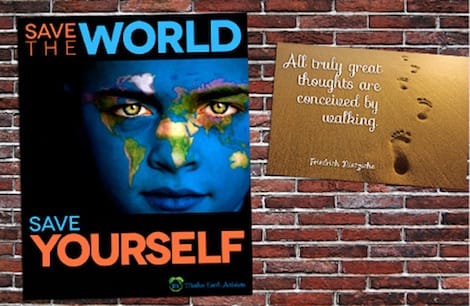
Choosing the size is the first real decision, because it sets the whole layout. The everyday standards in the US are clear: 11 by 17 inches for tight indoor spaces and windows, 18 by 24 inches as the common event and promo size, 24 by 36 inches for high-impact storefront displays, and 27 by 40 inches as the classic movie one-sheet.
Match the size to the viewing distance. A poster read from a few feet away can pack in more detail, while one seen across a street needs to be big and bold. When in doubt, 18 by 24 is the safe, versatile choice, and 24 by 36 is the step up when you need presence. Our complete poster sizes guide lays out every option in inches.
Once the size is set, use a template built at those exact dimensions so the bleed and safe zones are already correct. For the biggest displays, our large-format poster sizes guide covers going beyond the standard sheet.
Resolution, bleed, and safe zones
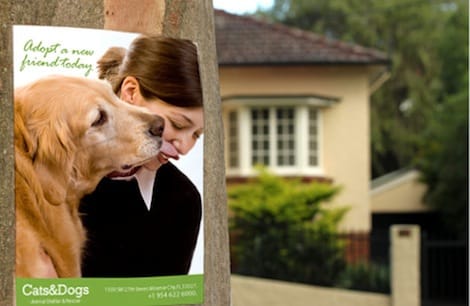
Three technical settings decide whether a poster prints crisp or soft. The first is resolution. A poster needs enough detail at its final size: aim for 300 DPI at full dimensions for close viewing, or 150 DPI when the poster is read from a distance. Never enlarge a small photo to fill a big sheet, because scaling up only stretches the pixels you already have.
The second and third are bleed and the safe zone. Run any background or photo that touches an edge 0.125 inch past the trim, so a slight shift in the cut never leaves a white sliver. Keep all text and key elements 0.125 inch inside the trim, safely clear of the blade. A template sets both lines for you, which is exactly why starting from one saves trouble.
Design in CMYK so your colors print true, and check every image at 100 percent zoom before you export. Our guide on converting RGB to CMYK covers the color step in detail.
Layout and hierarchy tips

A poster is seen from far away and often in passing, so it lives or dies on hierarchy. Give it one clear focal point, whether a striking image or a bold headline, that grabs attention from across the room. Then let everything else step down beneath it in size and weight, so the eye moves in an obvious order.
Resist the urge to cram. A wall of small text reads as noise at a distance, while a single strong message with a clear call to action gets remembered. Ask what the one thing a passerby must take away is, and design the whole poster to deliver it first.
Type choice shapes the tone as much as the message. A bold display face carries an event poster, while a cleaner face suits an informational one. Our guide on designing a poster in 8 steps walks the full layout process from concept to finish.
Exporting a print-ready file
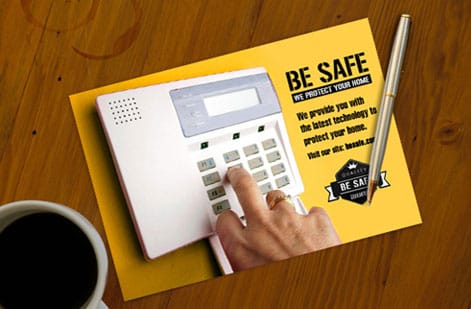
With the design done, package it into a file the press can print without editing. Export a flattened PDF with the color in CMYK, images at full resolution, bleed included, and fonts outlined or embedded. This is the same discipline behind any commercial print job, and it is what turns a good design into a poster that prints exactly as you see it.
Before you upload, run a quick check: confirm the size is right, the bleed is present on all sides, text sits inside the safe margin, and every image holds up at 100 percent zoom. Catching a problem now costs a minute; catching it after a full run costs a reprint.
When you order with us, your file also runs through a free file check, so a second set of eyes catches anything before the press does. If you built in the online design tool, the export is handled for you and goes straight into the order.
Order posters at 4OVER4
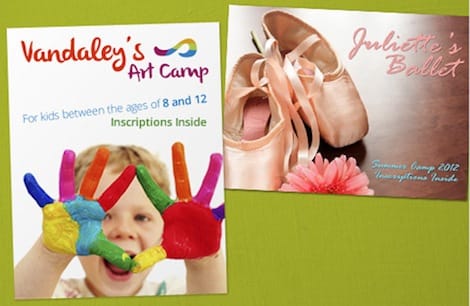
With the file ready, the print decisions come down to size, stock, and finish. Posters print in every standard US size, on stocks from smooth poster paper to heavier and more durable options, with matte for glare-free reading or gloss for saturated color. For bigger displays, large-format posters and mounted posters add size and rigidity.
Pricing scales with size, quantity, stock, and finish, and updates live in the configurator, so you can weigh a 24 by 36 on premium stock against an 18 by 24 on standard paper before you commit. If the exact color or feel matters, order free paper samples first and judge the stock in hand.
Use the live specs and pricing panel below to set your size and see the price per piece, then upload your template-built file and print a poster that lands exactly as designed.
Wally starts from a template so nothing gets cut
Right size, bleed set, resolution checked
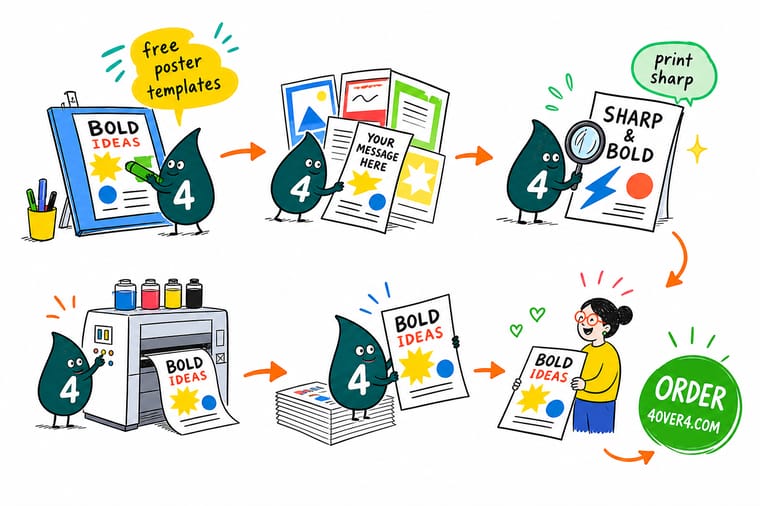
Wally opens a template that already has the size, bleed, and safe margin in place, then drops in a bold headline and a full-resolution image. He builds one clear focal point that reads from across the room, keeps text off the edge, and exports a CMYK PDF. Start from the right template, work at final size, and 4OVER4 prints your poster crisp.
Print your poster →Quick reference
Standard poster sizes and setup, at a glance
Pick a size, then match the resolution and margins. These are the standards behind almost every US poster job.
| Spec | Value | When to use it |
|---|---|---|
| Small poster | 11 x 17 in | A tabloid-size poster for indoor walls, windows, and tight spaces where a full sheet is too big. |
| Standard poster | 18 x 24 in | The everyday event and promo size, large enough to read across a room and easy to display. |
| Large poster | 24 x 36 in | The go-to for high-impact announcements and storefronts, readable from a distance. |
| Movie poster | 27 x 40 in | The one-sheet cinema standard, used for films, launches, and big feature displays. |
| Resolution | 150 to 300 DPI at final size | Large-format posters viewed up close want 300 DPI; a poster seen from far can hold at 150. |
| Bleed | 0.125 in past every edge | Extra art beyond the trim means no white slivers if the cut drifts slightly. |
| Safe margin | 0.125 in inside the trim | Keep headlines and key info off the edge so nothing gets trimmed away. |
Step by step
Design a sharp poster in 7 steps
- Choose your poster size Decide between 11 by 17, 18 by 24, 24 by 36, or 27 by 40 inches based on where it will hang and how far away it will be read. The size drives the whole layout.
- Start from a template Open a template already built at your chosen size with bleed and safe margins in place, so the print rules are handled before you design a thing.
- Set resolution correctly Work at 150 to 300 DPI at final size. Source photos large enough for the finished dimensions, and never enlarge a small image to fill the sheet.
- Build a bold hierarchy Give the poster one clear focal point, a headline that reads from a distance, and supporting detail that steps down in size beneath it.
- Run art to the bleed Extend any background, photo, or color block to the bleed line, and keep all text inside the safe margin so the cut never clips it.
- Check color and type Design in CMYK so colors print true, keep small text a solid black, and confirm your fonts are outlined or embedded before export.
- Export a print-ready PDF Save a flattened CMYK PDF with bleed included, then upload it to order. A quick proof at real size confirms the poster prints exactly as designed.
Specs and pricing
Poster specs and live pricing
Once your template-built file is ready, size, stock and finish are what is left. Posters run 50 for $108.75, which is $2.18 each.

| Quantity | Price Per Unit | Total |
|---|---|---|
| 50 | $2.18 | $108.75 |
| 100 | $1.64 | $163.67 |
| 200 | $1.01 | $202.11 |
| 300 | 80.2¢ | $240.55 |
| 400 | 69.7¢ | $278.99 |
| 500 | 63.5¢ | $317.44 |
| 600 | 55.8¢ | $335.02 |
| 700 | 50.4¢ | $352.59 |
Print it
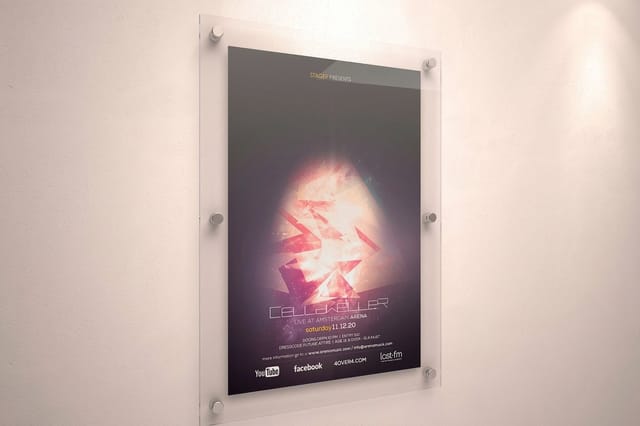
Print your poster at any size


See it in use
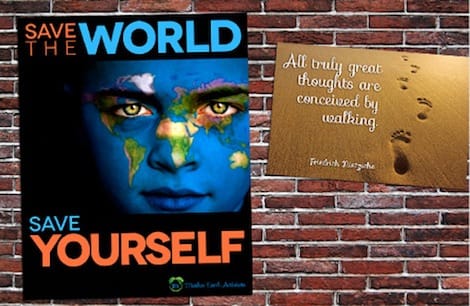
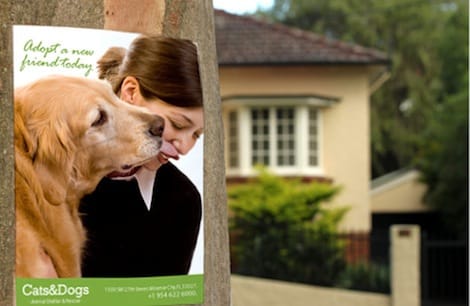
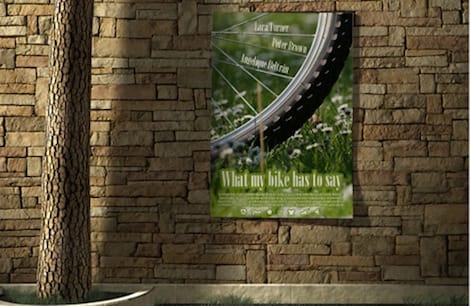
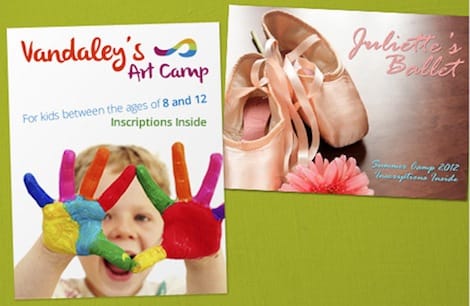
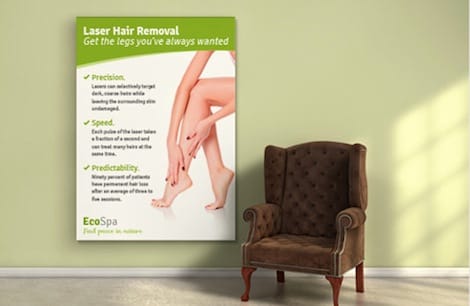
Posters customers printed at full size



Explore more
Where to go next

By the numbers
Poster stocks and the record behind a sharp print
Common Questions
Common questions about poster templates
What are free poster templates?
Free poster templates are ready-made design files, pre-built at standard US poster sizes with the print rules already in place: the correct dimensions, a bleed area past the trim, and a safe margin holding your text clear of the edge. Instead of starting from a blank canvas and guessing at setup, you drop your headline, imagery, and colors into a layout that is already print-ready. That removes the most common causes of a rejected file, wrong size or missing bleed, and lets you focus on the message. A template is a head start on the mechanics, not a limit on the design.
What size template does my wall need?
Start with where the poster will live and how far away it will be read. For a window or an indoor wall in a tight space, an 11 by 17 template works well. For most events and promotions, 18 by 24 is the everyday choice, large enough to read across a room. For storefronts and high-impact announcements, 24 by 36 reads from a distance, and 27 by 40 is the classic movie one-sheet. Pick the size first, because it sets your entire layout, then choose a template at that exact size so the bleed and safe zones are already correct.
What does it cost to print a poster, and how are prices set?
Using a template and designing the poster yourself costs nothing, and you can build one in our free online design tool at no software cost. Printing price scales with a few levers: size, quantity, paper stock, and finish. A larger 24 by 36 poster costs more per piece than an 18 by 24, and heavier or specialty stocks add to it, while ordering more copies lowers the unit price. You set each option in the configurator and the total updates live as you go, so you can see exactly what a bigger size or a premium stock does before you order.
What sizes, stocks, and finishes are available for posters?
Posters print in standard US sizes including 11 by 17, 18 by 24, 24 by 36, and 27 by 40 inches, with large-format options for bigger displays. Stocks range from a smooth poster paper for indoor promotion to heavier and more durable options, and finishes include matte for glare-free reading and gloss for punchy, saturated color. For posters that need to survive handling or a storefront window, mounted and large-format options add rigidity. Order free paper samples first if you want to judge a stock and finish in hand before committing to a full run.
How long does it take to print and ship a poster?
Once your print-ready PDF is uploaded, posters move through production and ship on a predictable timeline, with the exact turnaround shown in the configurator as you choose your options. Standard sizes and stocks move fastest. If you are on a deadline for an event, set your size and quantity early, upload a correctly prepared file to avoid a pre-press hold, and you can have posters produced and on their way without last-minute surprises.
What resolution does a poster need?
A poster needs enough resolution at the size it actually prints, not the size the image was saved at. For posters viewed up close, aim for 300 DPI at final dimensions; for a poster read from across a room or a street, 150 DPI at final size is often enough because the viewing distance hides finer detail. The trap is scaling a small image up to fill a large sheet, which only stretches the pixels you already have and produces a soft or blocky result. Source your photos large, and check each one at 100 percent zoom before you export.
Get Started
Order mounted posters, made in 4 business days
Bring your template-built file to 4OVER4.COM and print it on the size, stock, and finish your display calls for. Large format posters ship in 2 business days, mounted posters in 4.
Legal Disclaimer
Gold Standard guarantees apply to all standard orders placed through 4over4.com. Price match requires verifiable proof of a competitor's published price for an equivalent product with matching specifications and turnaround time. Satisfaction guarantee covers manufacturing defects and print quality issues. Contact support with order number and documentation. On-time delivery rate based on tracked orders 1999 to 2026. Individual results may vary based on shipping carrier performance.
