
What a CD Tray Card Is and How Its Spine Folds Work


Emma is our prepress and print production voice, built from the knowledge of our production team, with over 20 years in printing.
The tray card is the piece of a jewel case set most people measure wrong. The trim sizes, the spine folds and the bleed all feed the setup rules that keep type out of a score line.
A CD tray card is the printed insert that sits under the plastic tray of a jewel case and reads through the clear back, and it trims at 5.9375 by 4.625 inches. A 0.25 inch spine panel scores at each end and folds around the sides of the tray, which leaves a 5.4375 inch back panel for the track list and barcode. Add 0.125 inch of bleed all round, keep live text 0.125 inch inside the trim, and hold spine type near 7 point so the fold does not clip it.
Quick answer
5.9375 by 4.625 inches, minus a quarter inch at each end
The tray card is the back of the release, and the two spines are what make it awkward. Score 0.25 inch in from each end, fold those strips up around the plastic tray, and 5.4375 inches of flat panel remains for everything the buyer reads at the back of the case. Bleed runs 0.125 inch on all four sides. The reverse never prints, because it faces the tray and nobody sees it once the case is packed.
The CD Tray Card in One Table
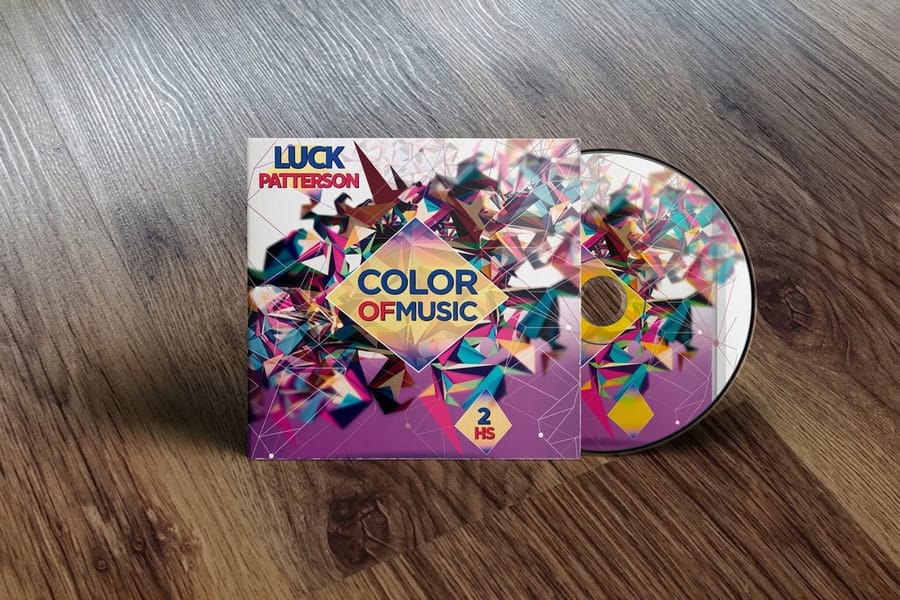
A CD tray card is one flat printed card that sits under the disc tray. Five numbers cover the whole job.
| Measurement | Inches | What it is for |
|---|---|---|
| Flat trim | 5.9375 x 4.625 | The sheet you design |
| With bleed | 6.1875 x 4.875 | The size of the PDF you upload |
| Back panel | 5.4375 x 4.625 | Track list, credits and barcode |
| Each spine | 0.25 x 4.625 | Artist and title, near 7 point |
| Safe margin | 0.125 inside trim and folds | Keeps live text off the cut and the score |
Print it on one side of 100# gloss text, scored at both spines, and send it as its own file next to the front insert.
Where the Tray Card Sits and Why It Has Spines

Open an empty jewel case and take the plastic tray out. The rectangle of card underneath is the tray card, and the clear back of the case is a window onto it. That is the whole reason the piece exists: the case gives you one flat surface facing outward at the back, and the tray card fills it.
The spines are a consequence of the tray, not a decoration. The tray is a moulded part that sits inside the case walls, and the two narrow strips at the ends of the card fold up so they show through the sides of the case when it stands on a shelf. That is where the artist and title go, because it is the only part of the release anyone sees in a rack. Fold them the wrong way and the card either will not seat or the type reads from the inside of the case.
Three pieces make up a full jewel case set, and they are printed as three different files. The front insert or booklet is a 4.75 inch square. The tray card is the wide folded piece described here. The disc label, if you are printing one, is its own circular artwork. Our guide to CD insert sizes and templates lays out all three side by side, and CD covers is the product that prints them.
The Exact Numbers, Panel by Panel
A standard jewel case is 142 by 125 by 10 mm, and every insert size in the table below is derived from it. These are trim sizes. Add bleed on top.
| Piece | Flat trim size | Folds | Sides printed |
|---|---|---|---|
| Tray card | 5.9375 by 4.625 in | Two scores, 0.25 in from each end | One, the reverse faces the tray |
| Front insert | 4.75 by 4.75 in | None on a single leaf | Two, the inside is visible when opened |
| Booklet page | 4.75 by 4.75 in | One centre fold, pages in multiples of four | Two |
| Slimline insert | Set from the case in hand | None | One |
Read the tray card row carefully. The 5.9375 inch width is the flat sheet, not the usable area. Subtract the two spines and the back panel is 5.4375 inches wide, which is the space a track list, a credits block, a copyright line and a barcode all have to share. Designers who lay out to the full 5.9375 inches lose the first and last few characters of every line into the fold.
Bleed is 0.125 inch on all four sides, so the file goes out at 6.1875 by 4.875 inches. Keep live text 0.125 inch inside the trim, and treat each score line as a trim edge too: nothing you need to read should sit within a sixteenth of an inch of a fold, because the lip of the plastic tray overlaps the card slightly at both ends. To order, upload a CMYK PDF at 300 dpi and 6.1875 by 4.875 inches with the two score lines marked outside the bleed, printed on one side of 100# gloss text. CD covers print on that stock from 25 for $75.80 in 5 business days in 4.75 inch panels; the 5.9375 inch tray card is not a listed panel, so price it with the rest of the set as a custom project. Templates for the whole set are in the blank template library, and the panel maths behind them is worked through in our CD cover and booklet setup guide.
Setting Up the Spines Without Ruining the Job

The back panel is easy. The spines are where tray cards go wrong, and four rules cover almost all of it.
- Cap the type at about 7 point. A 0.25 inch spine minus a sixteenth of an inch of clearance top and bottom leaves roughly an eighth of an inch of height, which is about 9 point of vertical space. Set 6 or 7 point caps and it sits comfortably. Set 10 point because it looked fine at 400 percent zoom and the tops of the letters disappear.
- Rotate both spines the same way. Pick which long edge is the top of the standing case, then rotate both spine panels to match. In a flat layout an upside down spine looks perfectly normal, which is why it gets past everyone.
- Run the folds with the grain. The scores run the short way across the sheet. Coated text stock cracks along a fold that crosses the grain, and the crack shows as a white line right where the artwork is darkest. Scoring first is not optional on 100# gloss.
- Do not float the background. If the back panel is a dark image, carry it through the spines and off the bleed edge. A background that stops at the score line reveals a pale sliver at the side of the case as soon as the fold shifts by a hair, and folds always shift by a hair.
One more habit worth keeping: print the file at 100 percent on plain paper, cut it out, fold the spines by hand and put it in a real case. Two minutes of that catches the reversed spine, the clipped type and the too tight barcode in a way no on-screen proof does. The same check is worth doing on booklets before a long run, and the file preparation habits carry over to any folded piece, including folded brochures at $57.11.
What to Order, and When a Tray Card Is the Wrong Answer
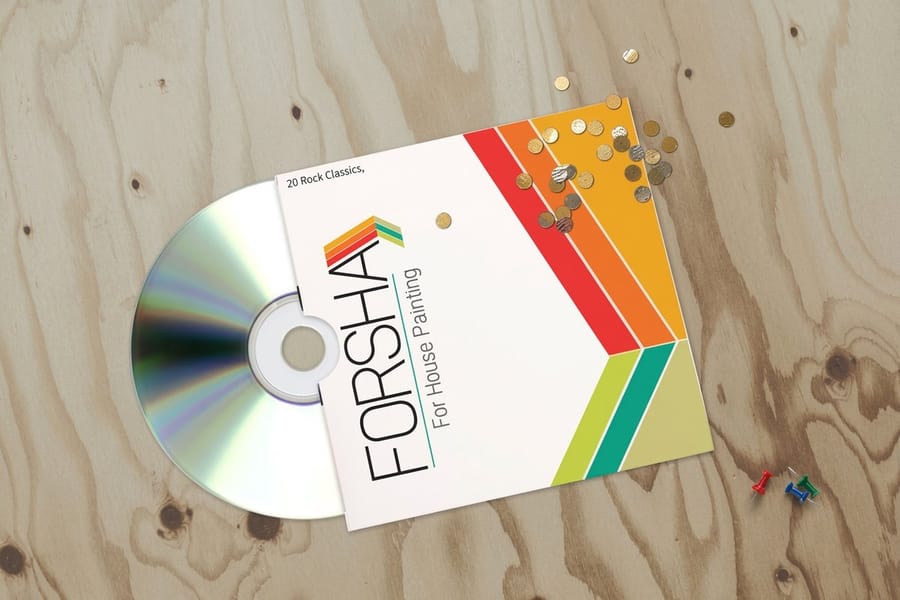
There is no separate tray card product anywhere in the trade, ours included. A tray card is one panel of a jewel case set, so you order it as part of CD covers, which start at $75.80 and print on 100# gloss text. Send the tray card as its own file with the scores marked, alongside the front insert file.
The tray card is the wrong answer more often than people expect. If the disc goes out in a mailer, a press kit or a conference bag, a jewel case is bulk and weight you are paying to ship. CD sleeves, which start at $438.25, are diecut paper sleeves that take a disc and one printed face, and they post flat inside a standard envelope. If the release needs lyrics, liner notes or a full credits spread, the tray card cannot hold them and a booklet can: standard booklets start at $240.55 and bind in page counts that are multiples of four, so plan the content at 4, 8, 12 or 16 pages rather than trimming to fit.
For a video release the geometry changes completely. A DVD case takes a single wrap that slides behind the clear outer sleeve and carries the front, the spine and the back in one printed sheet, with no separate tray card. Our DVD cover dimensions guide has that layout, for the CD back panel itself how to design a CD back cover works through the track list and barcode, and how to print CD covers and sleeves compares the case and sleeve routes on cost. If you want to feel the stock before committing, free paper samples are the fastest way to settle the 100# text question, and the full range sits under CD cover printing.
Wally explains the tray card
Two spines, a quarter inch each, and half an inch gone
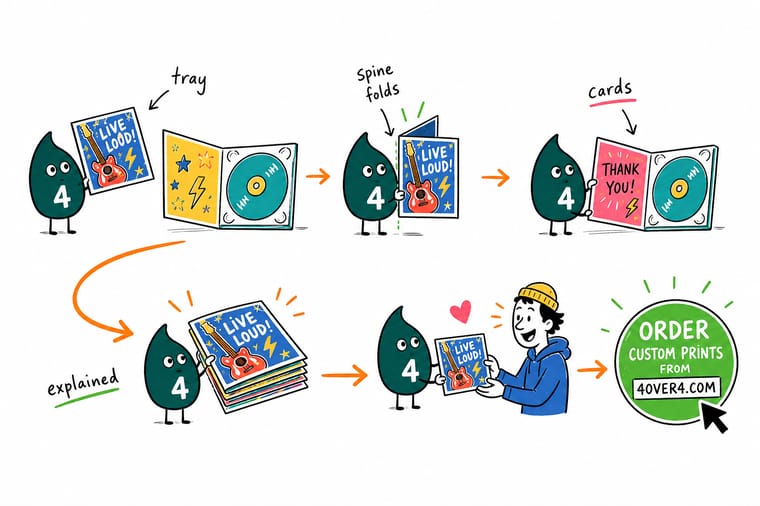
Wally cuts the card at 5.9375 by 4.625 inches, scores a 0.25 inch strip at each end, and folds those strips up so they hug the plastic tray and show through the sides of the case. What is left flat is 5.4375 inches, and that is where the track list and the barcode have to live. He keeps the spine type near 7 point, runs the background right off the bleed edge, and checks that both spines read the same way up before anything goes to press.
Order CD covers and inserts →%22%2F%3E%3Ccircle%20cx%3D%2243%22%20cy%3D%2245%22%20r%3D%2228%22%20fill%3D%22%23a78bfa%22%20opacity%3D%220.15%22%2F%3E%3Ccircle%20cx%3D%2280%22%20cy%3D%2262%22%20r%3D%2226%22%20fill%3D%22%23a78bfa%22%20opacity%3D%220.1%22%2F%3E%3Crect%20x%3D%2273%22%20y%3D%2221%22%20width%3D%2228%22%20height%3D%2232%22%20rx%3D%224%22%20fill%3D%22%23a78bfa%22%20opacity%3D%220.08%22%20transform%3D%22rotate(8%2080%2030)%22%2F%3E%3C%2Fsvg%3E)
Specs and pricing
Case inserts, sleeves and booklets, with live pricing
CD covers print on 100# gloss text in 4.75 inch panels from 25 for $75.80 in 5 business days. CD sleeves are die cut 5 by 5 inch sleeves from 100 for $438.25. Booklets start at 25 for $240.55 with 8 or more pages in 7 business days.



Print it
Print the whole disc package in one order
Order CD covers for the front insert, a booklet when the lyrics need 8 pages or more, and sleeves instead of a jewel case when discs go out in mailers or press kits.
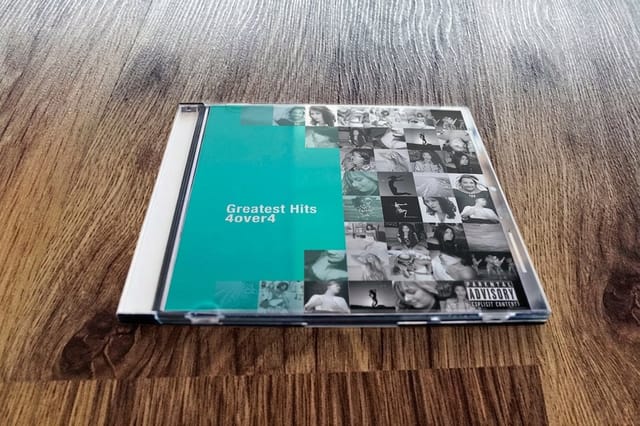
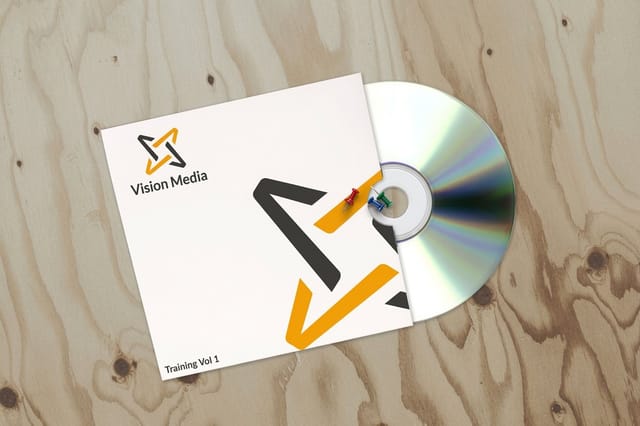


Explore more
Where to go next
Measure every insert in the case, set up a jewel case booklet, compare case and sleeve costs, and see why a DVD wrap is one long sheet.



By the numbers
Disc packaging printed to spec at 4OVER4
Common Questions
Your tray card questions, answered
What is a CD tray card?
It is the printed card that sits underneath the black or clear plastic tray inside a jewel case and is read through the transparent back of the case. It carries the track list, the credits, the copyright line and the barcode. People often call it the back insert or the inlay card, and it is a different piece from the front insert, which is the 4.75 inch square cover panel or the first page of the booklet.
What size is a CD tray card?
A standard jewel case tray card trims at 5.9375 by 4.625 inches, which is about 151 by 118 mm. Inside that trim, a 0.25 inch spine panel scores at each end and folds up around the sides of the tray, so the flat back panel that stays visible behind the disc is 5.4375 inches wide. Add 0.125 inch of bleed on all four sides and keep live text 0.125 inch inside the trim.
Which way should the text on the tray card spines read?
Both spines carry the same artist and title, and both should read in the same direction when the case is standing upright on a shelf. Decide which long edge of your file is the top of the finished case, rotate the two spine panels to match, and print a paper proof at 100 percent before you send the file. Getting one spine upside down is the single most common tray card error, and it survives every on-screen check because both spines look correct in a flat layout.
What paper should a tray card print on?
100# gloss text is the standard, and it is the right answer for almost every job. The limit is thickness rather than quality: push much past 12pt and the two folded spines add enough bulk at the ends that the tray stops clicking down flat, so the case rattles or bows. Go lighter than 80# text and the card curls under the tray and shows a wave through the clear back.
Do slimline cases and digipaks use a tray card?
No. A slimline case is about half the depth of a jewel case and has no tray to hide, so it takes one flat insert that is seen through the clear back, with no spine folds. A digipak or a card wallet prints the artwork straight onto the board and holds the disc on a molded hub, so there is nothing to insert. Check the empty case in hand before you set a size, because slim case dimensions vary between suppliers.
Can the tray card print on both sides?
There is no point. The reverse faces the plastic tray and is never seen once the case is assembled, so tray cards are printed one side only and quoted that way. The exception is a double case with a hinged tray, where a second disc sits over the card and the underside becomes visible when the tray swings open. If that is your case, say so on the order, because it changes the piece from a one side print to a two side print.
How do I order a tray card at 4OVER4.COM?
Order it with the rest of the set under CD Covers, which starts at $75.80 and covers the printed panels that go inside a jewel case. If the disc ships in a paper or poly sleeve instead of a case, CD Sleeves start at $438.25 and replace the whole insert set. For a release with a multi page booklet, the booklet prints separately as Standard Booklets from $240.55 in page counts that are multiples of four.
Get Started
100 CD sleeves cost $438.25, or $4.38 each
Send the tray card, the front insert and the booklet together, marked with their scores, and we print them on 100# gloss text so the tray still clicks flat.
Legal Disclaimer
Gold Standard guarantees apply to all standard orders placed through 4over4.com. Price match requires verifiable proof of a competitor's published price for an equivalent product with matching specifications and turnaround time. Satisfaction guarantee covers manufacturing defects and print quality issues. Contact support with order number and documentation.
