
Custom Logo Design for Your Company and Brand


Sofia is our design and templates voice, built from the knowledge of our production team, with over 20 years in printing.
Your Logo Is the First Thing You Will Ever Print
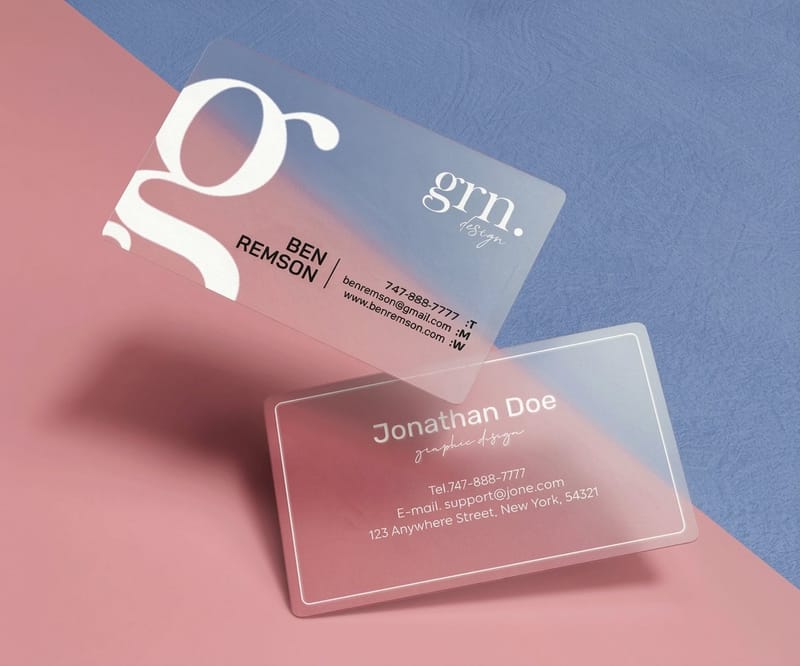
A logo is not a file you save and forget. It is the mark that goes on the first 2 x 3.5 inch business card you ever hand out, the 2 x 4 inch or 3 x 5 inch label on your first product, the 1 inch sticker someone puts on a laptop at a conference. Long before anyone reads a word of your copy, they see that shape, and they decide whether you look like you know what you are doing.
Here is the trap almost everyone falls into. A logo gets designed for a screen, looks great on a phone, then falls apart the moment it hits paper. Thin lines vanish under ink, a pale gradient turns muddy, a bright screen color prints dull and off. The fix is to think about print from the very first sketch, not after you have already paid for a run of cards that came out wrong.
4OVER4.COM has printed 10 billion+ pieces for 150,000+ businesses since 1999, which means we have watched the same logo problems repeat for a quarter century. The good news is that the solutions are simple once someone points them out. This article walks through how to get a logo made, what to prepare, which files you truly need, and how to carry one mark across an entire branded set without it drifting.
What a good logo actually has to do
Beyond looking nice, a logo has one real job: stay recognizable everywhere it lands. Shrunk to a favicon, blown up on a banner, embossed on a folder, or printed in a single ink color on a shipping box, it has to read as you. If it only works in full color at one size, it is a graphic, not a logo yet.
Where the logo goes
Custom printing collection
Cards, labels, stickers, folders, and packaging, all ready for your logo in one place.
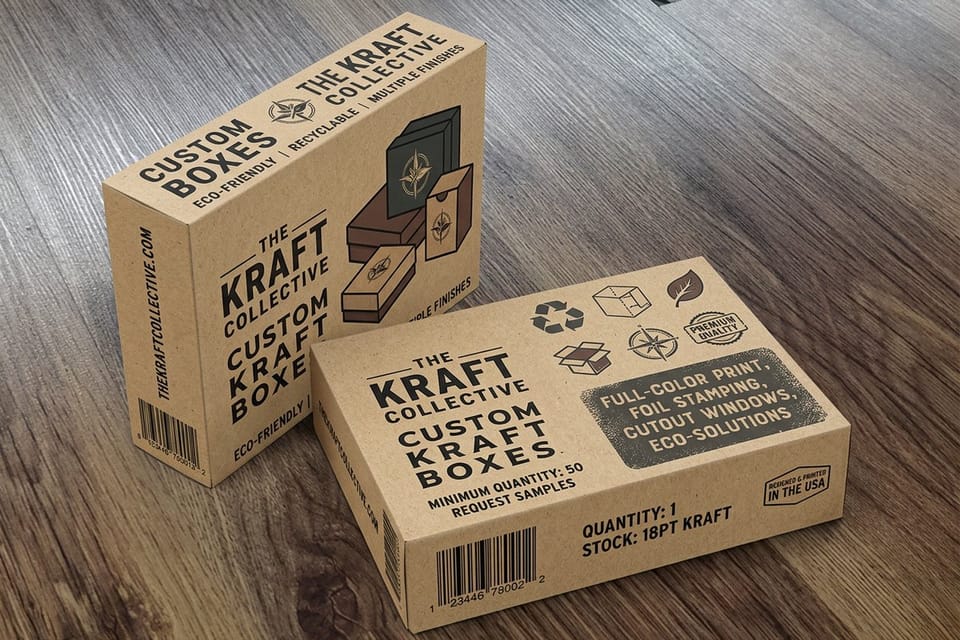
Where Your Logo Actually Earns Its Keep
A logo does nothing sitting in a folder. It starts working the second it goes on something a customer can hold. The smartest first move after a logo is finished is a small stack of physical things that put the mark in the world, such as 100 business cards for $17.57 and 25 custom labels for $25, both printed in 3 business days.
Start with the pieces that get seen and touched the most. A card gets handed across a table and slipped into a wallet. A label rides home on a product and sits on a shelf. A sticker travels wherever the person who took it goes. Get the logo right on a business card first, and the rest of the branded set follows the same rules.
- Business cards. The handshake made permanent. If the logo prints clean here, at this tiny size, it will print clean anywhere.
- Labels and packaging. Your logo doing sales work on a shelf while you sleep. This is where color accuracy matters most.
- Stickers. Free advertising people opt into. A logo they like enough to display is a logo doing its job.
- Letterhead and folders. The set that makes a proposal or an invoice feel like it came from a real company.
Print picks
Three places to put your logo first
Live prices, ready to customize the moment your artwork is print-ready.
 Custom Business Cards 100 for $17.57 The first place most people ever see your logo. Print it crisp and hand it over.
 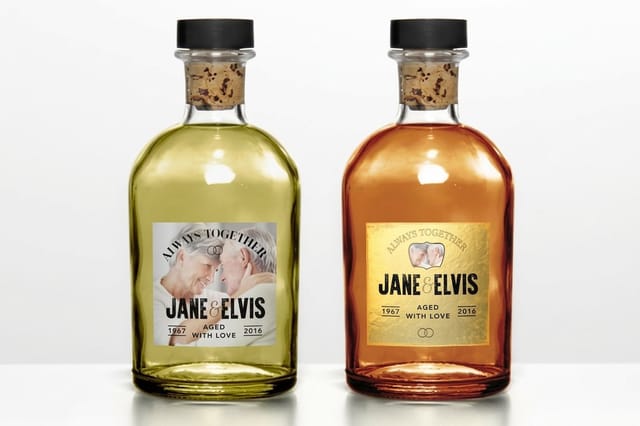 Custom Labels 25 for $25 Put the mark on jars, boxes, and bottles so the product carries the brand.
  Custom Holographic Stickers 100 for $322.98 A logo sticker with a rainbow shine that people actually keep and stick around.
 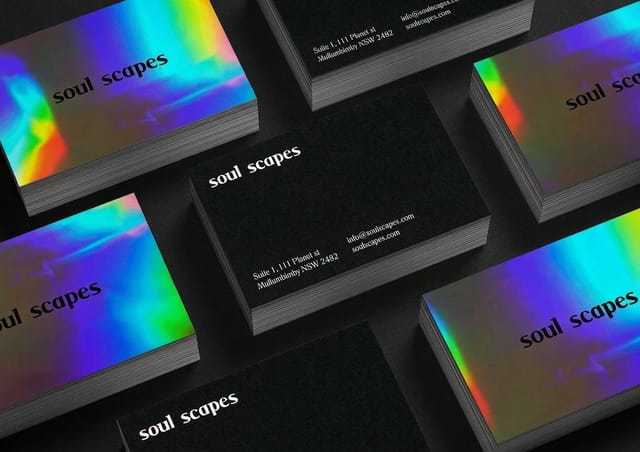 Custom Business Cards From $17.57 The first place a finished logo earns its keep.
 Three Honest Ways to Get a Logo Made
The right way to get a logo is the one that fits your budget and your timeline, and all three paths below should end with the same handoff: a vector master, a transparent PNG and a CMYK version for print. What follows is the honest tradeoff for each path, without pretending the cheapest option is secretly the best or that you have to spend a fortune to look credible.
Do it yourself
Cheapest and fastest, and perfectly fine for testing an idea or launching a side project this week. The risk is that a template logo can look like a template logo, and files exported from a free tool are often the wrong format for print. If you go this route, build it as a vector, keep it simple, and test it in black and white before you commit.
Hire a freelance designer
The sweet spot for most small businesses. A good freelancer gives you a custom mark, real vector files, and someone to ask for a tweak when you need one. Ask up front for the source files and a print-ready package, because a logo you cannot edit or hand to a printer is only half a logo.
Bring in a studio or agency
The most expensive and the most complete. You get a full identity system, usage rules, and a mark stress-tested across every surface. Worth it when the brand is the business and you plan to live with the logo for a decade. Overkill when you just need something clean to get moving.
Whichever path you pick, the design is only step one. The mark still has to become real objects, and that is where the details decide whether it looks polished or homemade.
Free design help
Build and check the artwork here
Lay out the logo in the online designer, then confirm the color with a free proof before any big run. No guessing, no surprise reprints.
The Files You Need Before You Print a Single Card
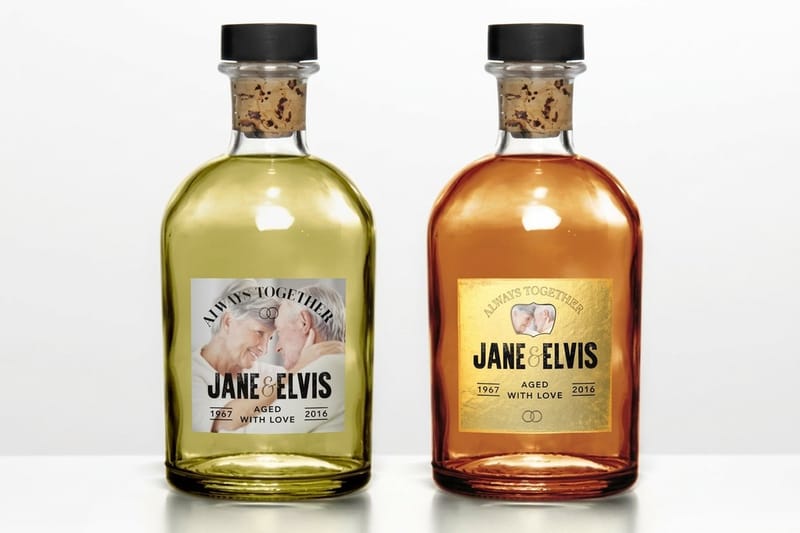
This is the part that quietly ruins print jobs. A logo that looks perfect on screen can be the wrong file type, the wrong color mode, or too low-resolution to print without turning to mush. Get these three files from your designer, or build them yourself, before you order anything.
A vector master
The most important file you own. A vector logo (AI, EPS, PDF, or SVG) is built from math, not pixels, so it scales from a business card to a billboard without ever going blurry. If a printer asks for a vector and all you have is a screenshot, you do not really have a print-ready logo yet.
A transparent PNG
The everyday workhorse for anything on a screen or dropped onto a photo. Transparent means no white box around the mark, so it sits cleanly on any background. Keep one large version so you are never scaling a small PNG up and watching the edges break.
A CMYK version for print
Screens mix light in RGB, presses mix ink in CMYK, and the two do not match by accident. A bright RGB blue can print noticeably duller if nobody converts it. Set your print colors in CMYK, or better, pin your brand colors to specific values so every card, label, and box comes out the same shade.
Quantity and price
Custom business card pricing and specs
Real configurator numbers for the piece that carries your logo first. The more you order, the lower the per-card cost drops.
| Quantity | Price Per Unit | Total |
|---|---|---|
| 100 | 17.6¢ | $17.57 |
| 200 | 11.5¢ | $23.07 |
| 300 | 9.15¢ | $27.46 |
| 400 | 7.96¢ | $31.86 |
| 500 | 7.25¢ | $36.26 |
| 600 | 6.77¢ | $40.64 |
Getting the Logo Print-Ready, Not Just Pretty
A printer needs three files from you: a vector master (AI, EPS, PDF, or SVG) that scales from a business card to a banner without blurring, a CMYK version so the printed color matches the one you approved, and a one-color version in solid black and solid white for foil, stamps, engraving, and single-ink jobs. Keep a transparent PNG as well for screens and photo backgrounds, but never send it as the print file. With those three in hand the rest is a checklist. A logo can be beautiful and still fail on press. Print-ready is a different bar than good-looking, and clearing it is mostly about a short checklist rather than any real design skill. Run through this before you upload artwork anywhere.
- Bleed. If color or the logo touches the edge, extend it past the trim line so a slight cut variance never leaves a white sliver.
- Safe zone. Keep the mark and any text a comfortable margin inside the edge so nothing important gets trimmed off.
- Resolution. Raster art should be 300 DPI at print size. Vector art sidesteps this entirely, which is exactly why a vector master is worth having.
- Color mode. CMYK for the print files, and a proof to confirm the shade before you run a big quantity.
- One-color version. Have a solid black and a solid white cut of the logo for stamps, foil, engraving, and single-ink jobs.
None of this is glamorous, and all of it is the difference between a run you are proud of and a reprint you pay for twice. When you are ready to see how the finishes compare, the table below lines up the most-ordered card options side by side.
Compare the options
Popular business cards, side by side
Stock, finish, size, quantity, turnaround, and from-price across our most ordered cards, so your logo lands on the right surface.
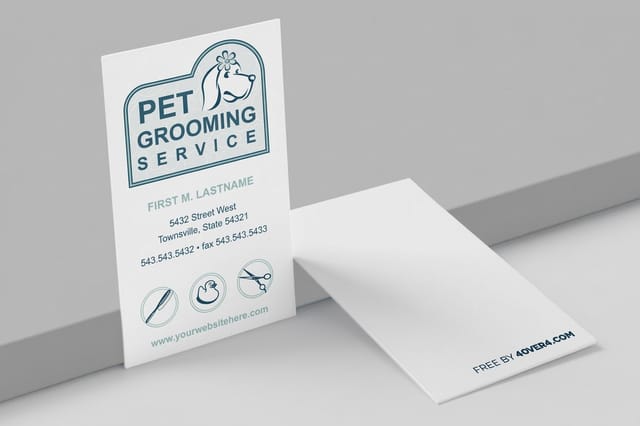 free business cards |  Standard Business Cards |  3D Lenticular Business Cards | 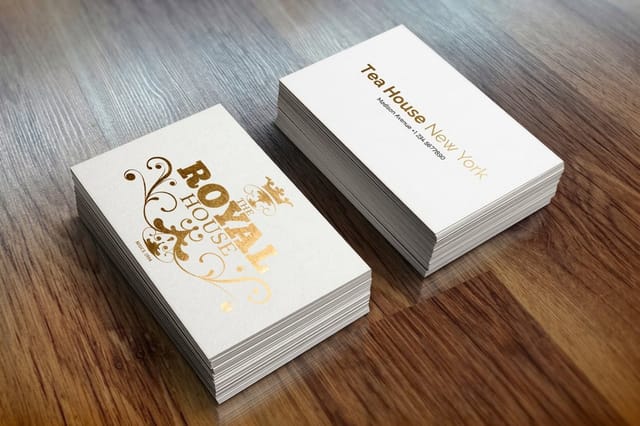 Metallic Foil Business Cards | |
|---|---|---|---|---|
| Min price | Free | $17.57 | $690.88 | $222.13 |
| Paper / stock | 14pt Gloss Cover | 14pt Gloss Cover | 31pt Lenticular Lens | 16 Point Silk Laminated |
| Finish | - | Standard Finish | - | - |
| Size | 2" x 3.5" | 2" x 3.5" | 2" x 3.5" - Vertical | 2" x 3.5" |
| Default qty | 200 | 100 | 500 | 500 |
| Turnaround | 5 business days | 3 business days | 22 business days | 7 business days |
| Rating | ||||
| View & customize | View & customize | View & customize | View & customize |
Carry One Logo Across a Whole Branded Set
The magic of a brand is repetition. The same logo, the same colors, and the same feel showing up on the card, the envelope, the label, and the box until a customer recognizes you before they read your name. That consistency is not luck, it is a decision to reuse one master file everywhere instead of eyeballing a fresh version each time.
Build the set in order of what people see first. Cards and letterhead make you look established on day one. Labels and packaging turn every product into a small billboard. Stickers and folders round it out. Start from a print-ready template so your logo drops in already aligned to the cut and bleed, and every piece matches the last.
- Lock your files. Pick one vector master and one color spec, then never redraw the logo by hand for a new job.
- Match the finish to the piece. Soft-touch for a premium card, gloss for a label that has to pop, kraft for a natural, handmade feel.
- Order the set together. Printing cards, labels, and folders in one go keeps color consistent and the per-piece cost lower.
Start fast
Print-ready card templates
Free layouts sized to the cut and bleed lines, so your logo drops in already aligned and every piece in the set matches.
Printing Your Logo on Products
A logo is not finished until it comes off a press. Once the vector master and the CMYK version are locked, that same file goes on every piece you hand over, stick on, wear, or ship. What changes from one product to the next is not the logo, it is how much room the mark gets, how fine a line the surface will hold, and whether the job runs in full color or a single ink.
- Business cards. A standard card is 3.5 x 2 inches, so the logo usually lands under an inch wide and every hairline you drew gets tested at once. Print one at final size, read it at normal reading distance, then order the quantity. Standard business cards are the cheapest honest test a new mark can take, and Custom Business Cards start at $17.57.
- Stickers and labels. Here the logo is the whole design, so the shape matters as much as the color. Gloss lifts a bright mark off a bottle, matte suits a muted palette, and kraft warms every color printed on it, which means a cool blue drifts on press. Proof the color on the exact stock before a long run of custom labels.
- Apparel. Screen printing and embroidery both build the mark from solid areas rather than gradients, which is where the one-color version earns its keep. Thin strokes fill in with ink and vanish under thread, so thicken them, and drop any tagline that will not read at chest size.
- Packaging and boxes. Every parcel is a second impression, and the logo has to survive tape, handling, and an uncoated surface that drinks ink and softens fine detail. A solid one-color mark printed large and simple beats a delicate full-color version that goes muddy on brown board.
- Signs and banners. Vector art is the whole reason a mark can jump from a card to a storefront without blurring, because there are no pixels to stretch. Size the logo for the distance people actually read it from, not for how it looks on your monitor at 100 percent.
- Promotional items. Pens, mugs, and small giveaways hand you a tiny imprint area and often a single ink. Keep a simplified cut of the logo, the icon alone or the wordmark alone, for the jobs where the full lockup will never fit.
Order the pieces together where you can. Cards, labels, and folders printed in one go come off matched instead of nearly matched, and the per-piece cost drops. Starting from scratch, the free design templates already carry the cut and bleed so the logo lands aligned the first time, and tip-on printing lets you attach a logo card or a small gift onto another printed piece.
Logo Mistakes That Quietly Wreck a Print Run
Most botched print jobs trace back to a handful of avoidable errors. Learn them once and you will spot them for the rest of your working life. These are the ones that come up again and again on real orders.
- Only having a PNG or JPG. Fine for the web, a headache for print. Chase down the vector before it costs you a reprint.
- Designing in RGB and hoping. The screen color and the printed color drift apart. Convert to CMYK and proof it.
- Lines too thin to survive ink. Hairline strokes that look sharp on a monitor can break up or fill in on press. Thicken them for small sizes.
- No one-color version. Someday you will need the logo in a single ink, and building it under deadline is not the moment.
- Text crammed to the edge. Without a safe margin, a normal trim can shave off a letter. Give it room.
Fix these before you order and the mark you spent time on shows up on paper exactly the way you pictured it. That is the whole point of doing the file work up front.
Wally gets your logo print-ready
From design file to a mark that prints sharp everywhere
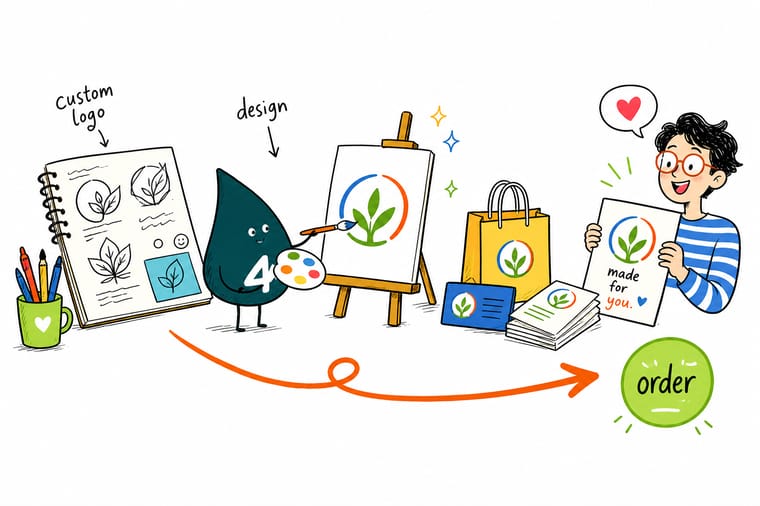
A logo is only finished when it can print clean. Wally's short version: keep a vector master so it scales without blurring, a transparent PNG for screens, and a CMYK version so the color you picked is the color that prints. Add bleed, a safe margin, and a one-color cut, then reuse that one file on cards, labels, and folders. 4OVER4.COM prints it sharp and ships branded orders at 99.8% on-time.
Print your logo on business cards →What makes a logo work once it hits print
Explore more
More ways to put your brand in print
Cards from $17.57, labels from $25, the concept to final logo walkthrough, real logo cards we printed, and 2026 graphic design data.
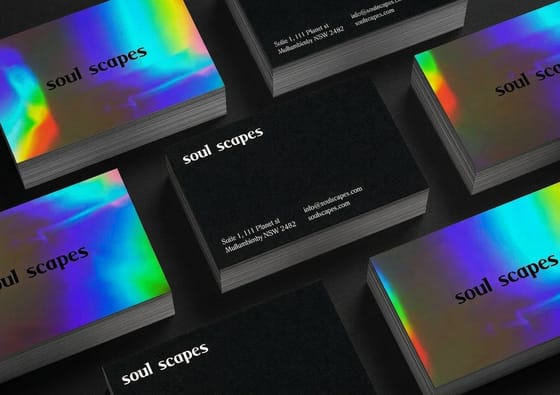 Article Custom Letterhead Design Ideas That Make Your Brand Stand Out Custom letterhead design ideas that make your brand look established, with layout rules, paper weights, ink ch Collection Custom Printing Collection Every branded print product in one place.
  Shop Business Cards Printing Browse formats and finishes for your logo.
 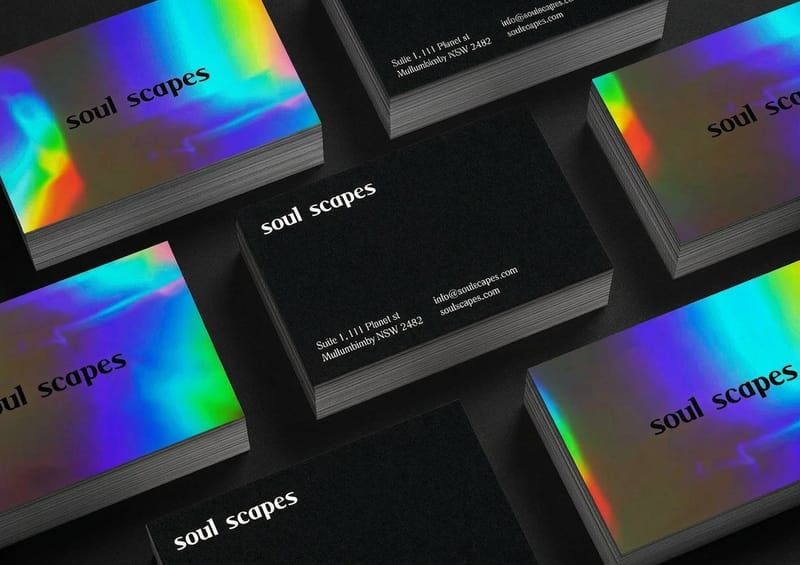 Product Custom Business Cards The fastest way to put a new logo in a hand.
  Guide How to Design a Logo The complete design-to-print walkthrough.
  Guides All Printing Guides Every how-to across products and design.
 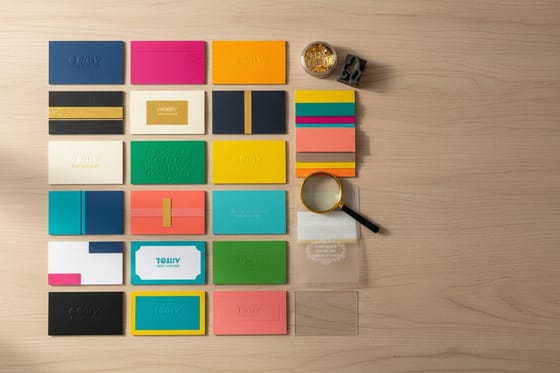 Showcase Logo Cards We Love Real logo designs printed on business cards.
  Statistics Graphic Design Data Industry numbers and design trends for 2026.
  Article Design Portfolio Examples Portfolios that win branding clients.
  Case study Salon Launch Case Study A new brand built on premium cards.
 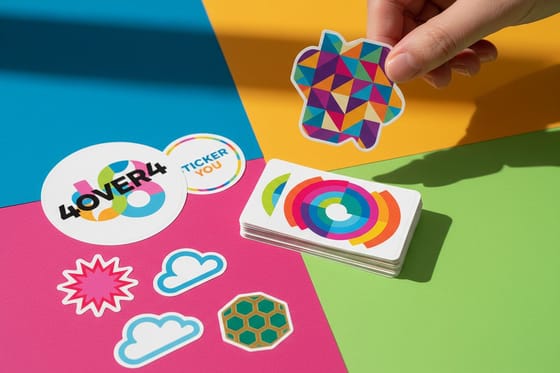 Alternative 4OVER4 vs StickerYou How the two compare for custom stickers.
 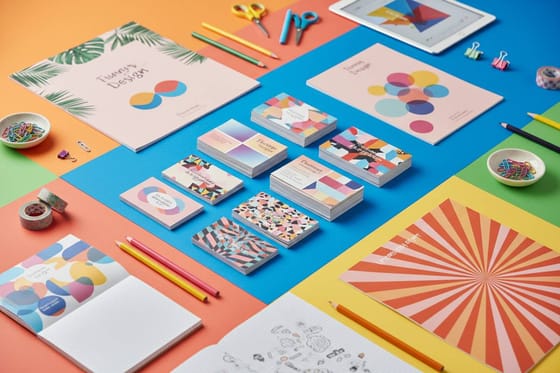 Benefit Free Design Templates Start from a layout built for clean print.
 Logo ready? Put it on something people can hold.
Drop your print-ready mark into the online designer, pick a finish from matte to raised foil, and 4OVER4.COM prints it sharp, as fast as same day.
Logo questions worth settling before you finalize
What files do I need to print my logo?
Three, ideally. A vector master (AI, EPS, PDF, or SVG) that scales to any size without blurring, a transparent PNG for screens and photo backgrounds, and a CMYK version so the printed color matches what you designed. If you only have one file, make it the vector, because everything else can be exported from it. A logo you cannot hand to a printer as a vector is only half finished. For the full breakdown, see the guide on logo design best practices.
How much does it cost to get a logo and print it?
Logo design cost ranges widely, from free if you build it yourself, to a few hundred dollars for a freelancer, to several thousand for a full studio identity. The right amount depends on how central the brand is to your business. Printing the logo, on the other hand, is affordable at every level. Custom Business Cards start at $17.57, so once the design is done, putting it in someone's hand costs very little. Ordering cards, labels, and folders together keeps the per-piece price lower.
What is the best logo format for printing, vector or PNG?
Vector, without question, for anything that gets printed. A vector logo is built from math instead of pixels, so it stays razor sharp from a business card to a banner. A PNG is a raster image made of fixed pixels, which is perfect for the web but breaks up when scaled or printed large. Keep both, use the PNG for screens, and always send the vector to your printer.
Can I still print if I only have a PNG or JPG of my logo?
You can, but with caveats. A high-resolution PNG or JPG (300 DPI at the final print size) will print acceptably at small sizes like a business card. The trouble starts when you scale it up or need it in a single ink for foil or engraving. If the logo matters to your brand, it is worth having a designer rebuild it as a vector once, so you never hit that wall again.
What file format do I need to print my logo on labels, apparel, and signs?
Send the vector master (AI, EPS, PDF, or SVG) for every one of them, because that one file covers a 3.5 x 2 inch card and a storefront banner equally well. Labels and packaging also need the CMYK version, since the printed shade is mixed from ink and a proof on the actual stock is the only honest check. Apparel and any single-ink job need the solid one-color version instead, because screen printing and embroidery build the mark from solid areas, not gradients. If all you have is raster art, it must be 300 DPI at the final print size, and even then it will not hold up when scaled for a sign.
What is the smallest size a logo can be printed?
There is no single number, because the limit is set by the thinnest line in the mark, not by the mark overall. A standard business card is 3.5 x 2 inches, so the logo usually prints under an inch wide, and that is the size most logos fail at first: hairline strokes break up or fill in with ink. The test takes a minute. Print the logo at its final size, put it at normal reading distance, and see whether the detail survives. If it does not, thicken the strokes, drop the tagline, and keep a simplified cut of the logo, the icon alone or the wordmark alone, for pens, mugs, and other small imprint areas.
Where should I put my logo first?
On something people can hold. Business cards are the classic first move, cheap, fast, and the truest test of whether your logo prints clean at a small size. From there, labels put the mark on your product, stickers turn customers into walking ads, and letterhead makes your paperwork look established. Reuse the same master file on each piece so the whole set matches. Explore the range in the custom printing collection.
