
Canva vs MOO Compared, and the Alternative That Beats Both


Sofia is our design and templates voice, built from the knowledge of our production team, with over 20 years in printing.
Canva wins on design tools and templates, and MOO wins on premium business cards you can feel. Neither is a full print shop. 4OVER4.COM is, with 1,000+ products and business cards on stocks up to 80pt.
Head to head
Canva and MOO, feature by feature
| Feature |  Canva Canva |  MOO MOO |
|---|---|---|
| Pricing | Free to design, printing is a convenience add-on priced for small everyday runs | Premium pricing, especially on Luxe and specialty stocks, and it stays premium at volume |
| Product range | Everyday print items ordered from inside the editor | Focused, mostly business cards, stationery, stickers, and notebooks, so postcards and large format go elsewhere |
| Paper and finish range | Standard stocks with limited premium options, so card thickness is capped | Curated premium range, including thick Luxe stock and soft touch lamination |
| Specialty finishes | Editor-first workflow, no foil or raised UV | Soft touch and Printfinity, which puts a different image on every card in one pack |
| Turnaround | Standard production and shipping windows, no same-day option | Standard production and shipping windows, no same-day option |
| File handling | Design and print in one place, or export a print-ready PDF with bleed and print elsewhere | Upload a print-ready file, one pack can carry several designs through Printfinity |
| Minimums | Low minimums on most items | Small packs, so low commitments on cards |
| Design tools | The strongest design editor of any option here | Design-forward templates, plus Printfinity for a different design on every card |
| Support | Self-serve help built for a software platform | Well regarded customer service on a smaller catalog |
This is not a like-for-like fight. Canva is a design platform that added printing so you never have to leave the editor. MOO is a printer that added great templates so your cards look designed. The table above sticks to what each company is known for, so you can decide whether the design experience or the printed piece matters more for this order.
Where each one wins
What the editor and the Luxe card each do best
Where Canva wins
Canva wins everything that happens before the press. Its editor lets a whole team lay out a 3.5 by 2 inch card from a large template library, and brand kits hold everyone to the same colors and fonts. Ordering prints from inside the editor suits small everyday runs on standard stocks. If your bottleneck is producing a decent design at all, Canva solves it.
Where MOO wins
MOO wins the moment the card leaves the envelope. Luxe stock is thick, the soft touch and special finishes feel expensive, and Printfinity lets a photographer or maker put a different image on every card in the pack. Canva cannot produce that physical quality on its standard stocks. If the handshake moment is the whole point, MOO delivers what it charges for.
The third option
4OVER4.COM against both, side by side
| Feature | Canva | MOO |  |
|---|---|---|---|
| Product catalog | Everyday items inside the editor | 30+ items, mostly cards and stationery | 1,000+ printing products |
| Paper stocks and finishes | Standard tiers, limited premium | Curated premium range | 60+ stocks and finishes, up to 80pt |
| Price match | No | No | Yes, 110% price match |
| Loyalty rewards | No | No | Coins earned on every order |
| Free proof | Not standard | Not standard | Free proof on every order |
| Same-day options | No | No | Yes, order by 12pm ET |
The Canva vs MOO debate splits design from print, and 4OVER4.COM closes the gap. Keep designing in Canva if you love it, export a print-ready PDF, and print it here on a card as heavy as you want it. 4OVER4.COM has printed for 150,000+ businesses since 1999, and the table rows above are the parts neither Canva nor MOO offers.

Export settings
Canva PDF Print settings that survive the trim
A Canva file prints well when it leaves the editor as a press file rather than a screen file. Choose the PDF Print export instead of the standard PDF or an image, and switch on crop marks and bleed so the background continues past the trim line. Without that margin, a sliver of white can show along an edge after cutting.
Size the document before you design rather than after. Set the custom dimensions to the finished piece, add the bleed the printer asks for, and keep text a comfortable distance inside the edge. Place logos at full resolution instead of scaling a small copy up, and use original photographs rather than versions that have been through a phone. Then upload the PDF, and a free file check confirms bleed, resolution and color before the press runs. Exporting a print ready file covers the same settings in other tools.
Print the Canva file
Four products to run a Canva export on
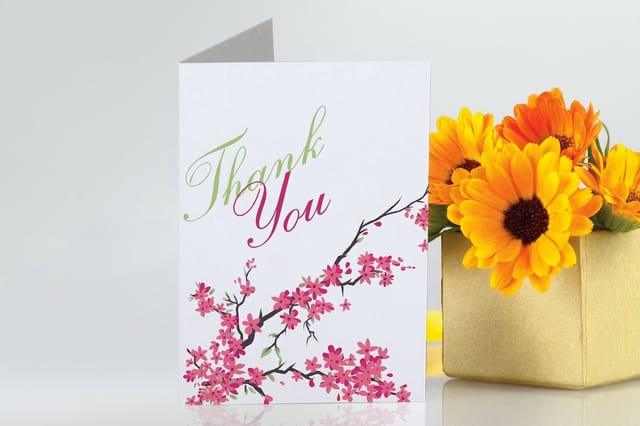
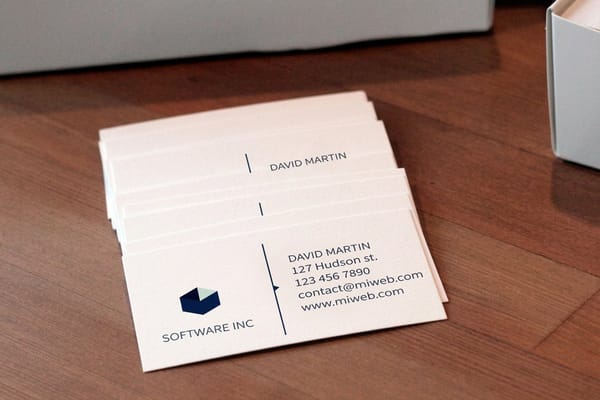
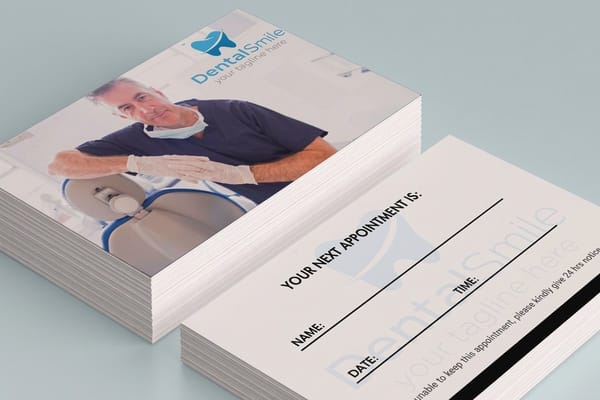
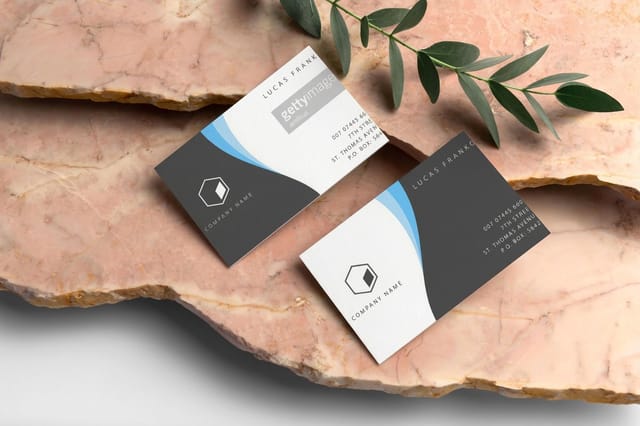
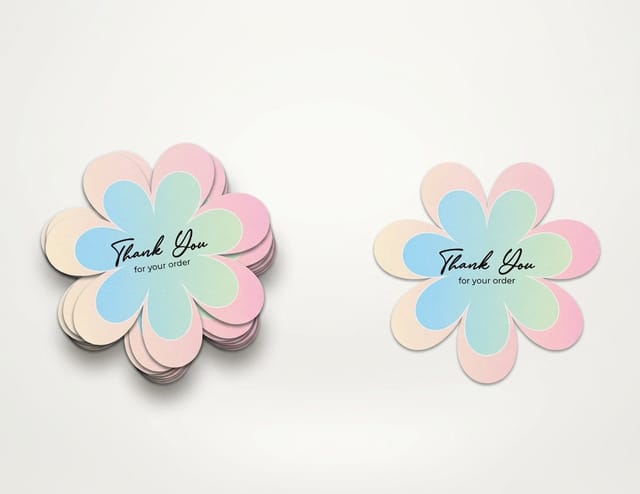
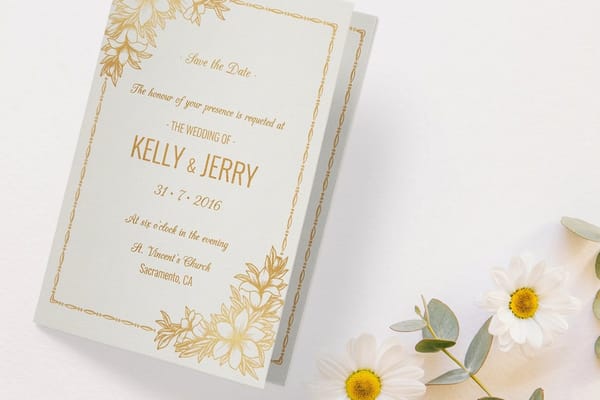
Each of these takes a Canva PDF Print export as it is: $17.57 for 100 standard business cards at 3.5 by 2 inches, $16.48 for 50 standard postcards, $93.37 for 25 die-cut stickers and $56.02 for 50 greeting cards. Foil and raised UV run on their own card lines, such as raised spot UV business cards.


Explore more from 4OVER4.COM
More Canva and MOO comparisons
Get Started
Keep the Canva design, get the Luxe weight
Design wherever you like, then print on heavy card stock and check the free proof before the run.
Legal Disclaimer
Gold Standard guarantees apply to all standard orders placed through 4over4.com. Price match requires verifiable proof of a competitor's published price for an equivalent product with matching specifications and turnaround time. Satisfaction guarantee covers manufacturing defects and print quality issues. Contact support with order number and documentation.
Canva and MOO questions
Common Questions
Ten answers for Canva and MOO users, from exporting a card at 3.75 by 2.25 inches with bleed to heavy stock against MOO Luxe and same-day orders. Browse every printing question on our FAQs hub.
What size should a business card file be exported at?
Design at 3.5 by 2 inches and export with an eighth of an inch of bleed on every edge, which makes the file 3.75 by 2.25 inches. Keep names, numbers and logos at least an eighth of an inch inside the trim line so nothing is clipped when the stack is cut.
Why do colors look different once a design is printed?
A screen makes color with light and a press makes it with ink, so bright blues, greens and neons sit outside what ink can reproduce and land a shade flatter. Build brand colors as print values rather than trusting the screen version, and check the proof before the run. A free samples kit shows how a stock changes the same color again.
What happens if a design is uploaded without bleed?
The file gets flagged before it prints. Either the artwork is scaled slightly to create the margin, which shifts everything a fraction, or the design comes back for a corrected export. Adding bleed at export takes a second and avoids both outcomes, and the free file check is where it gets caught rather than after the cut.
Is MOO better than Canva for business cards?
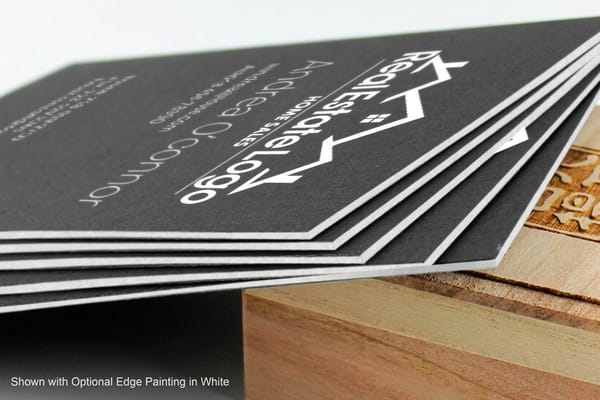
For the physical card, usually yes. MOO is a printer first, with thick Luxe stock, soft touch finishes, and Printfinity, which lets every card in the same pack carry a different image, so the card in your hand feels premium. Canva is a design tool first, and its print service covers standard stocks at convenience level quality, so the edge of the card sits thinner between the fingers and the surface takes less of the ink. Design in Canva if you love the editor, but if the card itself has to impress, print it with a dedicated printer. There is a middle road: keep the Canva design, export it as a print-ready PDF with bleed, and run it at 4OVER4.COM on 32pt UltraWhite or heavier. Order free samples and hold the stocks side by side before you commit to a run.
Is MOO printing worth the price?
It is worth it when the card is the pitch. Luxe stock with a soft touch finish reads as a serious brand across a table, the trim and colour are consistent from pack to pack, and Printfinity is genuinely useful when one order has to carry several people or a whole product line on the back. It stops being worth it in three places: volume, range, and deadlines. The premium sits on the curated stocks, so a reorder of several thousand cards costs real money; the catalogue is focused on business cards, stationery, stickers, and notebooks, so postcards, banners, and everything large format go elsewhere anyway; and there is no same-day path, so a job needed this afternoon is out of reach. If it is the paper you are paying for and not the brand on the box, 4OVER4.COM sells suede business cards and cotton business cards as their own lines, matches a verified quote and beats it by 10%, and pays loyalty Coins on every order. The MOO alternative breakdown puts the stocks side by side.
Can I design in Canva and print somewhere else?
Yes. Export your Canva project as a print-ready PDF with bleed, 3.75 by 2.25 inches for a business card, then upload it to a professional printer. 4OVER4.COM prints Canva files on your choice of the 60+ stocks in its catalog and runs a free file check on every order. The full Canva alternative comparison covers printing and mailing a Canva file.
Is Canva printing cheaper than MOO?
Generally yes. Canva prices its print service as an affordable add-on to the design platform, while MOO charges a premium for curated stocks and design polish. The gap is the paper. Canva stays on standard stocks, so if you want Luxe level thickness you cannot get it there at any price.
Is there an alternative that beats both Canva and MOO?
For a buyer who wants the Canva editor and a heavy printed card, yes. 4OVER4.COM prints silk laminated business cards and ultra thick business cards, with a 110% price match. The MOO alternative breakdown has the details.
Can I get MOO quality paper without MOO prices?
Yes. For a Canva card that has to feel like MOO Luxe, run it on 32pt UltraWhite Uncoated or heavier, up to 80pt, or on an 18pt Kraft cover. Standard business cards start at $17.57 for 100 and greeting cards at $56.02 for 50. Order free samples first and feel the stock before you commit to a run, then order business cards or greeting cards on the stock you picked.
Does Canva or MOO offer same-day printing?
Neither does. Canva prints its editor orders and MOO its Luxe and Printfinity packs on standard production and shipping windows, so a deadline this afternoon rules them both out. 4OVER4.COM offers same-day options on select products when you order by 12pm ET, plus a 99.8% on-time delivery rate on standard turnarounds.
