DPI Calculator
Beta
Pixels in, inches out. I promise not to make it blurry.
Enter the pixel size of your image and it tells you the largest it prints sharp, then checks it against every size 4OVER4 prints for this product.
Largest sharp print at 300 DPI
10.00 x 6.67 in
254 x 169 mm from a 3000 x 2000 px image.
- Image
- 3000 x 2000 px
- Megapixels
- 6.0 MP
- At 300 DPI
- 10.00 x 6.67 in
- At 150 DPI
- 20.00 x 13.33 in
- At 100 DPI
- 30.00 x 20.00 in
Enlarging an image does not add detail. If it is short of the size you need, reshoot it, rescan it, or rebuild the artwork as vector. Scaling up in an image editor only makes the same pixels bigger.
| Size | Pixels needed | You have | Verdict |
|---|---|---|---|
| 11 x 17 in | 3300 x 5100 px | 39% | Too low |
| 12 x 18 in | 3600 x 5400 px | 37% | Too low |
| 14 x 22 in | 4200 x 6600 px | 30% | Too low |
| 16 x 20 in | 4800 x 6000 px | 33% | Too low |
| 18 x 24 in | 5400 x 7200 px | 28% | Too low |
| 22 x 28 in | 6600 x 8400 px | 24% | Too low |
BetaThis is in beta, so some things may not work yet. We’d love your feedback.Send feedback
What the Standard Posters configurator says about size
- Sizes
- The configurator offers 6 sizes for this product. Every one of them is listed above, exactly as the configurator lists it.
- Custom size
- This product takes a custom size. The configurator accepts 11 to 22 in on the width and 17 to 28 in on the height, in steps of 0.1 in.
- Press limits
- On top of the product limits the press bounds apply: the shorter side must be 1.5 to 22 in and the longer side 1.5 to 28 in. The configurator turns the size the same way round before it checks, so 11 x 2.5 and 2.5 x 11 are the same size to it.
- If it is out of range
- This custom size is currently not available for this product. Please select a different combination (switch between width and height values) or try selecting another product from the Print Products Menu. Contact us if you have a Custom Order.
Enjoying this tool?
You might also like Standard Posters
Now you know the biggest sharp size your image can go. Print it as a poster, from small to large format.
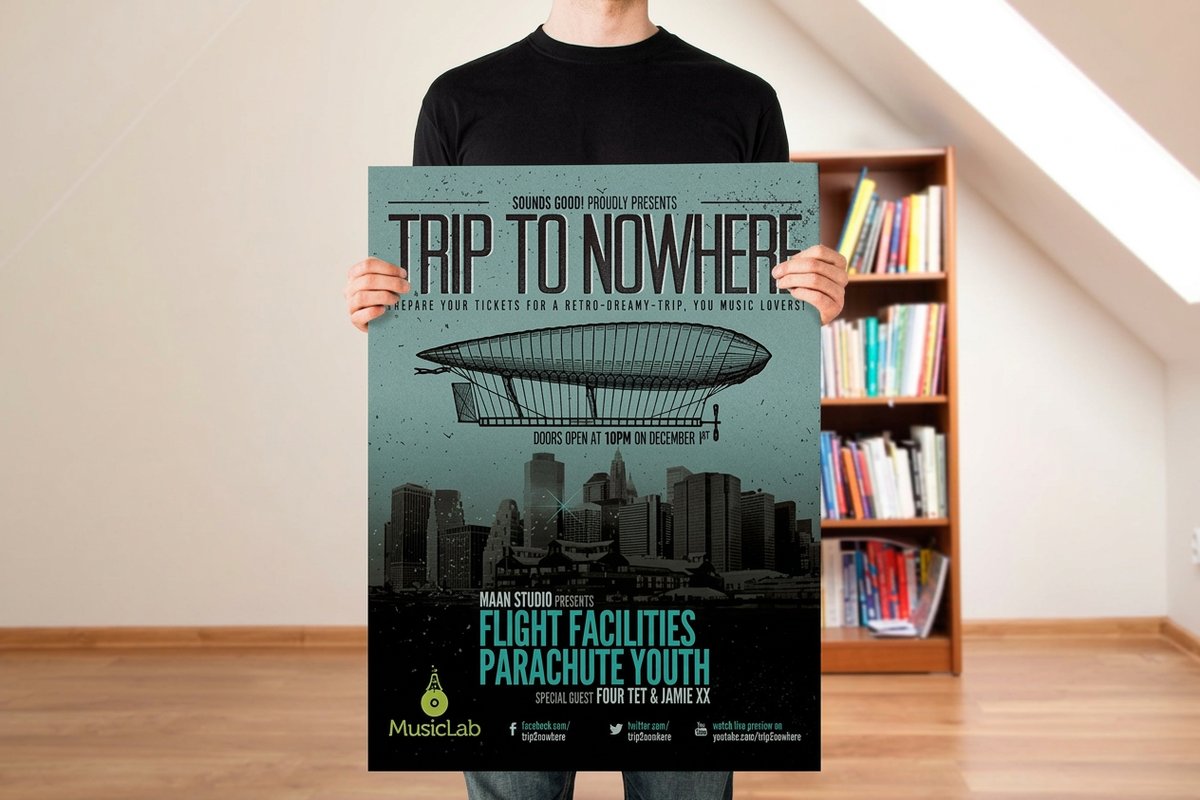 Standard PostersFrom $108.754.9·70 reviewsShop now
 About the print size & dpi calculator
Enter the pixel size of your image and see the largest it prints sharp, checked against the sizes we print.
An image has no DPI until you choose a print size: it is the pixel count divided by the inches. 300 DPI for anything held in the hand, 150 for a poster, 100 for a large banner.
Resolution is a ratio, not a property
An image does not have a DPI until you decide how big to print it. A 3000 x 2000 pixel photo is 300 DPI at 10 x 6.7 inches and 100 DPI at 30 x 20 inches. It is the same file in both cases.
So the only question that matters is the DPI at the finished size, which is the pixel count divided by the inches.
The right number depends on viewing distance
300 DPI is right for anything read in the hand: cards, postcards, flyers, brochures, rack cards and stickers. 150 DPI is right for posters and signs read from several feet. 100 DPI is enough for a large banner read from across a car park.
Printing a 24 x 36 inch poster at 300 DPI makes a 7200 x 10800 pixel file that nobody will ever see the benefit of, and that may be too large to handle.
Common questions
Questions about dpi calculator
What size can I print a 3000 x 2000 pixel image?
10 x 6.67 inches at 300 DPI, 20 x 13.3 inches at 150 DPI, or 30 x 20 inches at 100 DPI. The right one depends on how close people will be.
Is 300 DPI always necessary?
No. 300 DPI matters for anything held in the hand. Posters are fine at 150 DPI and large banners at 100 DPI, because nobody reads them from a foot away.
Can I increase the DPI of an image?
You can resample it, but that invents pixels rather than recovering detail. If an image is short of the size you need, reshoot it or rebuild the artwork as vector.
How many pixels do I need for an 18 x 24 inch poster?
2700 x 3600 pixels at 150 DPI, which is the working standard for posters. At 300 DPI it would be 5400 x 7200.
What DPI should a business card be?
300 DPI at the finished size. With bleed that makes a 3.75 x 2.25 in document 1125 x 675 pixels.
Explore more
Where to go next
Bleed Calculator
Document size, bleed and safe area for every size 4OVER4 prints.
Paper Weight
What a point weight measures, with every stock 4OVER4 offers at each one.
Poster Sizes
Every poster size we print, from 8 x 10 in mounted to 48 x 96 in large format, drawn to scale.
Paper Sizes
ISO A, B and C series and the North American sizes, in inches, mm and pixels.