Before and After Maker
BetaBefore and after, side by side, so the change is easy to see.
Set it up
Free, runs in your browserResult
BetaThis is in beta, so some things may not work yet. We’d love your feedback.Send feedback
Enjoying this tool?
You might also like Door Hangers
Before and after photos sell a service at the door. Print them on door hangers for the street you just worked on.
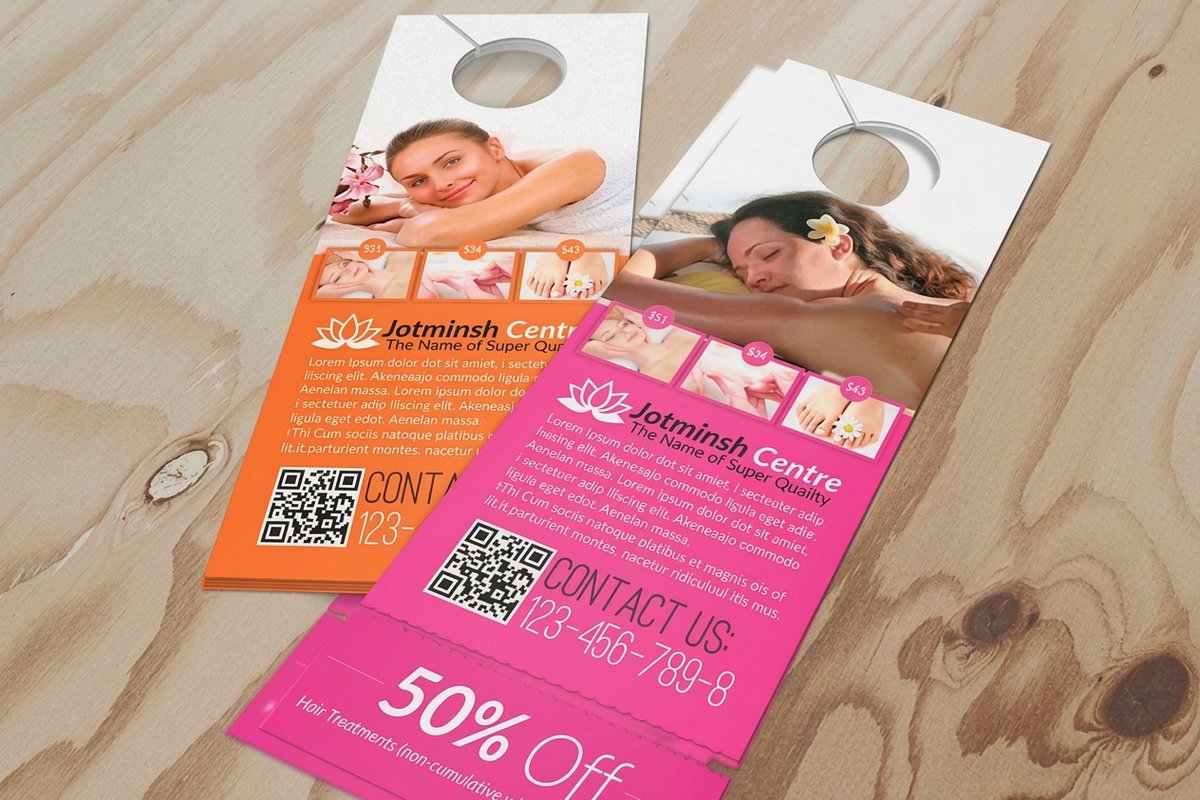 Door HangersFrom $290.414.9·64 reviewsCustomize yours
About the before and after maker
Upload a before photo and an after photo. You get one image that shows both, side by side or stacked, with labels if you want them.
Free blank templatesHow to use the before and after maker
- Upload the before photo, then the after photo.
- Pick a layout: Side by side, or One above the other.
- Keep the Before and After labels on, or untick the box to leave them off.
- Sign in and download the JPG. It is free.
- Put it on Door Hangers or a postcard, and show the street what you do.
The proof that sells a service
Cleaners, landscapers, painters and remodelers sell a result, and the same spot before and after shows it. One image with both fits on a door hanger or a postcard.
Each photo is cropped to a square, 1200 pixels a side. Take both from the same spot at the same angle, so the change is the only thing the eye sees.
Side by side or stacked
Side by side makes a wide image, 2416 x 1200 pixels, that suits a postcard or a social post. Stacked makes a tall one, 1200 x 2416, that suits a door hanger or a phone screen. The labels sit in the top left corner of each photo.
Common questions
Questions about the before and after maker
Is it free?
Yes. It is made in your browser and nothing is uploaded. You sign in to download.
What size is the image?
2416 x 1200 pixels side by side, or 1200 x 2416 stacked, as a JPG.
Can I leave the labels off?
Yes. Untick the box and the BEFORE and AFTER labels go.
Why is my photo cropped?
Each photo fills a square, so the edges of a wide or tall photo are trimmed. Keep the subject in the center when you take it.
Explore more
Where to go next
Free Photo Collage Maker
Collages at real print sizes, with a warning when a photo is too small.
Product Size Shot
Width and height arrows on your product photo, in in, cm or mm.
Enhance a Photo for Print
Sharper photos and cleaner faces before printing, at high fidelity.
Marketplace Image Resizer
Product photos at the exact size each marketplace wants, free.