
6 Print Reorders Your Virtual Assistant Can Own Without You
Print is the easiest work to delegate and the work most owners keep, because the spec lives in their head instead of on paper. Write six fields down per product and the reorder never reaches your desk again. Here are the six pieces to start with, priced live.
A virtual assistant can run every print reorder in your business once the spec is written down, and the six pieces below are where to start. Notepads first because a mistake is harmless, then business cards, letterheads, and envelopes, then thank you cards, then direct mail postcards, which we print and mail so nobody handles them at all. Two decisions stay with you: any artwork change and any order above the spend cap you set.
The picks
The 6 picks, priced live
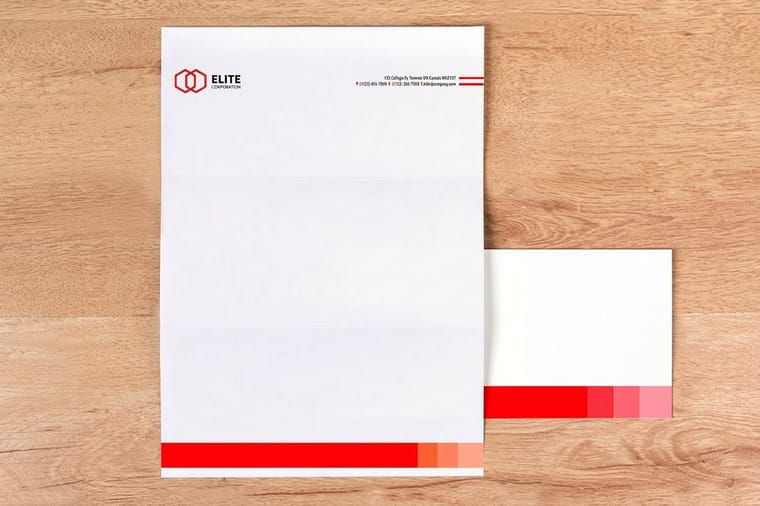
Hand them over in this order, easiest first, so the process gets tested before anything expensive rides on it. Prices come straight from the configurator and drop per unit as the quantity climbs: 25 notepads cost $93.37, 100 business cards $17.57, 50 letterheads $99.95, 250 printed #10 envelopes $142.99, 25 thank you cards $19.77 and 500 direct mail postcards $89.68. If you would rather not build a layout from scratch, start from a design template and drop your logo in.
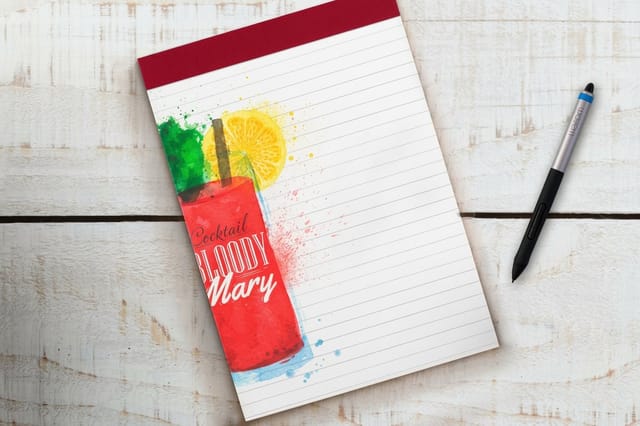
- 1 Notepads from $93.37
The safest first order to hand over. Nothing on a notepad expires, so a mistake costs a week of scratch paper and teaches the process.
- 2 Standard Business Cards from $17.57
The one that runs out at the worst moment. Freeze the stock and the finish once and the reorder becomes a calendar entry.
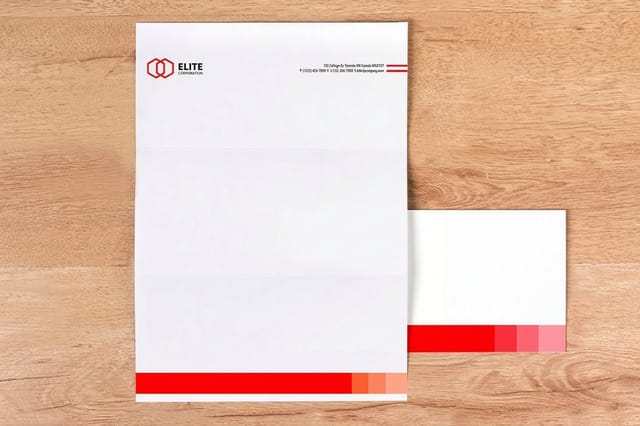
- 3 Letterheads from $99.95
Proposals and contracts go out on it, so the margins and the coating have to match the template your assistant merges into.
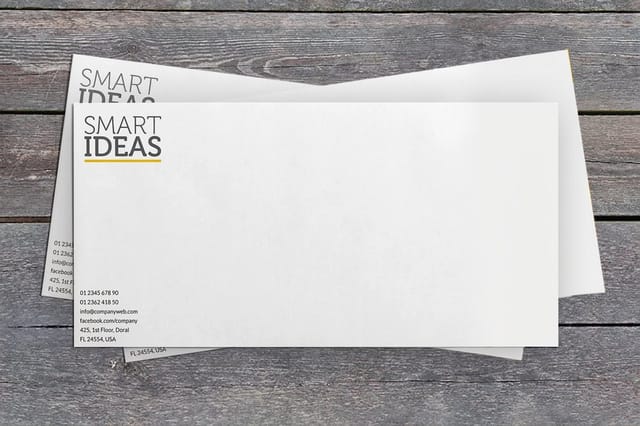
- 4 Printed Envelopes from $142.99
The piece that decides whether your assistant addresses 200 envelopes by hand or folds a letter and seals it.
- 5 Custom Thank You Cards from $19.77
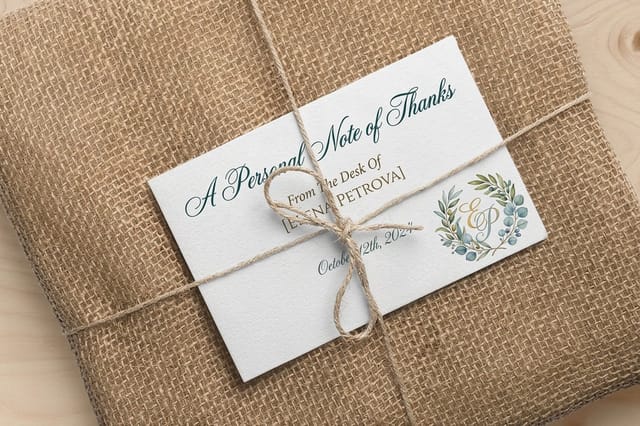
A task an assistant can own end to end except for one handwritten line, which is the only part that has to be you.
- 6 Direct Mail Postcards from $89.68
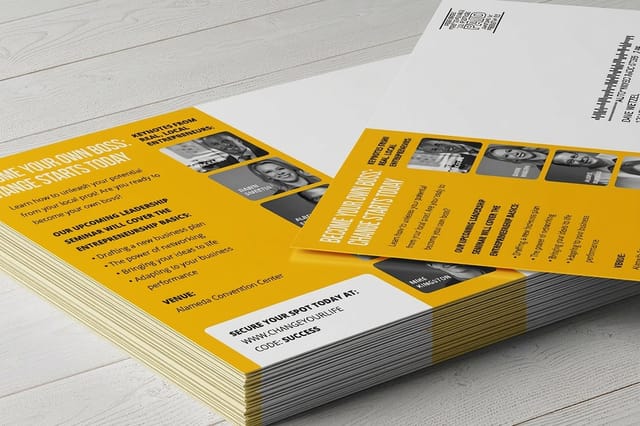
We print, address, and mail them, so the job stops being an afternoon of stamps and becomes a list your assistant cleans.

The one rule
Freeze the spec once, then the reorder is data entry
Most print reorders bounce back to the owner for the same reason: nobody wrote down which stock, which coating, or how many. For the business card that means 3.5 by 2 in, 14pt gloss cover, standard or high gloss UV finish and a count per person; for the letterhead, 8.5 by 11 in on 70# uncoated text or 24# Royal Laid. Put six fields on a card per product and the assistant can finish the order without a single question, while the two calls that actually carry risk stay with you. The diagram splits it up.
The spec sheet
What to freeze, when to reorder, who signs off
This is the table to copy into your shared doc, one row per product. The middle column is the trigger, so the assistant reorders on a shelf level rather than waiting for someone to notice the box is empty: under two pads, half a box of cards, 100 sheets of letterhead. Tap a piece to jump to its section.
| Piece | Freeze these fields | Reorder trigger | Who signs off |
|---|---|---|---|
| 1. Notepads | 5.5 in x 8.5 in, 50 sheets per pad, quantity per box | When the box drops below two pads | Assistant, no approval needed |
| 2. Business cards | 3.5 in x 2 in, stock weight, matte or gloss, count per person | When one person is down to a half box | Assistant, unless a title changed |
| 3. Letterheads | 8.5 in x 11 in, uncoated text weight, top margin left clear | At 100 sheets remaining | Assistant, no approval needed |
| 4. Printed envelopes | #10 size, window or plain, return address position | Reorder with the letterhead, same run | Assistant, no approval needed |
| 5. Thank you cards | Folded or flat, blank inside, envelope included or not | Quarterly, or when the drawer is empty | Assistant orders, you write the line |
| 6. Direct mail postcards | Card size, mail class, list source, address block clear zone | Per campaign, on your calendar | You approve the list and the spend |
The listicle
How the six pieces divide the work
They are ordered by what it costs you when the handoff goes wrong. A notepad mistake costs a week of scratch paper. A business card mistake costs one box. A letterhead or envelope mistake shows up in front of a client. A mailing mistake costs postage on every bad record. Work down the list in that order and the assistant learns your standards on the cheap items before they touch the expensive one.
1. Notepads: the first order you hand over
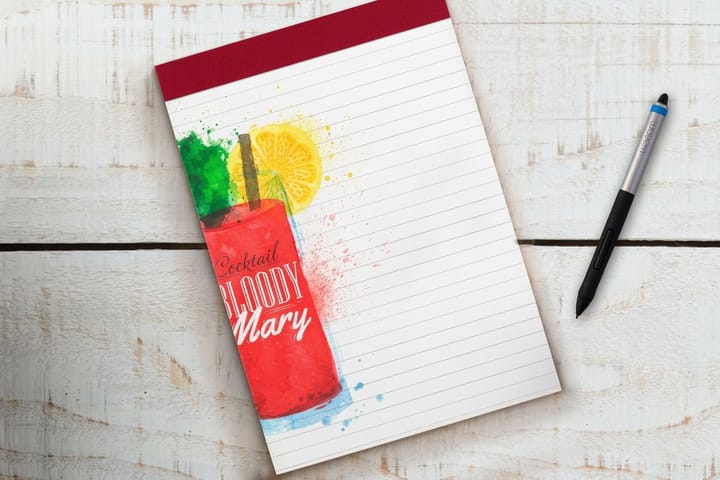
Give the first reorder to something with no deadline attached to it. Standard notepads qualify: a pad has no phone number that goes stale, no title that changes, and no client waiting on it. If your new assistant misreads the spec sheet here, you find out for the price of a box of pads instead of the price of a mailing.
The two fields people forget are sheet count and pad count. A 50 sheet pad and a 100 sheet pad look identical in a photo and land very differently on a desk, and the price you compare against next quarter is meaningless unless the sheet count is written down. Same with the box: write "12 pads" on the card, not "a box."
Notepads also earn their spot beyond the supply cupboard. A branded pad left behind after a meeting sits on someone’s desk for weeks, which is more shelf life than most printed pieces get, and it is a fair trade for the cheapest item in this kit. There are layout ideas in our piece on custom notepads for your ideas, and the process side of the handoff is covered in the guide to working with a virtual assistant.
2. Business cards: the reorder that always runs out mid-week
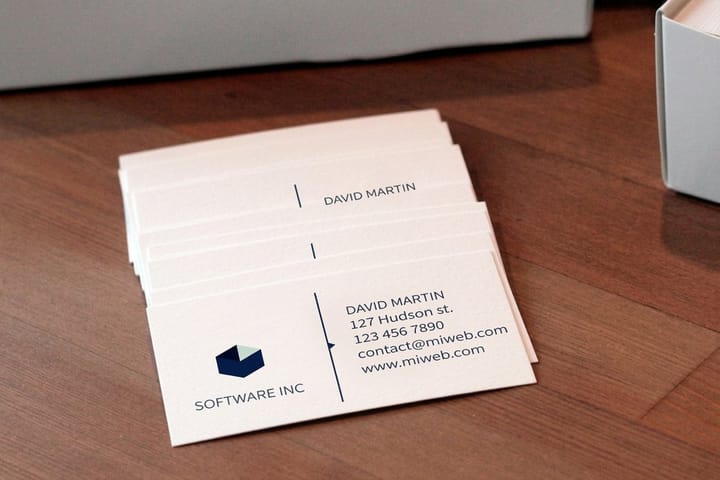
Cards run out on the way to the event, never before it. Handing the reorder to an assistant fixes that, but only if you stop treating "business cards" as one item. Order standard business cards per person, with each person’s name in the file name, and the assistant can reorder one box without redoing anybody else’s artwork.
Freeze the finish, because it is the field most likely to drift. Matte and gloss cost about the same and behave nothing alike: a ballpoint pen writes on matte and slides off gloss, which matters if your team writes a direct line or a quote on the back at a table. If nobody ever writes on the card, gloss holds color better on a photo-heavy design. Pick one, write it on the card, and stop deciding it again.
The quantity trap is the opposite of the usual advice. Per-unit price falls hard as the count climbs, so 1,000 looks like the obvious buy, but a card outlives its usefulness the day a phone number, a title, or an address changes. Order what the person will hand out in about six months. If a role is about to change, order less and pay the higher unit price on purpose. The size and setup details are in our business card size guide, and the stock choices are compared in business card stock explained.
3. Letterheads: proposals your assistant can merge and send
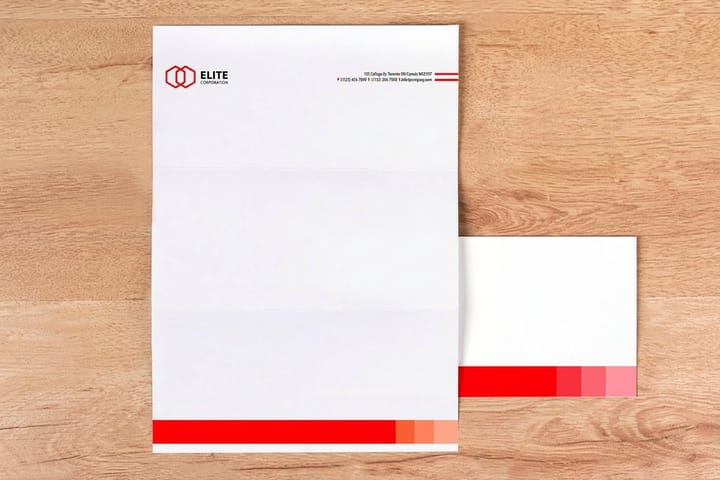
The reason to keep printed letterheads in a drawer is that some documents still get signed on paper: proposals, engagement letters, quotes over a certain size, anything a client wants to hold. An assistant can run that whole flow, merge the body text, print, fold, and mail, as long as the sheet matches the template.
Order it uncoated. A coated sheet resists toner and repels ink, so a ballpoint signature smears and a laser printer can lay down text that scuffs off under a thumb. Uncoated text weight takes toner cleanly, takes a pen, and folds without cracking. This is the single spec that decides whether the letterhead works in an office printer, and it is the one people get wrong when they order by picture.
Then protect the margins. Leave the top inch and a half clear of everything except the logo, and keep the footer under three quarters of an inch, because most word processor templates start the body text at one inch by default and will happily print a paragraph across your own address block. Our walkthrough of business letter format with letterhead shows where the blocks sit. If you want the whole job off your desk, letter printing and mailing covers having us print and post the letters instead.
4. Printed envelopes: the piece that decides how much manual work is left
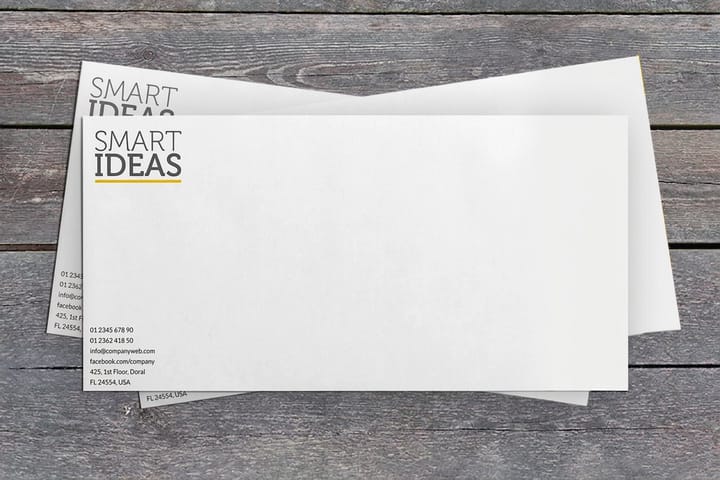
An envelope decision quietly sets your assistant’s workload for the year. Buy plain printed envelopes and every outgoing letter needs an address typed onto the envelope, printed, or written. Buy the window version and the address already on the letter shows through, so the job is fold, insert, seal.
The catch with windows is that the address block on your letter template has to line up with the opening every time, including when the letter runs long and the body shifts. Lock the address block position in the template, print one test letter into a real envelope before you order 500, and check it with the sheet folded the way your assistant actually folds it. A window envelope with a misplaced block is worse than no window, because the letter goes out showing half a street name.
Print the return address rather than sticking labels on. A printed return address costs nothing extra on the same run, and it removes a job that otherwise sits in somebody’s afternoon. Order the envelopes and the letterhead together so the paper color matches, since white and natural white sit side by side in a mailbox and the mismatch is obvious. Sizes are laid out in common envelope sizes, and there is a fuller breakdown in full color envelope sizes for business mail.
5. Thank you cards: delegate everything except the sentence
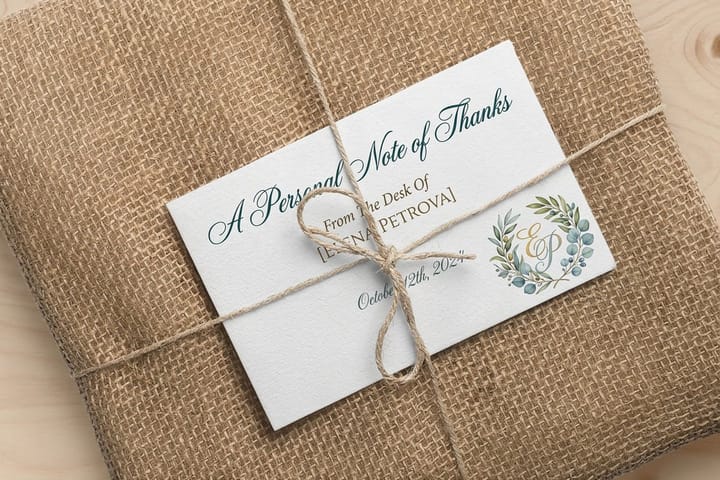
This is the task most owners intend to do and never do, which makes it the highest-value thing on the list to hand over. Keep a stack of thank you cards in the drawer, have the assistant pull the address, stamp it, and put the card in front of you, and your entire job shrinks to one handwritten line.
Order them blank inside. A card with a printed message inside reads like a mailer and takes the value out of the gesture, and it also locks you into one occasion. Blank works for a closed job, a referral, a first order, and a condolence, and the same box covers all four. Print the logo on the back panel small, not the front.
Choose folded or flat on how much you plan to write. A folded card gives a full panel and looks right with three sentences, while a flat card suits one line and is cheaper to mail. Whichever you pick, confirm whether envelopes are included in the run before your assistant orders, because an envelope that does not match the card size is the thing that stalls the whole box in the drawer. For what to write and when, see when to send thank you cards and the ideas in creative thank you card ideas.
6. Direct mail postcards: the job we finish so nobody on your team has to
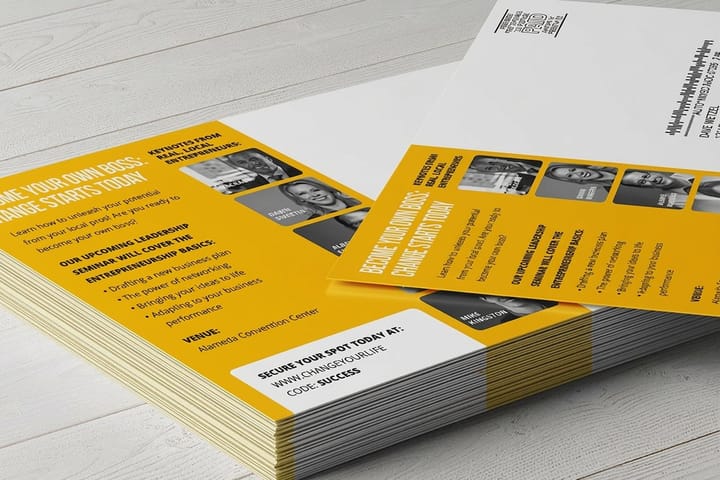
Everything above hands work to a person. This one removes it. With direct mail postcards we print the card, address it from your list, and put it in the mail, so there is no box arriving at an office, no afternoon of labels, and no trip to the post office. Your assistant’s job becomes the list, which is the part that actually decides whether the campaign works.
That list job is real work and worth naming: dedupe by address rather than by name, standardize the street abbreviations, drop anyone who bought last week, and split the file so you can tell which segment responded. A clean file of 800 addresses beats a messy file of 2,000, because you pay postage on every bad record and hear back from none of them.
Two production rules to write on the card. Keep the address block area clear of artwork and dark backgrounds on the mailing side, since anything printed there fights the address and the postal barcode. And watch the size: a card larger than 4.25 in by 6 in leaves the postcard rate and gets priced as a letter, which can quietly double the postage on a run that looked cheap on the print quote. Our five steps to send direct mail postcards covers the setup, and print and deliver explained describes how the handoff to us works.
%22%2F%3E%3Ccircle%20cx%3D%2241%22%20cy%3D%2249%22%20r%3D%2226%22%20fill%3D%22%2314b8a6%22%20opacity%3D%220.15%22%2F%3E%3Ccircle%20cx%3D%2278%22%20cy%3D%2258%22%20r%3D%2214%22%20fill%3D%22%2314b8a6%22%20opacity%3D%220.1%22%2F%3E%3Crect%20x%3D%2271%22%20y%3D%2228%22%20width%3D%2226%22%20height%3D%2234%22%20rx%3D%224%22%20fill%3D%22%2314b8a6%22%20opacity%3D%220.08%22%20transform%3D%22rotate(36%2080%2030)%22%2F%3E%3C%2Fsvg%3E)
Write it once
The six lines that belong on every spec card
Same six lines for every product in the kit. It takes about ten minutes per item the first time and never has to be done again unless the artwork changes.
- The link. The exact product page, saved in your shared doc, not a search term. A search for "business cards" lands on nine products at nine prices.
- The build. Size, stock, coating, and any finishing, in the same words the configurator uses, so there is nothing to interpret.
- The count. The quantity per run and why it is that number. Print enough to get the price break, not enough to outlive the phone number on the card.
- The turnaround. The speed you normally buy, plus the one situation where the assistant is allowed to pay for a faster one without asking.
- The file. A link to the approved print-ready PDF, named with the date it was approved, so nobody uploads last year’s address.
- The cap. A dollar figure the assistant can spend without checking, and the instruction to send you the cart link above it.
Specs and pricing
The two pieces that get reordered most
Cards leave one at a time and letterhead leaves a sheet at a time, so those two come back around fastest. Business cards run 100 for $17.57 and 200 for $23.07 in 3 business days; letterhead runs 50 sheets for $99.95 and 100 for $105.44 in 5. Here are the live specs and the price ladders for both, which is what an assistant needs to see before choosing a quantity.

| Quantity | Price Per Unit | Total |
|---|---|---|
| 100 | 17.6¢ | $17.57 |
| 200 | 11.5¢ | $23.07 |
| 300 | 9.15¢ | $27.46 |
| 400 | 7.96¢ | $31.86 |
| 500 | 7.25¢ | $36.26 |
| 600 | 6.77¢ | $40.64 |
| 700 | 6.43¢ | $45.04 |
| 800 | 6.18¢ | $49.43 |
| Quantity | Price Per Unit | Total |
|---|---|---|
| 25 | $3.73 | $93.37 |
| 50 | $2.53 | $126.32 |
| 100 | $1.92 | $192.22 |
| 150 | $1.72 | $258.12 |
| 200 | $1.65 | $329.52 |
| 250 | $1.58 | $395.42 |
| 300 | $1.54 | $461.32 |
| 400 | $1.48 | $593.13 |
Wally explains the handoff
The spec card does the delegating, not the conversation
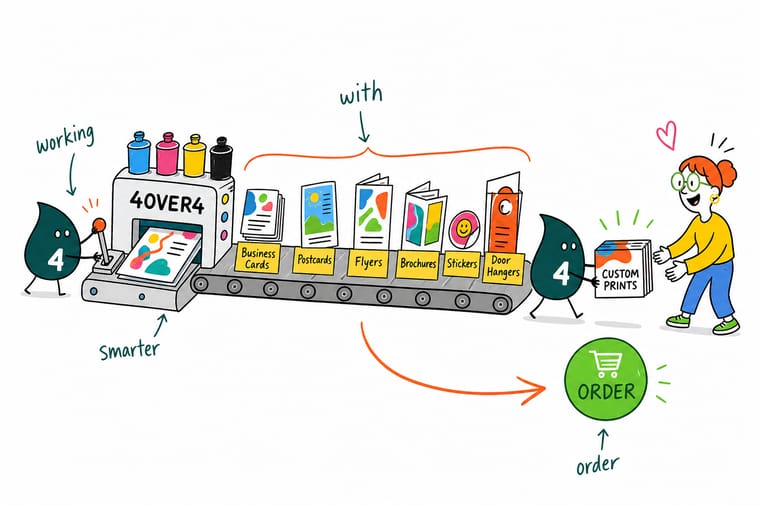
Wally has watched owners explain a print order three times and still get the wrong stock. The fix is not a longer conversation, it is six fields on a card: the product link, the build, the count, the turnaround, the file, and the spend cap. Write those once per product and your assistant can reorder notepads, cards, letterhead, envelopes, thank you cards, and a full mailing without asking you anything. Keep two calls for yourself, artwork and anything over the cap, and hand the rest to 4OVER4.
Shop business basics printing →See it in use
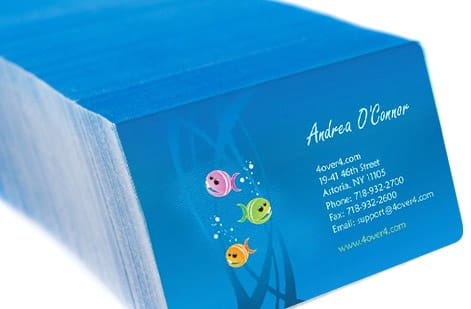
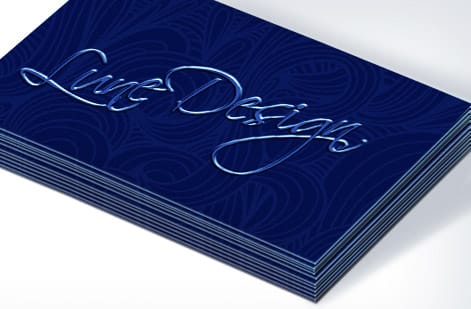
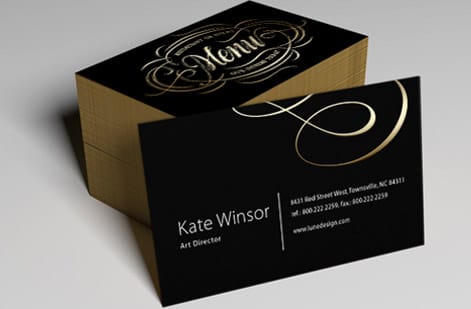
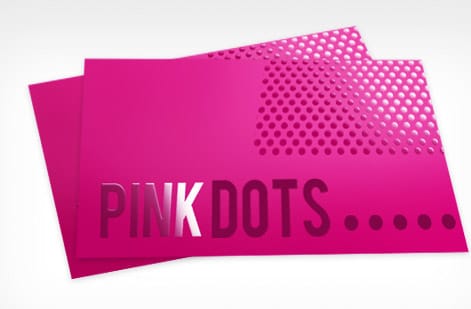
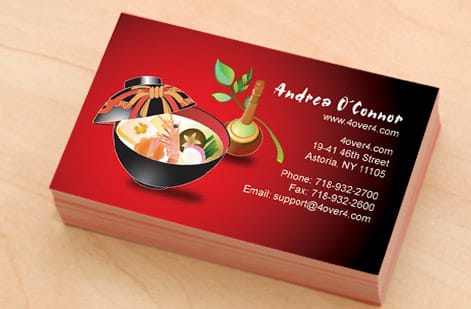
Repeat print jobs customers reorder


Explore more
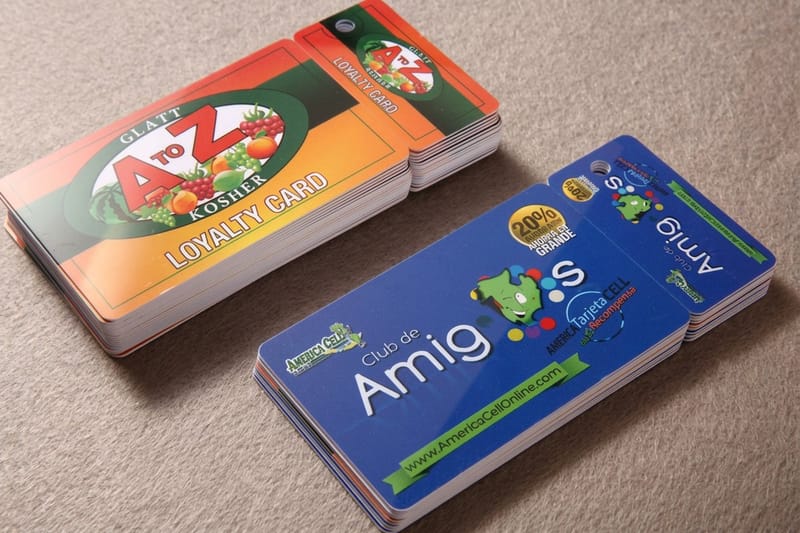
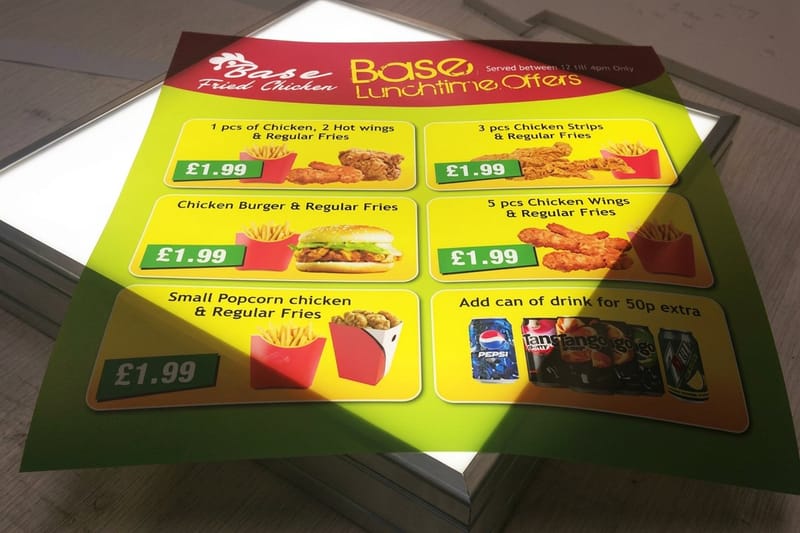
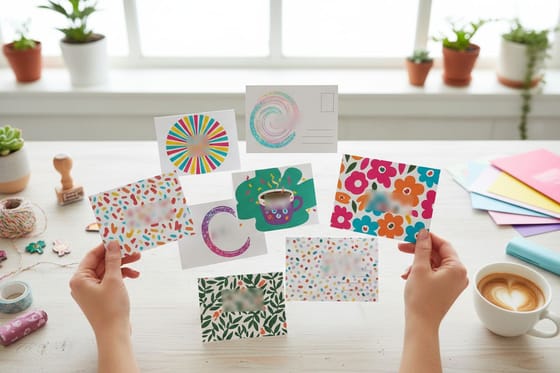
Where to go next


By the numbers
Paper and material types across the catalog
Common Questions
Common questions about handing print orders to an assistant
Can a virtual assistant place print orders on my account?
Yes. Set the account up with your billing details, give the assistant the login, and put a spend cap in writing: anything under the cap they place, anything over it they build as a cart and send you for approval. That keeps the reorders moving without handing over open-ended spending, and every order still lands in one order history you can read.
What should I never let an assistant change?
Artwork and stock. A file swap is the one mistake that produces a full box of unusable print, and a stock change from uncoated to coated makes letterhead that a pen will not write on. Both look fine on a screen. Everything else, quantity, turnaround, shipping address, and which pad size to reorder, is safe to delegate once the spec is written down.
How do I stop the wrong version of a file being uploaded?
Keep exactly one approved print-ready PDF per product, in one folder, named with the date it was approved. Delete or archive the old ones instead of renaming them, because a folder with three near-identical files is how a two-year-old phone number gets printed 500 times. The assistant uploads the file at that link and nothing else.
What does this six piece set cost to start?
At 4OVER4.COM the entry prices are $17.57 for standard business cards, $19.77 for thank you cards, $89.68 for direct mail postcards, $93.37 for standard notepads, $99.95 for standard letterheads, and $142.99 for printed envelopes. Each price moves live in the configurator as the size, stock, finish, and quantity change, and the per-unit cost falls as the count climbs.
How many business cards should I order per person?
Order roughly what that person hands out in six months, not the biggest quantity break. Cards go stale when a title, a phone number, or an office address changes, and a drawer of 800 obsolete cards costs more than the few dollars saved on the unit price. Somebody at two events a month is fine on a few hundred; a salesperson at a trade show burns that in two days.
Should the letterhead and envelopes be ordered together?
Order them in the same run whenever you can. Paper color is the reason: bright white and natural white look identical apart and obviously mismatched side by side in a mailbox. Ordering together also means one spec card, one approval, and one delivery for your assistant to check in instead of two.
Can the printer mail the postcards so my assistant does not have to?
That is what direct mail postcards are for. We print the cards, address them from the list you upload, and hand them to the postal service, so no box ever arrives at your office. The work left on your side is the list itself, which is the part worth an assistant’s time anyway.
What should the assistant check when the proof comes back?
Compare it against the last approved proof, not against their memory of it. Look at the four fields that change silently: the stock and coating on the order summary, the quantity, the trim size, and the file name on the uploaded artwork. If all four match the spec card, approve it. If one does not, the answer is to ask you, not to fix it.
Get Started
Take the reorders off your desk
Print the six piece assistant kit as one branded set at 4OVER4.COM. Pick your sizes, stocks, and finishes, watch every price update live, and save the link on the spec card so the next order takes four minutes.
Legal Disclaimer
Gold Standard guarantees apply to all standard orders placed through 4over4.com. Price match requires verifiable proof of a competitor's published price for an equivalent product with matching specifications and turnaround time. Satisfaction guarantee covers manufacturing defects and print quality issues. Contact support with order number and documentation.
