
Laminated Signs That Survive Weather, Scuffs and Daily Cleaning


Tobias is our voice for cutting, binding and large format, built from the knowledge of our production team, with over 20 years in printing.
A clear film over the print buys you scratch resistance, washability and slower fade. Lamination protects some things, fixes none, and comes in gloss, satin and matte.
Laminating a sign bonds a clear 3 to 5 mil film over the printed face, so the print resists scratches, cleaning, moisture and UV fade. It does not stiffen the sign and it does not seal the edges, so a laminated coroplast sign still bends and still takes water into its cut flutes. Gloss gives the deepest color and one hard reflection, matte scatters the light so type stays readable, and satin sits between them.
Quick answer
A film over the face, and a substrate that still decides everything else
Lamination is surface protection. The film absorbs abrasion, keeps water and cleaning products off the ink, and with a UV inhibitor slows the fade that hits reds first. It changes nothing about stiffness, wind load or the exposed cut edge, which is where most outdoor signs actually fail. Pick gloss when color carries the message and the light sits behind the reader, matte when text carries it and the light crosses the face.
What Lamination Adds to a Sign, and What It Does Not
Lamination bonds a clear plastic film, usually polyester or vinyl between 3 and 5 mil thick, over the printed face under heat and pressure. Everything it does for you happens at that surface.
The film takes the abrasion instead of the ink. A shopping cart, a sleeve, a pressure washer, a hand pushing a door sign twenty times a day: all of that lands on a replaceable layer rather than on the print. It also closes the surface, so a sign can be wiped down with soap and water without the ink lifting or the paper-faced board going soft. Films with a UV inhibitor slow the fade that hits saturated reds and magentas first, which is why an unlaminated sign in full sun often looks bleached and slightly blue long before it looks worn.
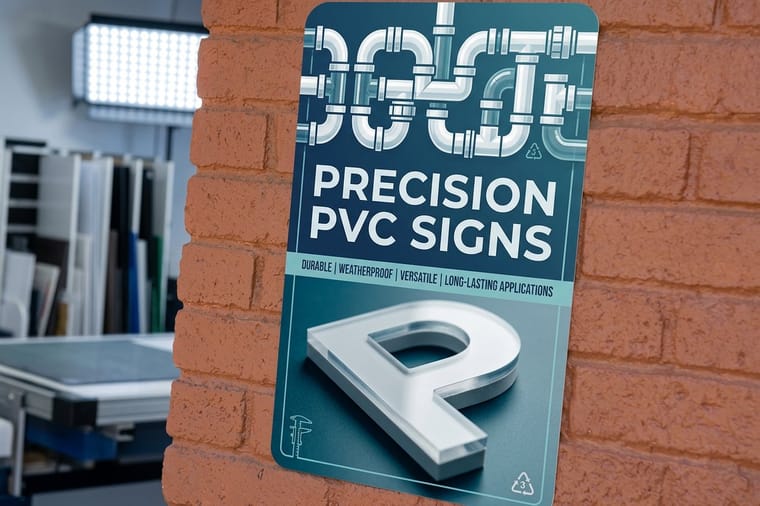
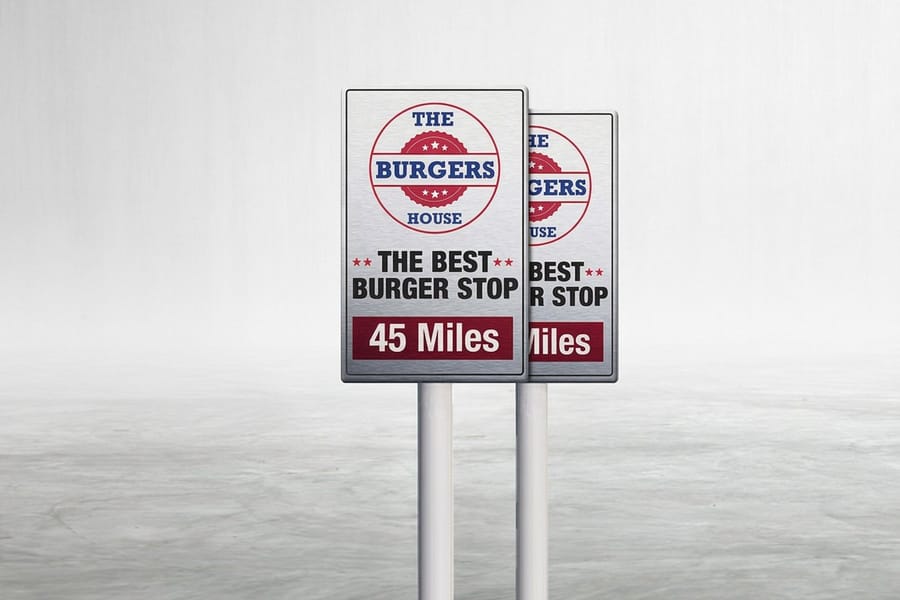
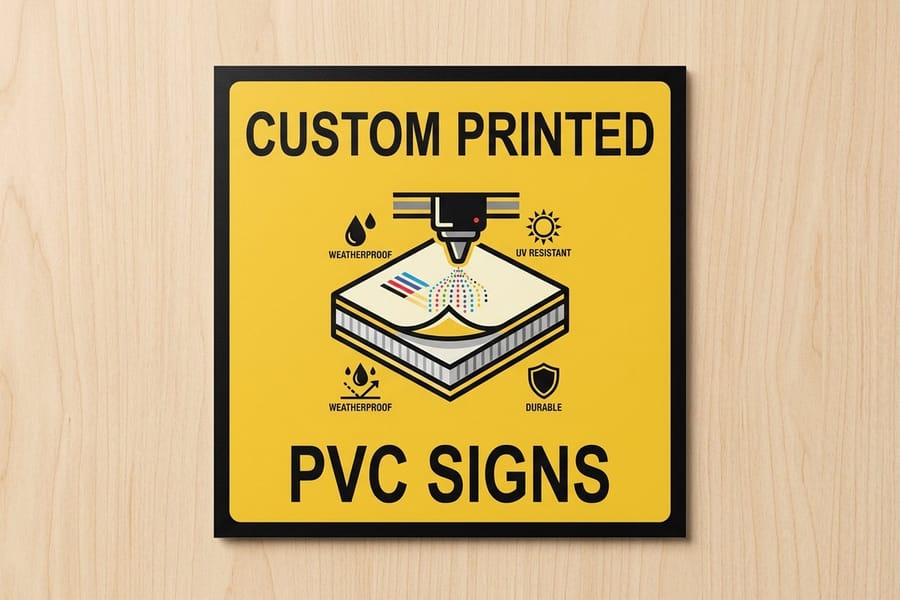
Now the honest half. Laminate adds no meaningful rigidity. It does not stop a corner from bending, a flute from cracking, or a panel from oil-canning in wind. It does not seal the edges, and it does nothing at all for the mounting holes. If your sign fails outdoors, the odds are strong that the substrate failed and the print was still fine, which is the whole argument for choosing aluminum signs at $36 or PVC signs at $25 over a lighter board when the install is permanent. Our guide to making custom signs covers that substrate decision in full.
Gloss, Satin and Matte Laminate Compared
The finish argument is usually framed as a taste question. It is really a lighting question, and the answer changes with where the sign hangs.
| Film | Glare | Color and contrast | Marks and handling | Where it belongs |
|---|---|---|---|---|
| Gloss | Strong single reflection, worst under raking light. | Deepest blacks, highest saturation, photos look sharpest. | Shows fingerprints and fine scratches most. | Shaded exteriors, retail graphics, photo-led artwork, dry-erase use. |
| Satin or luster | Softened reflection, still some sheen. | Close to gloss, roughly a step down in punch. | Middle ground on both counts. | The safe default when you cannot predict the lighting. |
| Matte | Scatters light, no hotspot at any angle. | Flattest, blacks read closer to charcoal. | Hides scratches, holds fingerprint oils in the texture. | Type-heavy signs, spotlit interiors, anything read up close. |
One rule settles most of it: if a person will stand where the light source is behind the sign or off to the side, go matte. A menu board under downlights and a wayfinding panel facing a west window are both matte jobs, no matter how good the artwork looks on screen. A backlit or shaded piece where color carries the message, like a window graphic behind glass, is where gloss pays.
Two smaller notes. Matte film costs the same as gloss on almost every job, so price is not the tiebreaker. And the finish you pick changes what the sign can do later, which is covered in the questions further down: gloss takes a dry-erase marker, matte does not.
Which Signs Are Worth Laminating
Work out how long the sign has to look new, then decide. That number, not the material, is what makes laminate cheap or wasteful.
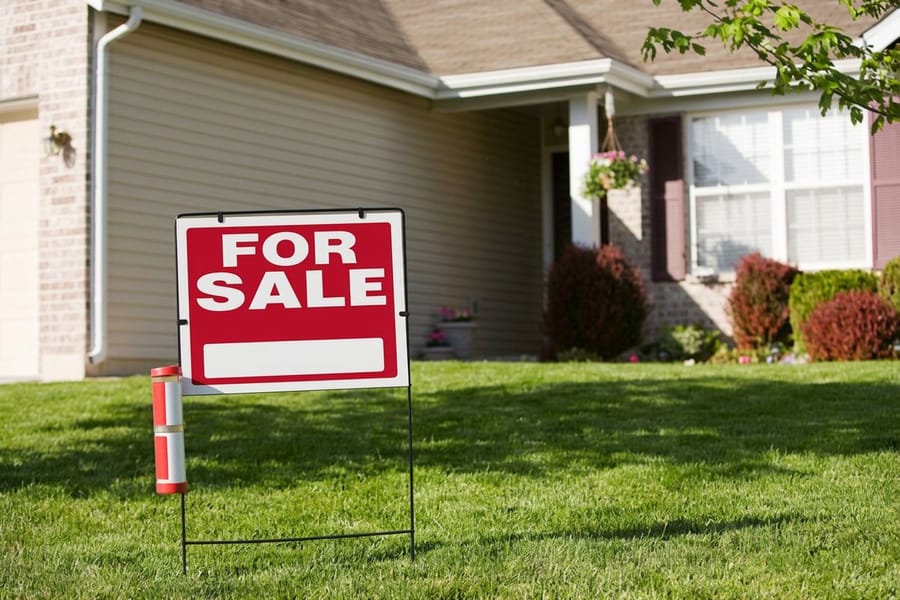
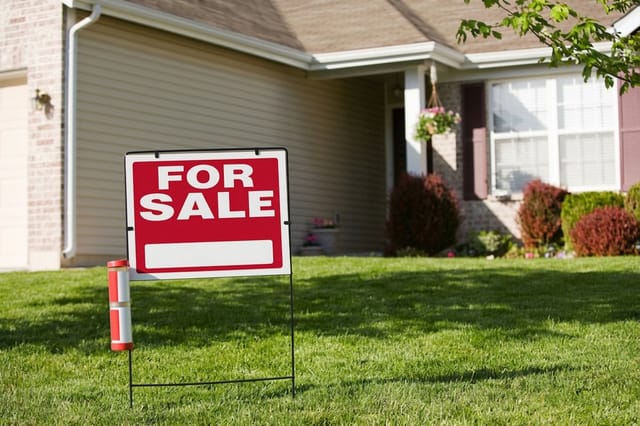
Skip it on seasonal yard work. Yard signs and coroplast yard signs both start at $25 and are bought for a window: a listing, a race, an election. UV ink printed direct to the board handles that window on its own, and the thing that ends the sign is mechanical, not chemical. Put the budget into double-sided printing or a second batch instead. The yard sign sizes and materials guide lays out the gauges that actually change survival.
Laminate the ones that stay up. A parking panel, a building directory, a hospital wayfinding sign, a construction site board that gets hosed down: these are handled, cleaned, and expected to look the same next year. On aluminum and PVC the film is a small percentage of a sign that already costs more, and it is what keeps the face from going chalky.
Interiors depend on hands, not weather. Anything at hand height in a clinic, gym or restaurant gets touched, cleaned, and sometimes sprayed with disinfectant, which is exactly the wear film is for. Where the sign is display-only and hangs above reach, a clean unlaminated print on acrylic signs at $152.72 usually looks better, because the acrylic itself provides the depth people want and no film sits between the eye and the print.
If you are still choosing the substrate rather than the finish, browse the rigid signs range or the full signs and banners hub, and check how standoff mounting works before you finalize the panel size, because the hardware changes the margins in your file.
Ordering a Laminated Sign Without Paying for a Reprint

Most laminate complaints trace back to four things, and all four are decided before the job prints.
- Cure before film. Ink needs to finish outgassing or the trapped solvent shows up later as silvering under the film. This is a schedule item, not a quality upgrade, and it is why a laminated sign is not a same-hour product.
- Match the film to the viewing distance. A sign read from thirty feet gains nothing from gloss depth and loses a lot to a hotspot. A sign read from two feet is the opposite case.
- Leave the edge alone in your artwork. Keep critical type well inside the trim. Contour cuts, rounded corners and drilled holes all pass through the laminate, and a heavy design that runs to the edge draws the eye straight to the one place the film cannot protect.
- Say how it mounts when you order. Standoffs, grommets, a frame and adhesive mounting each want a different bleed and a different margin. Start from a correctly sized layout in the blank template library rather than resizing a file afterwards.
Two finishes that people confuse with lamination are worth separating. A liquid coat rolled or sprayed over the print is a different product with a different feel, explained in the liquid laminate guide. And the soft, thick films used on small format work, like the ones on silk laminated business cards, are built for hand feel rather than weather, so they belong on cards rather than on a panel bolted to a wall.
If the piece is flexible rather than rigid, the whole calculation changes, because a hem and a stitched grommet carry the wear instead of a film. Start with how to make banners and the banner range instead.
Wally explains sign lamination
The film guards the print, the board guards the sign

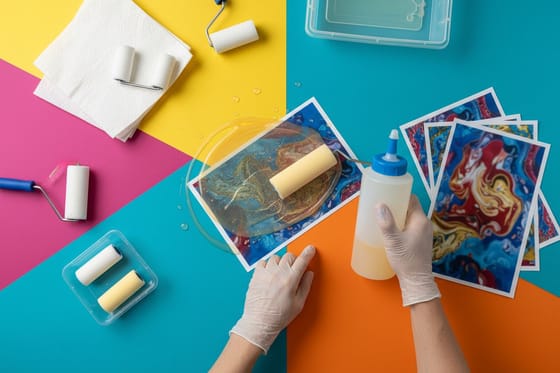
Wally rolls a clear film over the printed face, and now rain, fingerprints and a scouring sponge all land on the film instead of the ink. Tip the sign toward a lamp and the choice becomes obvious: the gloss one throws a bright patch back at him, the matte one stays readable. Then he checks the edge, because that is the part the film never covers, and on a fluted board it is where the water gets in.
Order PVC signs →
Specs and pricing
Sign substrates, sizes, and starting prices
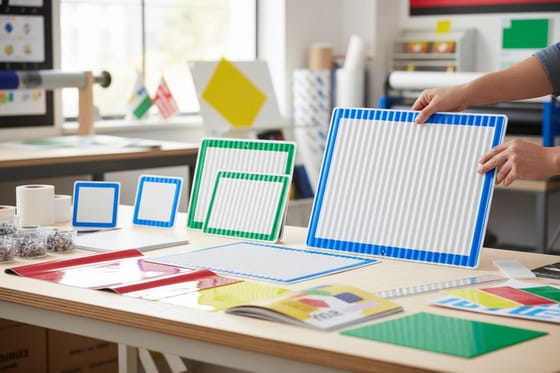
Yard signs print on 4mm white Coroplast at 12 x 18, 12 x 24 or 18 x 24 inches in 5 business days. PVC signs run 13 sizes from 11 x 17 to 36 x 36 inches or any size, with grommets or 1 inch rounded corners, in 4 business days. Aluminum signs come on .040 inch aluminum at 12 x 18, 18 x 24 or 24 x 36 inches with 0.75 inch rounded corners and drilled holes as an option, in 4 business days. Compare the boards a laminate goes onto, with live configuration choices and starting prices straight from the 4OVER4.COM configurator.

Coroplast, PVC or aluminum
Order a sign built for where it hangs
%22%2F%3E%3Ccircle%20cx%3D%2234%22%20cy%3D%2219%22%20r%3D%2229%22%20fill%3D%22%2314b8a6%22%20opacity%3D%220.15%22%2F%3E%3Ccircle%20cx%3D%2233%22%20cy%3D%2229%22%20r%3D%229%22%20fill%3D%22%2314b8a6%22%20opacity%3D%220.1%22%2F%3E%3Crect%20x%3D%2274%22%20y%3D%229%22%20width%3D%2234%22%20height%3D%2219%22%20rx%3D%224%22%20fill%3D%22%2314b8a6%22%20opacity%3D%220.08%22%20transform%3D%22rotate(14%2080%2030)%22%2F%3E%3C%2Fsvg%3E)
Sign material and outdoor guides
Where to go next

In print since 1999
Laminated signs on aluminum, PVC and coroplast
Common Questions
Your sign lamination questions, answered
Does laminating a sign make it waterproof?
It makes the printed face water resistant, which is not the same thing. The film keeps rain, sprinklers and washdown off the ink, so colors do not lift and the surface can be wiped clean. The edges are still open. On coroplast the cut flutes act like straws and hold water inside the board, and on any panel the mounting holes are bare. If the sign genuinely has to live in weather, the substrate does that job: aluminum and PVC do not absorb water at all, which is why they carry the long outdoor installs.
Should an outdoor sign be gloss or matte?
Look at where the light comes from before you look at the artwork. If the sun or a floodlight will cross the face at a low angle, matte, because gloss turns that light into one bright hotspot exactly where somebody is trying to read. If the sign sits under an awning, in shade, or in a spot where the viewer stands with the light behind them, gloss, because it holds deeper blacks and stronger color. Photo-heavy artwork looks better in gloss; type-heavy artwork reads better in matte.
Is it worth laminating a coroplast yard sign?
Usually not. Coroplast yard signs start at $25 and are printed for a season: an open house, a campaign, a fundraiser. UV inks printed straight onto the board already survive that window, and the failure that ends a yard sign is almost never the ink. It is a snapped flute, a bent corner from a lawn mower, or water in the bottom edge. Spend the money on double-sided printing or a heavier gauge instead. Laminate earns its place when the same sign has to look new twelve months later.
What is the hazy gray patch under the laminate on my old sign?
That is silvering, and it means the film lost contact with the print. It comes from two places. Either the ink was laminated before it finished outgassing, so trapped solvent pushed the film off the surface, or moisture got under the film through a scratch or a raw edge and spread. Silvering does not clean off and it does not settle back down. The only fix is a reprint, which is why we cure prints before the laminator rather than pushing a job out an hour early.
How do you clean a laminated sign without dulling it?
Warm water, a drop of dish soap, and a soft cloth. Rinse and let it dry rather than scrubbing at a dry surface, because grit dragged across the film is what puts the fine scratches in it. Skip solvents, ammonia glass cleaner and any abrasive pad. Matte film hides small scratches better than gloss but holds fingerprint oils in the texture, so an indoor matte sign at hand height wants wiping more often than a gloss one.
Can you write on a laminated sign?
A gloss laminate takes a dry-erase marker reasonably well and wipes clean, which is how a lot of pricing and menu boards work. Matte film is a poor writing surface: the tooth that kills glare also grabs the ink and leaves ghosting after a few cycles. If writing is the point, order a surface built for it rather than treating a laminated sign as one, and if it is only occasional, test a corner with the exact marker you plan to use before you write across the middle.
Get Started
Start a laminated sign in the sign configurator
Pick the board first, then the finish. We print coroplast, PVC and aluminum signs in NYC and ship them staked, drilled or ready for standoffs.
Legal Disclaimer
Gold Standard guarantees apply to all standard orders placed through 4over4.com. Price match requires verifiable proof of a competitor's published price for an equivalent product with matching specifications and turnaround time. Satisfaction guarantee covers manufacturing defects and print quality issues. Contact support with order number and documentation.
