
How to Design Custom Printed Mugs People Reach For Daily


Jordan is our labels, packaging and sustainability voice, built from the knowledge of our production team, with over 20 years in printing.
Mug artwork is designed flat and read curved, and most disappointing mugs fail in that gap. This guide covers the wrap template, the handle rule, and the layouts that survive daily use in either hand.
To design a custom printed mug, build the artwork flat inside the wrap template, about 8.6 by 3.6 inches for an 11 oz mug, keep text and logos in the two side panels and out of the handle zones at the wrap ends, and hold photos to 300 dpi at print size. Repeat the message on both panels so the mug works in either hand, run background color to the bleed line, and proof the design at arm's length before ordering. Standard mugs print from $20.86 at 4OVER4.COM.
Quick answer
Two panels, a handle rule, and 300 dpi
A mug design succeeds when it respects the cylinder. The artwork is a flat band that wraps around the mug, the handle swallows both ends of that band, and a viewer only ever sees one panel at a time. So the working method is short: put the full message in each side panel, keep it out of the handle zones, hold photos to 300 dpi at print size, and let the white ceramic do the work a background would otherwise do. Design decisions made at 400 percent zoom fail at arm's length, which is where every mug is actually judged.
Size the Artwork to the Wrap, Not the Mug
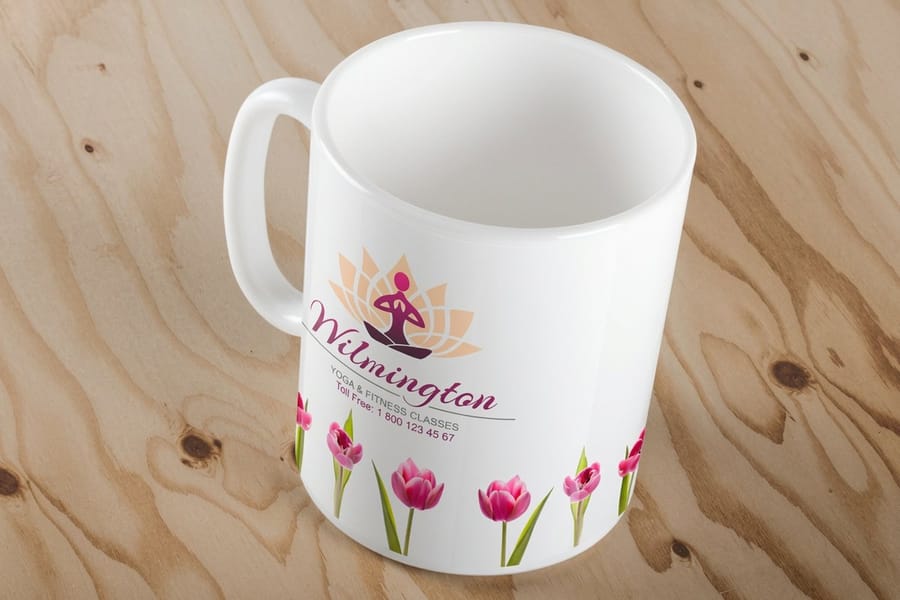
Every printed mug starts as a flat rectangle of artwork, and the problems this page solves all come from what happens when that rectangle becomes a curve you only see part of at once. On a standard 11 oz mug the band runs about 8.6 by 3.6 inches. Download the template for the exact mug you are ordering, because the printable box shifts between an 11 oz, a 15 oz and a latte shape, and a file built for the wrong one gets scaled or cropped.
Three zones inside that band do the real work. The bleed line is where background color must extend so trimming never leaves a white sliver. The safe area, usually a quarter inch inside the edge, is where all text and logos stay. The two short ends of the band are where the wrap closes, and on the finished mug that seam sits under the handle, so a logo placed at either end ends up half behind a loop of ceramic.
Text has one extra constraint the template does not show: the curve. Type that reads fine flat gets foreshortened at the edges of each visible panel, so keep it above roughly 12 points and pull it toward the panel centers. A phone number in 8 point type at the panel edge is technically printed and practically invisible.
If you are starting from zero, a correctly sized layout from the blank template library beats building the canvas by hand, and the standard mugs product page carries the specs for each size we print.
Photos, Color and Contrast on a Curved Canvas
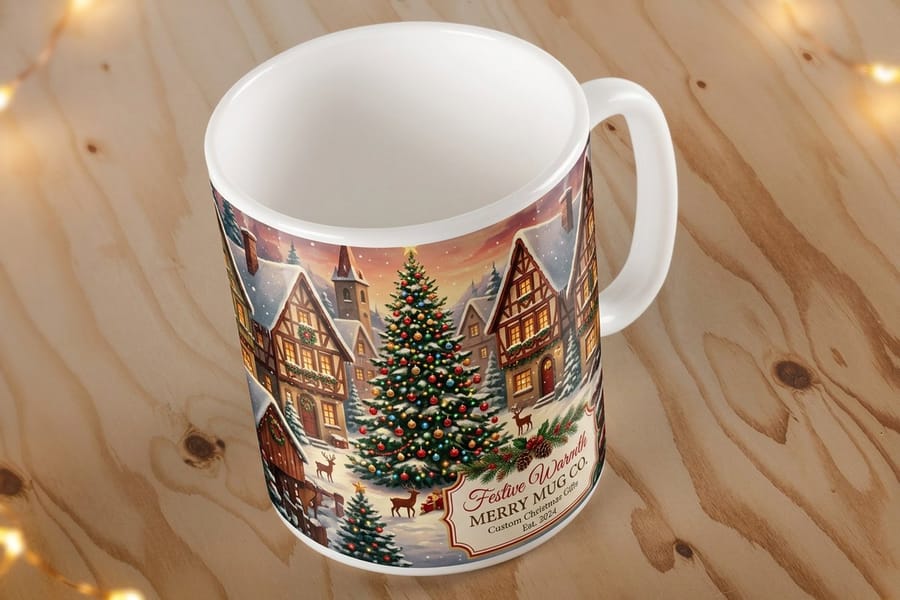
The mug itself is part of your palette. On white ceramic, every unprinted area reads as crisp white space, which is why the strongest mug designs are often a logo, a name and a line of type floating on bare ceramic. A full dark background costs you that free white, makes the wrap seam noticeable where the two ends meet, and shows scratches and wear far sooner than an open layout does. Our guide to what is white space in design and how to use it in print explains why bare ceramic reads as a deliberate choice.
For a photo mug, resolution decides everything. The image must hold 300 dpi at the printed size, so a photo destined to fill a 4 inch wide panel needs to be at least 1200 pixels across. Recent phone photos clear that bar easily. Images saved from social media usually do not, and enlarging them produces the soft, blocky print that gets a gift mug quietly retired to the back of the cupboard. Crop before you upload so the faces sit in a panel, not at the wrap ends.
Color behaves differently on ceramic than on screen. Saturated reds and deep blues print well; subtle pastel gradients can flatten, and neighboring colors with low contrast merge at arm's length, which is the distance a mug is actually seen from. Our guide to converting RGB files for print covers the color mode side in detail.
Seasonal artwork follows the same rules with brighter stakes: Christmas mugs from $20.86 are mostly bold flat color and heavy type, and that is not a style choice so much as what survives the process best.
Front Panel, Two Panels or Full Wrap

Every mug design resolves into one of three layouts, and they trade reach against difficulty in predictable ways.
| Layout | What it shows | Where it works | The catch |
|---|---|---|---|
| Single panel | One image or message on one side of the mug. | Shelf display, photo gifts meant to face one direction. | Held in the wrong hand, the mug shows blank ceramic to the room. |
| Two panels | The same artwork repeated on both sides. | Office mugs, client gifts, anything used daily by unknown hands. | The design must fit a panel roughly 3 inches wide, so long taglines get cut. |
| Full wrap | Continuous artwork around the whole cylinder. | Patterns, skylines, photo panoramas, statement pieces. | The seam and the handle both interrupt the art, and misjudged placement puts the focal point behind the handle. |
The honest default is two panels. It is the only layout that works no matter which hand picks the mug up, and it forgives the handle zones by design. Save the full wrap for artwork that is genuinely a pattern, where an interruption at the seam does not read as a mistake.
Whichever layout you pick, proof it at arm's length: view the design at roughly 40 percent zoom and see whether the message still lands. That is how the mug will be seen across a desk, and it is a better test than any amount of zoomed-in polishing. Then configure the real thing on the mug product page, where standard mugs start at $20.86.
Build the Wrap in the Free Online Designer
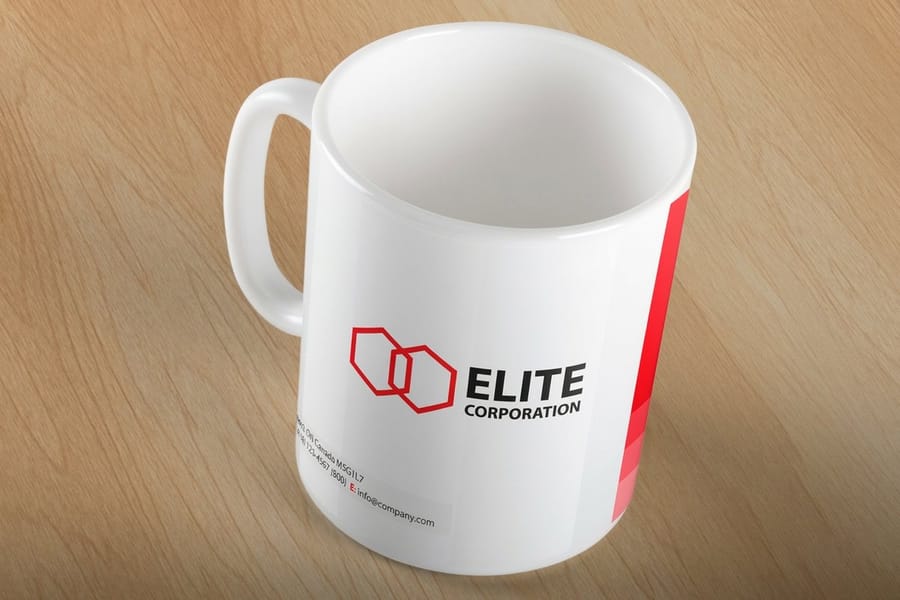
You do not need design software to get the wrap right. The free online designer loads the wrap area, the handle gap and the safe zone for the mug size you picked, so a logo you drop in lands where you expect on the finished cup. Upload your art, add a name or a line of type, set a background color if you want an all-over look, and the live preview rolls the band around the mug before you order.
Two habits keep the result sharp. Build your logo as vector art, which stays crisp at any size; the logo design best practices guide explains why a well built mark travels onto a curved surface so easily. Then check the preview for the one thing a flat file hides: art that creeps into the handle zone on either side.
If you would rather start from a finished layout, the free design templates open straight in the designer for editing. Full color dye sublimation fuses the image into the mug coating, so the print comes out smooth, and standard mugs ship in 5 business days.
Where a Printed Mug Fits in a Merch Set
A mug earns its place in a merch line because it is used daily and used visibly: it sits on a desk in every video call and every meeting. That daily exposure is also why a lone mug can feel thin as a gift. The fix is a set built around it.
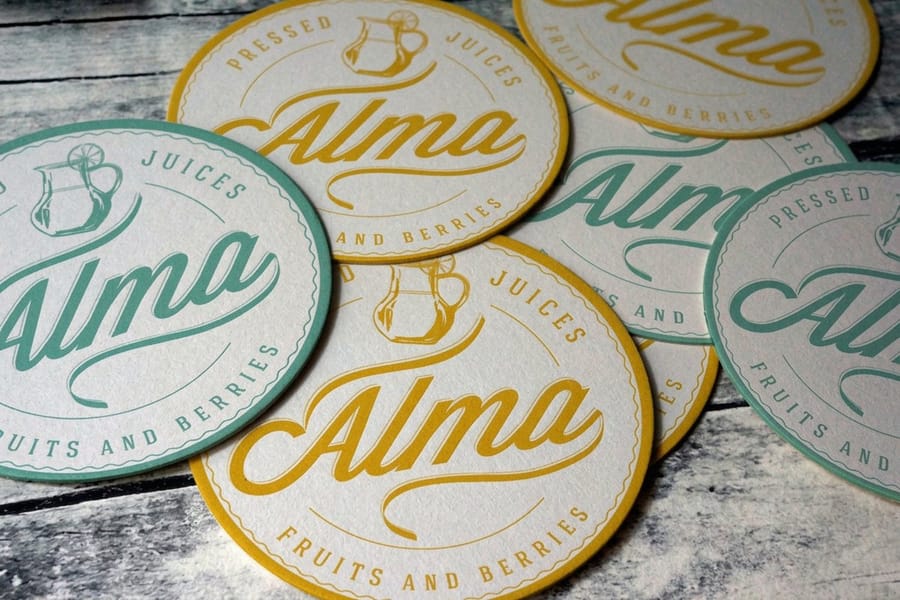
The natural pairings share the desk. Drink coasters from $10.98 sit under the mug and carry the same mark. Mousepads from $13.17 extend the design to the largest printable surface on the desk. For events and team kits, custom t-shirts from $21.96 complete the set, and our guide to choosing event promotional items covers which giveaways actually get kept.
Design the set once, not three times. Pick one background treatment, one logo size relative to each item, and one type style, then adapt the same wrap-panel thinking to each surface. A coaster is a circle seen from above, a mousepad is a landscape rectangle, and a mug is two panels; the artwork should flex across all three without redrawing. The branded merchandise ideas guide maps the wider options if the set is growing into a full line.
Everything above lives in one place: the custom printing collection gathers mugs, drinkware, apparel and desk items, which makes it the practical starting point for ordering a matched set in one pass.
Wally explains mug design
Flat artwork, curved mug, and the handle takes its cut
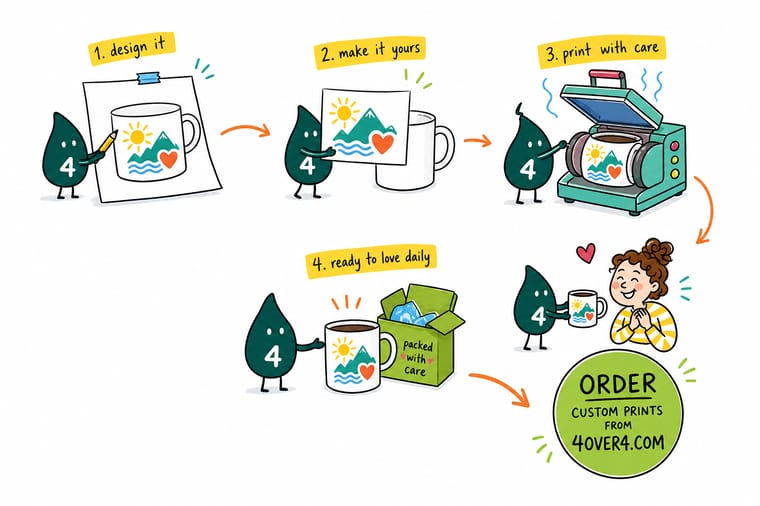
Wally lays the artwork out flat, marks the two ends of the band, and rolls it around the mug so you can watch those ends vanish behind the handle. Then he turns the mug: only one panel shows at a time, so the message goes on both. He checks the photo holds 300 dpi, leaves the white ceramic bare where it helps, and sends it to print. The whole trick is designing for the mug in someone's hand, not the file on your screen.
Order custom printed mugs →
Specs and pricing
Mugs and desk set companions, priced live
Standard and Christmas mugs print a four color wraparound image on white ceramic in 11 oz or 15 oz, and you can order a single mug. Drink coasters print on 48pt UltraWhite uncoated board in 3.5 to 4 inch squares or a 4 inch circle, from 10. Compare the options side by side, with live configuration choices and starting prices straight from the 4OVER4.COM configurator.

Print it
Put your design on a mug people keep
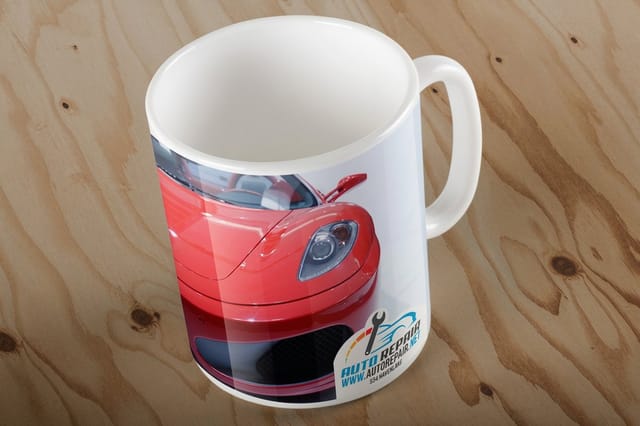
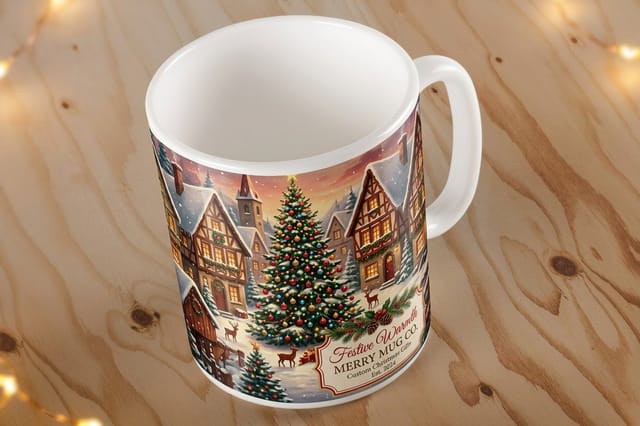
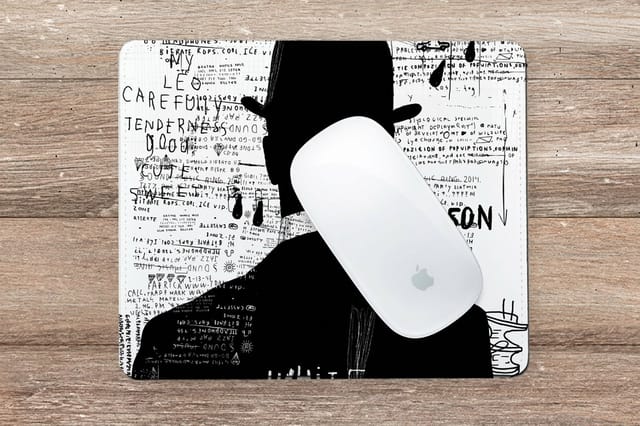
A standard mug for the office or a client gift, a Christmas mug for the seasonal run, and a 7.75 by 9.25 inch mousepad that carries the same artwork across the rest of the desk.

Explore more
Where to go next
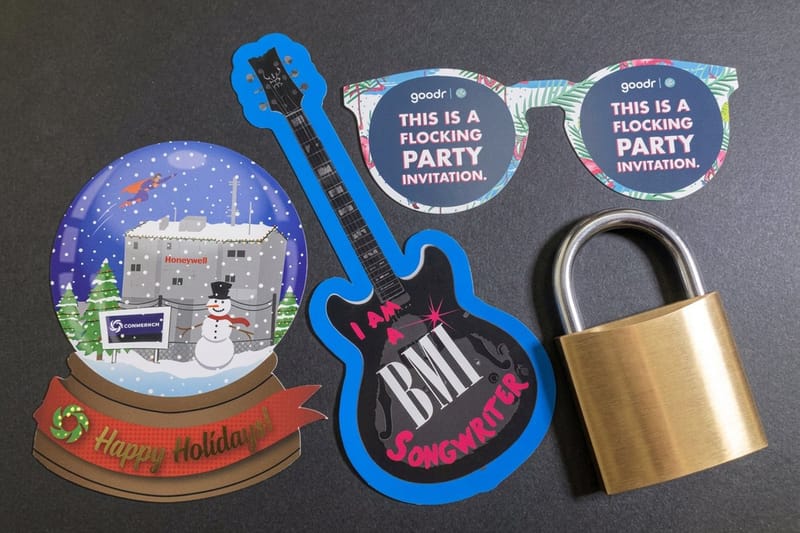
The ordering side of a custom mug, why screen color shifts on ceramic, what to print beyond mugs in a merch line, and which event giveaways get kept.

By the numbers
Mug and merchandise print across 25 years on press
Common Questions
Your printed mug questions, answered
How long do custom mugs take to make and ship?
Standard mugs and Christmas mugs print in 5 business days, and the configurator shows every production speed for your size and quantity before you order. 4OVER4.COM ships from New York with a 99.8 percent on-time record, so for an event or a gifting date, finish the design first and then pick the speed that lands the mugs in time.
What size should mug artwork be?
Build the file to the wrap template for the mug size you are ordering. On a standard 11 oz mug the printable band runs about 8.6 by 3.6 inches; a 15 oz mug gives you a taller band. Set the resolution to 300 dpi at that size, keep text inside the safe area, and let background color run to the bleed line. The exact box varies by product, so download the template from the product page rather than guessing, and start from a correctly sized layout in the blank template library if you are building from scratch.
Can I print a photo on a mug?
Yes, and photo mugs are one of the most ordered personalized gifts we produce. The requirement is resolution: the photo needs to hold 300 dpi at the printed size, which most recent phone photos do and most images saved off the web do not. Crop the photo yourself before uploading so the faces land in a side panel rather than under the handle, and avoid photos where the subject sits at the very edge of the frame, because the bleed trim can clip it.
Should I design a front panel, two panels, or a full wrap?
Two panels is the default for a reason: the same logo or photo shows whether the mug is held in the left or right hand, and the layout survives the handle zones automatically. A single front panel is fine for a mug that mostly sits on a shelf facing one way. A full wrap is the most striking option but the hardest to get right, since the seam and the handle both interrupt continuous artwork. If this is your first mug order, run two panels.
Are printed mugs dishwasher safe?
It depends on the printing method, not on the artwork. Sublimation, where dye is fused into the mug coating with heat, generally survives normal dishwasher cycles well. Prints that sit on the surface wear faster under hot cycles and harsh detergent. Whatever the method, hand washing extends the life of any printed mug, so a mug meant to last years of daily office use is worth treating that way. Check the care note on the product page for the mug you order.
What file format should I upload for a mug design?
A print-ready PDF or a high resolution PNG or JPG built to the template size works. Convert fonts to outlines if you export from a design tool, keep the file in the color mode the product page asks for, and never upload a screenshot of your design, because screenshots are screen resolution and print soft. If your artwork mixes a logo with a photo, export the whole composition at full size rather than letting the mug configurator scale pieces separately.
How much do custom printed mugs cost?
Standard mugs start at $20.86 at 4OVER4.COM, and Christmas mugs with a seasonal design start at the same $20.86. Costs drop per unit as quantity rises, which is why mugs work well as client gifts and event giveaways. If you are building a desk set around them, drink coasters start at $10.98 and mousepads at $13.17, so a matching three piece set stays under the cost of most single premium gifts.
Get Started
See it on a real mug from $20.86
Upload your artwork to the wrap template, pick the size and quantity, and we print mugs that carry your message through every meeting and every morning.
Legal Disclaimer
Gold Standard guarantees apply to all standard orders placed through 4over4.com. Price match requires verifiable proof of a competitor's published price for an equivalent product with matching specifications and turnaround time. Satisfaction guarantee covers manufacturing defects and print quality issues. Contact support with order number and documentation.
