
How to Design a Brochure That Converts Readers Into Customers


Sofia is our design and templates voice, built from the knowledge of our production team, with over 20 years in printing.
The fold, the panel order, the word budget and the three print numbers that decide whether a brochure gets read or dropped on a table.
A brochure converts when it asks for one action, uses a fold chosen before the layout, and holds each panel to a single idea in about sixty to ninety words. Decide the action and the reader first, then pick the fold, because the fold fixes the panel count, the reading order and the panel widths. Build the hierarchy so the cover carries one headline and each spread has one dominant element, then set bleed at 0.125 inches, keep type 0.25 inches inside the trim and clear of every fold, and cut the tuck-in panel one sixteenth of an inch narrower.
Quick answer
One action, one fold, one idea a panel
Most brochures fail before the design starts, because nobody decided what the reader should do. Fix that first, then choose the fold, because the fold determines the panel count, the order the reader meets the panels in and the exact width of each one. Give the cover a single headline, give every inside spread one dominant element, and keep body copy near sixty to ninety words a panel. Finish with the print numbers: 0.125 inches of bleed, a 0.25 inch safe zone inside the trim and clear of the folds, and a tuck-in panel cut one sixteenth of an inch narrower so the brochure closes flat.
Start With One Action and One Reader
Before any layout decision, write down the one thing you want the reader to do and the one person you are writing to. A brochure that asks for a phone call, a website visit, a showroom appointment and a social follow gets none of them, because the reader has to choose and choosing is work.
The reader half matters just as much. A brochure written for a homeowner comparing three contractors needs prices, timelines and proof. A brochure written for a procurement manager needs specifications and terms. The same six panels cannot serve both, and trying to serve both is what produces the vague middle that nobody finishes.
There is also an honest question to ask here: does this need to be a brochure at all? If you have one message and one offer, a single sheet does it better and cheaper. Standard flyers start at $39.54 against $57.11 for standard brochures, and a flyer forces the discipline of one idea. Go the other way if the content genuinely needs more than six panels, in which case standard booklets are the right format and start at $240.55. The brochure sits between the two: enough room for a short story, not enough for a catalog.
Choose the Fold Before You Design a Single Panel
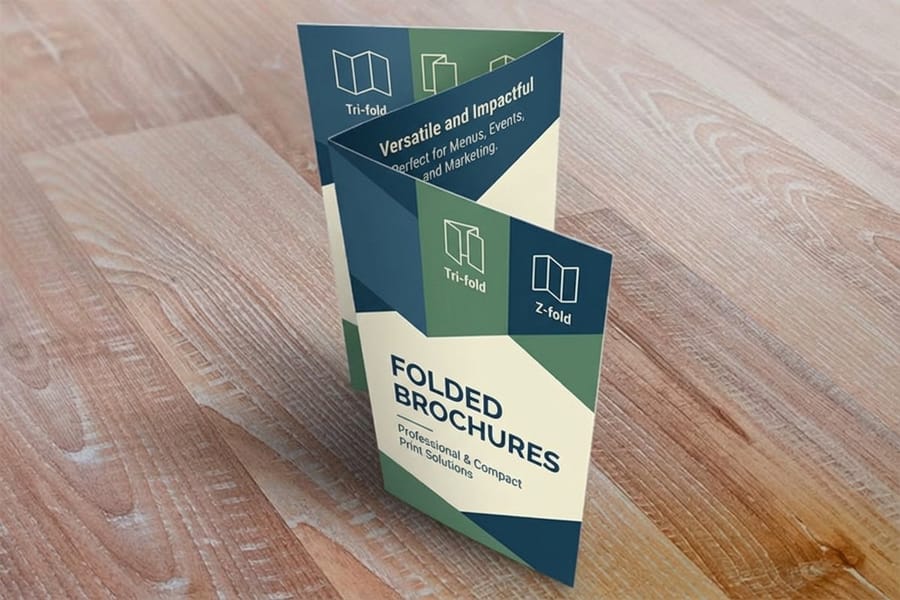
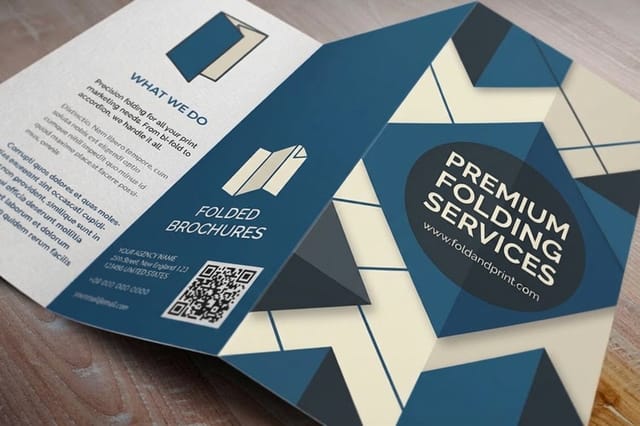
The fold is a design decision, not a finishing option. It fixes how many panels you have, the order the reader meets them in, and the exact width of each one. Picking it last is how a headline ends up split across a crease.
| Fold | Panels | How it reveals | Best for |
|---|---|---|---|
| Letter fold | 6, three a side | One panel at a time, in sequence. | A sales story with a beginning and an ask. Fits a rack and a number 10 envelope. |
| Z-fold | 6, three a side | Opens flat into a run of three panels. | Timelines, price tables, comparisons and anything read across. |
| Half fold | 4, two a side | Two large spreads, front and inside. | Photography, menus, and single-property or single-product pieces. |
| Gate fold | 6, with two opening flaps | Both flaps open to a wide center panel. | A reveal moment on a handed-over piece. Costs more to fold. |
| Roll fold | 8, four a side | Each panel wraps inside the next. | Longer sequences. Every inner panel needs a width allowance. |
The letter fold and the roll fold share one trap. Any panel that tucks inside another has to be cut narrower or the brochure will not close flat, and the standard allowance is one sixteenth of an inch. On an 11 inch sheet that gives 3.6875, 3.6875 and 3.625 inches, not three equal thirds. Z-folds and half folds skip the problem entirely, because nothing folds inside anything. If you want the full set of flat sizes and the panel counts each one produces, our guide to brochure sizes and fold options lists them, and how to fold a brochure covers the mechanics.
Build the Hierarchy Panel by Panel
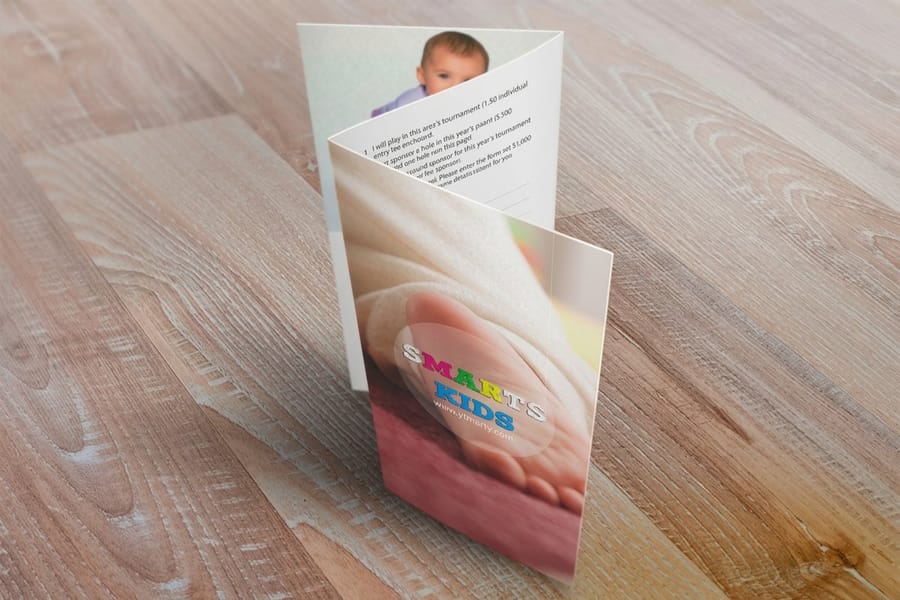
A brochure is read in three passes: the cover, then the inside spread at a glance, then whichever panel earned attention. Design for that order and the piece works. Design each panel as an independent poster and it fights itself.
The cover carries one headline, one image and the logo. Not a headline plus a subhead plus three bullets. The headline should say what the reader gets, not what you are called, because the logo already handles the second job. If the brochure will sit in a rack, remember only the top third shows, so the headline belongs high and the pretty photograph belongs lower.
Inside, give one element per spread clear dominance. The eye needs somewhere to land, and if every subhead is the same size it lands nowhere. A workable ladder is a headline around three times the body size, subheads around 1.4 times, body at 10 or 11 point. Keep the same left margin on every panel so the columns line up when the brochure opens, and keep no more than two typefaces across the whole piece.
Back panel: contact details, the one action, and enough white space that they are findable in a second. This is the panel people return to, and it is the one most often crowded with a repeat of the sales copy.
Use Pictures That Carry Information
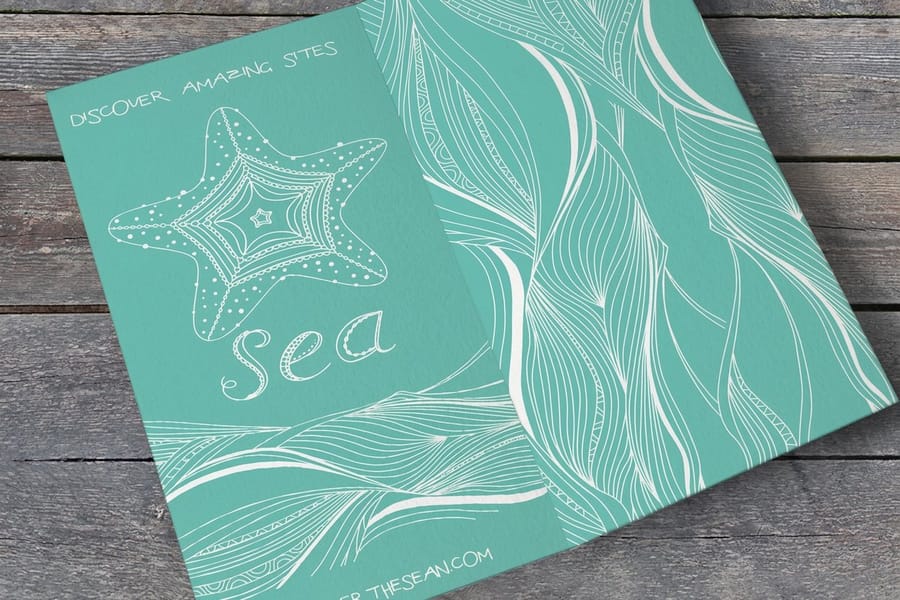
Every image should tell the reader something a sentence would otherwise have to. A photograph of your actual crew on an actual site earns its panel. A stock handshake does not, and readers have seen it enough times to discount the whole piece because of it.
Resolution is where brochure files usually fail, and the number to check is the effective resolution at the printed size, not the pixel count in the file browser. Aim for 300 pixels per inch at final size. A photo filling a 3.6 inch panel needs roughly 1080 pixels across. One running the full 8.5 inch width of a half fold spread needs about 2550. Scaling a small file up inside the layout quietly drops that number, and coated stock shows every bit of the softness.
One dominant image per spread beats four small ones. Four images at postage-stamp size read as texture rather than content. If a photograph bleeds off the panel edge, extend it an eighth of an inch past the trim, and never let a face or a product land on a fold line, because the crease will run straight through it. Colors shift from screen to press, so build in CMYK and check the numbers rather than trusting the monitor; our guide to the best color profile for printing explains where the shifts come from.
Write Copy People Can Skim

Assume the reader gives you the headlines and nothing else, then write so the headlines alone deliver the message. Anyone who reads the body copy is a bonus, and there are fewer of them than any of us would like.
Work to a word budget. Sixty to ninety words of body copy per panel, plus a subhead, keeps the page breathable. That is not an arbitrary limit: a 3.625 inch panel with quarter inch margins gives about 3.1 inches of live width, which at 10 point holds roughly 40 characters a line, near the sweet spot for comfortable reading. Dropping to 8 point to fit more in trades readers for words, which is the wrong trade every time.
Lead each block with the benefit and follow with the proof. Not we use a four-stage quality process, but your order ships right the first time, because it passes four checks before it leaves. Keep sentence length varied, cut every adjective that could apply to any company in your industry, and read the whole thing out loud. The sentences you stumble over are the ones to rewrite.
End on a specific ask. Call for a free site measure, weekdays before 5pm beats contact us for more information, because it names the action, the cost and the window. Repeat that ask on the back panel where people look for it.
Set Up Bleed, Safe Margins and Panel Widths
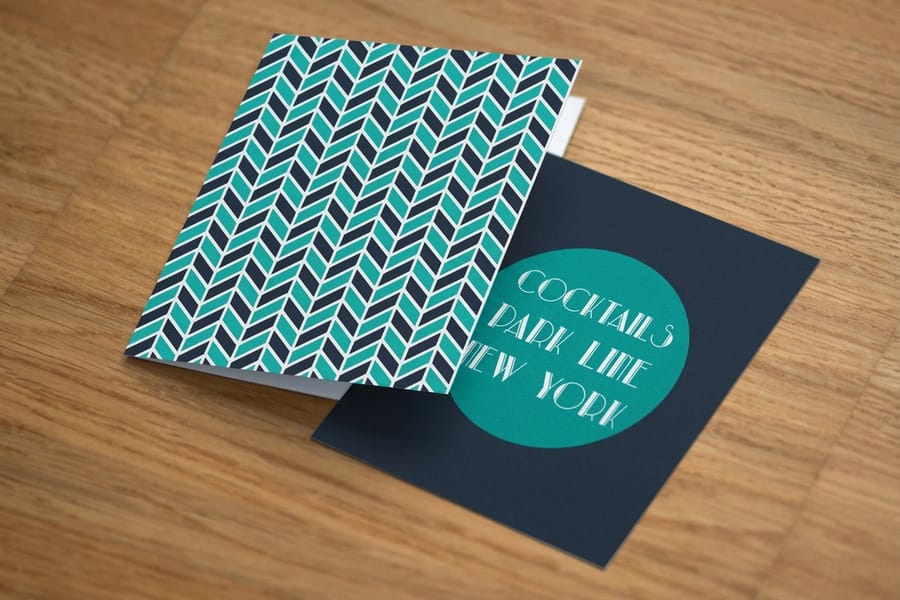
This is the stage that decides whether the file prints as designed. Three numbers cover most of it: bleed at 0.125 inches, safe zone at 0.25 inches, and a 0.25 inch clearance either side of every fold line.
- Bleed. Any background, photo or color block that touches the edge extends an eighth of an inch past the trim. Sheets shift a fraction on the cutter, and without bleed that shift shows as a white sliver along one edge.
- Safe zone. Type, logos and anything you would hate to lose stays a quarter inch inside the trim. The same clearance applies at folds, so a headline does not run into a crease.
- Panel widths. On a letter or roll fold, cut the tuck-in panel one sixteenth of an inch narrower. On a z-fold or half fold, keep all panels equal.
- Color and fonts. Build in CMYK, convert type to outlines or embed the fonts, and supply a single press-ready PDF with the pages in the right order.
- Stock. Text-weight stock folds cleanly on its own. Heavier cover stock usually wants a score before folding, or the coating cracks along the crease.
The reliable shortcut is to start from a template rather than build the grid yourself. The folded brochure blank templates already carry the bleed, the safe zone and the correct panel widths, and the standard brochure templates do the same for flat sizes. How those files are built is covered in how brochure blank templates work. For the reasoning behind the bleed number, bleed and trim explained covers what actually happens on the cutter, and brochure paper types covers which stocks need the score.
Proof It on Paper, Then Order

Print the flat sheet at 100 percent on your office printer and fold it by hand. This single step catches more errors than any on-screen review, because it is the only way to see the panels in the order the reader will meet them.
Fold it and check four things. Does the front cover land on the front, not somewhere in the middle. Does each panel make sense in the sequence it appears. Is the contact block on the panel you can find without opening the piece. Does any headline cross a crease. Panel order on a letter fold is the classic mistake, and it survives every on-screen proof because the spread looks correct laid flat.
Then read the words backwards, last sentence first, which strips out the meaning and leaves the typos visible. Check the phone number by dialing it. Load the URL you printed. Both have shipped wrong on thousands of otherwise perfect brochures.
When the fold and the copy are right, upload the press-ready PDF and pick the stock. If you are unsure how a finish will behave under your showroom lighting, order paper samples before committing to a long run, and if you would rather not build the file at all, our online design templates let you edit a laid-out brochure in the browser and send it straight to press. The full range of sizes, folds and quantities sits on brochure printing, and folded brochures cover the pre-folded options.
Wally explains the brochure fold
Three panels, and one of them is shorter on purpose
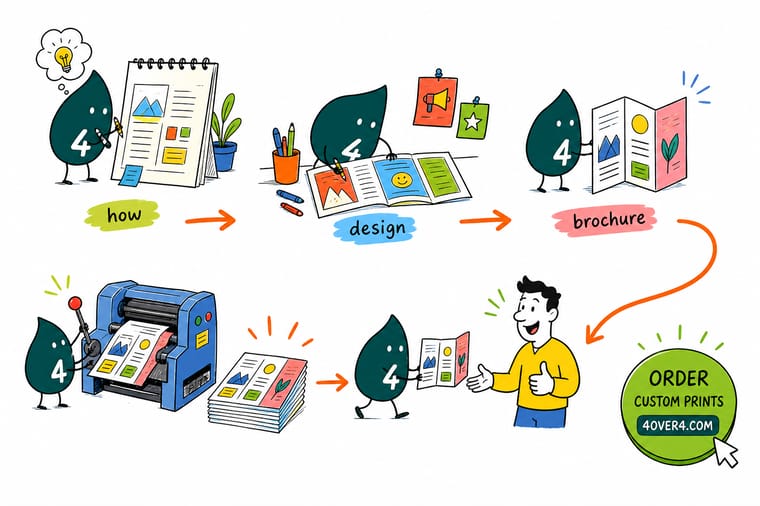
Wally lays the flat 11 by 8.5 inch sheet down and marks it into three: 3.6875 inches, 3.6875 inches, and 3.625 inches. The short one is the panel that folds inside, and cutting it a sixteenth narrower is the whole reason the brochure closes flat instead of bowing at the spine. Then he keeps every headline a quarter inch clear of the creases, runs the background art an eighth of an inch past the trim, and folds a paper copy by hand before anything goes to press.
Order brochures →
Specs and pricing
Brochure sizes, folds and starting prices
Compare the formats side by side, with live configuration choices and starting prices straight from the 4OVER4.COM configurator. Brochures and folded brochures run six flat sizes from 5.5 x 8.5 to 11 x 25.5 inches with a half fold, flyers run nine sizes flat, and all three print on text or cover stock from 50 pieces with 3 business days of standard production.


Print it
Order the brochure you just designed
Flat or half fold brochures from 50 on 100 lb gloss or silk text, 70 lb uncoated or 14pt gloss cover, and saddle stitched booklets from 25 copies when the offer needs more than four panels.


Explore more
Where to go next
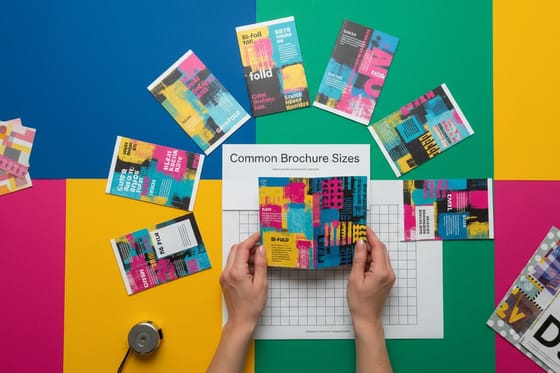
Four guides, the brochure range and the FAQs: common sizes and folds with panel counts, paper that folds cleanly, bleed and trim, matte against glossy, and every brochure option priced live.



By the numbers
Every fold on this page runs on our presses
Common Questions
Your brochure design questions, answered
Which brochure fold should I choose?
Match the fold to how the reader will meet the piece. A letter fold on an 11 by 8.5 inch sheet gives you six panels, fits a standard rack and a number 10 envelope, and reveals its panels one at a time, which suits a sales story with a sequence. A z-fold gives the same six panels but opens into a flat run of three, so it is the better choice when a chart, a timeline or a price table has to be read across. A half fold gives four large panels and is the right answer when photographs carry the message. Gate folds look expensive and cost more to fold, so save them for a piece that is handed over rather than mailed in volume.
Do all the panels have to be the same width?
Not on a letter fold or a roll fold. Any panel that folds inside another has to be shorter or it will not close flat. The standard allowance is one sixteenth of an inch, which gives panel widths of 3.6875, 3.6875 and 3.625 inches on an 11 inch sheet. A z-fold and a half fold do not need the allowance, because no panel tucks inside another, so all panels stay equal. Starting from a template removes the arithmetic entirely.
How much copy fits on a brochure panel?
Around sixty to ninety words of body text per panel, plus a subhead, if you want it read rather than skimmed past. A 3.625 inch panel with quarter inch margins leaves about 3.1 inches of live width, which at 10 point holds roughly 40 characters a line. That is close to the ideal line length for reading, and it is also why 8 point body copy is a false economy: it fits more words and loses more readers. If the content genuinely will not compress, the piece is a booklet, not a brochure.
What resolution do brochure images need?
Effective resolution of 300 pixels per inch at the size the image actually prints, which is the number to check rather than the raw pixel count. A photo filling a 3.6 inch panel needs about 1080 pixels across. A photo running across a half fold spread at 8.5 inches needs about 2550. Scaling a small file up in the layout drops the effective resolution and shows as soft edges and mushy detail on coated stock, where sharpness is most visible.
Should a brochure be gloss or matte?
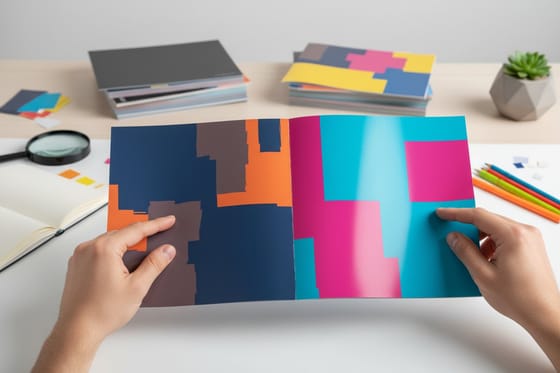
Gloss makes photographs snap and colors look saturated, which is why product and travel brochures lean that way. Matte reads better under overhead lighting, takes pen ink, and looks more restrained, which suits professional services and anything text-heavy. The real trade-off is glare against readability: a gloss brochure held under a showroom light can be hard to read, and a matte one with a dark photo across a whole panel can look flat. Our comparison of a matte and glossy brochure covers how each behaves on press.
What does it cost to print a brochure?
Standard brochures start at $57.11 at 4OVER4.COM and folded brochures start at $57.11, with the running cost per piece falling steeply as the quantity climbs, because the setup is spread across more sheets. Standard flyers start at $39.54 if a single unfolded sheet does the job, and standard booklets start at $240.55 once the content grows past six panels. Ordering the quantity you will actually hand out in the next six months usually beats two small runs.
Get Started
Order 50 folded brochures from $57.11
Start from a template with the panel widths already right, pick your stock and fold, and we print and fold it for you.
Legal Disclaimer
Gold Standard guarantees apply to all standard orders placed through 4over4.com. Price match requires verifiable proof of a competitor's published price for an equivalent product with matching specifications and turnaround time. Satisfaction guarantee covers manufacturing defects and print quality issues. Contact support with order number and documentation.
