
Free Gift Certificate Templates You Can Edit and Print


Jordan is our labels, packaging and sustainability voice, built from the knowledge of our production team, with over 20 years in printing.
A gift certificate is a small piece of print with an outsized effect: it brings in new customers and locks in revenue up front. Start from a free editable template, customize it to your brand, then print it on real stock so it feels worth redeeming.
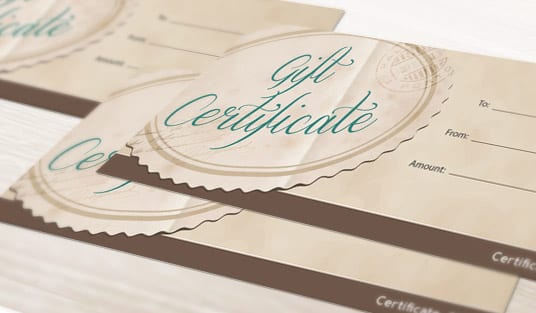
A gift certificate template is a pre-designed, editable layout you customize with your business details and print. Download a free editable gift certificate template, replace the text and logo with your own, add a unique code and any expiration terms, size the file with proper bleed, and print it on a durable stock. A professionally printed certificate looks worth more than a home-printed sheet.
Start here
Editable layout, unique code, real stock
A gift certificate template is a pre-designed, editable layout you customize with your business name, amount, code, and terms, then print. Grab a free editable template, swap in your brand, add a unique code and any expiration terms, size the file with 0.125 in of bleed, and print it on a durable stock so it feels worth redeeming. The anatomy diagram below shows every element a certificate needs.
Why a printed gift certificate is worth the effort
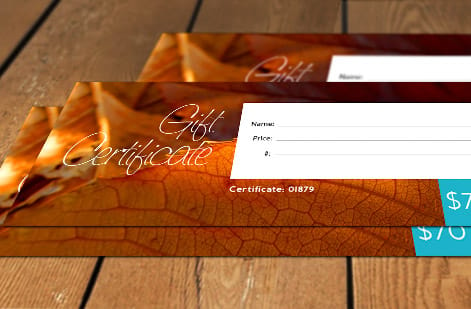
A gift certificate is a small piece of print that punches far above its size. It brings in new customers, the recipient who has never visited your business before, and it locks in revenue up front, since the value is paid before anything is redeemed. For restaurants, salons, and shops, it is one of the most reliable ways to turn a loyal customer into two. Ours print at 3 by 7 or 3.5 by 8.5 inches, and matching white #9 envelopes are an option for the handover.
But the certificate only works if it feels worth redeeming, and that comes down to how it looks and feels. A certificate on real card stock with your branding reads as valuable. A sheet printed at home on plain paper feels disposable, and it quietly undercuts the gift. The design and the print are not details, they are the whole point.
The fastest way to get there is to start from a free editable template and print it professionally. This guide covers customizing the template and preparing it for print so your gift certificates look the part. The anatomy diagram above shows every element a certificate needs.
Grab a free, editable template
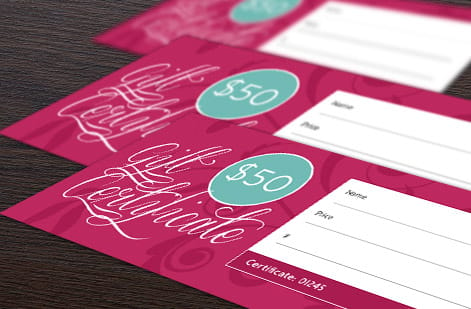
Designing a certificate from a blank page is unnecessary work. A free editable template hands you a proven layout, the value front and center, room for a code, a spot for terms, so you only have to make it yours. The key word is editable: the template should let you change every element, not just admire a fixed design.
Pick a template whose style suits your brand and, just as importantly, that is built for print. That means it is sized correctly with room for bleed and keeps its text away from the edges. A pretty template that was designed for screen only will fight you when it is time to print, so favor one meant for a press.
Once you have the file, the real value comes from what you do next: customizing it and printing it on genuine stock. Browse the styles in our gift certificate printing collection to see the layouts and finishes that reproduce well, and pick a direction before you start editing.
Customize it to your business
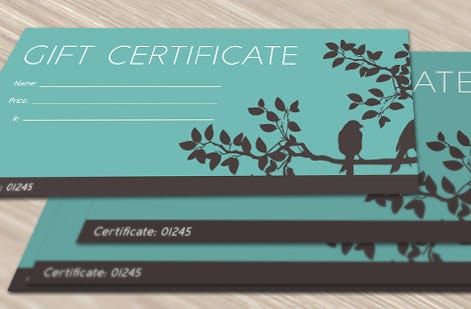
Customizing the template is where a generic layout becomes your certificate. Work through it element by element so nothing is left as a placeholder. Start with the obvious: replace the business name, logo, and contact details with your own so the piece clearly belongs to you and matches your brand.
Then handle the parts that carry value and protect it. Set the amount or name the specific service the certificate redeems for, in a clear and prominent spot. Add a unique code or serial to each certificate so it cannot be photocopied and redeemed twice, and so you can track sales and redemptions. A small barcode or QR code works well if you plan to scan at redemption.
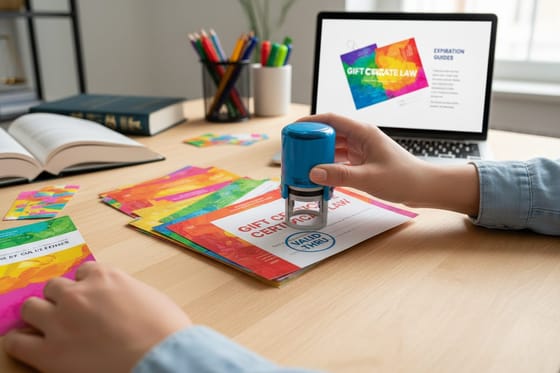
Finally, state any expiration and conditions in plain language, and check your local rules on expiration before you set a date, since some are regulated. Our guide on gift certificate expiration rules walks through what to confirm first.
Sizing and bleed for a clean print
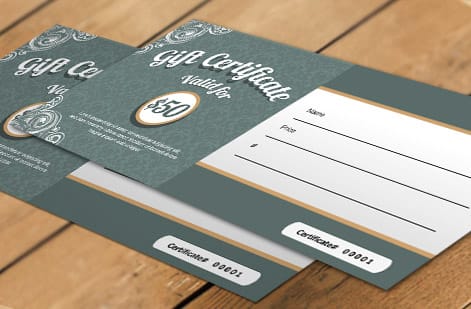
A template does not exempt you from the basics of print setup. Before the file goes to press, it needs the same three lines every printed piece relies on: the trim where the blade cuts, 0.125 in of bleed beyond it, and a safe margin 0.125 in inside it where your text lives.
Run any background color or border out to the bleed line so a slight shift in the cut never leaves a white sliver. Keep the value, code, and terms inside the safe margin so nothing important gets clipped. Then convert the file to CMYK so the printed colors match what you designed, rather than the brighter glow of a screen.
These steps take minutes and are the difference between a certificate that prints clean and one that comes back slightly off. If you want the full walkthrough, our guide on choosing the right file type for printing covers exporting a press-ready PDF.
Upload and print on real stock

With the template customized and the file set up correctly, printing is the step that makes the certificate feel worth its value. Export a press-ready PDF and print on a durable card stock rather than plain paper. The weight and finish of real stock are exactly what signal that the certificate holds value. Gift certificates print at 3 by 7 or 3.5 by 8.5 inches on stocks from 14pt gloss cover to 18pt premium white linen and metallic pearl, one side or both, from 50 pieces in 5 business days of production.
Choose a stock and finish that match how the certificate will be handled and stored. A heavier stock survives a wallet or purse, and a gloss or matte coating adds a surface you can feel for a small step up in cost. Because a certificate is prepaid revenue, that modest print cost is a small fraction of the value each one carries.
Upload your file in the configurator and it runs through our free file check before printing. Explore the options for gift certificates, or the tailored versions for restaurants and salons, to match the piece to your business.
What printing gift certificates costs
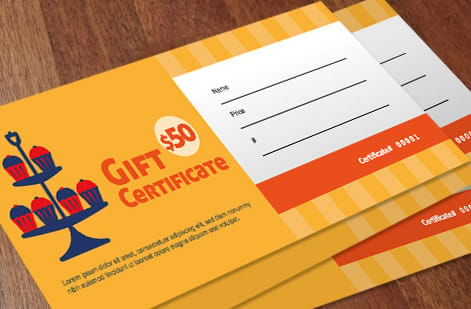
With the file ready, cost is simple to reason about. Gift certificate printing scales with quantity, size, paper stock, and finish. A larger run lowers the unit price, while heavier stocks and coatings add a small premium that makes each piece feel more valuable in the hand. Gift certificates start at 50 for $42.84, about $0.86 each, run up to 5,000, and take sequential numbering in black ink as an option on the same order.
You set each option in the configurator and the total updates live as you adjust it, so you can weigh a premium stock against a standard one before you commit. For most businesses the print cost per certificate is a small fraction of the value it carries, which makes upgrading the stock an easy call.
Use the live specs and pricing panel below to compare stocks and finishes for gift certificates, and browse the full range in our gift certificate printing collection to match the format to your business.
Wally turns a free template into real revenue
Customize it, code it, print it on real stock
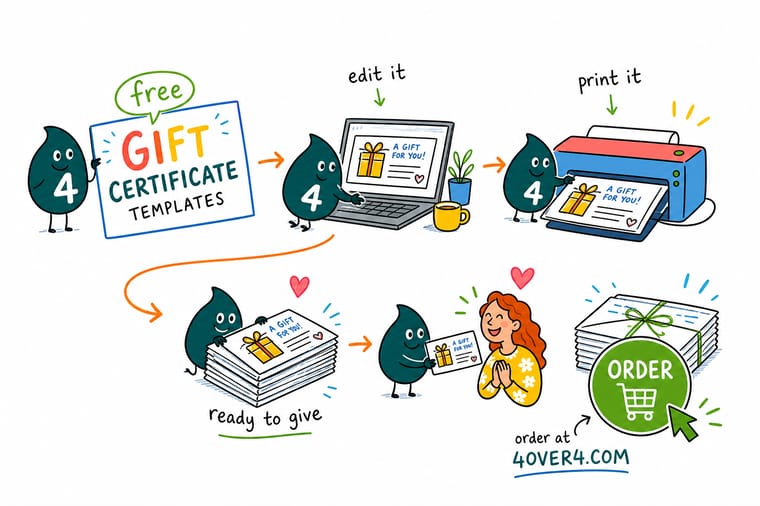
Wally grabs an editable template so he starts from a proven layout, swaps in the brand, sets the value, and stamps each certificate with a unique code so nobody photocopies free money. He sizes the file with bleed, keeps the text safe from the blade, and prints it on card stock that feels worth redeeming. A home-printed sheet feels disposable; this one feels like value, printed at 4OVER4.
Print your gift certificates →Quick reference
At a glance
Value, code, terms, stock and finish. Those five settle a certificate. Build the file at 3 by 7 or 3.5 by 8.5 inches plus 0.125 in of bleed, keep the value and code inside the 0.125 in safe margin, and print on 14pt cover or heavier.
| Element | Get it to | Why it matters |
|---|---|---|
| Template | Free, editable layout | Start from a proven design so you customize a professional layout instead of building from a blank page. |
| Business details | Name, logo, contact | Replace the placeholder brand with your own so the certificate clearly belongs to your business. |
| Value field | Amount or service | State the dollar value or the specific service the certificate redeems for, in a clear, prominent spot. |
| Unique code | Serial or code per piece | A unique code per certificate prevents duplication and lets you track redemptions. |
| Terms | Expiration and conditions | Add any expiration date or conditions plainly, and check local rules on expiration before you set them. |
| Print setup | 0.125 in bleed, durable stock | Size the file with bleed and safe margin, and print on card stock so the certificate feels valuable. |
Step by step
Step by step
- Grab a free editable template Download a gift certificate template that matches the look you want. Starting from a proven layout means you customize rather than design from scratch.
- Swap in your business details Replace the placeholder name, logo, and contact information with your own so the certificate clearly belongs to your business and looks on-brand.
- Set the value and add a unique code State the amount or the specific service the certificate redeems for, and add a unique serial or code to each one to prevent copies and track redemptions.
- Add clear terms and expiration Include any expiration date and conditions in plain language. Check your local rules on gift certificate expiration before you set a date, since some are regulated.
- Size the file with bleed and safe margin Even from a template, add 0.125 in of bleed on every edge and keep all text inside the safe margin, then convert the file to CMYK for accurate print color.
- Print on a durable stock Export a press-ready PDF and print on card stock so the certificate feels substantial. A professionally printed certificate reads as worth redeeming in a way a home-printed sheet does not.

Specs and pricing
"Gift certificate specs and live pricing"
"Once your template is customized, size, stock and finish are what is left. Gift certificates run 50 for $42.84, which is $0.86 each."
| Quantity | Price Per Unit | Total |
|---|---|---|
| 50 | 85.7¢ | $42.84 |
| 100 | 60.4¢ | $60.42 |
| 200 | 39.0¢ | $77.99 |
| 300 | 31.9¢ | $95.56 |
| 400 | 28.3¢ | $113.14 |
| 500 | 26.1¢ | $130.72 |
| 600 | 25.6¢ | $153.78 |
| 700 | 25.3¢ | $176.85 |
Print it
Print gift certificates that feel worth redeeming
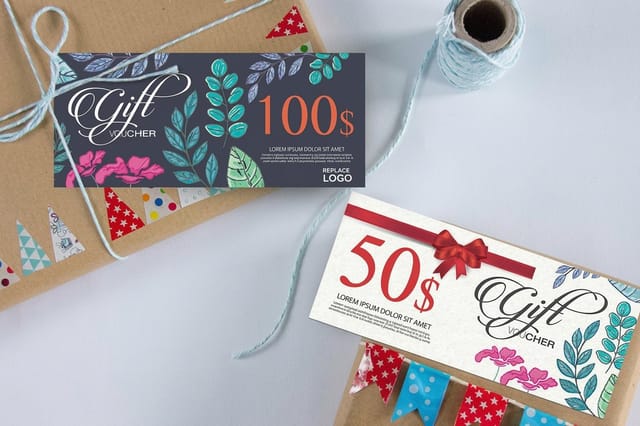
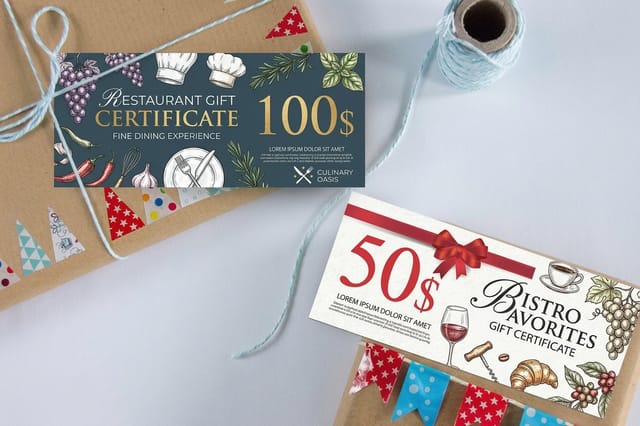
The general, restaurant and salon versions share the two sizes, the stocks and the optional numbering, so pick the one whose layouts match your business.

See it in use
Gift certificates customers printed for their shops
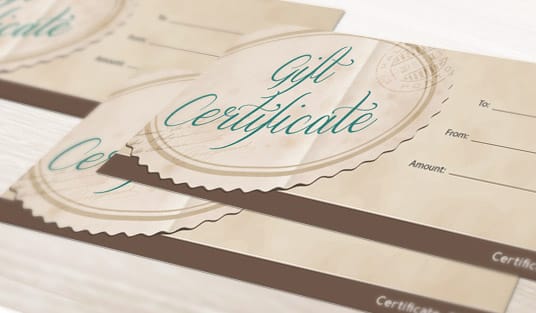
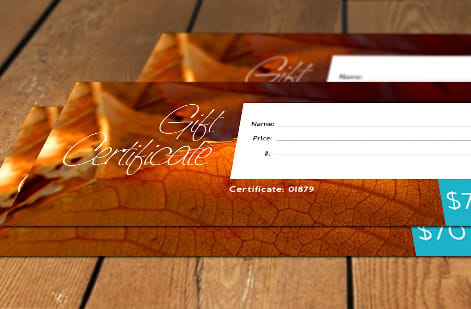
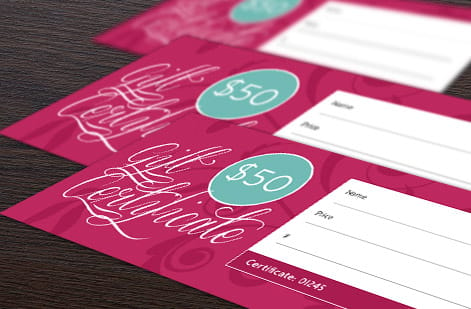
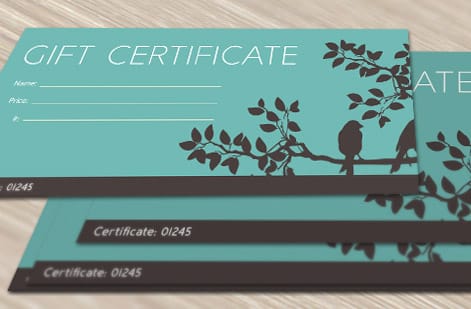
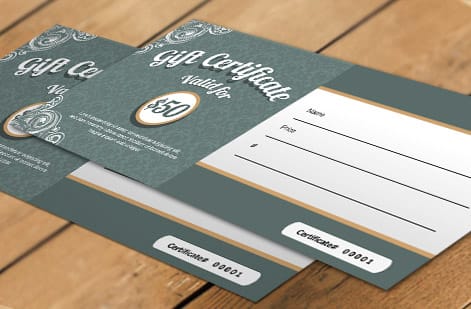
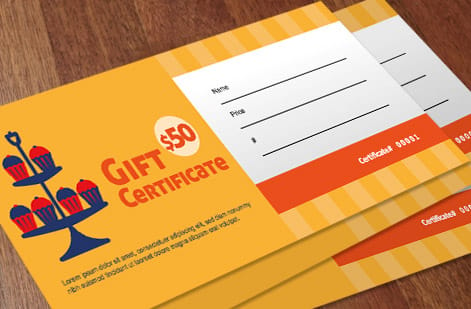
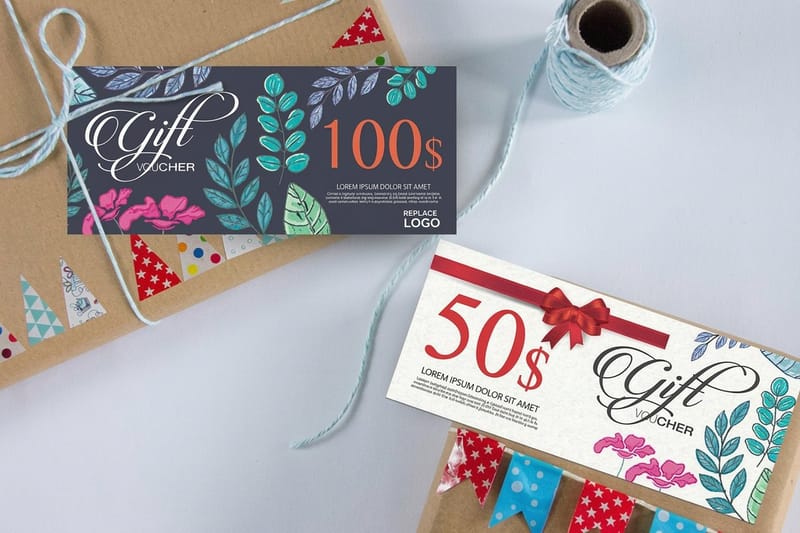
Check where each certificate puts the value, the code and the expiration line, and how much space the brand takes on a 3 by 7 inch piece.



Explore more
Where to go next



By the numbers
The stocks a gift certificate prints on
Common Questions
Common questions
Where can I get a free gift certificate template?
Free editable gift certificate templates are widely available, and the practical goal is to start from a proven layout so you customize rather than design from a blank page. Look for one that is genuinely editable, meaning you can change the business name, logo, amount, code, and terms, and that is sized for print with room for bleed. Once you have customized it, the real difference in how the certificate feels comes from printing it on a durable stock rather than plain home paper, which is what makes it read as something worth redeeming.
How do I customize a gift certificate template?
Open the editable template and work through it element by element. Replace the placeholder business name, logo, and contact details with your own, set the value or the specific service it redeems for, and add a unique code to each certificate so it cannot be copied. State any expiration date and conditions plainly. Then prepare it for print: size the file with 0.125 in of bleed on every edge, keep text inside the safe margin, and convert to CMYK so the printed colors match your brand.
Should I print gift certificates at home or professionally?
For anything you hand to a customer, professional printing is worth it. A gift certificate carries value, and a certificate on real card stock feels like it holds that value, while a home-printed sheet on plain paper feels disposable and undercuts the gift. Professional printing also gives you consistent color, durable stock that survives a wallet or purse, and finishing options that make the piece feel premium. Home printing is fine for a quick internal draft, but the version a customer receives should look and feel substantial.
Do gift certificates need a unique code?
It is strongly recommended. A unique serial or code on each certificate does two important things: it prevents someone from photocopying one certificate and redeeming it many times, and it lets you track which certificates have been sold and redeemed. This protects your revenue and makes reconciliation simple. You can add codes as part of the template customization, either as a printed number or a small barcode or QR code, depending on how you plan to check them at redemption.
Are there rules about gift certificate expiration?
Yes, and they vary by location, so it is worth checking before you set a date. Many places regulate how soon a gift certificate can expire, and some restrict expiration on certain types entirely, to protect the buyer. The safe approach is to confirm your local rules first, then state any expiration and conditions plainly on the certificate so there is no confusion at redemption. For a deeper look at the topic, our guide on gift certificate expiration rules walks through the considerations.
What does it cost to print gift certificates, and how are prices set?
Gift certificate printing cost scales with quantity, size, paper stock, and finish. A larger run lowers the unit price, while heavier stocks and finishes like a gloss or matte coating add a small premium that makes the piece feel more valuable. You set each option in the configurator and the total updates live, so you can weigh a premium stock against a standard one before you commit. Because a certificate is essentially prepaid revenue, the modest print cost is usually a small fraction of the value each one carries.
Get Started
Order 50 salon gift certificates from $42.84
Customize a free template, size it with bleed, and print on durable stock at 4OVER4.COM. Adjust size, stock, and finish in the configurator and watch your price update live.
Legal Disclaimer
Gold Standard guarantees apply to all standard orders placed through 4over4.com. Price match requires verifiable proof of a competitor's published price for an equivalent product with matching specifications and turnaround time. Satisfaction guarantee covers manufacturing defects and print quality issues. Contact support with order number and documentation.
