
Free Business Card Templates Guide


Emma is our prepress and print production voice, built from the knowledge of our production team, with over 20 years in printing.
A good template hands you a print-ready layout, so you swap in your name, logo, and colors instead of building a card from scratch. The bleed and the safe zone are already set, which is the part a blank page makes you get right yourself.
A business card template is a pre-built, print-ready layout with the size, bleed, and safe margins already set. To use one, open a free template in the 4OVER4.COM designer or library, replace the placeholder text and logo with your own, recolor it to match your brand, keep key text inside the safe zone, then export a CMYK PDF at 300 DPI and order. The template is free, and you only pay when you print.
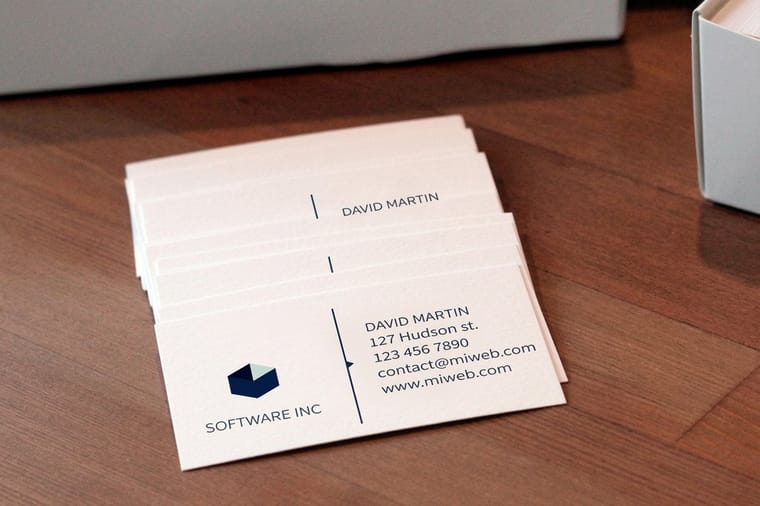
Quick tips
A 3.5 by 2 inch template, a 1/8 inch bleed and a CMYK PDF
Start from a template that matches the card you will order, then make it yours. Keep the standard 3.5 by 2 inch trim, add a 1/8 inch bleed for full backgrounds, and hold text inside the safe zone. Recolor to match your logo, export a CMYK PDF at 300 DPI, and check a free proof before you print. 4OVER4.COM templates are free, so you only pay when the cards are exactly right.
The trim, bleed and spacing a card template sets for you
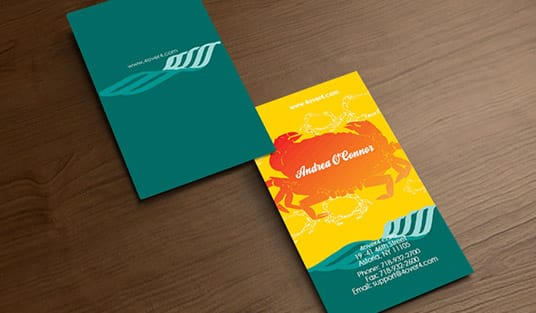
A business card template is a pre-built layout that already has the hard parts solved. The trim size, the bleed, the safe margins, and the spacing are set correctly before you touch anything. Your job is the easy part: replace the placeholder text with your name and title, drop in your logo, and adjust the colors to match your brand.
That is the whole appeal. Starting from a blank file means guessing at dimensions and hoping nothing important gets cut off at the edge. Starting from a template means the structure is right from the first second, so you spend your time on the design instead of the setup. You can explore hundreds of ready-to-edit layouts in the 4OVER4.COM free design template library.
Templates are not a shortcut that makes every card look the same either. Two businesses can start from the identical layout and finish with cards that share nothing but their proportions, once the type, color, and imagery are swapped out.
Trim at 3.5 by 2 inches, bleed and safe margin at 1/8 inch
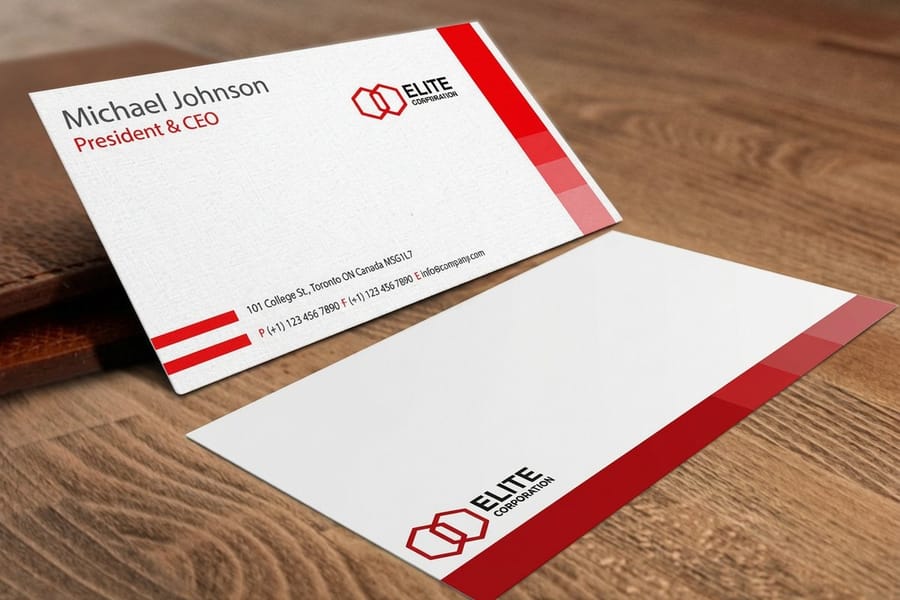
A template only helps if it matches the card you order, and almost every card starts from the same measurements. The standard US business card trims to 3.5 by 2 inches. Around that trim line you add a 1/8 inch bleed for any background that should reach the edge, and you keep text and logos inside a 1/8 inch safe margin so nothing critical gets cut during trimming.
4OVER4.COM also prints square, rounded-corner, oval, and fully custom die-cut cards, and each shape has its own template. If you are branching out to a different shape, our blank templates give you correctly sized starting files for each one.
The template library and the online designer, both free until you print
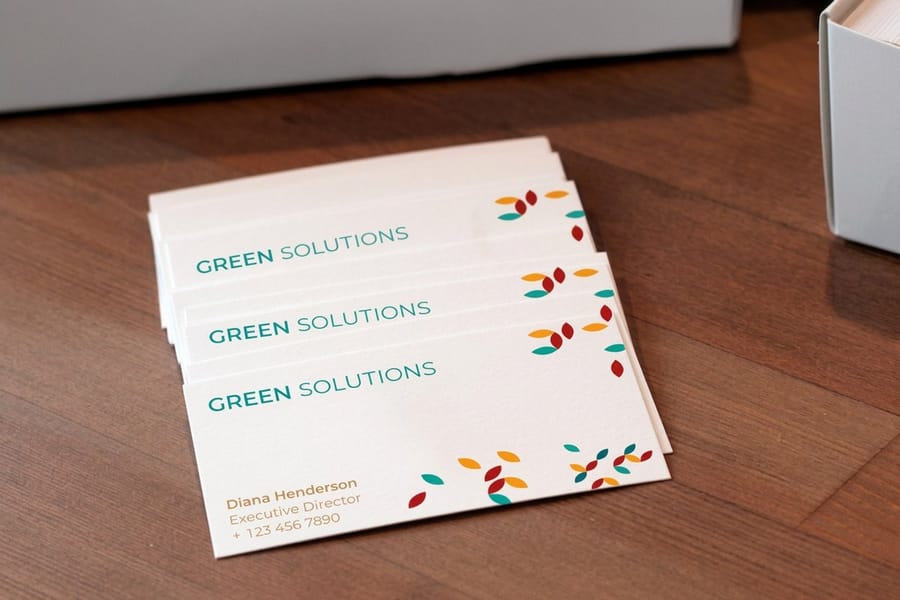
You have two clean paths at 4OVER4.COM, and both cost nothing until you print.
- The design template library. Browse pre-made layouts by product and style, pick one that fits, and open it in the editor. Business card layouts open at the 3.5 by 2 inch trim with the 1/8 inch bleed and safe margin already drawn. Start at free design templates to see what is available.
- The online designer. Open a blank or templated card, then edit it live in your browser with no software to install. See how it works in our guide to the free design tool.
If you want a truly zero-cost run to test a design, 4OVER4.COM also prints free business cards, so you can move from template to a physical card without spending anything up front. The full free design templates program covers business cards alongside flyers, postcards, and more, which keeps a whole brand set visually consistent.
Picking a layout by what the card has to do

The best template is the one that gets out of the way of your message. Before you fall for a look, decide what the card has to do. A card for a networking event lives or dies on how fast someone can read your name and reach you. A card handed out at a gallery or a restaurant can lean harder into visuals.
Match the layout to your content. If you have a long title, a website, and a QR code, pick a template with clear zones for each. If all you need is a name and a phone number, a minimal layout with generous white space looks far more confident than a busy one.
Let your brand colors lead. Every 4OVER4.COM template is recolorable, so choose based on structure first and change the palette to match your logo second. For a deeper look at building a consistent identity, our logo design best practices guide pairs well with this step, and the business card design gallery is a fast way to see which styles hold up in print.
Swapping text, logo and color in the browser
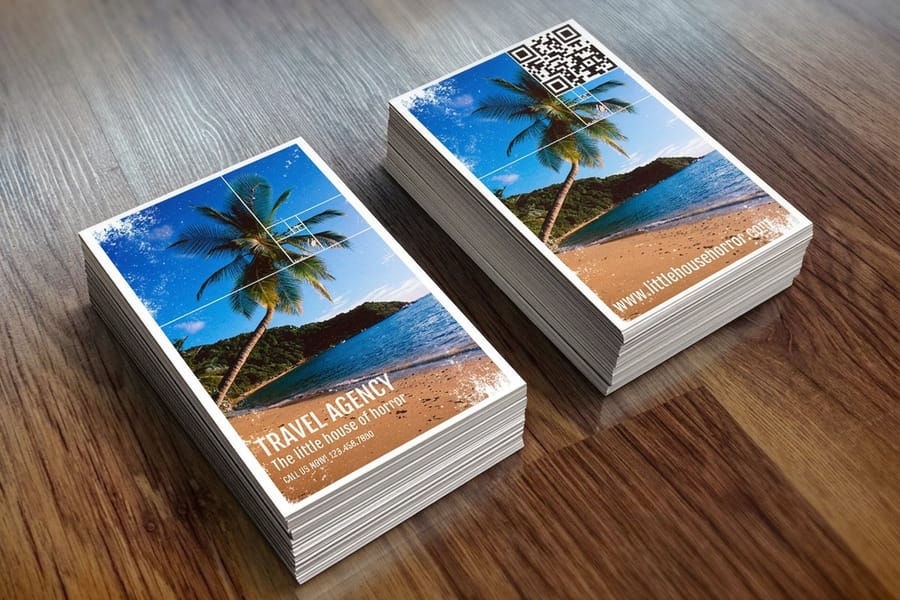
You do not need professional software to make a template your own. The 4OVER4.COM online designer runs entirely in your browser, so you can:
- Swap the text for your name, title, phone, email, and website.
- Upload your logo and position it where it reads cleanly.
- Recolor everything to match your brand palette.
- Rearrange elements until the hierarchy feels right.
When you are done, it exports a correctly sized, print-ready file and sends it straight to production. If you prefer desktop tools, you can download templates set up for common programs, edit them in Photoshop, Illustrator, or Word, and upload the finished file. Either way, the layout stays locked to the right dimensions. For a start-to-finish walkthrough, follow our design tool guide.
Four export settings between a crisp card and a soft one
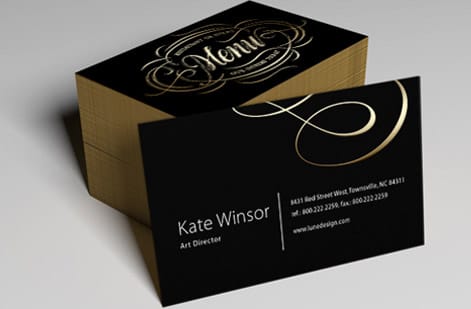
A great template can still print poorly if the export is wrong. Four things make the difference between a crisp card and a disappointing one.
Resolution. Keep every image and the exported file at 300 DPI. Anything lower looks soft once it is printed at card size.
Color mode. Export in CMYK, not RGB. Screens use RGB, but print uses CMYK, and converting at export keeps your colors true to what you approved.
Bleed and margins. Include the 1/8 inch bleed and keep text inside the safe zone. The 4OVER4.COM designer handles this for you, but if you build in your own software, double-check it.
Fonts and format. Save as a high-resolution PDF with fonts embedded or outlined so nothing shifts between your screen and the press. When your file is ready, our free proofs let you confirm everything before the full run.
From 14pt cardstock to foil and edge painting
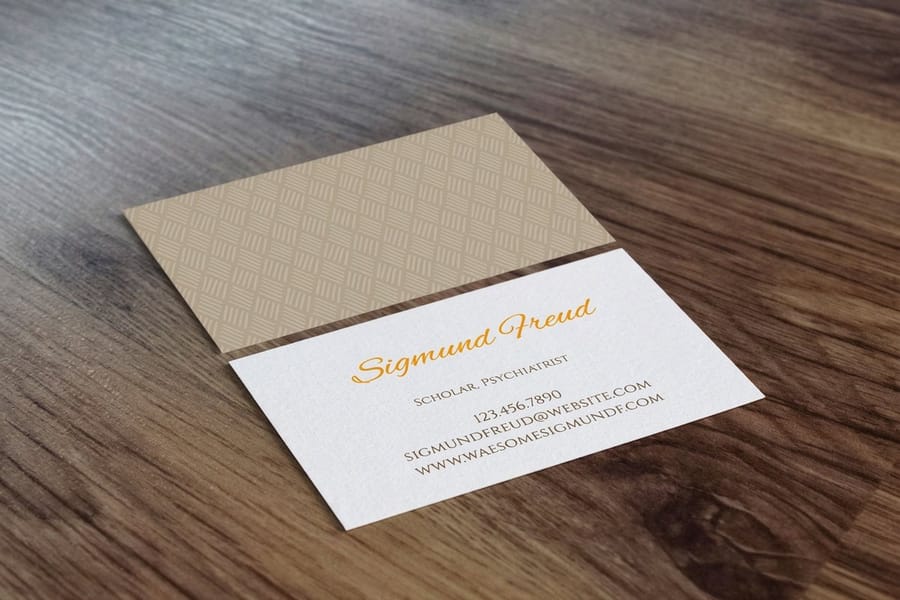
The template sets the artwork, but the paper and finish set the feel. This is where a card stops looking like a file and starts feeling like a brand.
Everyday and premium stocks. Standard 14pt and 16pt cardstock cover most needs, while ultra-thick, cotton, linen, kraft, suede, and plastic stocks add weight and texture for a card people notice.
Finishes that add polish. Gloss and matte coatings, soft-touch lamination, spot UV, raised spot UV, foil stamping, and edge painting each change how the card catches light and feels in hand. A subtle spot UV over a logo, or foil on your name, turns a good card into a memorable one.
Browse the full range across the business card printing category, and see the live specs and price for the standard card in the section below so you can compare stocks with real numbers.
Five habits that clip, blur or crowd a template card
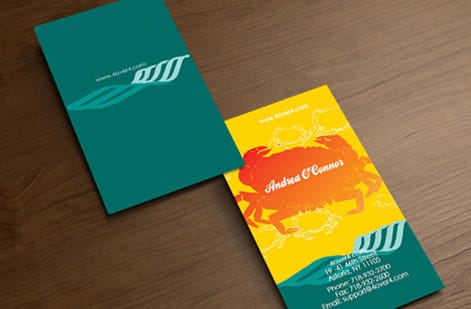
Even with a solid template, a few habits trip people up. Avoid these and your card prints exactly as you pictured it.
Placing text too close to the edge. Trimming has a tiny tolerance, so anything outside the safe zone risks getting clipped. Keep type and logos inside the margin.
Leaving the file in RGB. Colors that glow on screen can shift once converted for print. Export in CMYK so what you approve is what you get.
Using low-resolution images. A logo pulled from a website is usually too small. Use a vector or a 300 DPI version so it stays sharp.
Overloading the card. A template gives you structure, but you still choose what goes on it. Lead with your name and one clear way to reach you, and let the rest support that.
Skipping the proof. A 30-second look at a free proof catches typos and spacing issues before you print hundreds of cards.
Ordering the printed card from Queens
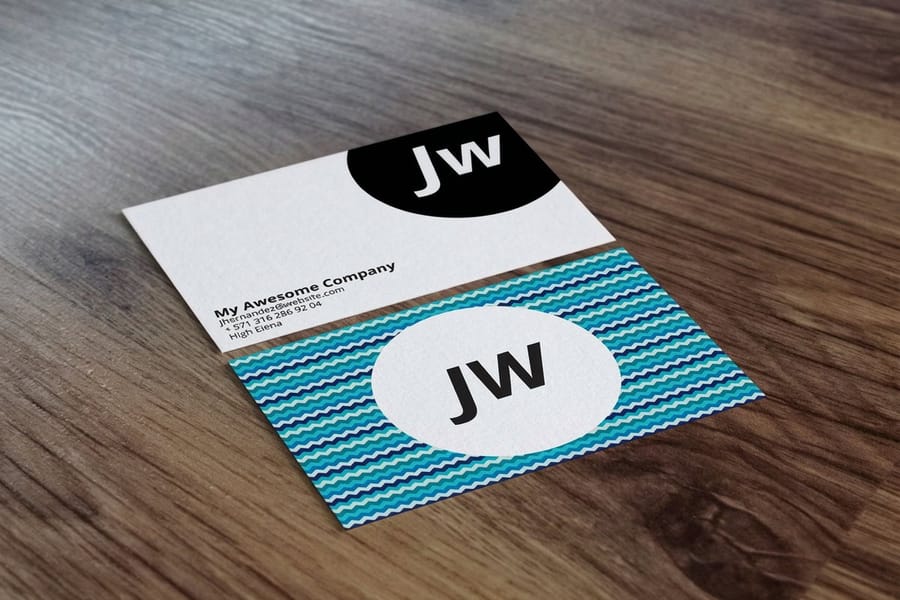
Once your template is edited and exported, ordering takes only a few minutes. Choose your size, stock, finish, and quantity, upload your print-ready file, and confirm the live estimate for production and shipping. Standard cards come in 3.5 by 2, 2 by 2, 1.5 by 3.5 and 2.125 by 3.375 inches, start at 100 cards for $17.57, and take 3 business days of standard production. 4OVER4.COM prints every order in its own Queens, New York facility, with same-day and rush options on many card types when you are short on time.
Move from design to a card in hand. Configure a run of standard business cards, or if you are still refining the look, open the online designer and start from a template. Either path ends with sharp, professional cards you are proud to hand out. For a bar, our guide shows how to design a bar business card bartenders are proud to hand out.
Wally explains templates
A template does the setup so you can focus on the design
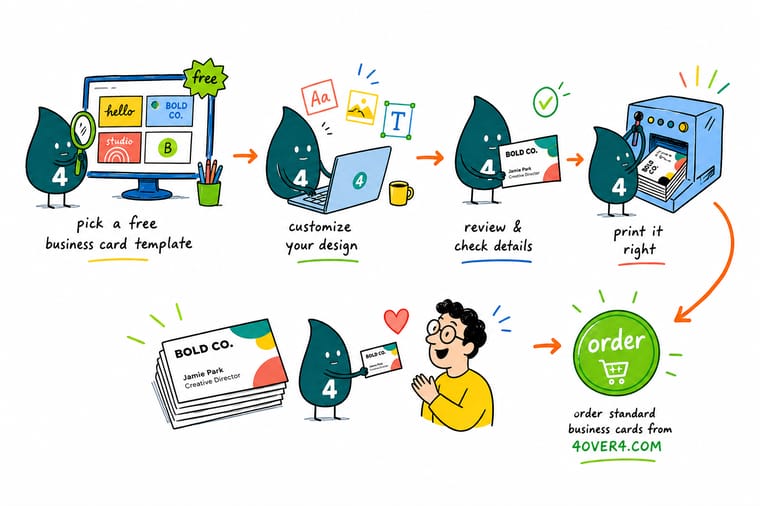
Wally thinks of a business card template like a stage that is already built: the size, the bleed, and the safe margins are set, so all you do is bring the act. Swap in your name, drop in your logo, recolor it to your brand, and the layout stays locked to the right dimensions. The template is free at 4OVER4, and you only pay when you print, so there is no risk in trying a few looks before you order.
Order business cards →
Specs and pricing
Standard business card specs and pricing
Templates are free, so the only cost is the print run, which starts at 100 cards for $17.57 with live specs and price-per-unit below.
| Quantity | Price Per Unit | Total |
|---|---|---|
| 100 | 17.6¢ | $17.57 |
| 200 | 11.5¢ | $23.07 |
| 300 | 9.15¢ | $27.46 |
| 400 | 7.96¢ | $31.86 |
| 500 | 7.25¢ | $36.26 |
| 600 | 6.77¢ | $40.64 |
| 700 | 6.43¢ | $45.04 |
| 800 | 6.18¢ | $49.43 |
Print it
Order business cards at 4OVER4
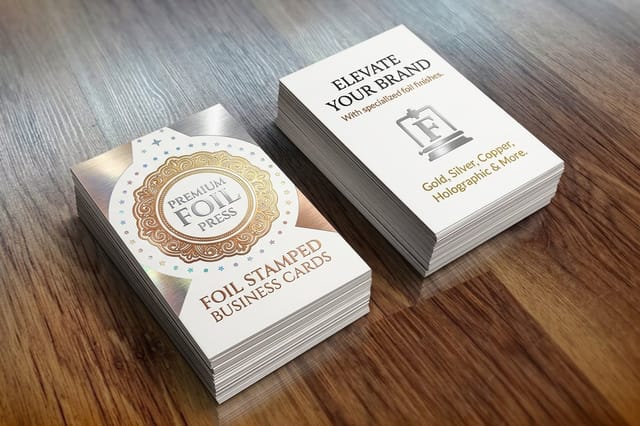
Standard and premium cards share the same 14pt to 24pt stocks and start at 100 cards. Foil stamped cards start at 500 on 16 point silk laminated or 14pt uncoated stock, in gold, silver, copper, rose gold, red, black or blue foil, with 7 business days of production.

See it in use
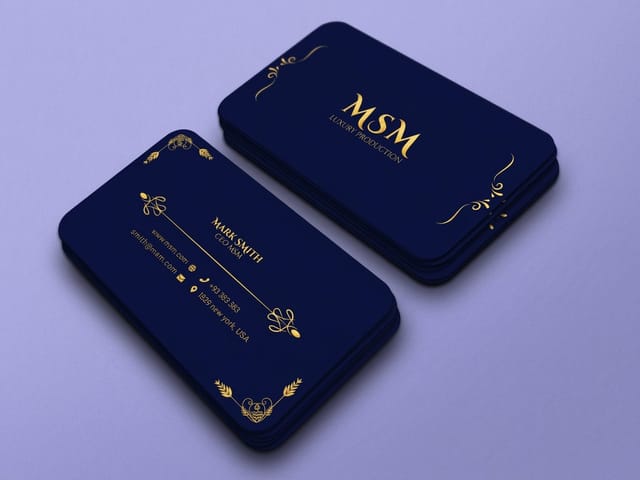
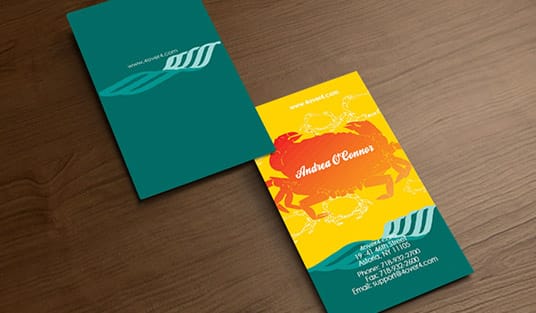
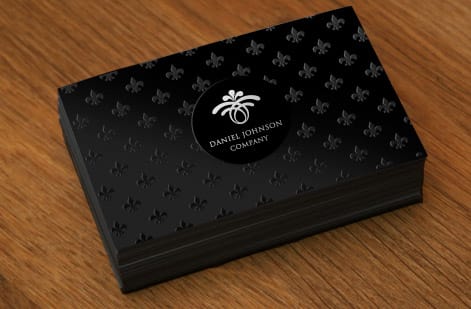
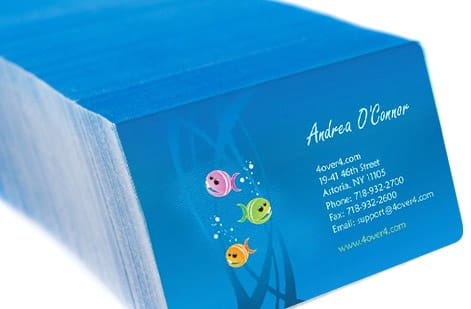
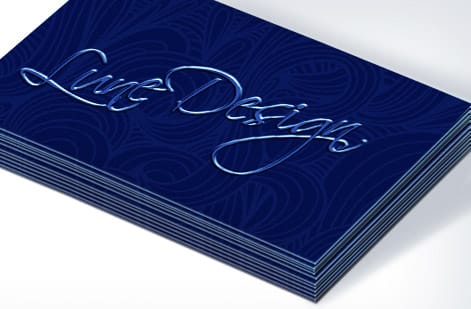
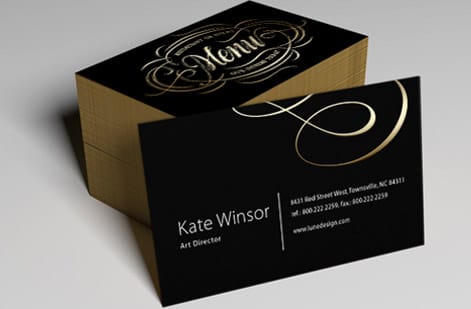
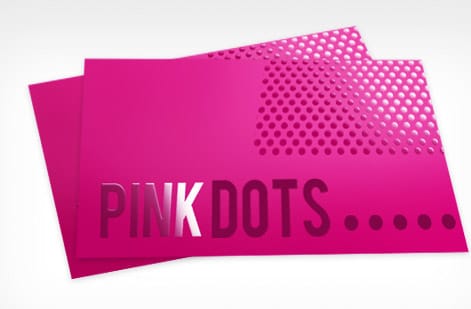
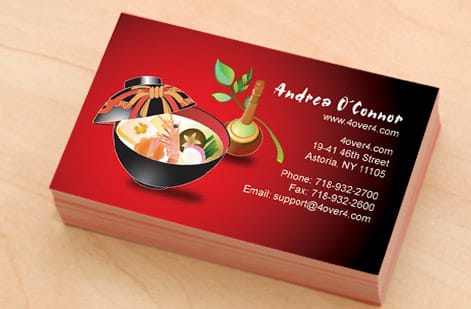
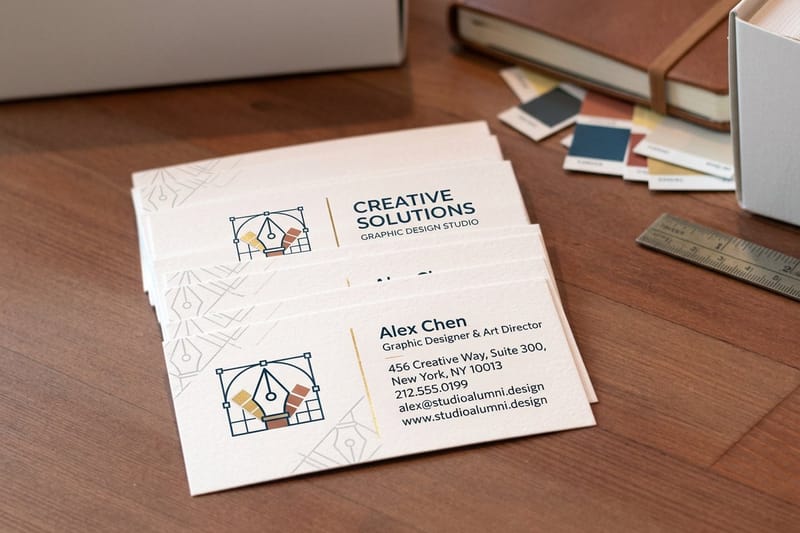
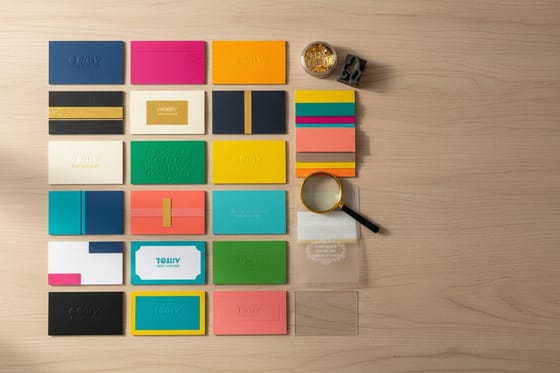
Template designs customers actually printed


Explore more
Where to go next




By the numbers
What a 3 day card run includes
Common Questions
Common questions about business card templates
What is a business card template?
A business card template is a pre-built, print-ready layout for a standard business card. It fixes the trim size, bleed, and safe margins for you and leaves editable placeholders for your name, title, logo, contact details, and background. Instead of setting up a blank file and guessing at dimensions, you open the template, replace the placeholder content with your own, and export it for print. The 4OVER4.COM free template library and online designer both work this way, so the file you finish is already sized correctly for the card you order.
Which template do I pick when all I have is a logo?
Start with the product you plan to print, then work backward. Pick a template built for a standard 3.5 by 2 inch card unless you specifically want a square, rounded, or die-cut shape. From there, choose a layout that gives your most important information room to breathe. If you run a clean, minimal brand, a template with lots of white space reads best. If you are in a visual field like photography or food, choose a template that lets a full-bleed image or a bold color anchor the front. You can recolor and rearrange any 4OVER4.COM template, so treat the design as a starting point rather than a fixed choice.
What does a business card template cost and how are prices set?
The templates themselves are free at 4OVER4.COM, both in the design template library and inside the online designer. You only pay when you print, and the price of the finished cards is driven by quantity, paper stock, size, and any finish you add such as foil, spot UV, or a soft-touch coating. Larger runs bring the price per card down, and premium stocks and finishes raise it. Because pricing is calculated live from those choices, the exact figure appears in the specs and price table on this page and in the product configurator once you select your options.
What sizes, stocks, and finishes are available for business cards?
The standard business card is 3.5 by 2 inches, and 4OVER4.COM also prints square, rounded-corner, oval, and fully custom die-cut shapes. Stocks range from everyday 14pt and 16pt cardstock up to ultra-thick, kraft, linen, cotton, suede, and plastic options. Finishes include gloss and matte coatings, soft-touch lamination, spot UV, raised spot UV, foil stamping, and edge painting. The template you start from should match the size you want, and you can preview stock and finish choices when you configure the order.
How long does it take to print and ship business cards?
Turnaround depends on the stock, finish, and shipping method you choose at checkout, and every option shows its production time before you order. Standard business cards move quickly, and 4OVER4.COM offers same-day and rush production on many card types when you need them fast. Once your template is exported as a print-ready PDF, uploading it and placing the order takes only a few minutes, and the live estimate at checkout tells you exactly when your cards will arrive.
Can I edit a business card template without design software?
Yes. The 4OVER4.COM online designer runs in your browser, so you can open a template, swap the text, upload your logo, change colors, and rearrange elements without owning Photoshop or Illustrator. When you are done, it exports a correctly sized, print-ready file and sends it straight to production. If you prefer desktop software, you can also download templates set up for common programs and edit them there before uploading.
Get Started
Order 200 free business cards on 14pt Gloss Cover
Start from a free template, drop in your logo and details, and we print sharp, professional business cards on the stock and finish you choose.
Legal Disclaimer
Gold Standard guarantees apply to all standard orders placed through 4over4.com. Price match requires verifiable proof of a competitor's published price for an equivalent product with matching specifications and turnaround time. Satisfaction guarantee covers manufacturing defects and print quality issues. Contact support with order number and documentation.
