
Custom Notepad Templates, Paper Choices, and How to Order Branded Pads


Emma is our prepress and print production voice, built from the knowledge of our production team, with over 20 years in printing.
Custom notepad design starts from the template: the pad size, a glued top edge, bleed and a safe margin, on uncoated paper a pen can use. Here is everything a notepad template has to account for, why the paper has to be uncoated, and how sheet count and the chipboard back change what lands on the desk.
A notepad template is the flat pad size plus three lines, bleed outside the trim, trim at the finished size, and a safe margin inside it, with one edge reserved for the padding glue that holds the pad together. Keep the header and logo below that glued strip, run backgrounds past the trim, and leave the middle of the sheet clear so it can still be written on. The paper has to be uncoated so a pen dries instead of smearing, and sheet count decides how thick the pad feels rather than how well it prints.

Quick answer
Three template lines, one glued edge, and paper a pen can use
Design the sheet, then give one edge back to the glue. Bleed carries color past the trim, the safe margin keeps type away from the knife, and the padding compound along one edge stiffens the paper it touches, so headers belong below it. Notepad stock is uncoated because a ballpoint has to dry on it, which also means printed color reads a shade softer than it would on a coated flyer. Sheet count and the chipboard backer decide how the pad feels in the hand, not how well it prints.
Custom notepad design
Custom notepad design in five decisions
Design a custom notepad in this order: size, header, ink, sheet count, file. Pick one of five sizes, from the 4.25 x 5.5 inch memo pad to the 8.5 x 11 inch letter pad. Put the logo and contact line in a header band below the glued top edge and keep the rest of the sheet open for writing. Print in black ink for a clean office pad or full color for a brand color band. Choose 50 or 100 sheets of 70# uncoated text on a chipboard back. Send one PDF at the finished size with an eighth of an inch of bleed.
A run starts at 25 pads for $93.37 and ships in 7 business days. If you would rather start from a layout, our notepad design templates are sized to each pad.
Build the Template Around the Glued Edge
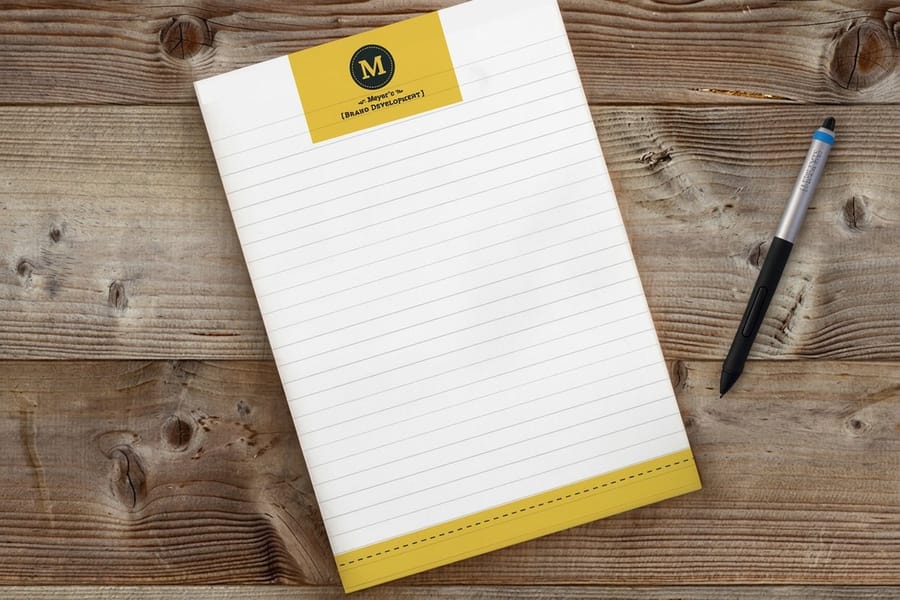
Start from a template at the exact pad size rather than scaling a letterhead down. Download the matching layout from the blank template library, and you get the bleed box, the trim box and the safe margin already drawn at the right distances.
Then account for the thing a generic template does not know about: one edge of your sheet is going to be glued. Padding compound is brushed along that edge after the stack is clamped, and it soaks a short way into the paper. Type sitting in that strip does not vanish, but the paper stiffens, the color shifts slightly, and the top sheet of every pad shows it first. Drop the header below the glue and the problem disappears.
Three habits cover the rest. Run backgrounds past the trim so the cut never exposes a white edge. Keep live type, phone numbers and logos inside the safe margin, because a stack of hundreds of sheets does not trim to a perfect hairline. And leave the middle of the sheet mostly white, since that is the part your customer actually uses. If you are new to setting up print files, the print-ready file guide walks through bleed, resolution and color conversion end to end.
Picking the Pad Size
Size is decided by where the pad ends up, not by which one looks best on screen. A pad that lives on a hotel nightstand and a pad that lives in a meeting room have almost nothing in common.
| Pad size | Where it works | Header room | The trade-off |
|---|---|---|---|
| 4 x 6 in | Counters, reception desks, hotel rooms, bags. | Tight. A logo and one line of contact detail. | Cheap to hand out, but a busy logo crowds the safe margin fast. |
| 5.5 x 8.5 in | The everyday desk pad, exactly half a letter sheet. | Comfortable. Logo, tagline and a footer rule. | The safe default. Little to argue with unless you need printed fields. |
| 8.5 x 11 in | Meeting notes, checklists, pads with printed fields. | Generous. Room for a header block and columns. | Heaviest to ship, and the one people are slowest to use up. |
Read the last column before the first. A 4 by 6 pad puts your name on more desks for the same spend, while an 8.5 by 11 pad gets used more slowly and stays in one place. If you are ordering for a trade show table, order small. If you are ordering for an office that takes notes in every meeting, order large and expect the shipping to reflect it.
Paper, Sheet Count and the Chipboard Back
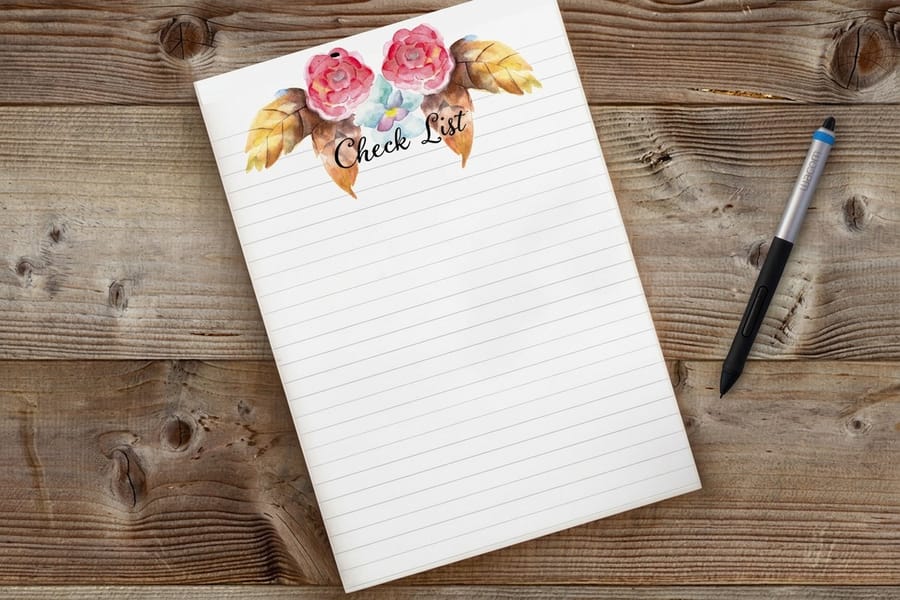
Notepad paper has one job that no other printed piece has: it has to accept a pen. That single requirement rules out the coatings you would choose for almost anything else.
Coated stocks, gloss or matte, are engineered to keep ink sitting on the surface so photographs stay sharp. Put a ballpoint to one and the ink beads and smears rather than drying, and a pencil slides without leaving much behind. Uncoated paper absorbs, so pen dries as fast as you write and graphite grabs the fiber. The cost of that is real: the same artwork prints a shade softer and less saturated on uncoated stock than it does on a coated flyer, so a bright brand red comes back slightly muted. That is the material behaving correctly, not a print fault. If color accuracy is critical, judge it on paper rather than on a monitor.
In our catalog the choice is already made for you on the writing pads, and the other paper products fill the gaps.
| Product | Paper | Sheets | Sizes |
|---|---|---|---|
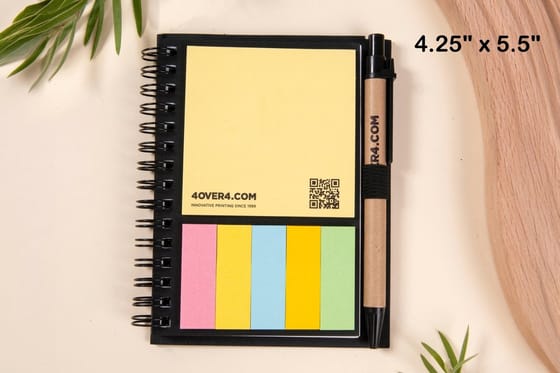
| Notepads | 70# uncoated text | 50 or 100 per pad | 4.25 x 5.5, 4 x 6, 3.5 x 8.5, 5.5 x 8.5, 8.5 x 11 in |
| Magnetic notepads | 70# uncoated text, magnetic back | 25 per pad | 4 x 5, 4 x 8, 3.5 x 8.5 in |
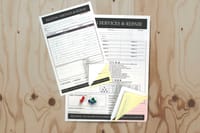
| Carbonless forms | 2, 3 or 4 part carbonless | Loose sets | 5.5 x 8.5, 8.5 x 11, 8.5 x 14 in |
Sheet count changes feel and logistics rather than quality. A thicker pad sits solid under a hand and lasts longer on one desk. A thinner pad at the same run count reaches more people. Underneath either one sits a chipboard backer, the gray board glued to the bottom of the stack, and it is doing more work than it looks like: it is what lets somebody write on a pad held in one hand without the whole thing folding. For larger runs and how the quantity breaks fall, our bulk notebook printing guide covers the same ground at volume.
Ordering Custom Branded Pads, and What to Order With Them
The order itself is short. Choose the pad, set size, sheet count and quantity in the configurator, upload the file built on the template, and check the proof with the glue edge in mind. Standard notepads start at $93.37 for a run, and the price moves with size, sheet count and how many pads you take.
Two variants are worth knowing before you order the plain one. Magnetic notepads start at $93.37 as well and swap the chipboard for a magnet, which puts the pad on a fridge or a filing cabinet instead of a desk. That matters if you sell to households, because a fridge pad survives a kitchen clean-out that a business card does not. Carbonless forms start at $120.82 and are padded the same way, but each set leaves a duplicate behind, which is what you want for work tickets, orders and anything a customer signs. The NCR forms guide explains how the coated layers transfer the writing.
| Padded product | What is on the back | What it is for | Starts at |
|---|---|---|---|
| Standard notepads | Chipboard backer. | Desk pads, branded giveaways, counter and reception use. | $93.37 |
| Magnetic notepads | Magnet sheet. | Fridges and filing cabinets, home service marketing. | $93.37 |
| Carbonless forms | Chipboard, with two or three part sets above it. | Work tickets, orders, invoices that need a copy. | $120.82 |
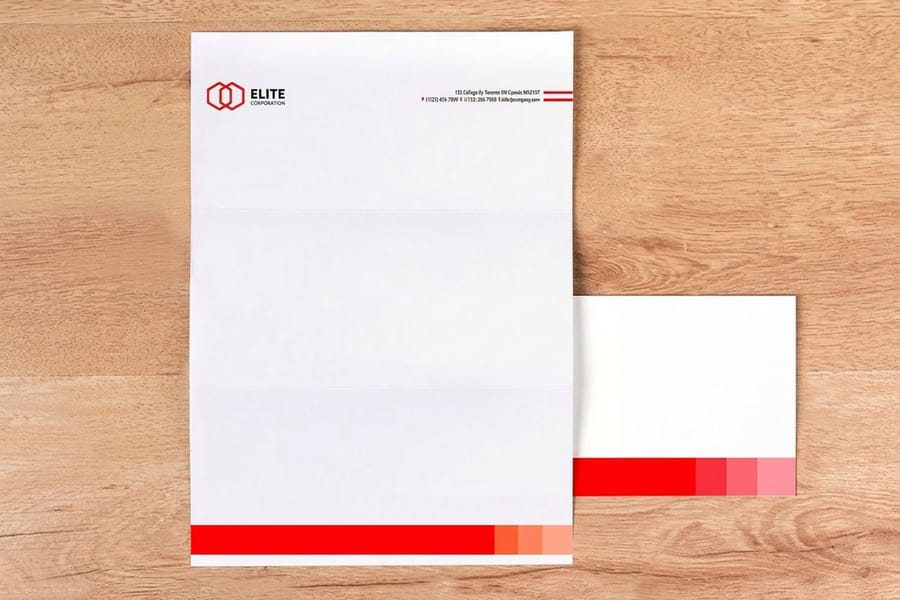
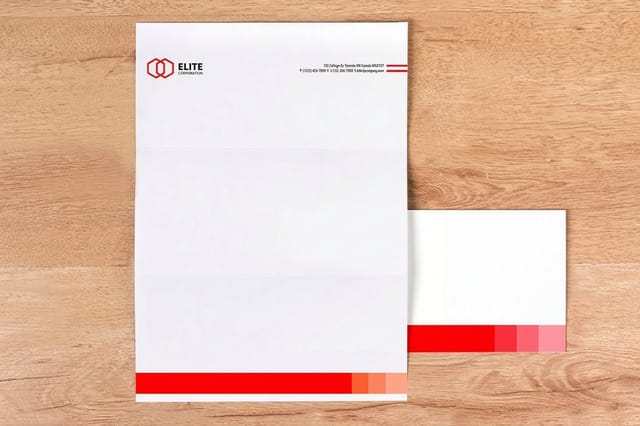
A pad rarely travels alone. If the notepad is going into an office or a client folder, match it to standard letterheads at $99.95 and printed envelopes at $142.99 so the header, the type and the ink weight line up across all three. Our guide on how to build a professional branded stationery set covers the alignment, and the full range of pad options lives on the notepad printing category.
Wally explains the glued edge
One edge holds the pad together, so the design starts below it
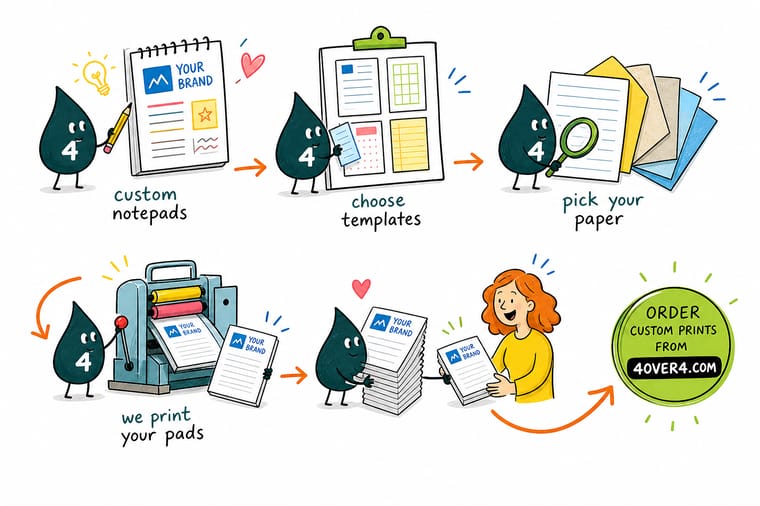
Wally stacks the printed sheets, clamps them, glues a chipboard backer to the bottom and brushes padding compound along one edge. That strip is what lets a sheet tear off in one piece, and it is also the part of the paper the glue soaks into. Put the logo just below it, keep phone numbers inside the safe margin, run any color band past the trim, and leave the middle of the sheet white so a pen still has somewhere to go.
Order custom notepads →
Specs and pricing
Pad sizes, sheet counts and starting prices
Compare the padded products side by side, with live configuration choices and starting prices straight from the 4OVER4.COM configurator. Notepads and magnetic notepads share one price ladder, 25 pads for $93.37 and 100 for $192.22, ready in 7 business days; carbonless forms start at 100 sets for $120.82 in 5.


Print it
Order pads your customers will actually keep
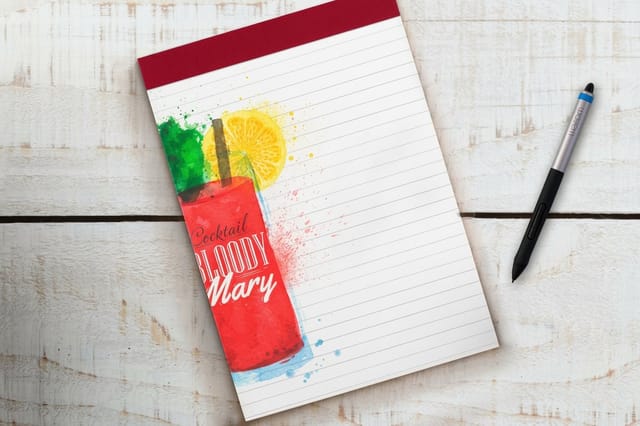
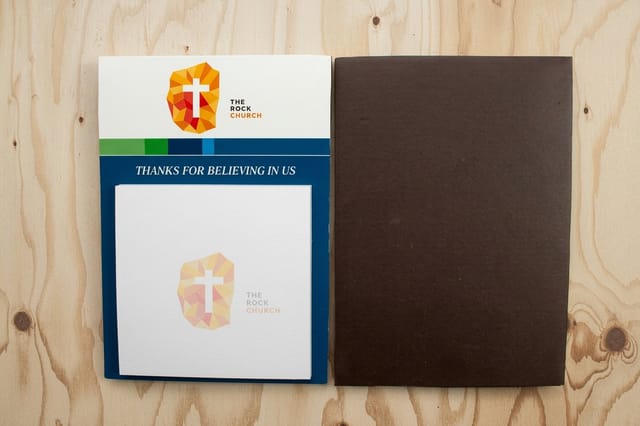
A desk pad for the office, a magnetic pad for the fridge at 25 sheets, and a letterhead on 70# uncoated, 24# laid or 28# linen that carries the same header, from 50 sheets in 5 business days.

Explore more
Where to go next
Check where the quantity breaks fall on a large pad or notebook run, build a stationery set that matches the pad, see when a pad needs a carbonless copy, and compare writing paper with cardstock.

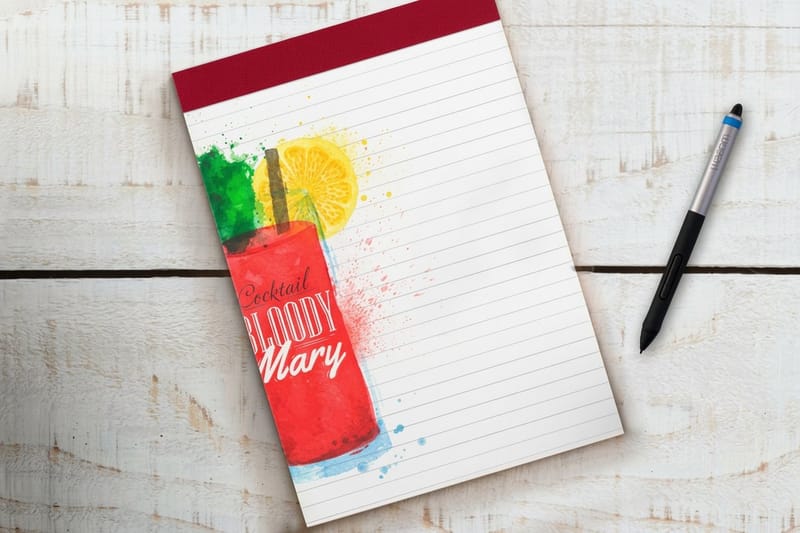
By the numbers
Padded, glued, and chipboard backed
Common Questions
Your custom notepad questions, answered
What size should a custom notepad be?
Pick the size by where the pad will live. A 4 by 6 inch pad fits a counter, a reception desk or a hotel nightstand and travels well in a bag. A 5.5 by 8.5 inch pad is the everyday workhorse, exactly half a letter sheet, and it leaves room for a header without crowding the writing area. An 8.5 by 11 inch pad suits meeting notes and anything with printed fields, but it is the one that gets expensive to ship in quantity. Set the size first, then build the template around it, because a logo drawn for a letter pad usually has to be redrawn for a 4 by 6.
How many sheets are in a custom notepad?
Sheet count is a configurator choice, and it changes the feel more than the price of the print itself. A thin pad flexes when you write on it without a desk underneath, which is why the chipboard backer matters. A thick pad sits solid and lasts longer on one desk. If the goal is to get your name in front of as many people as possible, a lower sheet count across more pads does that better than a few heavy blocks. Set the count you want on the notepads configurator and the price updates with it.
Can a notepad print full bleed?
Yes on three edges, with a caveat on the fourth. Artwork that runs off the sheet needs bleed past the trim line so the cut never leaves a white sliver, and that works normally on the sides and the bottom. The glued edge is different: the padding compound soaks into the top fraction of an inch and slightly changes how ink reads there, so a color band that ends exactly at the glue line will look uneven. Either run the color well past the glue or start it below.
What paper works for a custom notepad?
Uncoated stock, every time. Gloss and matte coatings are built to hold ink on the surface, which is exactly what you do not want when a customer puts a ballpoint to it: the ink beads, smears, and takes a long time to dry. Uncoated sheets absorb, so pen dries instantly and pencil bites. The practical trade-off is that printed colors sit a shade softer and less saturated on uncoated paper than the same file on a coated flyer, so a brand red will read slightly muted. Order paper samples if the exact color matters.
Can you print on both sides of a notepad sheet?
You can, but ask whether anyone will see it. The back of a sheet is face down against the next sheet until it is torn off, so a second side is only read after the fact. Two other things happen: on a light sheet, a dark back shows through and competes with what someone writes on the front, and the second side adds cost to every sheet in every pad. A printed back earns its place on forms with instructions or terms. On a plain writing pad it rarely does.
How much do custom notepads cost?
Standard notepads start at $93.37 at 4OVER4.COM for a full run, and magnetic notepads start at $93.37 as well, so the magnet backing does not change the entry point the way people expect. Carbonless forms, which are padded the same way but produce a duplicate copy, start at $120.82. The final number moves with pad size, sheet count, how many pads you order, and whether you print one side or two. The specs and pricing widgets on this page pull the live options straight from the configurator.
Get Started
25 magnetic notepads cost $93.37 and run 7 business days
Pick the pad size, set the sheet count, upload a file built on the template, and we pad, back and trim it so every sheet tears off clean.
Legal Disclaimer
Gold Standard guarantees apply to all standard orders placed through 4over4.com. Price match requires verifiable proof of a competitor's published price for an equivalent product with matching specifications and turnaround time. Satisfaction guarantee covers manufacturing defects and print quality issues. Contact support with order number and documentation.
