
Best Business Card Design Software for Beginners and Pros


Emma is our prepress and print production voice, built from the knowledge of our production team, with over 20 years in printing.
The best business card software, from free makers to pro suites

The best business card software is the one that gets a clean, print-ready card out of your head and onto stock without a fight. That is a moving target, because a first-time founder and a working designer need very different tools. One wants a template and a finish line. The other wants pen-tool precision and exact CMYK. Both are right, and both end at the same place, a print-ready PDF at 300 DPI in CMYK, printed as standard business cards from 100 cards in 3 business days.
If you are looking for business card templates online in 4K quality, start with our free business card templates, which open at 3.5" x 2" with 0.125 inch of bleed already set. Print quality is set by 300 DPI at final size rather than by 4K: a 3.75" x 2.25" card file with bleed is 1,125 x 675 pixels at 300 DPI, well under the 3,840 pixel width of a 4K image, so 4K source files only matter for a photo you plan to crop hard or enlarge.
Here is the part most guides bury. The design app is rarely what costs you money or time. A great card is mostly a good decision about layout, contrast, and stock, and any of the tools below can carry that decision to the press. What matters is that whatever you use can set the right size, add bleed, and export a file a printer can actually run.
This guide sorts the field into beginner-friendly makers and professional suites, walks the design-to-print pipeline once so it sticks, and points you to the right 4OVER4.COM product when your file is ready. If you want inspiration before you open any app, these 30 amazing business card designs are a strong place to start.
Which tools can actually make a business card?
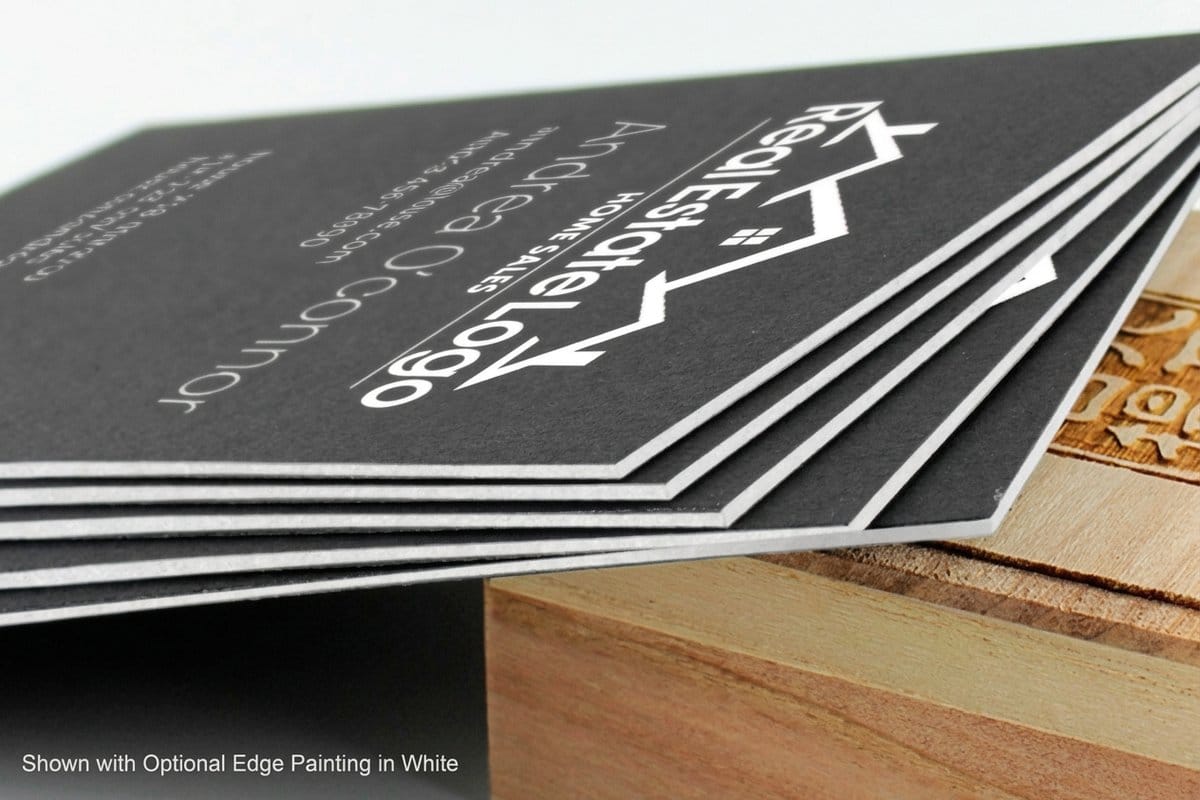
Almost any graphics app can draw a rectangle, but a business card is a print job with four fixed settings: a 3.5" x 2" trim, a 3.75" x 2.25" file that includes 0.125 inch of bleed, images at 300 DPI, and color in CMYK. That narrows the field to tools that understand trim size, bleed, resolution, and CMYK. Broadly, three kinds of software make the cut.
Browser makers like the 4OVER4.COM free tool and Canva let you design in a tab with templates and drag-and-drop. Vector suites like Adobe Illustrator, Affinity Designer, and Inkscape give designers full control over shapes, type, and color. Layout and photo tools like Adobe InDesign and Photoshop cover multi-card runs and image-heavy cards. The right pick depends on who is driving, which is exactly what the next section sorts out.
The best software to create business cards

If you want a card finished today, do not overthink the software. The free 4OVER4.COM online design tool runs in your browser, starts you on a 3.5" x 2" template with the bleed already set, and sends the result straight to press; new customers can print their first 200 free business cards from it. There is nothing to install, nothing to export, and no file-setup step to get wrong. For a walkthrough, our design tool tutorial shows the whole flow from blank card to order.
Once your design is ready, the product you print it on is a design choice in its own right. A creative field reads better on cards built for it, a premium brand earns its keep on dark stock, and a modern studio can lean into shape.
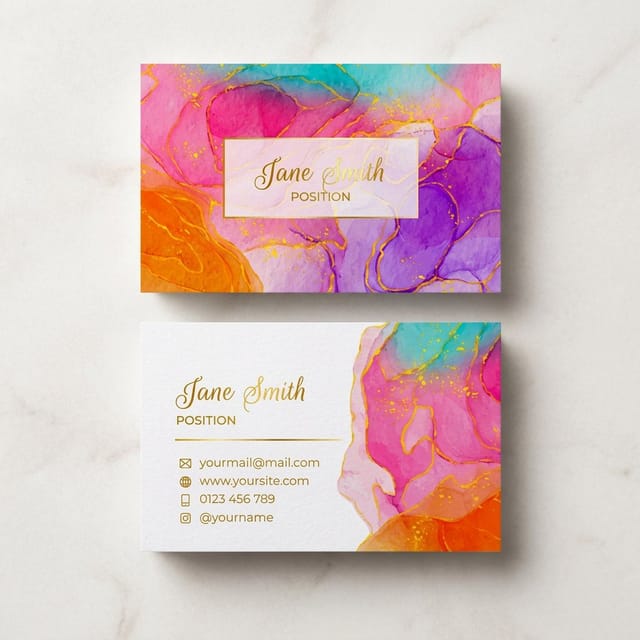
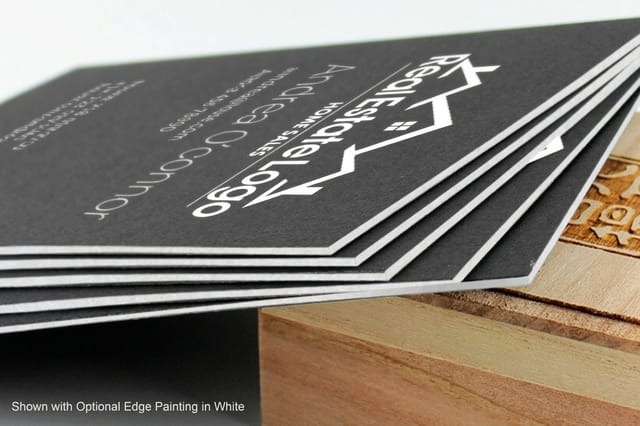
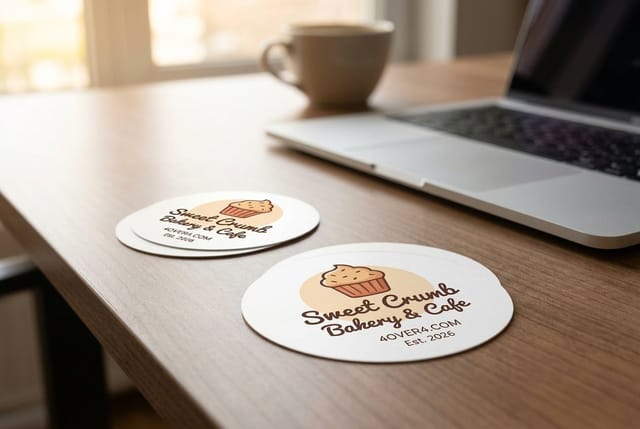
The free service
Design a card in your browser, free
The 4OVER4.COM online tool is the software and the printer in one. Start from a print-ready template and skip file setup entirely.
Prefer to design somewhere else and print with us? That works too. Build your card in any tool below, export a print-ready PDF, and upload it to the product page. Need it fast for a launch or an event? 4OVER4.COM Same Day Printing produces and ships qualifying orders the same day, so a last-minute card is still an option.
6 design tools to create a card yourself
These six cover every budget and skill level, from a beginner who has never opened a design app to a studio that lives in vectors. Pick one, and the rest of this guide gets you from that app to a printed card.
- 4OVER4.COM Free Online Design Tool. Best for beginners who want a finished card fast. It runs in your browser, uses print-ready templates sized to exact specs, and sends the design straight to press with no software to install and nothing to export.
- Canva. Best free drag-and-drop maker. A huge template library and a gentle learning curve make it the default for first-timers. Set a custom 3.5 by 2 inch size, add bleed, and export a PDF for print rather than the default web PNG.
- Adobe Illustrator. Best for pros who need vector precision. Everything stays crisp at any size, spot colors and CMYK are handled cleanly, and the pen tool gives you control that raster tools cannot match. It runs on a subscription.
- Adobe InDesign. Best for laying out many cards at once. If you print a whole team of cards with different names and titles, data merge fills a single layout automatically, which no simple maker can do.
- Affinity Designer. Best one-time-purchase pro alternative. You get vector and raster in one app with real print controls, minus the monthly Adobe fee, so it suits freelancers and studios watching costs.
- Inkscape. Best free open-source vector tool. It is heavier to learn than Canva, but it costs nothing, exports clean vector PDFs, and gives serious control for anyone who would rather not pay for a subscription.
Whichever you choose, the finishing decision still matters. A matte, glossy, or soft-touch coating changes how the same design feels in hand, and our guide to the best business card finish helps you match the surface to the design.
Design tool walkthrough: from blank canvas to print-ready file
The exact buttons differ by app, but the pipeline never changes. Learn it once and you can move between tools without relearning print. Here is the whole path in one picture.
Step by step, in any app
Open a new document at 3.5 by 2 inches and extend the canvas by 1/8 inch on every side for bleed, which gives you 3.75 by 2.25 inches. Pull your safe zone 1/8 inch inside the trim so nothing important gets cut. Place your logo as vector art, keep body text a comfortable size, and use snap guides to line everything up. When it looks right, export at 300 DPI in CMYK as a print-ready PDF. That file uploads cleanly to any 4OVER4.COM product page. For the exact numbers in centimeters and pixels, our size and dimensions guide has the full table.
Beginner or pro? Match the tool to your skill

The fastest way to pick software is to be honest about where you are and what you need the card to do. Skill and scale point you at the right tool almost every time.
- If you have never designed anything, start with the 4OVER4.COM free tool or Canva. Templates do the hard layout work, so you swap in your name, logo, and colors and you are done. You skip file setup entirely with the built-in tool.
- If you know your way around design, use Illustrator, Affinity Designer, or Inkscape. Vector control, exact spacing, and clean CMYK exports are worth the extra effort when the card carries your brand.
- If you print for a whole team, reach for InDesign and data merge, or ask about variable-data printing. One layout, dozens of names, zero copy-paste.
- If you are photo-forward, Photoshop handles image-heavy cards, but rebuild any text as vector before print so small type stays razor sharp.
Whichever camp you fall in, keep your text readable at real size. Our guide on business card font sizes covers the minimums that stay legible in print, and it applies no matter which app you design in.
Features that separate a good tool from a great one
When you compare business card software, ignore the marketing and check for the handful of features that actually decide whether your file prints well.
- Custom size and bleed. The tool must let you set 3.5 by 2 inches and add a 1/8 inch bleed. Web-only makers that lock you to pixels will fight you at the press.
- CMYK export. Screens are RGB, presses are CMYK. Software that exports true CMYK keeps your colors from shifting when they print.
- Vector support. Vector shapes and text scale without pixelating. A tool that keeps your logo as vector is worth more than one that flattens everything.
- A real template library. Good starting layouts save hours and keep spacing professional, so you are not staring at a blank rectangle.
- Print-ready PDF output. PDF, ideally PDF/X, is the format printers want. If a tool only exports JPG or PNG, expect softer results.
- Guides, margins, and rulers. Snap-to guides keep your logo off the trim line and inside the safe zone, which is the difference between clean and clipped.
Quantity and price
Business card pricing and specs
Real configurator numbers for artist business cards. Whatever tool you design in, the per-unit cost drops as the run grows.
| Quantity | Price Per Unit | Total |
|---|---|---|
| 100 | 17.6¢ | $17.57 |
| 200 | 11.5¢ | $23.07 |
| 300 | 9.15¢ | $27.46 |
| 400 | 7.96¢ | $31.86 |
| 500 | 7.25¢ | $36.26 |
| 600 | 6.77¢ | $40.64 |
From screen to print: file setup that survives the press
This is where good designs go wrong, and it has nothing to do with the app. Screens are bright and forgiving, presses are literal. A few habits keep what you see close to what you get.
Work in CMYK from the start so colors do not shift on output. Keep every important element inside the safe zone, since trimming has a small tolerance and edge-to-edge text is risky. Supply your logo as vector, because a JPG that looks fine on screen can turn soft at card scale. And always add bleed, so a hair of misalignment does not leave a white sliver on the edge. If you design in Photoshop, our Photoshop dimensions guide gives you the exact document setup. When the box arrives, our guide to the best business card printing and how to judge it shows what to check in the finished stack.
Start fast
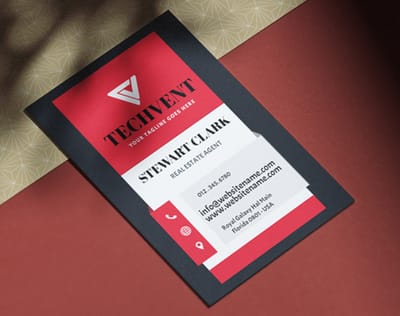
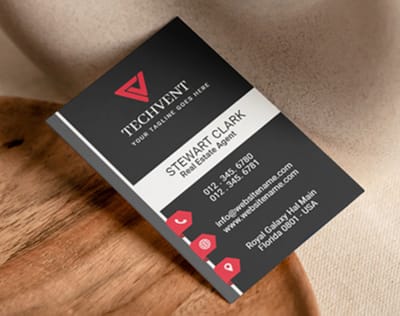
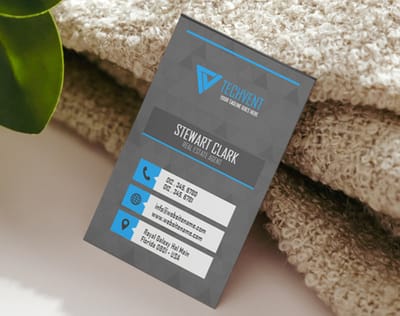
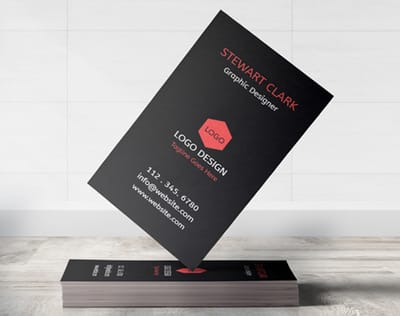
Templates and print-ready blanks
Business card templates and exact-size blanks so your artwork lands inside the cut line, whether you finish in our tool or your own.
What business card software costs and how prices are set
Watch the printing price more than the design app. Standard business cards start at $17.57 for 100, and four things move the number from there.
- The software tier. Free makers cost nothing, Canva Pro and the Adobe apps run on a subscription, and Affinity is a single purchase. Match the tier to how often you design.
- Quantity of cards. Printing is where per-unit cost drops fast. Ordering 500 cards costs far less per card than ordering 100, so plan your run.
- Stock and finish. Thicker stocks, soft-touch coatings, foil, and specialty cuts add to the price. They also make a card feel more premium in hand.
- Turnaround. Standard turnaround is the most economical. Same-day and rush options cost more because the press jumps your job to the front.
Want a benchmark for design work itself, whether you are hiring out or quoting a client? Our guide on business card design rates breaks down what design usually costs and why.
Compare formats
Popular business cards, side by side
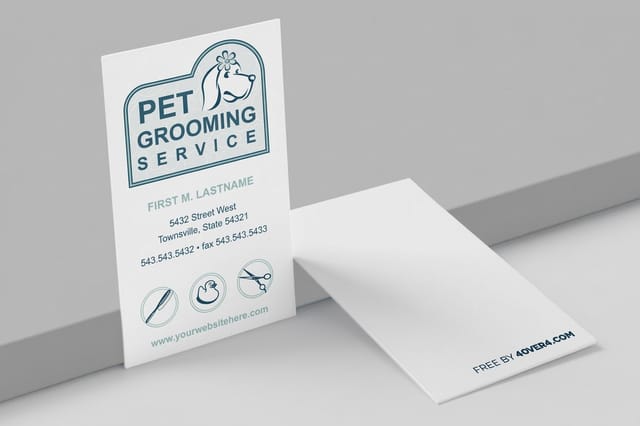
Stock, finish, quantity, turnaround, and from-price across our most-ordered business cards, so your finished design lands on the right product.
 free business cards |  Standard Business Cards |  3D Lenticular Business Cards | 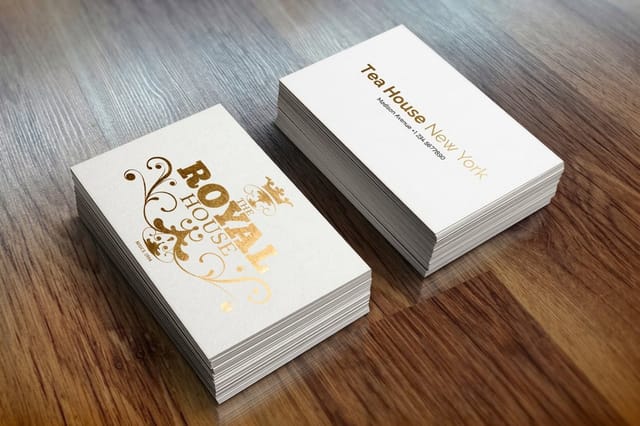 Metallic Foil Business Cards | |
|---|---|---|---|---|
| Min price | Free | $17.57 | $690.88 | $222.13 |
| Paper / stock | 14pt Gloss Cover | 14pt Gloss Cover | 31pt Lenticular Lens | 16 Point Silk Laminated |
| Finish | - | Standard Finish | - | - |
| Size | 2" x 3.5" | 2" x 3.5" | 2" x 3.5" - Vertical | 2" x 3.5" |
| Default qty | 200 | 100 | 500 | 500 |
| Turnaround | 5 business days | 3 business days | 22 business days | 7 business days |
| Rating | ||||
| View & customize | View & customize | View & customize | View & customize |
Wally picks the right tool for you
Beginner or pro, the finish line is the same printed card
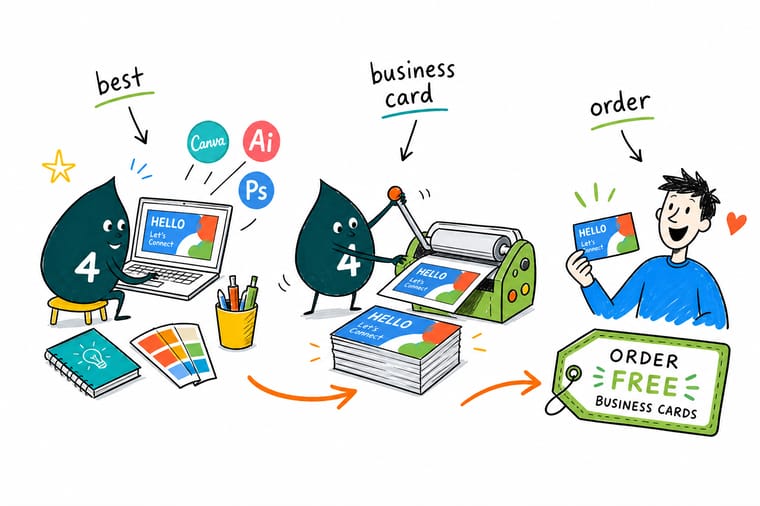
Do not let software choice stall you. If you are new, the free 4OVER4.COM tool starts you on a print-ready template and skips file setup. If you are a designer, work in Illustrator, Affinity, or Inkscape and export a 300 DPI CMYK PDF. Either path ends at a sharp, professional card, printed and shipped by 4OVER4.COM.
Design your card free →What to remember about business card design software
Why business card templates work
- Time-saving. Swap your name, logo, and colors into a ready layout instead of building spacing and margins from scratch.
- Correct specs. Templates are already sized to 3.5 by 2 inches with bleed and safe zones, so nothing lands on the trim line.
- Professional look. Pre-built layouts give clean, balanced results even if you have never opened a design app.
- Brand consistency. Every card matches, which keeps your look recognizable across the whole team.
- Cost-effective. You skip designer fees and still walk away with a custom card.
- Easy to print. A template built for the press exports straight to a print-ready file with no guesswork.
Explore more
More ways to design and print business cards
The cards below open the card shop, the design basics guide, and the free QR code generator.
 Shop Business Cards Printing Browse every business card format in one place.
 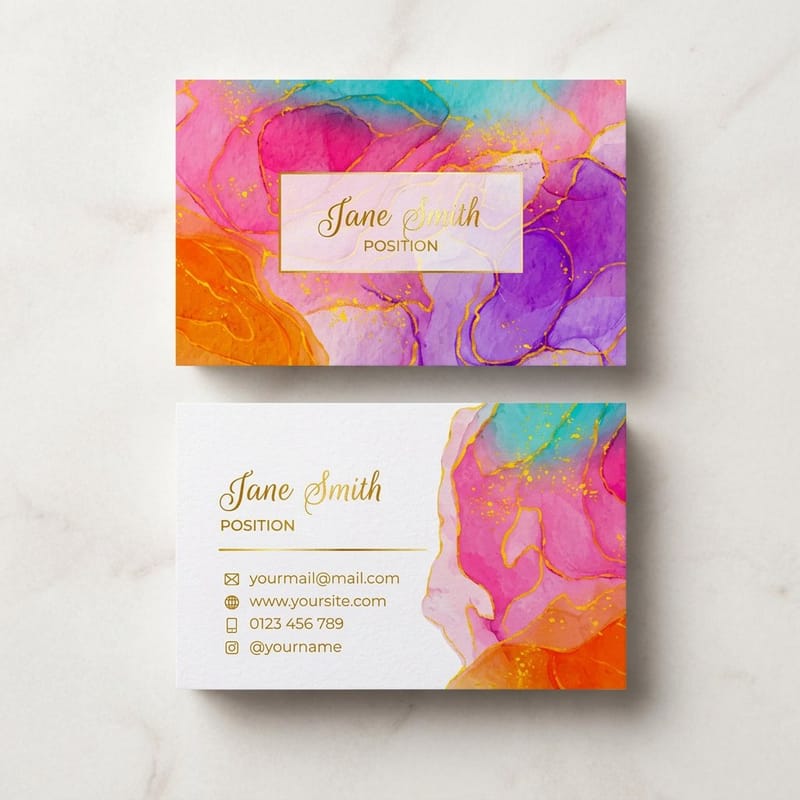 Product Artist Business Cards Creative-first cards from $17.57.
  Guide Business Card Basics Everything from size to stock, from the ground up.
  Article 30 Amazing Card Designs Design inspiration to feed your next layout.
  Update Free QR Code Generator Add a scannable QR code to any card design.
  Showcase Logo Designs We Love Real logo-forward cards worth studying.
  Case study Salon Launch Story How premium cards opened a new salon.
  Alternative Vistaprint Alternative How 4OVER4.COM compares for card printing. Review Card Reviews Ratings and real feedback from buyers.
  Location Card Printing Austin Local custom business card services.
  Benefit Same Day Printing Design today, ship today on rush jobs.
 Ready to turn a design into cards?
Use the free 4OVER4.COM tool for a print-ready card in minutes, or upload a PDF from your own software. Either way, we print it sharp, as fast as same day.
Common questions about business card design software
What is the best software to create business cards?
There is no single winner, because the best tool depends on your skill. Beginners get the fastest, cleanest result from the free 4OVER4.COM online design tool or Canva, since templates handle the layout for you. Designers who want full control use Adobe Illustrator, Affinity Designer, or the free Inkscape for true vector precision. If you print an entire team of cards, Adobe InDesign with data merge fills one layout with many names automatically. Match the tool to how much control you need and how comfortable you are with design.
What are the 6 best design tools to create a card yourself?
Our shortlist is the 4OVER4.COM free online tool and Canva for beginners, Adobe Illustrator and Adobe InDesign for professional work, Affinity Designer as a one-time-purchase alternative to Adobe, and Inkscape as a free open-source vector option. Together they cover every budget and skill level. For the specs that keep any of them print-ready, our size and dimensions guide lays out the exact numbers.
Do I need real design software, or will a browser tool do?
Start with your comfort level and your goal. If you want a card done today, the built-in 4OVER4.COM tool skips file setup entirely. If your brand lives or dies on precise typography and color, invest the time in a vector suite. Check that whatever you pick can set a custom 3.5 by 2 inch size, add bleed, export CMYK, and save a print-ready PDF. Our formatting guide covers the layout details that make a card look polished.
What does business card software cost and how are prices set?
The software itself ranges from free (the 4OVER4.COM tool, Canva basic, Inkscape) to a monthly subscription (Canva Pro, Adobe apps) to a one-time purchase (Affinity). The bigger number is almost always the printing, and that is driven by quantity, stock, finish, and turnaround, not the design app. Cards start at $17.57 and per-unit cost drops sharply on larger runs. For a deeper look at design pricing, see our guide on business card design rates.
