
10 Business Card Ideas E-Commerce Sellers Actually Use


Emma is our prepress and print production voice, built from the knowledge of our production team, with over 20 years in printing.
Why the Card in the Box Earns Its Place

The ten business card ideas e-commerce sellers use are coupon cards, reorder nudges, referral cards, loyalty punch cards, thank-you notes, care instruction cards, fridge magnets, sticker cards, lenticular cards, and QR cards, each one dropped into an order you already ship.
Every order you ship is a delivery you have already paid for. The packaging is bought, the label is printed, and the courier is booked. Adding a small printed card to that box costs little next to the shipment, and it reaches a buyer who has just handed you money and is holding your product in their hands.
The trouble starts when the insert is a formality: a folded slip that says thank you, a logo, a website address, and nothing to do next.
The ten ideas below all fix the same problem. Each card asks the buyer for one thing, printed on a format that survives past the unboxing. Some go in the box, some go on the box, and a few never leave your hand at a market stall.
Give the card exactly one job
A card that offers a discount, asks for a review, explains the care instructions, and pushes the newsletter does none of them. Pick the single action worth the most to you this quarter, and let the other nine ideas wait for their own card.
Put it where the hands go first
Tape the card to the item, sit it on top of the tissue paper, or sticker it onto the inner flap, so it is seen before the product comes out, not under the packing slip.
Make redemption take under ten seconds
A short code they can type from memory beats a long one. A QR that lands on a prefilled cart beats a homepage. Every extra step between the card and the checkout costs you redemptions.
Give every card its own code
Print a different code or QR destination per idea. When the coupon card outperforms the referral card three to one, you will know it from the discount report rather than a hunch.
Start the kit
The insert every seller prints first
The lowest entry price of the three insert formats on this page.
Ideas 1 and 2: The Coupon Card and the Reorder Nudge
Start with the coupon card. A flat card with a percentage or dollar amount, an expiry date near enough to create urgency, and a code short enough to type on a phone. Print the offer large enough to read across a kitchen counter, because the card has to win attention from across the room weeks after it arrived.
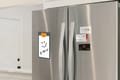
The reorder nudge is the same card aimed at consumables. If your product runs out in roughly six weeks, print a card that says so and dates itself. Coffee, skincare, supplements, pet treats, and candles all live on a clock, and a card that names the refill date does the remembering for the customer. Print it on Business Card Magnets so it stays visible for the whole cycle instead of the first afternoon.
- Date the expiry, do not just say thirty days. A printed date creates a deadline the buyer can see.
- Set a floor, not a ceiling. A minimum spend protects margin without making the offer feel mean.
- Say what it is for. Naming the next product gives the discount a reason.
- Keep the code human. A code like BOX15 is easy to type on a phone, and a twelve character string is not.
If you want the layout to feel less like a receipt and more like a keepsake, borrow from the formats in these unconventional business card ideas.
Print picks
Three insert formats that pull their weight
Live prices, ready to customize with your offer, your code, and your artwork.
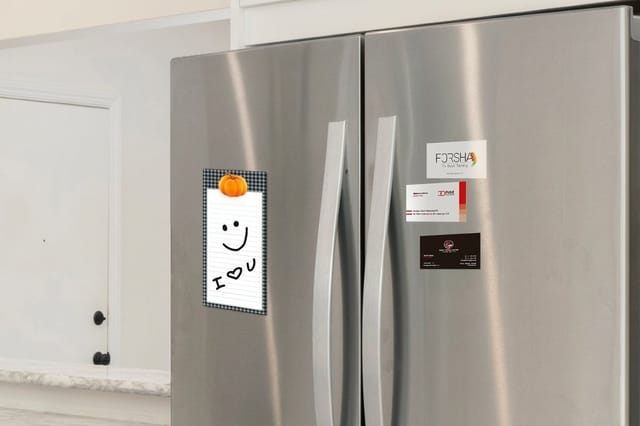 Business Card Magnets 25 for $19.68 A reorder card that holds to the fridge door for the whole refill cycle.
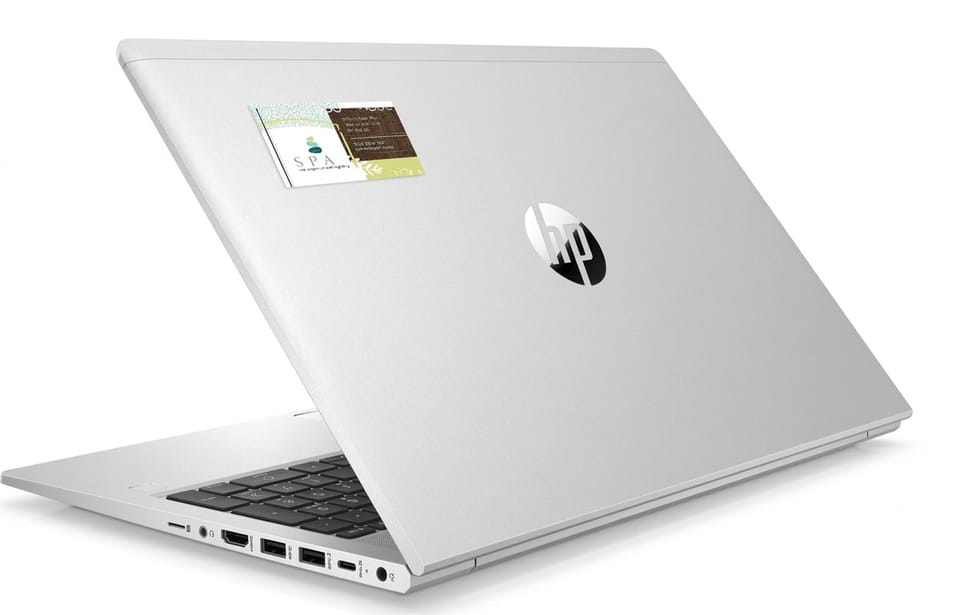
  Business Card Stickers 25 for $10.76 A label the size of a business card, for the wrap or for keeps.
  3D Lenticular Business Cards 500 for $690.88 A flip effect that reads on camera, made for unboxing clips and VIP boxes.
 Ideas 3 and 4: Referral Cards and Loyalty Punch Cards
A referral card only works if the buyer has something to give away. Print two cards per order, one for them and one to pass on, and make the friend's side the better offer. A gift for the friend is easier to pass on than a commission for the buyer.
Loyalty punch cards translate to ecommerce with one change. Print a card with five or six slots and stamp one at fulfilment before the box is sealed, or print sequential numbers and let the customer scan each one. It gives a repeat buyer a physical reason to order from you rather than the marketplace listing next to yours. The guide on how to make a loyalty stamp card customers actually fill up sets the slot count and the reward.
- Two-sided referral. Your offer on the front, the friend's offer on the back, so the card reads correctly whichever way it is handed over.
- Name the reward in words a customer uses. Free shipping on the next order is easier to picture than a points total.
- Keep the slot count short. Five or six slots keep the reward in sight.
- Sticker the punches. A small branded sticker is faster to apply at the packing bench than a stamp and ink pad.
- Print the redemption instructions. A full card is useless if the buyer cannot tell you how to claim it.
Ideas 5 and 6: Thank-You Notes and Care Instruction Cards
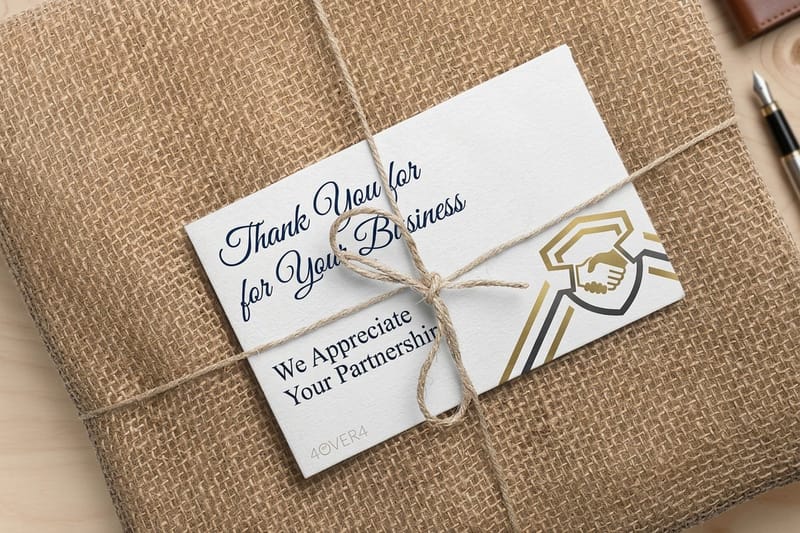
A thank-you card asks nothing of the buyer. Keep it to two sentences, name the product they bought if your platform lets you print variable copy, and sign it with a real first name from the team. The point is not the message, it is the evidence that a person packed the box.
Care instruction cards do quiet work for your support inbox. Tell the buyer how to wash the fabric, season the pan, store the candle, or charge the battery, and you cut the emails that start with a complaint.
- Handwrite the signature block, print the rest. One pen stroke reads as personal without slowing fulfilment.
- Print the care steps as a numbered list. Steps are quicker to follow than a paragraph.
- Add the one thing that ruins the product. The warning is more useful than five best practices.
- Put support contact on the same card. The buyer already has it in hand when something goes wrong.
- Make it keepable. A card that ends up in the drawer with the product gets read at month three, not day one.
If you want the tone right before you write it, these small business thank-you card ideas show what warmth sounds like when it is printed rather than spoken.
Idea 7: Magnet Cards That Earn a Spot on the Fridge
A paper card has one shot at attention. A magnet card gets a second look every time someone opens the fridge. That is the whole argument for magnets in repeat purchase categories.
Design it for the wall it will live on. That means high contrast, a short brand line, and the reorder route printed large. Skip the fine print entirely. The magnet is a reminder, not a brochure, and anything that needs reading glasses at arm's length is wasted ink.
- Print the reorder path, not the homepage. A short URL that lands on the product page saves three taps.
- Give it a second use. A conversion chart, a wash-symbol key, or a dosage guide earns fridge space on merit.
- Test it on a real fridge door. Stainless steel and some modern panels hold magnets poorly, so check before a full run.
- Keep the artwork clear of the edges. Leave the trim margin the blank template marks.
- Send one per household, not per order. A drawer of duplicates undoes the goodwill.
Quantity and price
Business card magnet pricing and specs
Real configurator numbers. The deeper the run, the lower your cost per fridge door.
| Quantity | Price Per Unit | Total |
|---|---|---|
| 25 | 78.7¢ | $19.68 |
Idea 8: Sticker Cards Customers Actually Stick Somewhere
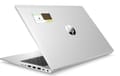
Stickers do two jobs on one order. Before the box is sealed, they close the tissue paper and brand the inner flap, which makes an unboxing feel considered rather than shipped. After the box is opened, a good sticker can go on a laptop, a water bottle, or a notebook and travel wherever that object goes.
Print two designs per run. One is functional and carries your mark, the sealing sticker that holds the wrap closed. The other is purely wearable, an illustration or a line with no URL on it at all, so the design does the branding.
- Round the corners. A 1/8 or 3/8 inch radius makes a 2 x 3.5 inch label look finished.
- Uncoated label for hand feel, semi-gloss for color punch. Pick per design, not per brand rule.
- Check the surface. Powder coating, textured bottles, and silicone cases all resist adhesive.
Sticker specs
Business card stickers
Sizes, shapes, and finishes for the sealing sticker and the one buyers keep.
Idea 9: Lenticular Cards Built for the Unboxing Video
Lenticular cards shift image as they tilt, which is a novelty in the hand and a genuine asset on camera. If any part of your growth depends on creators filming the unboxing, a card that moves gives them a shot that a flat card cannot.
This is a premium format and the price reflects it, so treat it as a targeted tool rather than a standard insert. Send it with press kits, influencer seeding boxes, VIP customer orders, and trade show handouts. The minimum run is 500 cards, so plan where every one of them goes.
- Two flips, not four. The card offers 2, 3 or 4 flips, and a clean two-image flip reads on video. A busy animation turns to mush at speed.
- Keep type off the moving layer. Text on a shifting frame is unreadable in every position.
- High contrast between frames. The effect only registers when the two images differ sharply.
- Show the product, then the offer. Frame one sells, frame two converts.
- Pack it flat and protected. Keep the lens face from rubbing against other items in the box.
Premium format
3D lenticular business cards
Built for seeding boxes, press kits and the unboxing clip.
Idea 10: QR Cards That Route to Reviews and Restocks
The last idea is the one that ties the other nine together. A QR card sends the buyer somewhere specific: the review form for the exact item they bought, a prefilled reorder cart, a fitting or sizing video, or the warranty registration.
Print the reason above the code. A bare QR gives no reason to scan. One line that says what happens next, in plain words, fixes that. Then check the link every quarter, because a dead QR on a card printed in volume is an expensive mistake.
- Use a redirect you control. Then the destination can change without reprinting a thousand cards.
- Minimum quarter-inch quiet zone. Art crowding the code breaks the scan on older phones.
- Dark code on a light field. Keep the contrast high so the camera locks on at the first try.
- One destination per card. Two codes on one card split the buyer's attention.
- Print a typed fallback. A short URL under the code catches everyone whose camera app misbehaves.
Compare formats
Popular business cards, side by side
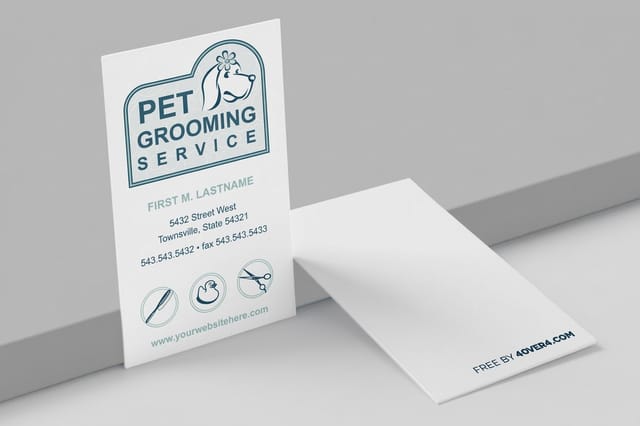
Standard cards at 100 for $17.57 next to metallic foil at 500 for $222.13, on stock and turnaround.
 free business cards |  Standard Business Cards | 3D Lenticular Business Cards | 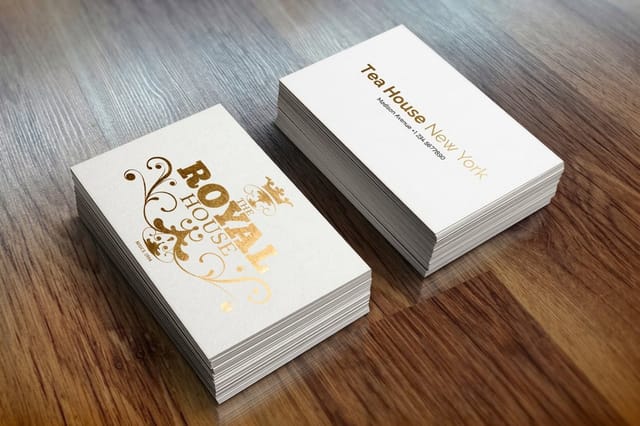 Metallic Foil Business Cards | |
|---|---|---|---|---|
| Min price | Free | $17.57 | $690.88 | $222.13 |
| Paper / stock | 14pt Gloss Cover | 14pt Gloss Cover | 31pt Lenticular Lens | 16 Point Silk Laminated |
| Finish | - | Standard Finish | - | - |
| Size | 2" x 3.5" | 2" x 3.5" | 2" x 3.5" - Vertical | 2" x 3.5" |
| Default qty | 200 | 100 | 500 | 500 |
| Turnaround | 5 business days | 3 business days | 22 business days | 7 business days |
| Rating | ||||
| View & customize | View & customize | View & customize | View & customize |
Building the Insert Kit and Getting It Printed
Ten ideas do not mean ten print jobs. A kit of three covers it: one coupon or reorder card for every order, one sticker for sealing and one for keeping, and a magnet reserved for repeat buyers or orders above a threshold. That covers the ordinary shipment and the customer worth spending more on.
Set the artwork up once and reuse the layout. Standard business card dimensions carry across paper, magnet, and sticker stock, so a single grid saves you from three separate design files and three rounds of proofing.
Start fast
Card templates and print-ready blanks
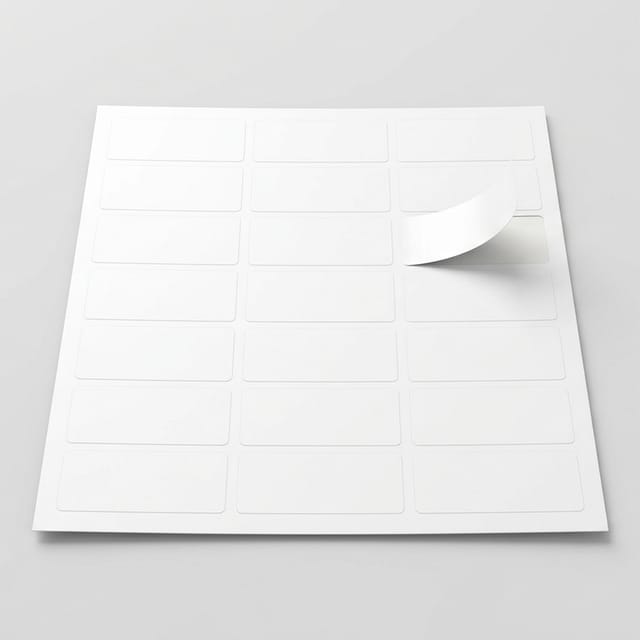
Six exact-size blanks, magnets and stickers among them, so your artwork lands inside the trim on the first proof.




Wally packs the box with you
One card, one job, and a code you can actually measure
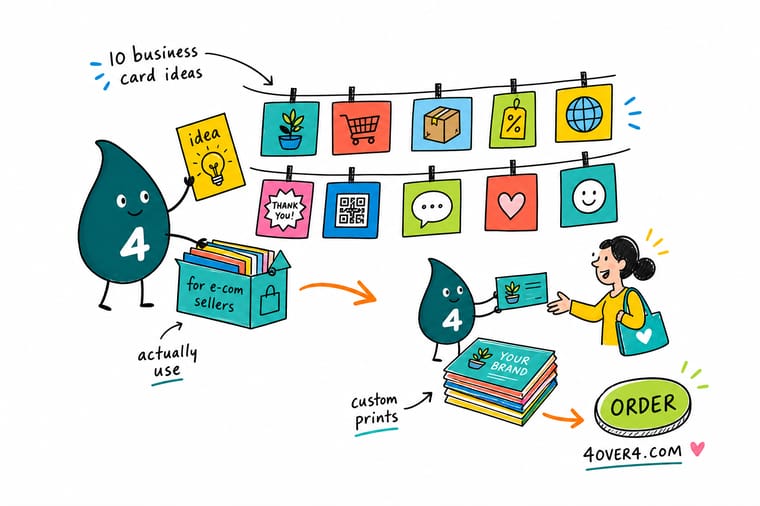
Think of the insert kit as three decisions, not ten. What does this card ask the buyer to do, where in the box will their hands find it, and how fast can they act on it? Give every card its own code so the discount report tells you which idea earned its next print run. Start with a sticker and a coupon card, add a magnet once repeat orders start showing up, and save the lenticular card for the boxes worth filming.
Print your insert card kit →What to Print First if You Only Print One Card
Explore more
More card ideas and formats worth a look
Three insert formats with live prices, plus six idea articles, from thank-you notes to market stall signs.
Product Business Card Magnets Magnet cards for the refill reminder. 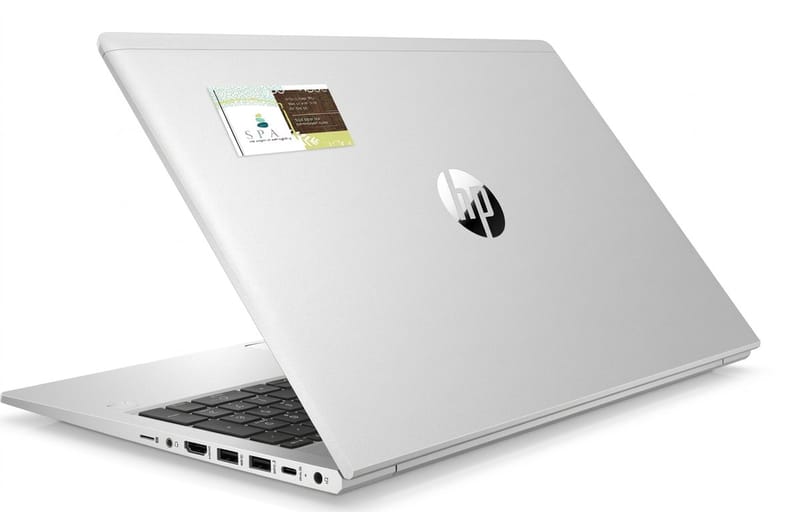 Product Business Card Stickers Business card size labels with optional rounded corners.
  Product 3D Lenticular Business Cards Flip cards for press kits and VIP orders.
  Article Quirky and Unconventional Business Card Ideas Formats that get kept instead of recycled.
  Article Business Card Design Trends and Ideas What current card design gets right this year.
  Article 6 Small Business Thank-You Card Ideas Warmth that works when it is printed, not spoken.
  Article Business Card Ideas for Crafters Handmade sellers, packaging, and cards that match.
  Article Best Lip Gloss Business Cards Finish choices from a category built on unboxing. Article 11 Outdoor Business Sign Ideas Scale the card design up to markets and pop-ups.
 Start with one coded sticker run
Pick the one action worth the most this quarter, print it on a format that survives the unboxing, and code it so you can read the result next month.
Business Card Advertising Questions Ecommerce Sellers Ask
How do I choose which business card idea to print first?
Start with the metric you most need to move. If repeat purchase is flat, print the reorder card or a magnet dated to your refill cycle. If reviews are thin, print a QR card that opens the review form for the exact item bought. If acquisition is the gap, print a referral pair where the friend gets the better offer. Print one idea, run it for a full month, then add the second only once you can read the first in your reports.
What do ecommerce insert cards cost and how is the price set?
Price moves with the stock, the size, the finish, and above all the quantity, because setup is spread across the run. Order the everyday coupon and sticker cards deep, where the per-unit cost falls fastest, and keep the premium formats to short, targeted runs.
What sizes, stocks, and finishes work best for packaging inserts?
Choose a heavier stock for coupon and thank-you cards so they feel worth keeping, an uncoated stock for anything the buyer will write on, and gloss where color needs to punch in an unboxing photo.
How long does it take to print and ship insert cards before a busy season?
Turnaround depends on the product, the finish, and the shipping method you pick at checkout, and each option shows its own production and delivery estimate in the configurator before you pay. Stickers and magnets offer turnarounds from same day to 5 business days, while 3D lenticular cards take 15 or 22 business days. Before a peak season, order the flat formats at least two weeks ahead of your first promotional shipment and the lenticular run a month or more ahead, and add buffer if you are proofing a new design rather than reprinting an approved file.
