Free Email Signature Maker
Beta
Sign off in style. Every email is a tiny business card.
Set it up
Free, runs in your browserYour signature
ML | Maria Lopez Owner, Northside Bakery 12 Main Street, Springfield NY 11105 |
Paste it straight into Gmail, Outlook or Apple Mail. It is a table with inline styles, which is what mail clients actually keep. No images are used, so nothing is blocked and nothing tracks the reader.
BetaThis is in beta, so some things may not work yet. We’d love your feedback.Send feedback
Enjoying this tool?
You might also like Standard Business Cards
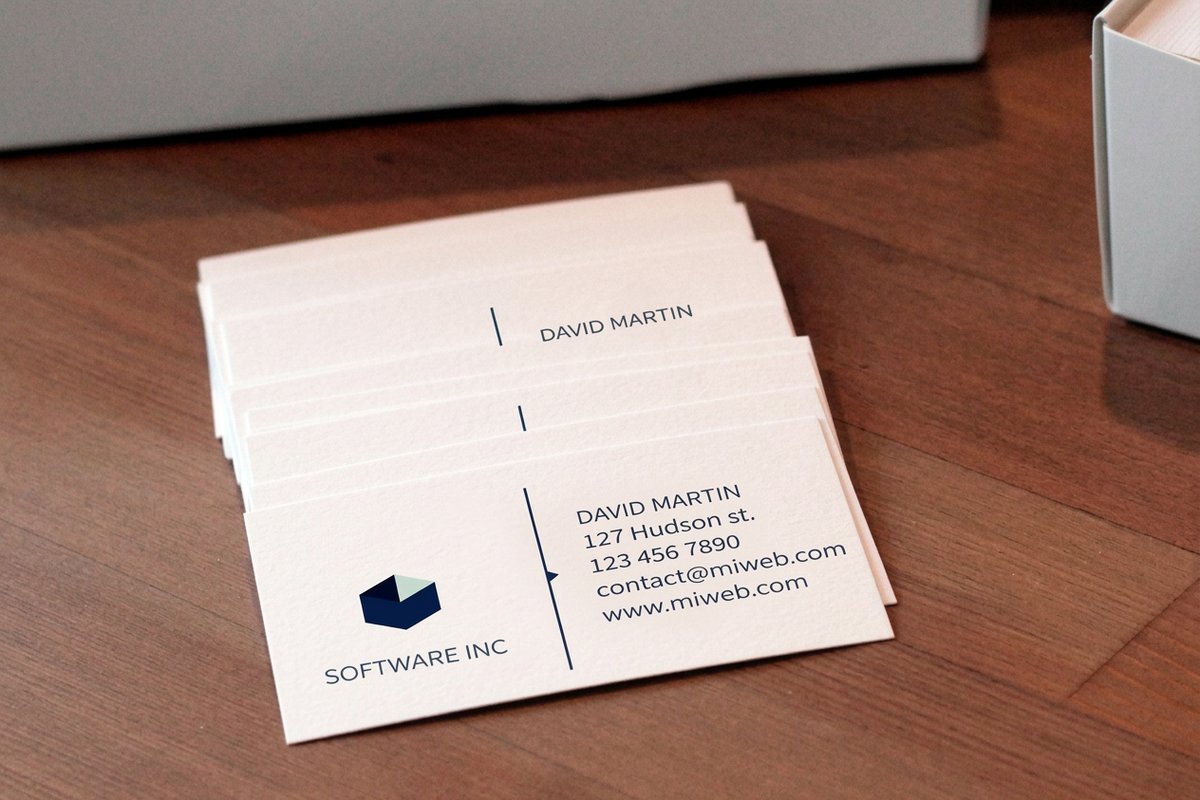
The same details on paper: business cards that match your new signature.
 Standard Business CardsFrom $17.574.9·303 reviewsShop now
 About the email signature maker
Type your details once. You get a signature you can paste straight into your mail, and the same details for a card.
Free blank templatesWhy a signature made of images is a bad signature
Most signature makers hand you a picture. Mail clients block remote images by default, so the reader sees a grey box where your name should be, and nobody can copy your phone number out of a picture. Screen readers get nothing at all.
This one is a table with inline styles, which is the one thing every mail client keeps. Your name is text, your phone number is a link, and it looks the same whether images load or not.
The same details belong on a card
The fields here are the fields on a business card: name, title, business, phone, email, website, address. Getting them right once is worth doing, because the card, the signature and the letterhead should all say exactly the same thing.
Common questions
Questions about free email signature maker
How do I add this to Gmail?
Copy the signature, open Gmail settings, scroll to Signature, and paste. The formatting comes with it.
Does it work in Outlook?
Yes. It is a table with inline styles, which is what Outlook keeps. Paste it into File, Options, Mail, Signatures.
Why is there no logo image?
Mail clients block remote images, so an image signature often shows as an empty box. The coloured mark here is drawn with text and colour, so it always shows.
Is anything uploaded?
No. The signature is built on this page and copied to your clipboard. Nothing is sent anywhere.
Explore more