
Die Cutting Services That Shape Print to Any Custom Outline


Tobias is our voice for cutting, binding and large format, built from the knowledge of our production team, with over 20 years in printing.
Custom die cutting services turn flat print into a custom shape: 4OVER4 cuts any outline you draw, adds windows, slots, and rounded corners, and finishes it all in-house. Custom die-cut business cards start around $26 for a run. The shapes, the tooling, and the cost are below.
Die cutting is a finishing process that cuts printed material into a custom shape, or adds cutouts, using a shaped tool called a die. At 4OVER4 you can order contour-cut stickers, logo-shaped business cards, windowed folders, and any-shape paper, produced in-house with either a steel-rule die for volume or digital cutting for short runs and fine detail.
Start here
Any outline you can draw, cut identically
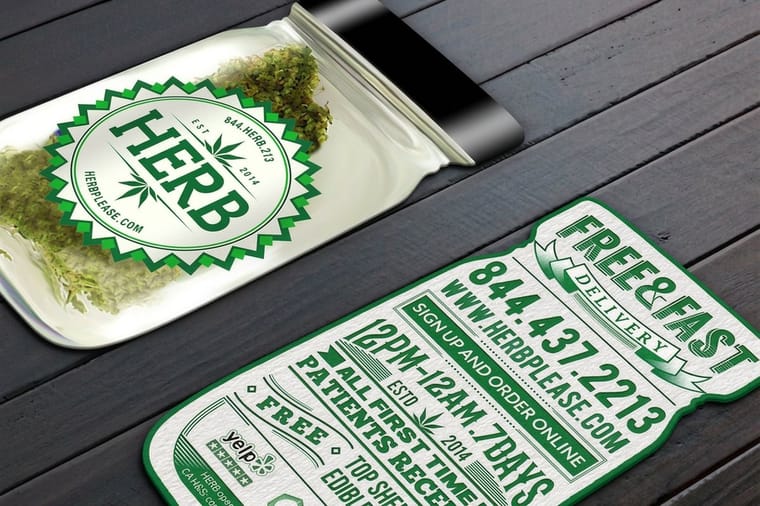
Die cutting is the finishing step that cuts your print into a custom shape instead of a plain rectangle. A die, either a steel-rule blade or a digital cut path, follows an outline you supply, so every piece comes out identical: a 2 by 3.5 inch card cut as a leaf or an oval, a contour-cut sticker from 2 by 2 inches up, a hang tag with its hole, or a folder with a window. At 4OVER4 it all happens in-house, and the price updates live as you set your shape, stock, and quantity.
Die cutting services from art file to finished shape
When you order die cutting from 4OVER4, you send a print-ready file with the cut line on its own layer, a 1 pt magenta stroke named Dieline or CutContour, and our team confirms that line before anything is made. We print the sheet, cut the shape and finish the edge in-house in Queens, New York, and what ships back is the finished piece: a logo-shaped business card, a contour-cut sticker, a hang tag with its hole, a folder with a window.
Custom outlines, windows and slots all come from that one file, and the quantity picks the tool. For a larger run of one shape we build a steel-rule die once and it cuts fast from then on; for a short run, a prototype or detail a bent blade cannot hold, a digital cutter follows your vector path with no tooling to build.
Custom die-cut business cards start around $26 for a run and any-shape die-cut paper around $87, and the per-unit price drops as the quantity climbs. Set your shape, stock and quantity in the configurator and the number updates as you go.
Why a custom shape gets picked up first
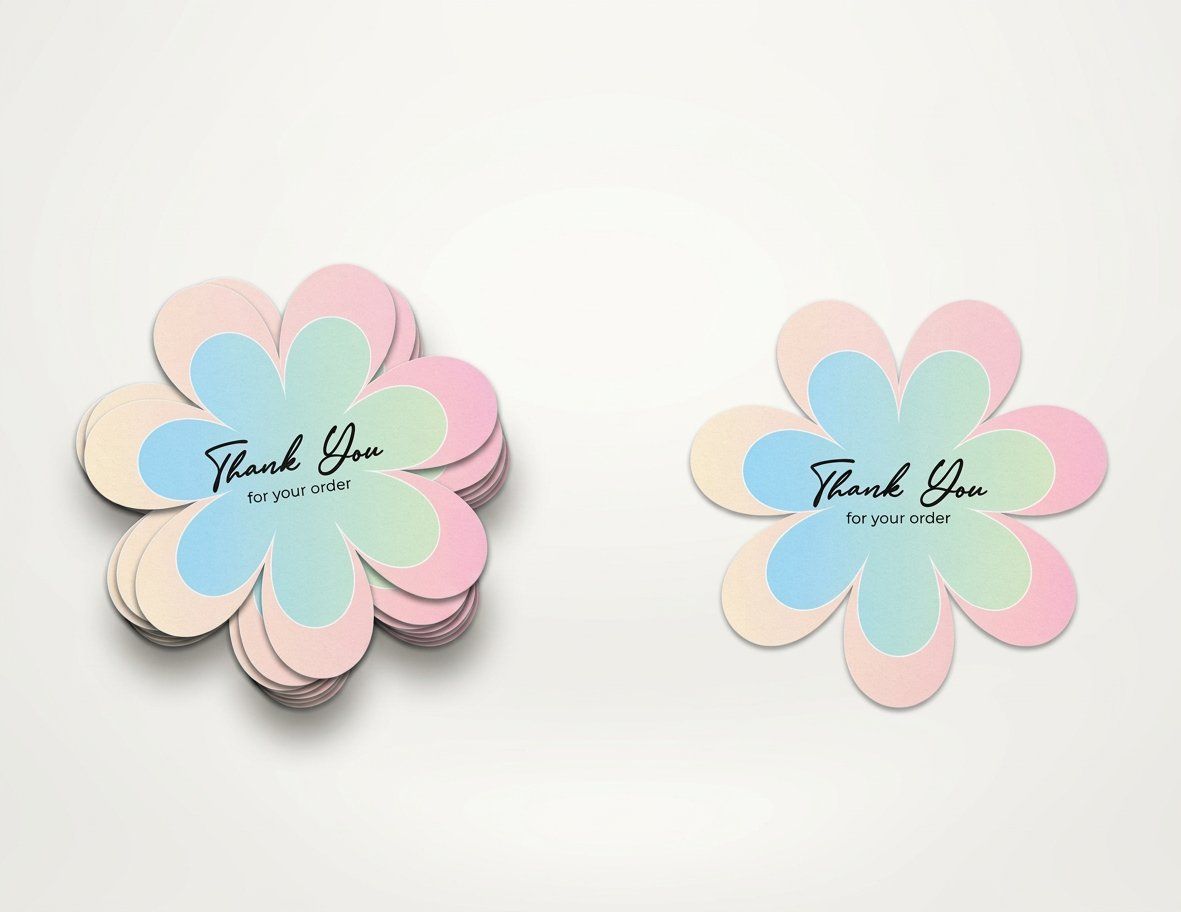
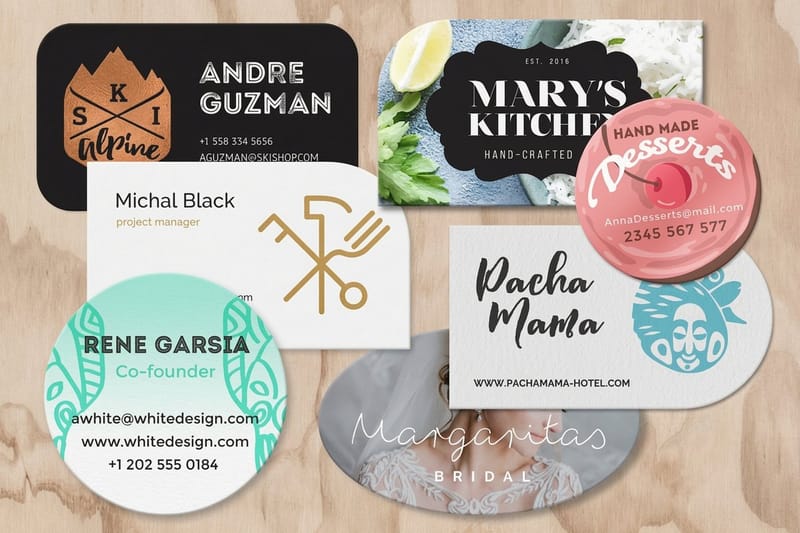
Hand out a stack of 2 by 3.5 inch business cards and the one cut as a leaf, a guitar, or a coffee cup is the one people keep. A die-cut shape does something a rectangle cannot: it signals, before a single word is read, that thought went into the piece.
Die cutting is the finishing step that makes that possible. Instead of trimming your print with a straight guillotine cut, a shaped blade follows a custom outline, opens a window, or rounds every corner. The result feels designed rather than defaulted, and it is one of the cheapest ways to make a small run punch well above its size.
This page covers what die cutting is, how it works at 4OVER4.COM, the shapes and effects you can order, and the products it suits best. If you already know the shape you want, you can browse the full die-cutting printing collection and price a job in a couple of minutes.
What is die cutting?

Die cutting is a finishing process that uses a custom cutting tool, a die, to cut printed material into a specific shape or to add cutouts a straight trim cannot make, like a 2 inch circle card or a 4 by 6 inch postcard with one rounded corner. The die is built for your artwork alone, so the thousandth piece in the run carries the same outline as the first.
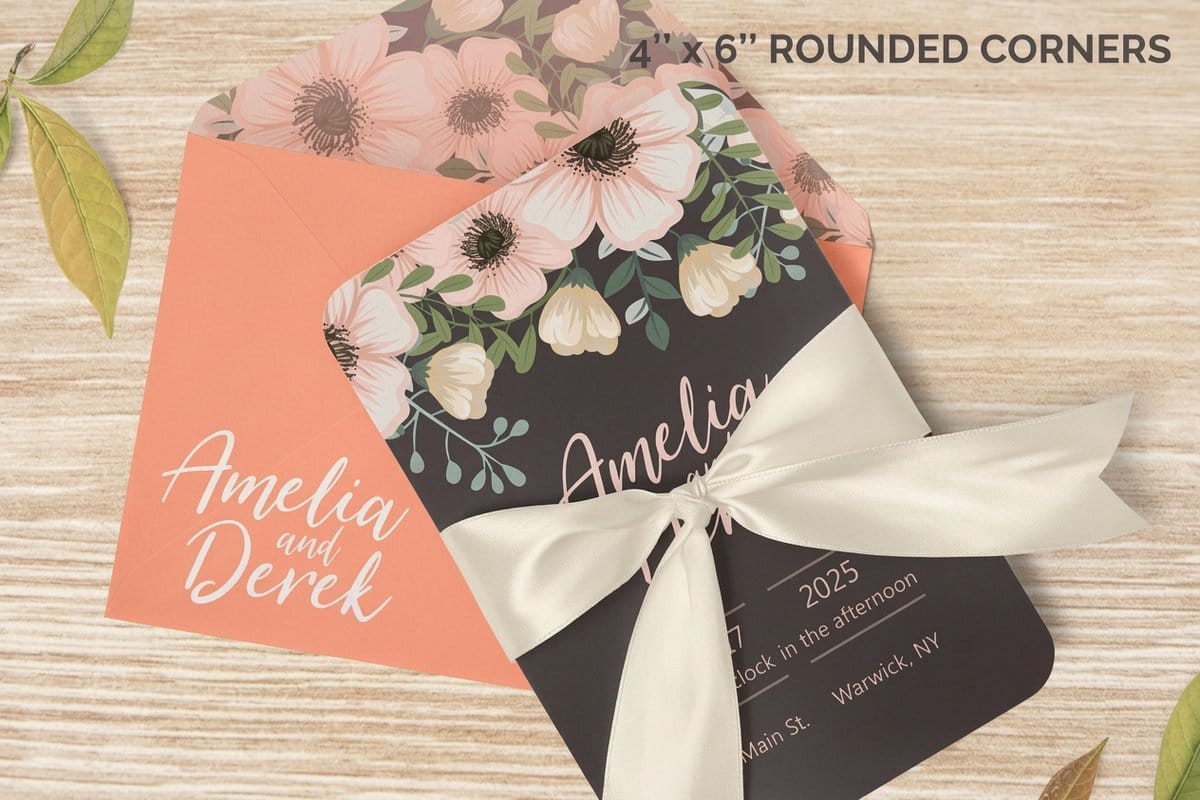
Almost anything flat can be die cut. Die-cut business cards take on the silhouette of a logo or product. Die-cut stickers and custom die-cut labels follow the edge of the artwork instead of sitting on a plain square. Hang tags, folders, and packaging gain slots, handles, and windows that make them work in the hand.
If you want a deeper primer on the craft itself, our guide on die cutting explained covers the mechanics and the history. This page stays practical: what you can order, how to set it up, and what it costs at 4OVER4.
Our custom die cutting service
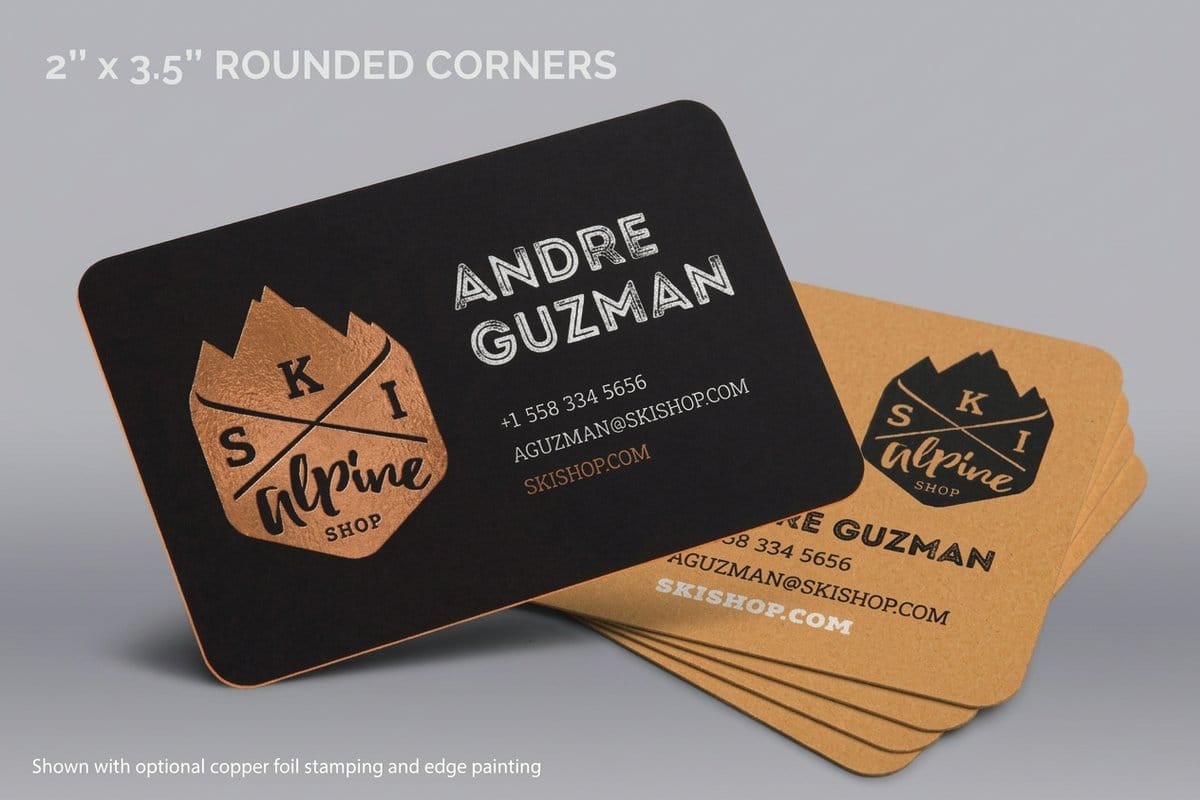
A custom die cut involves three decisions: the outline, the stock and the count. You draw the outline as a vector path, a 1 pt cut line on its own layer; you never supply a physical die. For stock, die-cut business cards come in seven cut shapes, from rounded corners, a leaf and an oval at 2 by 3.5 inches to 2 and 2.5 inch circles, on 14pt and 16pt gloss, 14pt and 18pt linen, 15pt synthetic plastic and 17pt indoor magnet.
Die-cut stickers run from 2 by 2 to 11 by 11 inches, or a custom size between, on uncoated, semi-gloss and hi-gloss label, white vinyl or clear label, with a basic or complex custom shape. Die-cut postcards take six 4 by 6 inch outlines, and any-shape paper covers the same size range as the stickers on cover stocks up to 17pt magnet.
Cost follows those choices: cards start around $26, any-shape paper around $87. Production takes 3 business days for die-cut business cards and 5 for stickers, postcards and any-shape paper.
How die cutting works: steel-rule dies and digital cutting
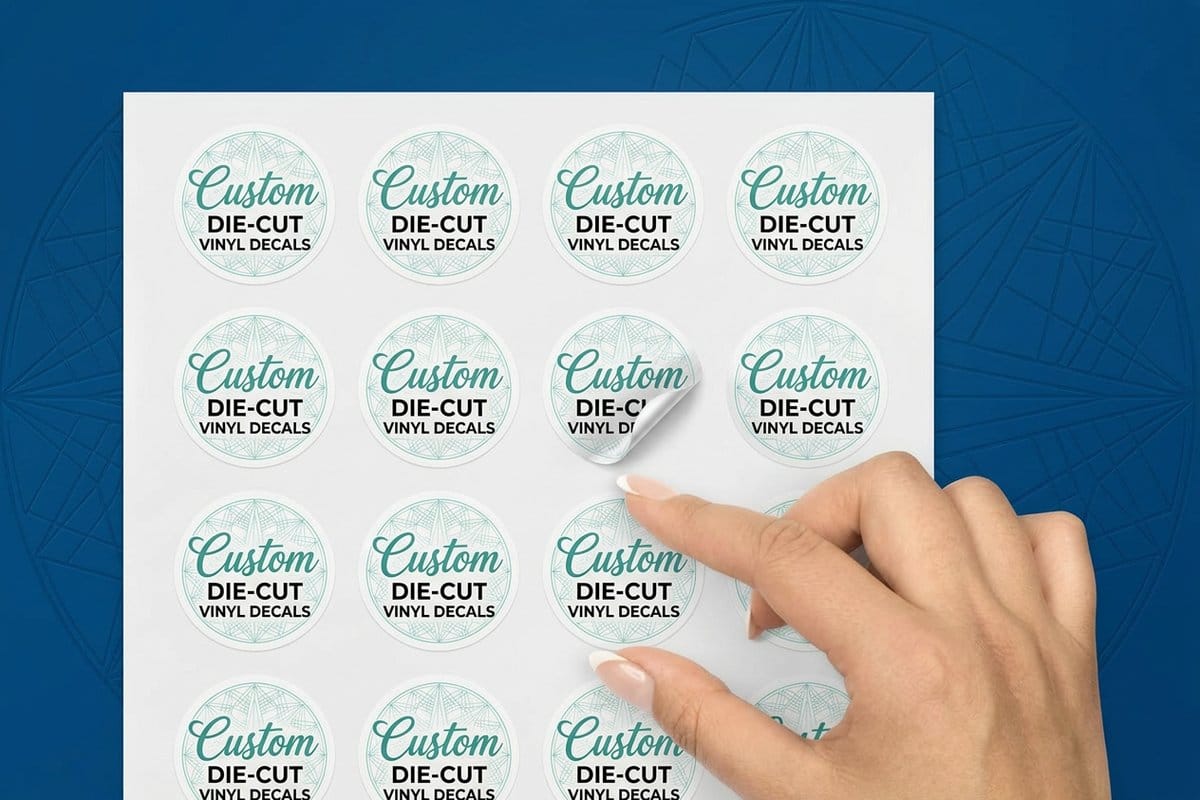
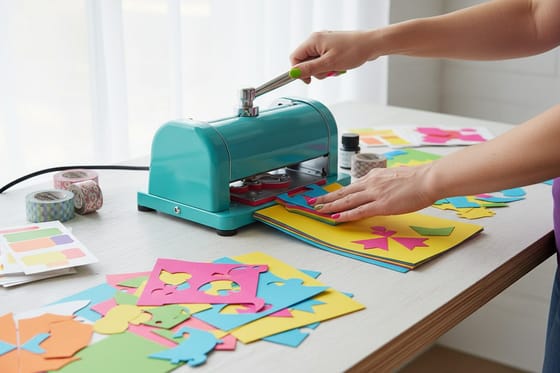
There are two ways to cut a custom shape, and 4OVER4 runs both. The first is a steel-rule die: we bend steel to your outline, mount it in a board, and from then on it cuts a long run of one shape fast and at a low cost per piece. The second is a digital or laser cutter, which reads your vector path and needs no tooling, so short runs, prototypes and fine detail skip the die-building step.
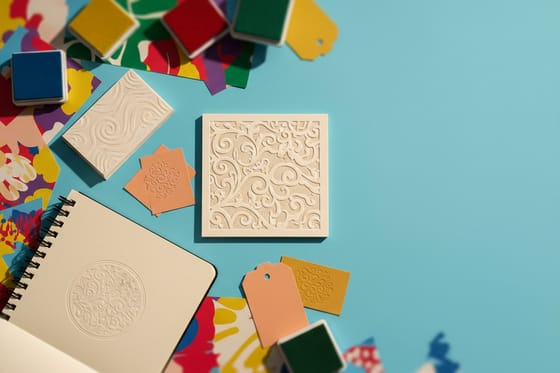
Die cutting also pairs naturally with other finishing. A shaped card looks even sharper with a raised or recessed detail from debossing, and a die-cut retail or subscription piece often ships as part of a larger set, which is where our kitting and fulfillment service takes over: we cut, assemble, pack, and send the whole kit for you.
Whichever method fits, the workflow is the same on your side. You supply print-ready art with a clean cut line, we proof it, and the shape comes off the press ready to finish and ship.
The shapes and effects you can cut
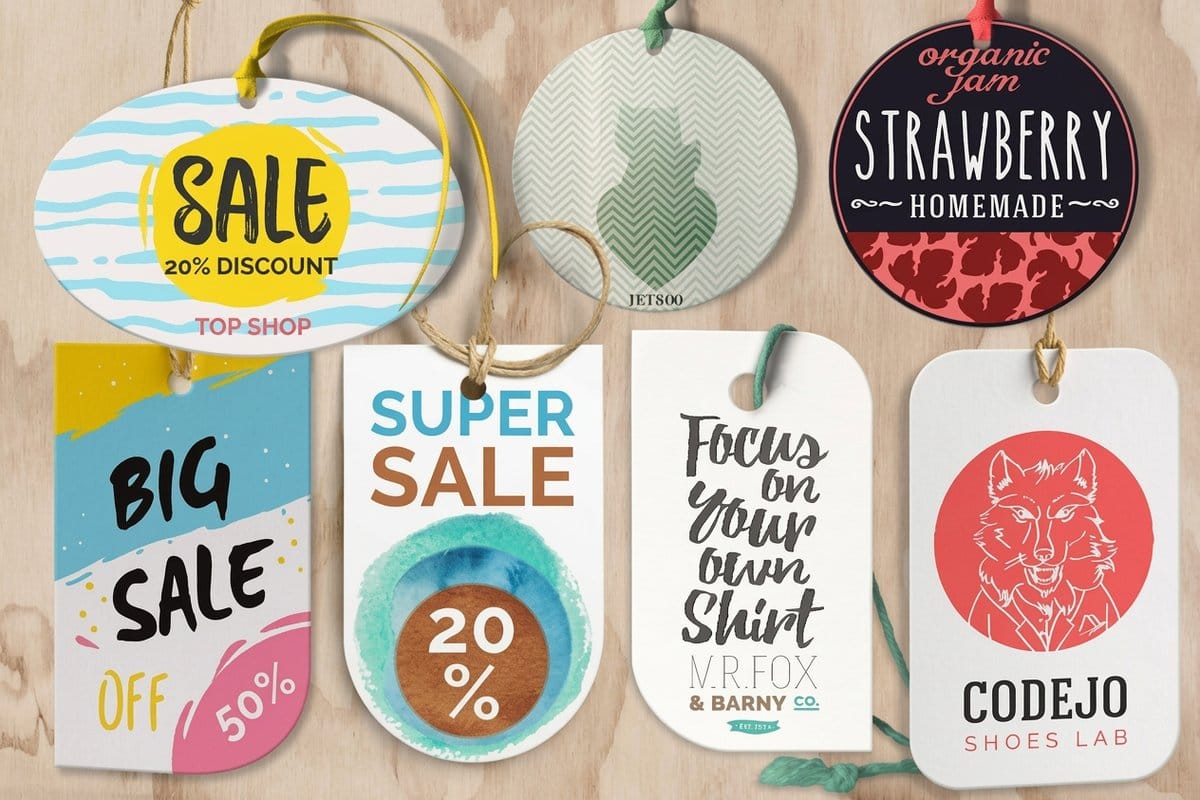
The word cut covers more than an outline. Die cutting gives you a menu of effects, and mixing them is where custom print gets interesting.
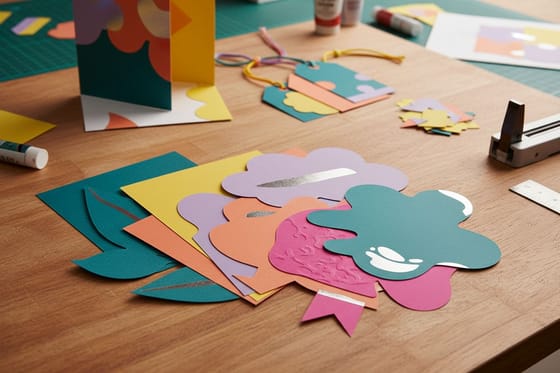
- Custom outlines follow any silhouette, from a simple rounded badge to the exact edge of your logo.
- Windows and apertures open a hole in the stock so a folder, invitation, or box reveals what sits behind it.
- Slots and tabs turn flat paper into something functional: business-card slits in a folder, hanging holes in a tag, or interlocking packaging.
- Rounded corners are the subtlest die cut of all, and they instantly make a card feel more finished and modern.
- Kiss cuts slice only the top layer of a sticker or label so the backing stays intact and each piece peels away on its own.
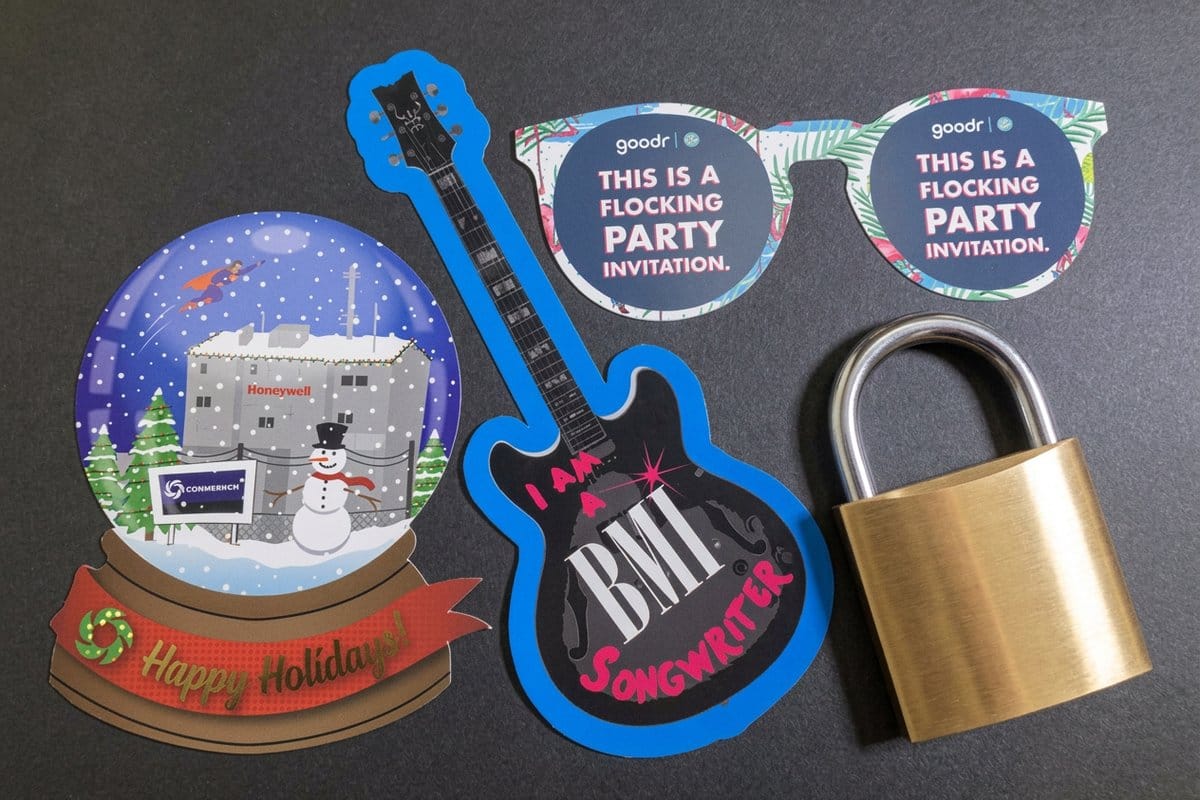
You can see many of these effects in one place in our die-cut printing showcase, which collects real customer work printed in-house.
Where die cutting shines
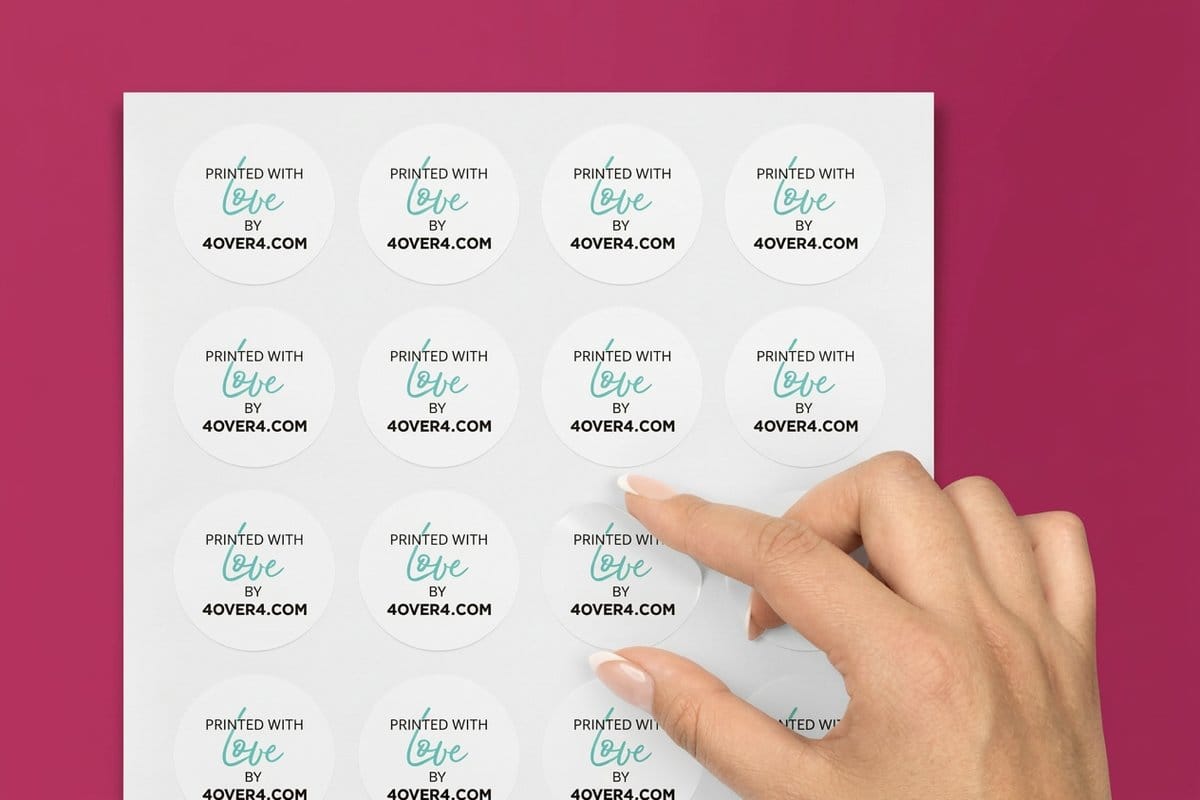
Die cutting earns its keep wherever a shape carries meaning or does a job. A few of the pieces our customers order most:
- Die-cut stickers and decals that hug the artwork for a clean, professional peel.
- Die-cut hang tags for retail and apparel, complete with the hole and shape you need.
- Die-cut business cards in custom silhouettes, starting around $26 for a run.
- Die-cut postcards and flyers that get noticed in a mailbox or on a table.
- Any shape, any size paper cuts for packaging inserts, danglers, and one-off ideas, from about $87.
Not sure which fits? Browse everything in the die-cutting collection or talk it through with our print team.
How to set up artwork for a die-cut shape

A die-cut job is only as clean as its dieline, the vector path that tells the cutter where to go. Set it up right and the finished edge lands exactly where you drew it.
Keep the cut line on its own named spot-color layer, usually a 1 pt magenta stroke labeled something clear like Dieline or CutContour, and set it to overprint so it does not knock a white gap into your art. Extend any background color or image at least an eighth of an inch past the cut line as bleed, so a slight shift on press never leaves a white sliver. Then pull important text and logos a similar distance inside the line as your safe margin.
If any of that is unfamiliar, our printing terms glossary defines the vocabulary, and you can always send your file to our team for a free check before we cut. Getting the dieline right once means every piece in the run comes out identical.
Why cut your custom shapes at 4OVER4
Plenty of printers send their die cutting out. 4OVER4 dies, prints, cuts, coats, and ships from our own facility in Queens, New York, and no step leaves the building, which keeps your shapes precise and your timeline honest: die-cut business cards finish production in 3 business days, stickers and postcards in 5.
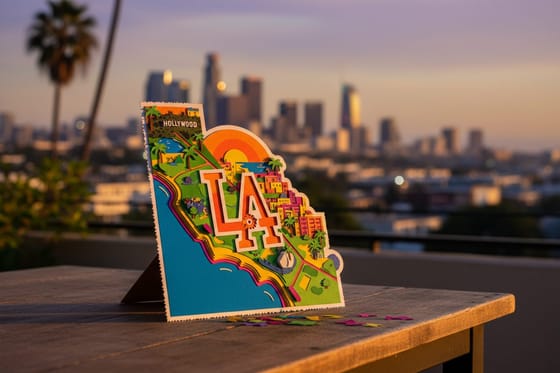
That control is backed by more than two decades of trade printing and a promise on every order. Read the 30-point pro review that every file passes before it prints, or the 4OVER4 story if you want to know who is cutting your work. Ordering from out west? We ship die-cut jobs nationwide, including die cutting in Los Angeles.
When you are ready, set your shape, stock, and quantity in the configurator and watch the price update live, or order free paper samples first to feel the stock in your hand.
How it works
How a die-cut job comes together
Four steps from a flat design to a finished custom shape, all under one roof at 4OVER4.COM: you send the file with its 1 pt cut line, we proof it, print, cut and strip the waste, then finish and ship.
Steel-rule dies suit larger runs of a single shape, while digital cutting handles short runs and fine detail with no tooling to build. We pick the method that fits your quantity and design.
Specs and pricing
Die-cut sticker specs and live pricing
When your shape is set, the printing decisions come down to size, stock, and finish. Die-cut stickers come in sizes from 2 by 2 to 11 by 11 inches, or a custom size between, on six label and vinyl stocks, with a basic or complex custom shape and 5 business days of production. Here are their live specs and price-per-unit at 4OVER4.COM, straight from the configurator.
| Quantity | Price Per Unit | Total |
|---|---|---|
| 25 | $3.73 | $93.37 |
| 50 | $1.91 | $95.56 |
| 100 | 100.0¢ | $99.95 |
| 200 | 56.3¢ | $112.59 |
| 300 | 41.4¢ | $124.13 |
| 400 | 33.9¢ | $135.65 |
| 500 | 29.2¢ | $146.10 |
| 600 | 26.4¢ | $158.17 |
Order it
Popular die-cut products
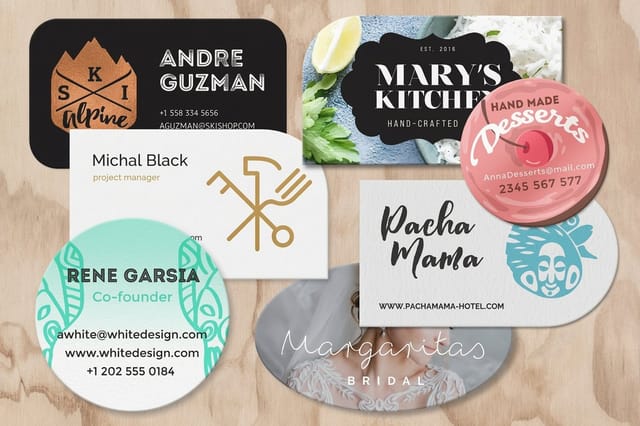
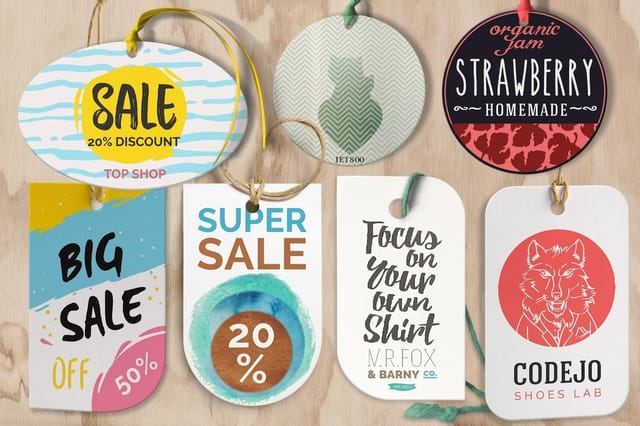
Three shapes customers order most: die-cut business cards in seven outlines at 2 by 3.5 inches or as circles, die-cut hang tags in the same shapes with a 1/8 or 3/16 inch hole, and die-cut postcards in six 4 by 6 inch outlines.
Wally explains die cutting
A rectangle is a default, a shape is a decision
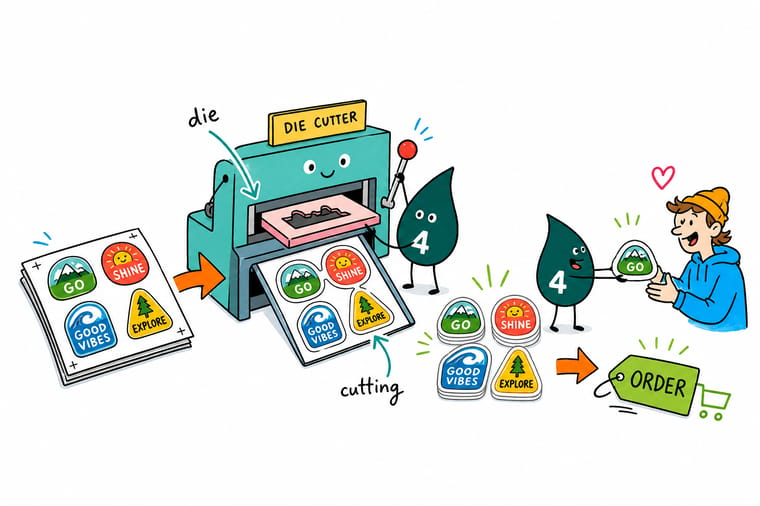
Wally treats the dieline like a road for the blade: draw the outline once, and every piece in the run follows it exactly. Add a window, a slot, or a rounded corner and the print starts doing a job, not just sitting there. Sketch your shape, drop it on its own cut layer, and let 4OVER4 cut, finish, and ship it in-house so the edges stay crisp from proof to package.
Start a die-cut order →See it in use
Die cut work from customer shapes
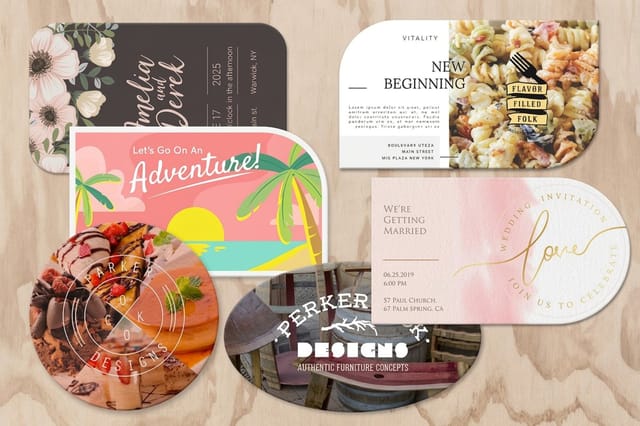
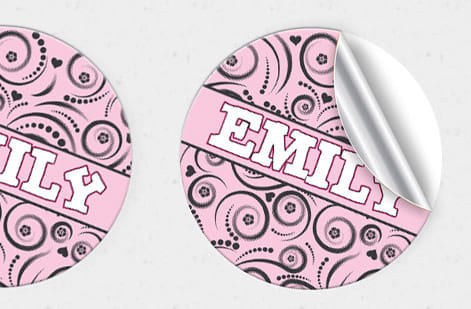
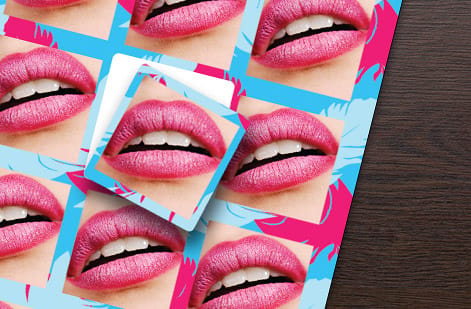
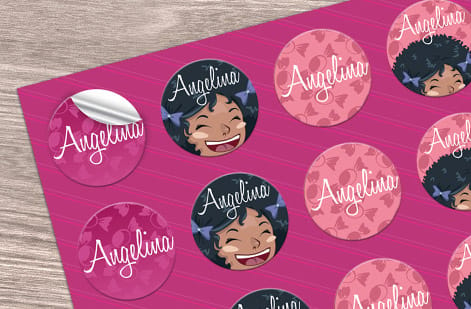
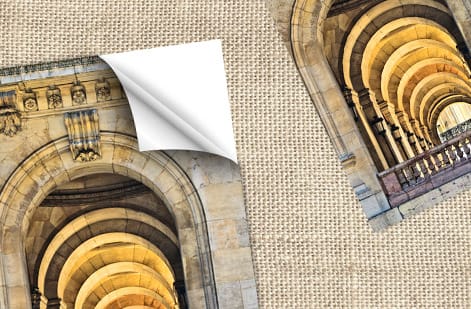
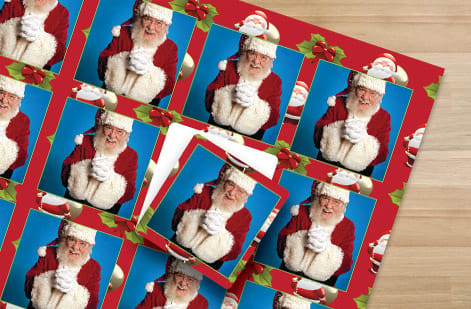
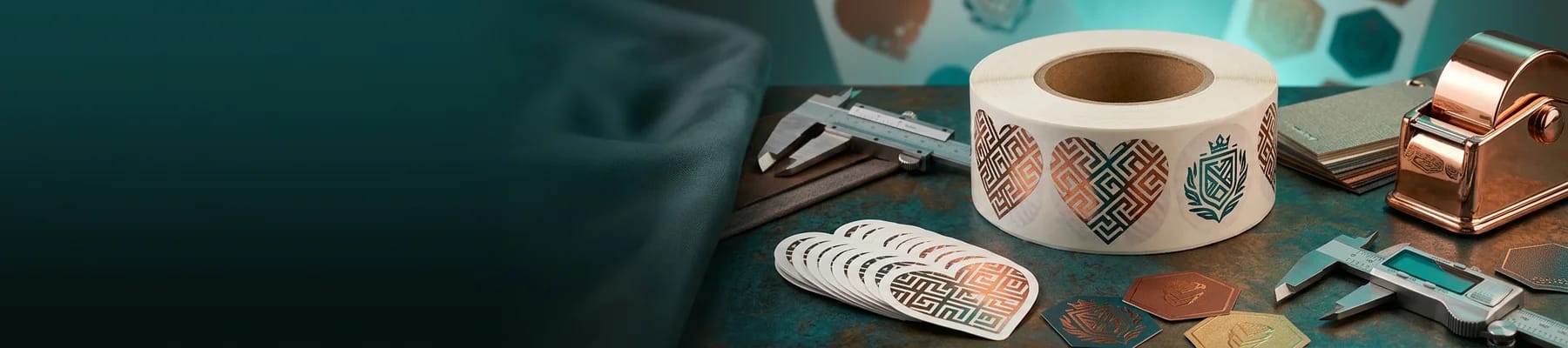
The pieces below come from the die-cut printing showcase: stickers, cards and paper cut to customer outlines, from a simple rounded badge to the edge of a logo, all printed and cut in Queens.



Get Started
Ready to cut a custom shape?
Bring your dieline to 4OVER4.COM and we will cut, finish, and ship it from our own facility. Set your shape, stock, and quantity and watch the price update live.
Explore more
Where to go next
By the numbers
Paper types a custom die can cut
Common Questions
Common questions about die cutting
What is die cutting?
Die cutting is a finishing process that cuts printed material into a custom shape, or adds cutouts like windows and slots, using a shaped tool called a die. Instead of trimming your print with a straight cut, the die follows a specific outline so every piece comes out in exactly the same shape. It is how you get contour-cut stickers, logo-shaped business cards, hang tags with a ready-made hole, and packaging that folds and locks together.
What is the difference between die cutting and kiss cutting?
Die cutting slices all the way through the material, giving you a separate, fully shaped piece. Kiss cutting cuts only the top layer and leaves the backing intact, which is what lets a sheet of stickers or labels stay together until each one is peeled off. Most die-cut stickers actually use a kiss cut on the label and a die cut on the outer sheet, so you get both a clean individual peel and a tidy sheet.
Do I need to supply the die or a dieline?
You do not need to supply a physical die. You provide the dieline, a vector path in your artwork that shows where the cut should go, and we build or run the die from that. If you are working from a stock shape such as a rounded rectangle or a circle, you often do not need to draw anything at all. When in doubt, send your file over and our team will confirm the cut line before anything is made.
What is the difference between steel-rule and digital die cutting?
A steel-rule die is a sharpened steel blade bent to your shape and mounted in a board. It has a one-time tooling step, then cuts large quantities quickly and economically, so it suits big runs of a single shape. Digital and laser cutting follow your vector path directly with no tooling to build, which makes them ideal for short runs, prototypes, and highly detailed shapes. We choose the method that fits your quantity and detail.
What products can be die cut?
Almost any flat printed product. Common ones include business cards, stickers, labels, decals, hang tags, postcards, flyers, presentation folders, door hangers, and packaging. You can also order any-shape, any-size paper cuts for inserts, danglers, and custom projects. Browse the full range in the die-cutting collection, or start from a specific product and choose your shape in the configurator.
How much does die cutting cost?
Price depends on the same levers as any print job: quantity, size, stock, and the finishing you add, plus whether the run uses a reusable die or digital cutting. As a reference, custom-shaped die-cut business cards start around $26 and any-shape die-cut paper starts around $87, with the per-unit price dropping as the quantity climbs. Every option updates the price live in the configurator, so you can see the exact number before you order.
How do I set up my artwork for a die-cut shape?
Add your cut line as a separate spot-color layer, typically a 1 pt magenta stroke named Dieline or CutContour, set to overprint. Extend your background art at least an eighth of an inch past that line as bleed, and keep important text and logos a similar distance inside it as a safe margin. Supply the file as a print-ready PDF with the dieline included. If any of that is unclear, our team will check your setup for free before we cut.
Legal Disclaimer
Gold Standard guarantees apply to all standard orders placed through 4over4.com. Price match requires verifiable proof of a competitor's published price for an equivalent product with matching specifications and turnaround time. Satisfaction guarantee covers manufacturing defects and print quality issues. Contact support with order number and documentation.
