
Protect Your Digital Life Before One Stolen Login Takes the Rest


Nadia is our customer education voice, built from the knowledge of our production team, with over 20 years in printing.
Five layers, in the order they pay off: the inbox that resets everything, a second factor that resists a SIM swap, a password manager, real backups, and a written plan somebody else could follow. Each layer comes with its steps in order, and the paper half, recovery codes in a notebook, sealed envelopes and a labeled backup drive, keeps working when every device fails.
Protecting your digital life starts with the one account that can reset all the others, which is almost always your primary email. Give that inbox a unique generated password and an authenticator app or hardware key rather than a text message, print the one time recovery codes and store them offline, then add a password manager and a real backup. Do those five in that order and the common attacks, which are reused passwords and fake login pages, stop working against you.

Quick answer
Secure the account that resets the others, then work outward
Attackers rarely break a password. They walk in through the recovery path. Every service you use will email a reset link to one address, so that inbox is worth more than any single account behind it. Harden it first with a unique password and a second factor that does not depend on your phone number, keep the printed recovery codes somewhere a device failure cannot reach, and only then work outward to the password manager, the backups and the plan that lets somebody else pick it all up.
Start With the Account That Can Reset Every Other One

Pick any account you care about and click the forgot password link. The reset arrives in your email. That is the whole reason attackers go for the inbox first: it is not one account among many, it is the master key to the rest, and it is usually the one with the oldest password on it.
Three things fix it in about twenty minutes. Give the inbox a password that exists nowhere else, generated rather than invented, because a password you thought up is a password you have probably reused. Turn on two factor authentication and choose the app option rather than the text message option. Then open the account recovery settings and read them like a stranger would: an old phone number you no longer control, a university address you abandoned, or a backup email from a service that has since been sold are all live doors, and every one of them bypasses the password you just strengthened.
Check the filters and forwarding rules while you are in there. An attacker who gets a few hours inside an inbox often leaves behind a rule that quietly forwards or deletes messages containing the word "password", so the next reset never reaches you. It is invisible from the inbox view and takes ten seconds to remove once you know to look.
If you run a business, the same logic applies to the address printed on your cards and invoices. That mailbox authorises refunds, approves suppliers and receives domain renewal notices, which is why it deserves the strong factor even though it feels administrative. Our guide to digital business cards covers what to share publicly, and the wider business applications guides cover the rest of the operating side.
Choose a Second Factor That Cannot Be Talked Out of a Call Center
Two factor authentication is four different products wearing one name, and they do not offer the same protection. The differences matter most on the accounts you would least like to lose.
| Method | Stops a fake login page | Survives a lost phone | Its real weakness |
|---|---|---|---|
| SMS code | No, the code can be relayed within seconds | Yes, once the number is on a new handset | The carrier can be persuaded to move your number to somebody else |
| Authenticator app | No, but it removes the carrier entirely | Only if you exported the seeds or kept the backup codes | A dead phone with no backup locks you out of everything at once |
| Passkey in a password manager | Yes, it checks the domain before it signs in | Yes, it syncs with the vault | The whole set rests on the master password and its recovery key |
| Hardware security key | Yes, and it refuses a lookalike domain outright | Yes, if you registered a second key | One key and no spare is a self inflicted lockout waiting to happen |
Read the second column first. Only the bottom two rows stop a phishing page, because only they check which website is asking before they answer. That is the single biggest step up available, and it is why the advice for a bank login is different from the advice for a loyalty scheme.
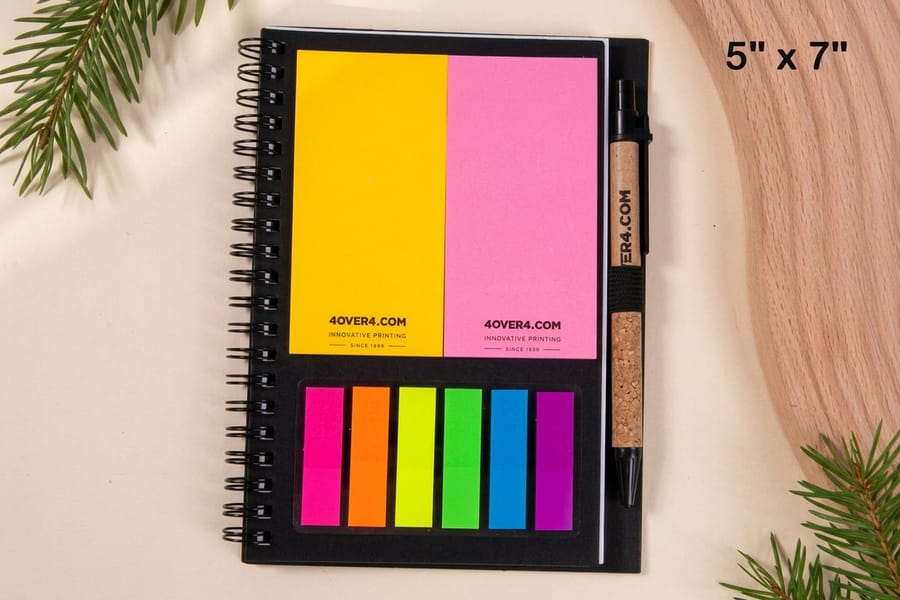
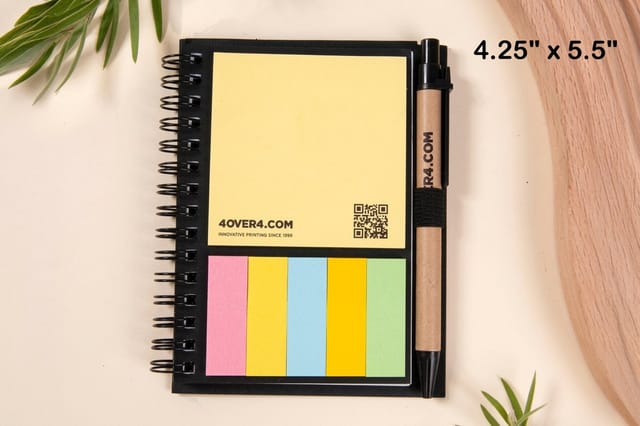
Whichever you pick, the same loose end appears: what happens when the phone or the key is gone. Every serious service answers that with one time backup codes, shown once at setup. Print them. A printed page cannot be wiped by a factory reset, drained by a flat battery or encrypted by ransomware, and it does not need a second device to read it. A ready-made spiral notebook starting at $5.00 gives you one bound place for the codes of every account, and a set of printed envelopes from $142.99 lets a business seal one envelope per system and date the flap. Store the notebook where you would store a passport, not where you store the laptop.
Use a Password Manager, and Get the Two Hard Parts Right

A password manager solves the problem underneath most breaches, which is not weak passwords but repeated ones. When one shopping site leaks its database, the attacker tries the same address and password on email, banking and social accounts, and it works often enough to be an industry. Unique generated passwords make that attack worthless against you.
Two parts of setting one up are worth slowing down for, and they are the two most people rush. The first is the master password. It has to be memorable, because you will type it every day, and long, because it is the only thing standing in front of everything else. A phrase of four or five unrelated words is easier to remember than a short scramble of symbols and considerably harder to guess. Do not reuse it anywhere, and do not build it from a birthday or a pet.
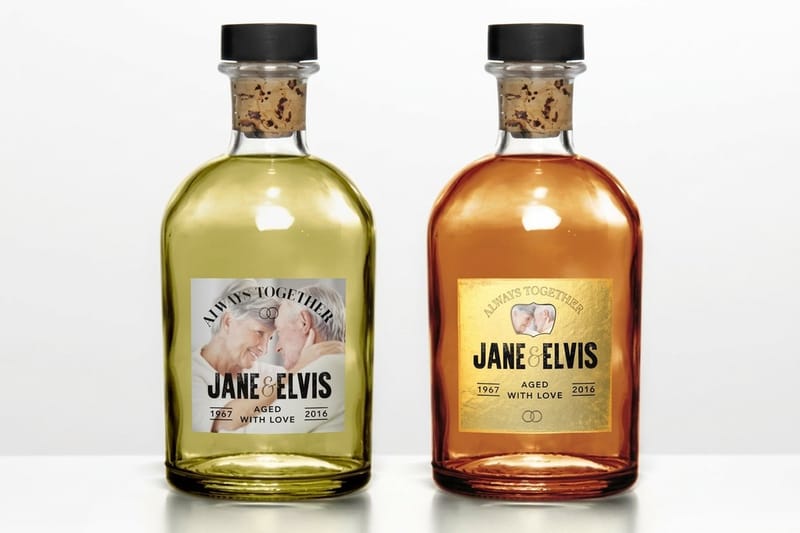
The second is the recovery key. Most managers generate a long emergency key at setup, and by design the vendor cannot reset it for you. If you lose the master password and the recovery key, the vault is gone, and no support ticket will bring it back. That key belongs on paper on the day you create the account, not in a note on the phone whose vault it opens. A hardback leather journal from $10.00 is a reasonable home for it because it looks like a diary rather than a security document, and it will not fray in a drawer for a decade.
If you keep a paper record, treat it like a filing system rather than a scrapbook. Date every entry, cross out the superseded ones instead of erasing them, and keep one page per service so a change never gets buried mid page. The method in our work notebook organization guide transfers to this directly.
Back Up as Though the Device Is Already Gone
Account security stops somebody else getting your files. Backups are what save the files from you, from a dropped laptop, and from software that encrypts everything and asks for money. They are separate problems and the second one gets neglected because nothing breaks until it does.
The convention worth following is the 3-2-1 rule, which predates the cloud and still holds: three copies of anything that matters, on two different kinds of storage, one of them somewhere else. In practice that is the working copy on your computer, an external drive at home, and either a backup service or a second drive kept at another address.
The trap is assuming a sync folder counts. It does not. A synced drive is a mirror, so when you delete a folder it deletes the folder, and when ransomware encrypts your documents it dutifully uploads the encrypted versions over the good ones. Some services keep old versions for a limited window, which helps if you notice quickly, but a mirror is not a backup because it is not independent of the original. The test is simple: if the thing that happens to the original also happens to the copy, you have one copy.
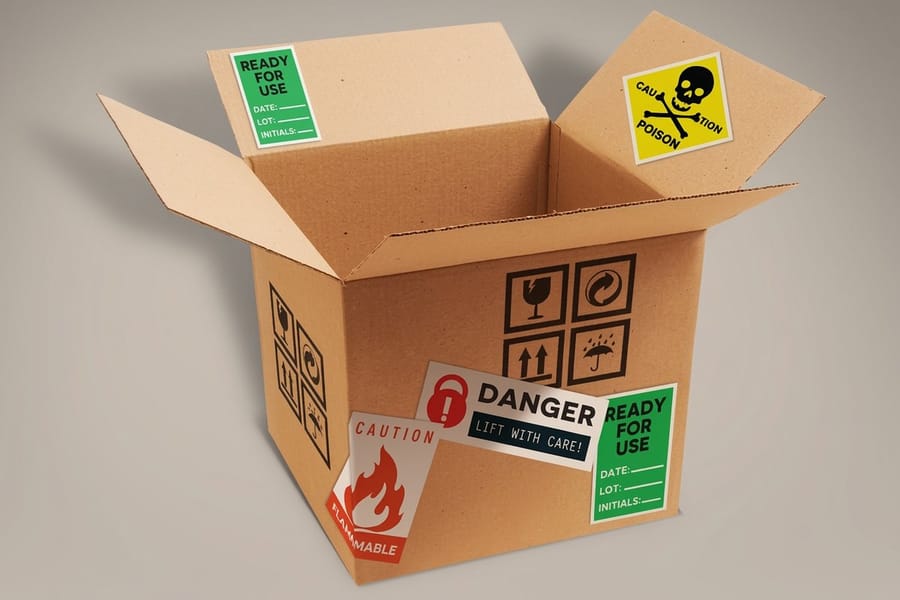
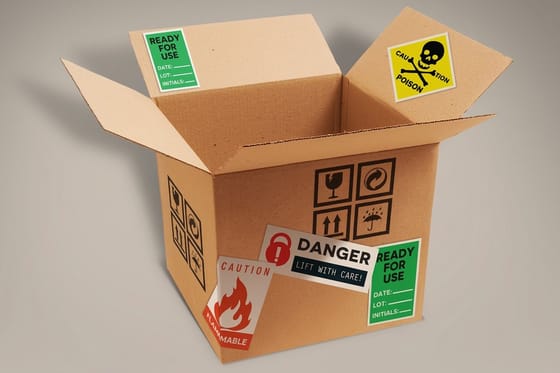
Label the physical media, because unlabeled drives get wiped by whoever tidies the drawer. A sheet of warning labels starting at $29.16 handles the drive and the sealed envelope of recovery codes in the same pass, and it is worth writing the date on each label so the next person can tell the current backup from the retired one.
Write the Version Somebody Else Could Follow
Everything above assumes you are there to do it. The last piece assumes you are not. If you were in hospital for two weeks, could anybody pay the domain renewal, reach the payroll system or find the recovery codes? For a household the same question is about photos, subscriptions and the bank. Most families discover the gap at the worst possible moment.
The document does not need to be elaborate, and it must not contain passwords. List the accounts that matter and what depends on each one. Say where the recovery codes are stored, physically, and who is allowed to open that container. Name the one person who should be contacted. Turn on the legacy contact or trusted contact feature the major platforms already offer, because that is a route in that does not require sharing a password with anybody today.
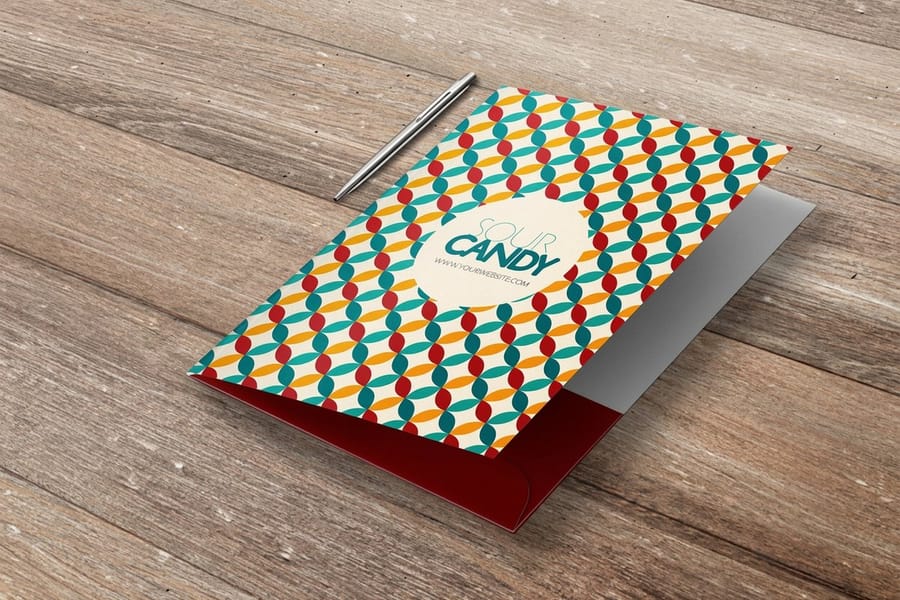
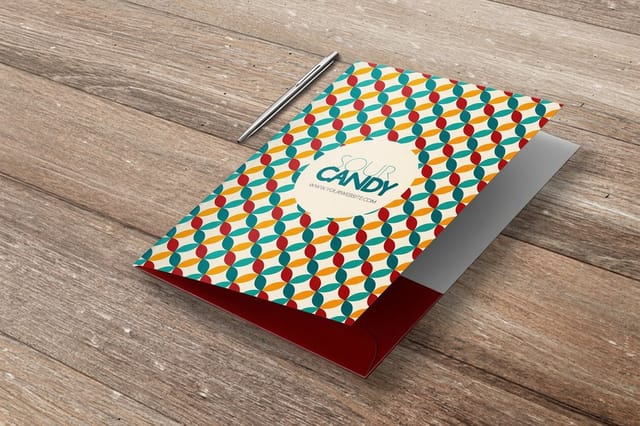
Keep it printed and keep it together. A custom pocket folder holds the account list, the sealed recovery envelope and the insurance and identity paperwork in one object that a family member can find without a login, and it survives the dead phone that would otherwise hide all of it. Our estate manager guide goes further into how households organize this, and the document printing guide covers producing the pages themselves. The custom printing collection lists the notebooks, labels, envelopes and folders in one place.
Set a reminder for a year from now with three items on it: reprint any recovery codes you used, confirm the backup drive still mounts and still restores a file, and check the recovery phone number on your email is still yours. A short annual review with those three items keeps a decent setup from quietly rotting.
Wally explains the offline layer
The codes that survive a dead phone
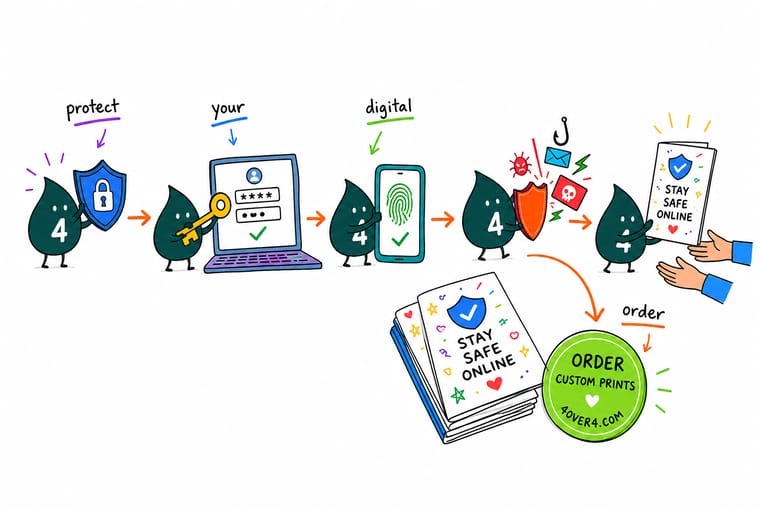
Wally keeps the boring part that saves people. When he turns on two factor authentication, the service shows a short list of one time backup codes exactly once. He prints that list, writes the account name and the date on it, seals it, and puts it where he keeps his passport. A drowned phone, a factory reset or a locked screen no longer costs him the account. The codes only work once each, so when he uses one he crosses it off and prints a fresh set.
Print a custom notebook for your codes →
Specs and pricing
The paper layer, sizes and starting prices
Notebooks for the codes, envelopes to seal them, labels for the backup drive. Live configuration choices and starting prices straight from the 4OVER4.COM configurator. Spiral notebooks come in 4.25 x 5.5 in or 5 x 7 in from $5.00 each, envelopes in 41 styles including #10 security tint from 250 for $142.99, and warning labels from 3 x 5 in to 5 x 7 in or any size on white vinyl, clear or paper stock.



Print it
Give the offline half of your setup somewhere to live
A spiral notebook ships in 1 business day at standard turnaround and holds every recovery code. Printed envelopes seal one set per system. A 9 x 12 in pocket folder, from 250 for $844.54 with optional business card slits, keeps the whole continuity file together for a business.

%22%2F%3E%3Ccircle%20cx%3D%2244%22%20cy%3D%221%22%20r%3D%2219%22%20fill%3D%22%23a78bfa%22%20opacity%3D%220.15%22%2F%3E%3Ccircle%20cx%3D%2240%22%20cy%3D%2250%22%20r%3D%225%22%20fill%3D%22%23a78bfa%22%20opacity%3D%220.1%22%2F%3E%3Crect%20x%3D%2274%22%20y%3D%22-7%22%20width%3D%2229%22%20height%3D%2210%22%20rx%3D%224%22%20fill%3D%22%23a78bfa%22%20opacity%3D%220.08%22%20transform%3D%22rotate(9%2080%2030)%22%2F%3E%3C%2Fsvg%3E)
Explore more
Where to go next
Four guides cover the household records file, a findable notebook system, printing the documents themselves and sharing contact details safely. The collection and the FAQ cover the printed pieces.




By the numbers
Journals, warning labels and sealed envelopes
Common Questions
Your digital security questions, answered
Is SMS two factor still better than no two factor?
Yes, and that is worth saying plainly, because the criticism of SMS often talks people out of using anything. A texted code still stops the most common attack, which is somebody typing a password they bought in a leaked list. What SMS does not stop is a SIM swap, where the attacker persuades a carrier to move your number to their phone, and it does not stop a convincing fake login page that asks for the code and forwards it in real time. Use SMS where nothing else is offered. Move your email, your password manager, your bank and your domain registrar to an app or a hardware key.
Where should printed recovery codes actually be kept?
Somewhere that survives the two failures you are protecting against at once: losing the device, and losing the building. A sealed envelope in a home safe covers the first. A second sealed copy at a relative's house or in a bank box covers the second. Do not tape them inside a laptop lid, do not photograph them, and do not save the photograph to the cloud drive those codes are meant to recover. Label the envelope with the account name and the date it was printed, nothing more, so a person who finds it cannot tell what it opens.
Is it safe to write passwords down on paper?
Writing passwords on paper is safe against the threat most people actually face, which is remote and automated. Nobody in another country can read a page in your desk. It is unsafe against the threat of a roommate, a cleaner or a burglar, so it depends on your home more than on your computer. The practical middle ground: keep every day passwords in a password manager, and write down only the two things the manager cannot recover for you, which are the master password and the manager's own recovery key.
What do I do first if an account is already compromised?
Go to the email account before you touch the compromised one. If the attacker still controls the inbox, every reset you attempt lands in their hands and you will lose the account a second time. Change the email password, sign out of all sessions from the account security page, check the forwarding rules and filters because attackers hide reset messages there, then work down the list of accounts that use that address. After that, remove any recovery phone number or backup email you do not recognize.
Do I need a hardware security key, or is an app enough?
An authenticator app is enough for most people, and it costs nothing. A hardware key adds one thing the app cannot: it refuses to sign in to a domain that is not the real one, which is the only defense that reliably beats a well built phishing page. Buy two if you buy any, register both, and keep the spare with your recovery codes. Losing a single key with no backup registered is the most common way people lock themselves out of everything they were trying to protect.
Does a VPN protect my digital life?
A VPN hides which sites you visit from your network and your internet provider. That is a privacy tool, not an account security tool. It does nothing about a reused password, a phishing page, a stolen recovery code or a laptop that never gets backed up. If you have a fixed budget and a fixed amount of attention, spend both on the password manager, the second factor and the backup first. A VPN is worth adding on public networks and while traveling, after the rest is in place.
Get Started
Leather journals cost $10.00 each, in one business day
Print a notebook for your recovery codes, envelopes to seal them, and labels for the backup drive, so the part that saves you does not live on the device you are protecting.
Legal Disclaimer
Gold Standard guarantees apply to all standard orders placed through 4over4.com. Price match requires verifiable proof of a competitor's published price for an equivalent product with matching specifications and turnaround time. Satisfaction guarantee covers manufacturing defects and print quality issues. Contact support with order number and documentation.
