
How to Order Large Color Prints That Come Back Sharp


Emma is our prepress and print production voice, built from the knowledge of our production team, with over 20 years in printing.
Ordering a large color print, from an 11 by 17 poster to an 8 by 20 foot banner, takes four decisions, in order: the finished size, the material for the room, the file at print size, and the proof you actually read. Each one works a particular way and carries its own cost.
To order a large color print, set the finished size first, pick the material for where it will hang, then supply a CMYK file built at that exact size with the template bleed. Resolution is measured at final size, so 100 to 150 ppi is right for a wall piece and 300 ppi is wasted data. Paper posters start at $25 for matte, foam core at $49.99, and vinyl banners at $79.

Quick answer
Size, material, file, proof
Order in that sequence and the rest follows. If you searched for 4 up printing, that layout gangs four copies onto one press sheet, which suits flyers and cards; a large color print runs piece by piece at its finished size, so you order the size and the count you need. Measure the space and order to that number rather than to a size you liked the look of. Choose the material for the room: paper behind glass, matte where there is glare, rigid board on an easel, vinyl outdoors. Build the file at the finished size in CMYK, at the resolution the viewing distance calls for, using the template bleed. Then read the preview for trim, bleed and version before approving, because a screen proof confirms layout and never confirms color.
The Four Decisions, in the Order That Saves Money
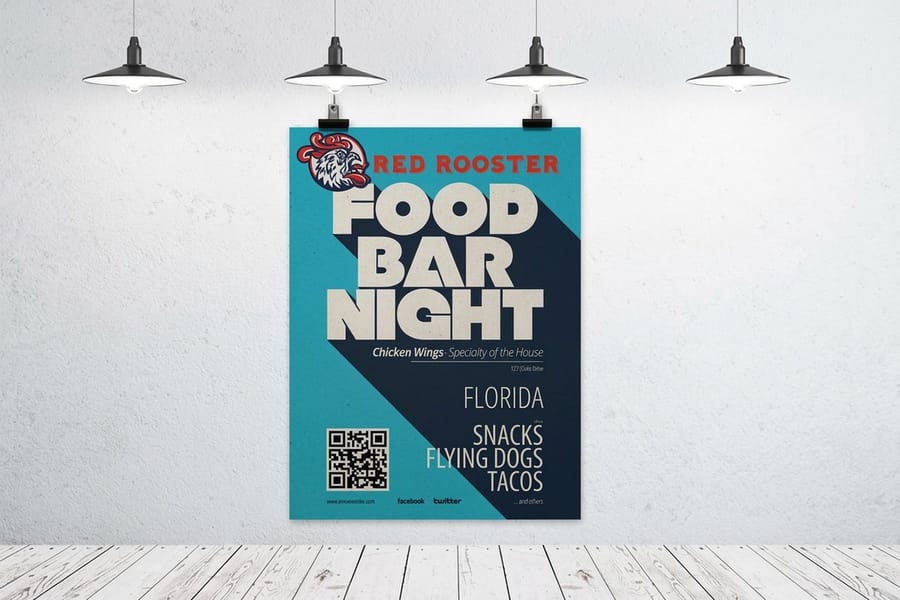
Every large print order is four choices, and the order matters because each one narrows the next.
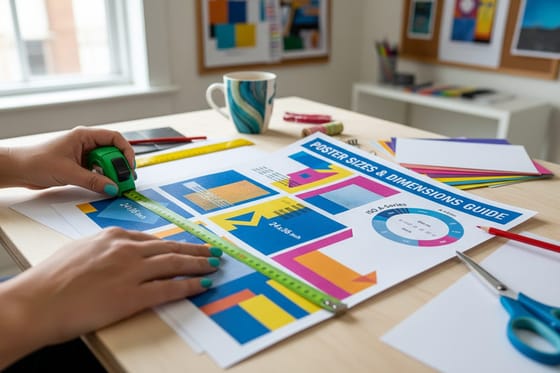
One, the finished size. Measure the frame, the easel, the wall panel or the fence span before you open a design file. A print built to 24 by 36 and then squeezed into a 22 by 28 frame loses an inch and a half of artwork on every edge, and no amount of scaling fixes a composition that was centered for a different aspect ratio. Sizes that already exist in the configurator print cheaper than a custom cut, so if a standard size fits the space, take it. The complete poster size guide lists what is standard and where each one gets used.
Two, the material. This is a room decision, not a taste decision. Indoors, framed, low traffic: paper. Standing on an easel at a conference: a rigid board. Outdoors on a fence: vinyl. The section below lays out the whole set.
Three, the file. Build it at final size, at the resolution the viewing distance actually needs, in CMYK, with the bleed the template asks for. That is the whole brief, and it is where most reprints come from.
Four, quantity and turnaround. Wide format is printed piece by piece rather than ganged on a big offset sheet, so the per unit price falls more gently with volume than it does on business cards. If you know you need ten, order ten now instead of one now and nine next month, because color on a second run will not sit exactly on top of the first.
How Sharp the File Has To Be, and Why 300 DPI Is the Wrong Target

Resolution is a ratio, not a setting. What counts is pixels divided by the finished size in inches, and what determines how many you need is how far away someone stands.
Here is the working table. Note how fast the requirement drops off, because the eye stops resolving detail well before the print does.
| Read from | PPI at final size | A 24 x 36 in file works out at | Cap height for a headline |
|---|---|---|---|
| 1 to 2 ft | 200 to 300 | 7,200 x 10,800 px | Under 1 in |
| 3 ft | 150 | 3,600 x 5,400 px | About 4 in |
| 6 ft | 120 | 2,880 x 4,320 px | About 8 in |
| 20 ft and beyond | 72 to 100 | 1,728 x 2,592 px | About 24 in |
Two practical consequences. First, if a photo is not big enough to hit the number in column two, you have three real options: crop tighter so the subject fills fewer inches, move the piece to a smaller size, or shoot it again. Upscaling software fills the gap plausibly on texture and badly on faces and text. Second, if the piece is enormous, build the file at a fraction of the finished size and let the printer scale it up. A file made at half size at 300 ppi lands at 150 ppi when it doubles, and it is far easier to open and edit along the way.
Vector artwork sidesteps all of this. Logos, type and flat shapes drawn as vectors stay crisp at any enlargement, so a poster built with a vector logo over a placed photo prints a razor sharp mark on top of a photo that follows the table above. Keep type live and vector wherever you can, and see the poster sizes and resolution guide if you want the arithmetic worked through on more sizes, or the photo enlargement guide when the source image is the constraint. Once the file holds up, the guide to printing a photo enlargement at wall size takes it to paper.
Picking the Material for the Room It Will Live In
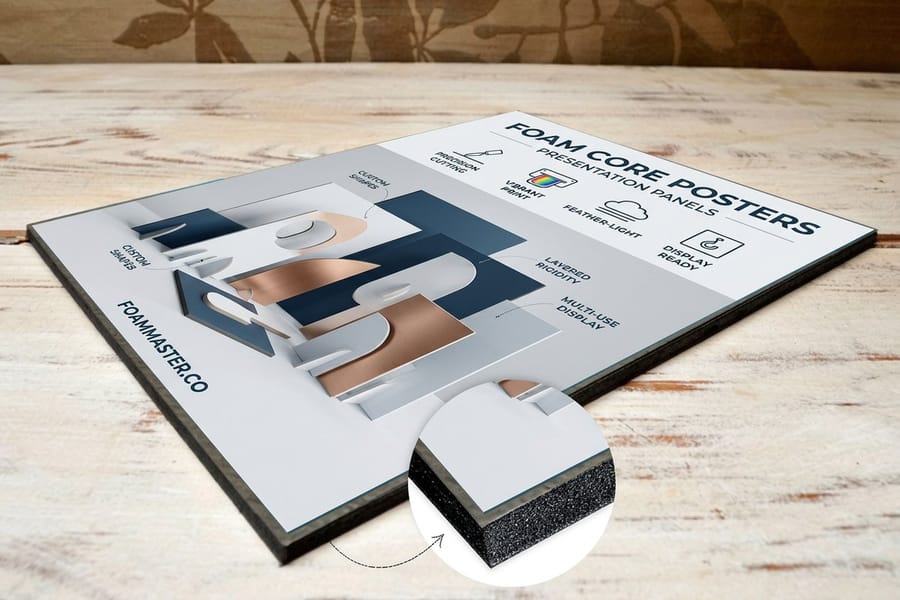
The single biggest cause of disappointment is a material chosen for price and hung somewhere it was never built for. Match it to the room instead, then look at the price.
| What it is | Where it belongs | The catch | Starts at | |
|---|---|---|---|---|
| Standard Posters | Coated paper poster stock, rolled. | Framed indoor work, retail windows, campaign runs. | Needs a frame or mounting to look finished, and creases if handled loose. | $108.75 |
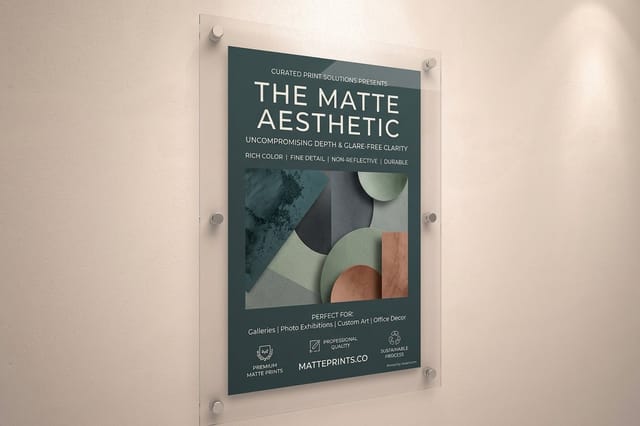
| Matte Posters | Uncoated matte surface, no shine. | Galleries, offices, anywhere with hard downlights or a window. | Slightly lower apparent saturation than gloss on the same file. | $25 |
| Fabric Posters | Printed textile that hangs without glare. | Backdrops, trade show walls, anything shipped often. | Folds soften over time and fine hairlines lose a little crispness. | $25 |
| Mounted Posters | A poster bonded to a rigid backing. | Lobby displays and anything hung without a frame. | Ships as an oversized flat carton, which costs more in transit. | $39.99 |
| Foam Core Posters | Print on lightweight rigid foam board. | Easels, presentations, event signage indoors. | Corners dent, and it is an indoor board only. | $49.99 |
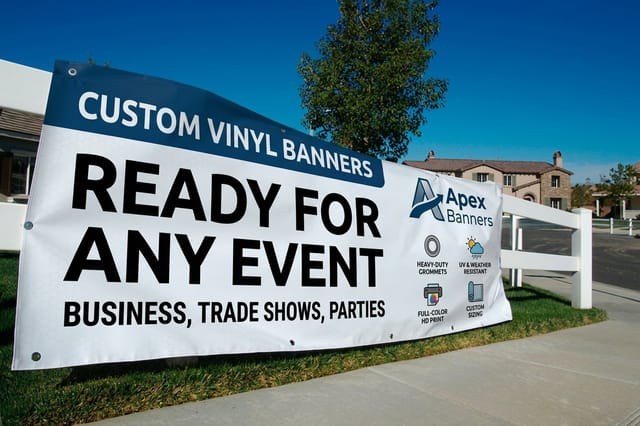
| Vinyl Banners | Heavy weatherproof vinyl with hems and grommets. | Fences, storefronts, outdoor events. | A solid banner catches wind like a sail in an exposed spot. | $79 |
Read the starting prices as entry points rather than a ranking, because each product has its own minimum size and minimum quantity behind that number. The honest comparison happens in the configurator once you have entered your real size and count, and the breakdown of what a poster costs explains which choices actually move the total.
Two judgment calls worth naming. Gloss versus matte is decided by the lighting, not by taste: gloss gives you deeper blacks and more punch, and it throws a hard reflection back at anyone standing under a spotlight, which is covered in the gloss and matte paper comparison. And rigid versus rolled is decided by whether anyone will frame it: a foam core board is finished the moment it comes out of the box, while a rolled poster still needs a frame, tape or a rail before it looks like anything, as the foam board guide sets out.
Building a File That Prints the Color You Approved
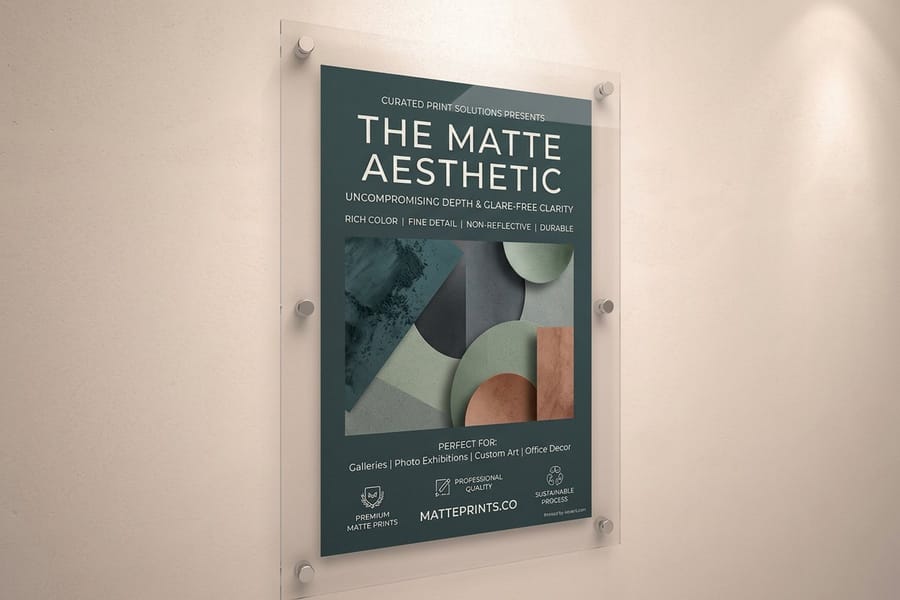
Large prints expose file problems that a business card hides, because a fault that is a millimeter wide on a card is an inch wide on a banner. Five things cover almost all of it.
- Convert to CMYK yourself. Do the conversion in your design application, look at what happens to your most saturated colors, and correct there. Screens are backlit, so a print will always look a little quieter than the monitor did. Our color profile guide covers which profile to convert into.
- Use a rich black on big areas. A large field of black built only from the black plate prints as a flat, slightly dusty charcoal. Adding cyan, magenta and yellow underneath it gives you the dense black people expect. Keep pure black for small text so it stays sharp.
- Bleed and safety come from the template. Download the correct blank template for the exact size, extend the background past the trim line, and keep type well inside the safety margin. On a rigid board a trim shift is more visible than on paper because there is no frame to hide it.
- Outline type or embed the fonts. A substituted font is not a color problem, it is a reprint. Outlining also protects against a hairline weight that looked delicate on screen turning invisible at size.
- Send one flattened PDF at final size. Live transparency, layered effects and linked images that did not travel with the file are the three things most likely to render differently on our end than on yours.
One more thing worth knowing before you approve anything: a soft proof on your monitor confirms layout, spelling and placement, and it is not evidence about color. If the piece carries a brand color that has to be exact, print a small piece on the same material first and hold it under the lighting the finished print will live in.
Placing the Order, Then Getting the Print There in One Piece

The ordering flow itself is short. Open the product page, set the size, pick the stock and any finishing, set the quantity, choose a turnaround, upload the file, then review the on screen preview against your own artwork before you approve.
Read the preview for the boring things, because those are the ones that get through. Is the trim line where you expected it. Is there artwork all the way to the bleed on every edge. Did the correct page of a multi page file come across. Is the file the final version rather than the one from before the last round of edits. A minute here is worth more than any amount of care earlier in the process.
Delivery is where large prints differ from everything else in a print order. Rolled paper posters travel in a tube and arrive with a memory of the roll, so lay them flat under a weight for a day before framing rather than fighting them into a frame the moment they land. If the print is headed to a West Coast venue, see the page on poster printing in Seattle with fast delivery. Rigid pieces such as foam core and mounted boards ship flat in an oversized carton, which costs more in transit and takes longer on the road, so build that time into an event schedule instead of assuming it moves at the same speed as a box of flyers. If the deadline is tight, the fast poster printing guide covers which decisions actually shorten the clock, and the bulk poster printing guide covers what changes when the run gets large.
When you are ready, the whole range sits under poster printing, and the wider set of banners, signs and wall pieces is under large format printing. Anything still unanswered is likely in the printing FAQs or the banner and sign guides.
Wally explains large prints
Measure the wall, then build the file to fit it
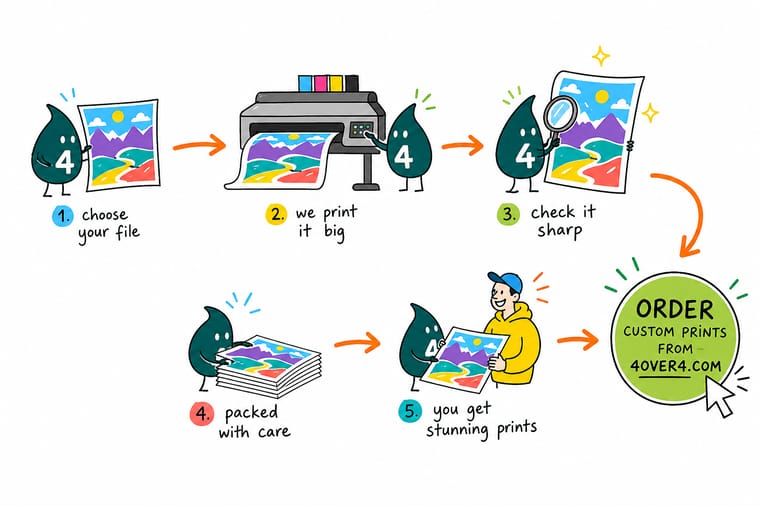
Wally starts with a tape measure, not a design file. He writes the finished size down, picks paper for a frame or a rigid board for an easel, then builds the artwork at that exact size in CMYK. He counts pixels at final size, so a poster read from six feet gets 120 ppi and nobody wastes an afternoon uploading a 300 ppi monster. Last thing he does is read the preview for trim, bleed and the right version, because that is the check that stops a reprint.
Configure your poster size →
Specs and pricing
Sizes, stocks and starting prices
Compare the three most ordered large color formats side by side, with live configuration choices and starting prices straight from the 4OVER4.COM configurator. Standard Posters run 11 by 17 to 22 by 28 inches on stocks such as 100# Gloss Text and 14pt Gloss Cover, 50 for $108.75 in 5 business days. Mounted Posters go from 8 by 10 up to 40 by 60 inches on 3/16 inch white or black foam core, and Foam Core Posters start at 16 by 20, both with 10.4 mil semi gloss, hi gloss or 32# uncoated paper and 4 business days of production.



Print it
Order a large color print that reads from across the room
Standard Posters suit a run of 50 or more framed pieces, Matte Posters print a single sheet up to 48 by 96 inches in 2 business days, and Vinyl Banners on 13oz outdoor or 15oz blackout vinyl run from 2 by 4 feet to 8 by 20 feet for the fence or the storefront.


Explore more
Where to go next
The poster category and the large format hub hold every stock and size; the four guides cover standard poster sizes, gloss against matte paper, foam board and what a poster costs.

By the numbers
Large color prints from 25 years of press work
Common Questions
Your large print questions, answered
What resolution does a large color print need?
Between 100 and 150 pixels per inch at the finished size for anything read from a few feet away, and as low as 72 ppi for a banner people look at from across a parking lot. The number that matters is pixels divided by finished inches, so a 24 by 36 inch poster at 120 ppi is a 2,880 by 4,320 pixel file. The habit of demanding 300 ppi comes from work you hold in your hand. Push a 300 ppi file at poster size and you are uploading four times the data for detail no one standing back can resolve.
Can I enlarge a photo from my phone to poster size?
Usually yes for a 18 by 24, often yes for a 24 by 36, rarely for anything wider than four feet. A 12 megapixel phone photo is roughly 3,000 by 4,000 pixels, which lands at about 165 ppi on an 18 by 24 and about 110 ppi on a 24 by 36. Both print fine. The failure mode is not size, it is the original: a cropped, low light, heavily compressed shot falls apart when it is scaled, because enlargement magnifies noise and JPEG artifacts along with the subject. Our guide on how to enlarge a photo for printing walks through the checks.
Should I send RGB or CMYK for a large print?
Send CMYK unless you are told otherwise, and convert it yourself rather than leaving it to the file to be guessed at. The conversion is where saturated screen colors move, and doing it on your machine means you see the shift before the press does. Bright oranges, electric blues and neon greens are the usual casualties. If one of those is a brand color, print a small test piece first and judge it under the light the finished print will hang in.
How big can the text be before it is too small to read?
Plan on about one inch of capital letter height for every ten feet a reader stands back. Four inch lettering reads from roughly forty feet, which covers most retail and trade show placements. Body copy that only makes sense at arm length belongs on a flyer, not on a banner, and packing a banner with paragraph text is the single most common reason a large print fails to do its job.
Why do two prints of the same file look slightly different?
Substrate. The same ink on gloss paper, on matte paper and on fabric returns three different results, because each surface absorbs and reflects light differently. Gloss looks the most saturated, matte reads calmer and slightly lighter, fabric is the softest of the three. If a set has to match, order every piece on the same material in one go rather than adding one later.
Do I need lamination on a poster?
Only if it will be handled, wiped, or hung somewhere humid. Lamination adds scuff resistance and lets you clean the surface, and it also stiffens the sheet slightly. The catch is glare: gloss lamination under a bank of retail spotlights can wash out a print at exactly the angle customers walk past. Matte lamination avoids that and is the safer pick for anything near a window or under hard downlights.
How far ahead should I order for an event?
Order once the artwork is approved, not once the event is close. Production time and transit time are separate numbers, and a large rigid print takes longer in transit than a rolled one because it moves as an oversized carton. Choose the turnaround in the configurator, then add shipping days on top, and give yourself a spare day for a reprint if the piece is the centerpiece of the event.
Get Started
Set the finished size first, then price the material
Enter your finished size, pick paper, board, fabric or vinyl, and we print the color you approved on the surface the room calls for.
Legal Disclaimer
Gold Standard guarantees apply to all standard orders placed through 4over4.com. Price match requires verifiable proof of a competitor's published price for an equivalent product with matching specifications and turnaround time. Satisfaction guarantee covers manufacturing defects and print quality issues. Contact support with order number and documentation.
