
How to Make Bookmarks from Design to Print


Define the job, size it to the book, choose a stock and finish, build a clean print-ready file, then order. The path below runs from blank page to a bookmark that survives a year in a paperback.
To make bookmarks, define the purpose first, then size the design to the book (2" x 6" is standard), pick a 14pt to 16pt stock with the finish you want, and set up a print-ready PDF with 0.125" bleed in CMYK at 300 DPI. Then review a proof and order.
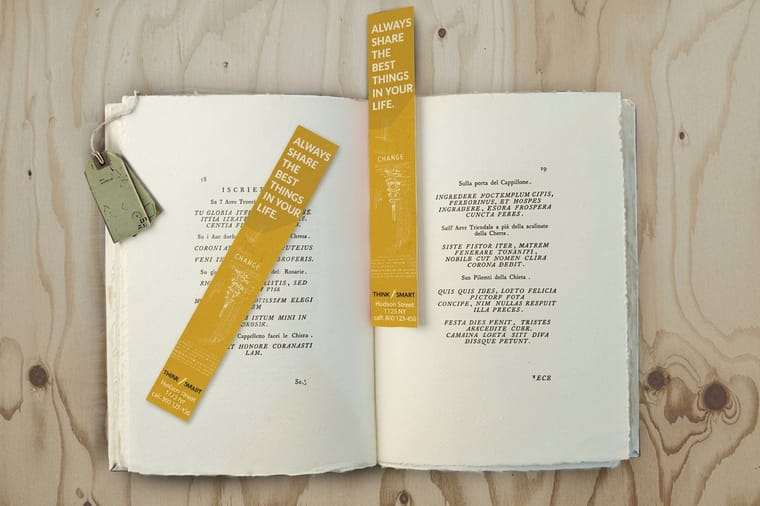
Quick tips
Two inches wide, six tall, and an eighth of bleed
Keep one focal point per side. A bookmark is two inches wide, so a single image or one line of type carries it, and everything else goes on the back. 4OVER4.COM prints the rest, from standard cardstock bookmarks to gloss laminated and 3D lenticular.
Make them
How to make custom bookmarks from file to box
Choose the stock by the job. 14pt to 16pt cover suits everyday bookmarks, 18pt kraft gives a natural look, 16pt gloss laminated protects photos that get handled, and a 31pt lenticular lens adds a flip effect. Add a drilled 1/8" or 3/16" hole if a tassel goes on after delivery.
The print piece that stays in a book for a year
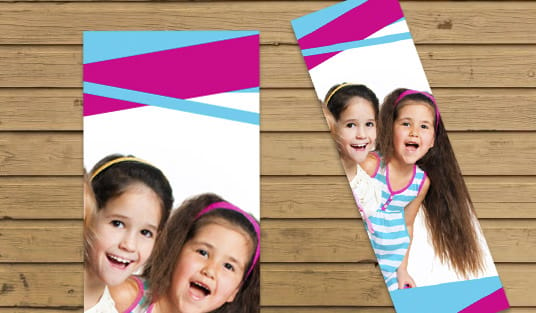
A 2" x 6" bookmark on 14pt cardstock is one of the few print pieces people keep. It slips into a favorite novel and rides along for months, sometimes years. That quiet staying power is exactly what makes a bookmark such a strong branding tool, a thoughtful gift, and a genuine creative outlet.
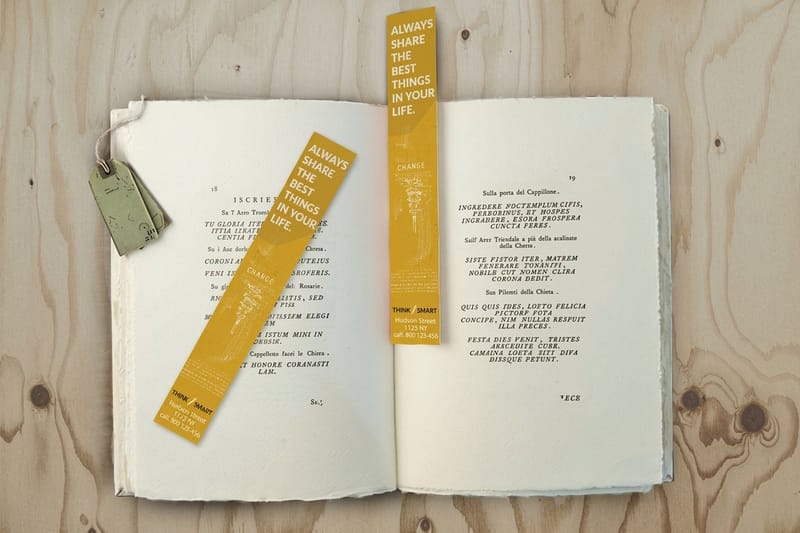
This guide walks you through how to make bookmarks from scratch, from the first design idea and file setup to paper choice and professional printing. You will learn what separates a flimsy DIY bookmark from one that feels like it belongs in a boutique bookshop. For a look at real customer work, browse the Showcase gallery before you start. Planning to sell them in a shop of your own? Read How to Start Your Online Boutique From Scratch before you set the run size.
Step 1, name the job the bookmark does
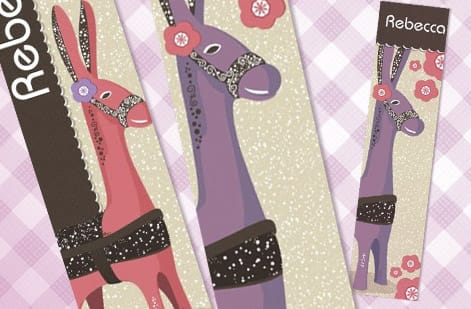
Before you open any design software, answer one question. What is this bookmark for? The answer shapes everything that follows, from size and paper to finish and art style.
Promotional bookmarks for a business want your logo, contact details, and maybe a QR code that points to your site. Literary bookmarks for a bookshop lean on quotes, illustrations, or a curated reading list. Fundraiser bookmarks for a school can showcase student artwork, and event bookmarks double as keepsakes from weddings, conferences, and book signings.
Naming the purpose first saves you from redesigning halfway through. It also sets your quantity. A wedding favor run might be 150 pieces, while a trade show giveaway can climb past 2,500.
Step 2, size it to the book it lives in
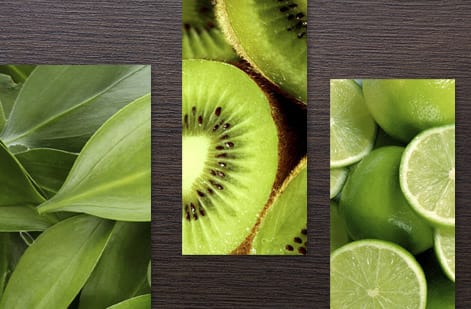
Standard bookmarks come in two preset sizes. 2" x 6" slides comfortably into most paperbacks and hardcovers, and 2" x 8" gives more room to design and suits taller books. The standard bookmarks video overview shows the 2" x 6" format in hand.
Need something else, such as a shorter card for a children's book? Standard bookmarks also take a custom size, so set the width and height in the configurator. The rule of thumb stays the same: match the bookmark to the book it will live in.
Custom die-cut shapes are another route. Rounded corners, tapered ends, or a fully custom silhouette add a tactile surprise. Just remember that unusual shapes cost a little more and need careful file setup, so check the guide hub for file preparation tips across every print product.
Step 3, a stock that stays flat and a finish that fits

Paper choice makes or breaks a bookmark. Too thin and it bends and curls within a week. Too thick and it will not slide between pages without cracking the spine. The stock you pick sets the whole feel in the hand. For a natural, recycled look, our kraft bookmark paper stock is 18pt uncoated kraft made from 100 percent post-consumer fiber.
These three weights cover almost every job:
- 14pt cardstock is the solid everyday option. Sturdy enough to last, thin enough to sit flat between pages, roughly credit card thickness.
- 16pt cardstock steps up the rigidity. Great when a bookmark needs to feel premium without turning bulky.
- 24pt ultra thick gloss makes a statement. These read like mini art prints and suit luxury branding or collector editions.
Finishes change both the look and the durability:
- Gloss lamination on the 16pt gloss laminated bookmark adds a shiny, protective coat that makes colors pop and shrugs off fingerprints and moisture. Ideal for photo-heavy designs.
- High gloss UV coating is the finish option on standard bookmarks, a shine that is lighter than a laminate.
- Soft touch comes as a stock, 16pt uncoated with soft touch, with a suede-like surface.
- Uncoated keeps a natural, papery feel that fits a handmade or eco-friendly look.
Step 4, lay out the front and the back
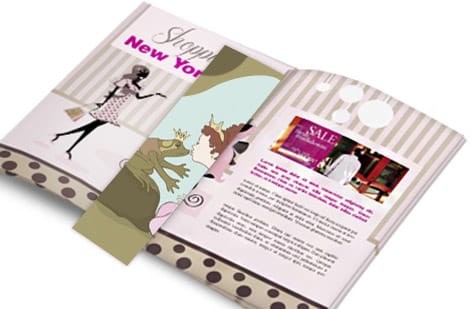
Now the fun part. You can design bookmarks in professional tools like Adobe Illustrator or InDesign, or take the simpler road with Canva or the free templates in the 4OVER4.COM online designer. Prefer a running start? Grab a ready-made layout from our bookmark templates.
A handful of design choices matter more than the rest:
- Set your document to the exact size plus 0.125" bleed on all sides. Bleed prevents white edges after trimming.
- Keep text and key elements at least 0.125" inside the trim line, inside the safety zone.
- Work in CMYK color mode rather than RGB. Print runs on CMYK, and a bright RGB screen color can turn dull once converted.
- Export a high-resolution PDF at 300 DPI or better. Anything lower looks fuzzy on paper.
- Embed all fonts or convert text to outlines so nothing shifts in production.
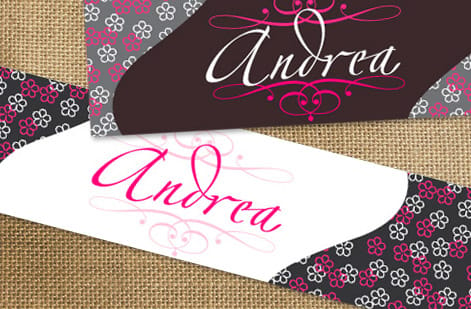
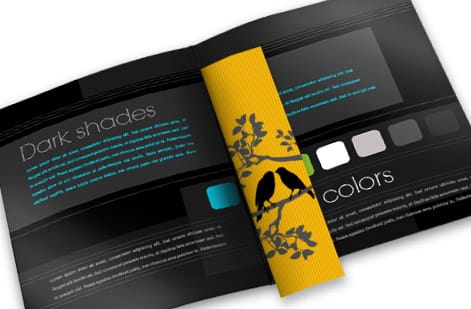
Designing a double-sided bookmark? Treat each side as its own composition. Make the front the attention-grabber and let the back carry the information or a secondary design. Do not cram everything onto one face. For more inspiration across formats, the Showcase gallery is full of real customer work.
Step 5, lenticular, corners and a tassel hole
Plain bookmarks are perfectly fine. A few extras change how the piece looks and handles.
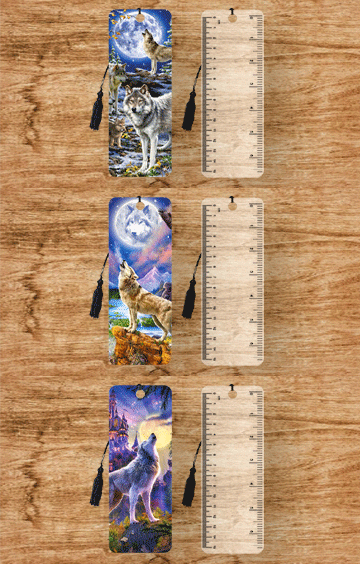
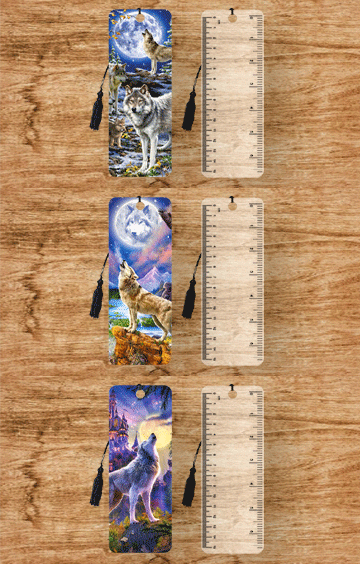
3D lenticular printing creates a flip-image or animation effect as you tilt the piece. Choose 2 to 4 flips, top to bottom or left to right, at 2 by 6 or 2 by 8 in either orientation; allow 15 to 22 business days. See the full range on our 3D lenticular bookmarks page.
Rounded corners soften the look, prevent dog-earing, and simply feel better in the hand.
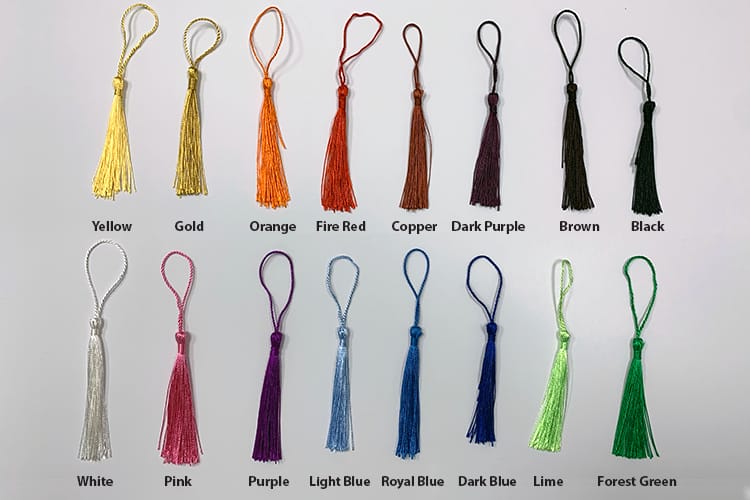
Tassels and ribbons are not part of the print run, but they are easy to add yourself after delivery. A simple tassel through a punched hole turns a printed card into a gift-ready product. The same finishing mindset helps when you are working out how to make envelopes to package those bookmarks.
Step 6, the press-ready PDF checklist
Run through this checklist before you export:
- Final size plus 0.125" bleed on every side
- 300 DPI resolution
- CMYK color mode
- Fonts embedded or outlined
- No stray RGB images hiding in the layout
- Saved as a press-ready PDF, either PDF/X-1a or PDF/X-4
For double-sided printing, make sure the front and back line up correctly in your file. Most printers want them as separate pages inside a single PDF.
The same principles carry across every product. If you have ever set up files for how to make flyers, you already know this drill.
Step 7, pick the quantity and the product
Price per piece falls fast with quantity: a standard bookmark is 33 cents each at 50, 15.9 cents at 200 and about 10 cents at 500. Standard bookmarks also take variable data if you want each one to carry a different name or code.
If you are printing bookmarks alongside other pieces, like custom booklets for a reading program, bundling the order can save on shipping too.
| Bookmark | Sizes | Stock | Starts at |
|---|---|---|---|
| Standard bookmarks | 2" x 6" or 2" x 8" | 13pt to 26pt, 20 stocks including linen, pearl and soft touch | 50 for $16.48 |
| Kraft bookmarks | 2" x 6" or 2" x 8" | 18pt kraft, white ink available | 100 for $40.23 |
| Gloss laminated bookmarks | 2" x 6" or 2" x 8" | 16pt gloss laminated | 100 for $200.84 |
| 3D lenticular bookmarks | 2" x 6" or 2" x 8", vertical or horizontal | 31pt lenticular lens, 2 to 4 flips | 500 for $987.45 |
Step 8, test one at actual size, then order
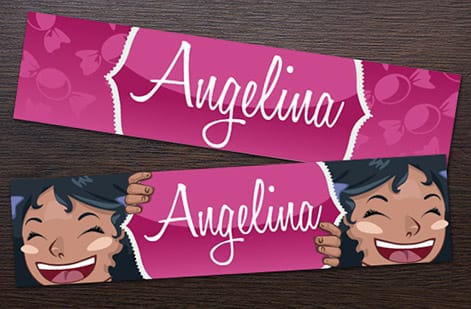
Before you order, print one test copy on your home printer at actual size, 2" x 6" or 2" x 8", trim it on the line and slide it into the book it is meant for. Read the smallest text at arm's length, check that nothing sits closer than 0.125" to the trim, and look at whether the design still works at bookmark scale.
Printing a finished design takes four choices in the configurator: the size, the stock, the sides (front only, full color front with a black back, or full color both sides) and the quantity. Add rounded corners at 1/8" or 3/8" and a drilled hole if you want them, then upload the PDF with the front as page one and the back as page two.
The 4OVER4.COM proofing system lets you review a digital proof before production starts. Need them in a hurry? Same day printing keeps a tight deadline from derailing the project.
Bookmark mistakes that waste your money
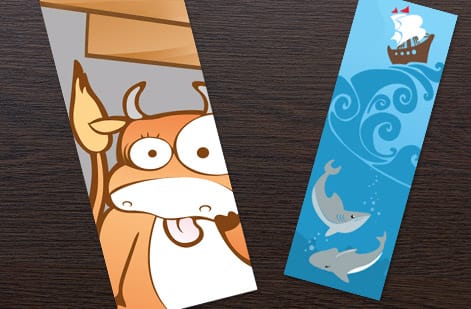
Five slips cost the most on a bookmark run.
Ignoring bleed. If the design runs to the edge but the file has no bleed, trimming leaves uneven white borders.
Using RGB instead of CMYK. That electric blue on screen prints as a muddy teal.
Choosing paper that is too thin. Anything under 12pt bends, curls, and looks cheap within days. Stick to 14pt or thicker for bookmarks that last.
Overcrowding the design. A bookmark is narrow. There is no room for a paragraph of text, three images, and a QR code all at once. Pick one focal point per side.
Skipping the safety zone. Text set too close to the trim edge gets cut off. The 4OVER4.COM lenticular templates and standard bookmark templates build these guides in, which takes the guesswork out. Still unsure about a setting? The Help Center has step-by-step answers.
Wally explains bookmark making
A bookmark is small, but every detail shows
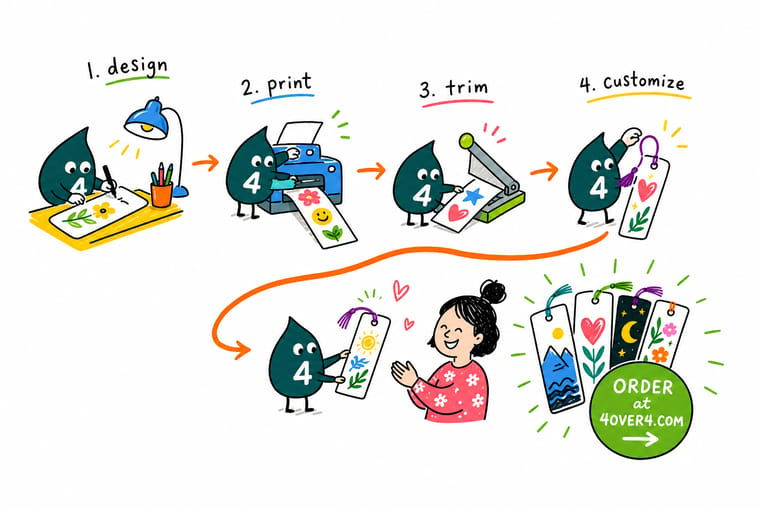
Wally treats a bookmark like a tiny billboard that travels. Get the size, bleed, and paper right and it lands crisp in someone's favorite book for years. Rush the file and the trim eats your text or the stock curls by week two. Nail the basics, then let 4OVER4.COM print it on premium stock, from everyday cardstock to gloss laminated and 3D lenticular.
Order custom bookmarks →
Specs and pricing
Custom bookmark specs and pricing
Standard bookmarks print on 20 stocks from 13pt uncoated to 26pt metallic pearl ice, one side or both, with optional rounded corners and a drilled hole. The live specs and price per unit below come straight from the configurator.
| Quantity | Price Per Unit | Total |
|---|---|---|
| 50 | 33.0¢ | $16.48 |
| 100 | 25.3¢ | $25.27 |
| 200 | 15.9¢ | $31.86 |
| 300 | 12.8¢ | $38.45 |
| 400 | 11.3¢ | $45.04 |
| 500 | 10.3¢ | $51.62 |
| 600 | 9.89¢ | $59.31 |
| 700 | 9.57¢ | $67.00 |
Print it
Order bookmarks and specialty styles at 4OVER4
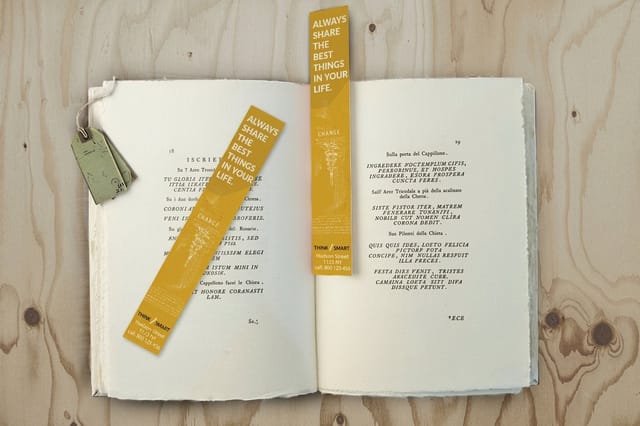
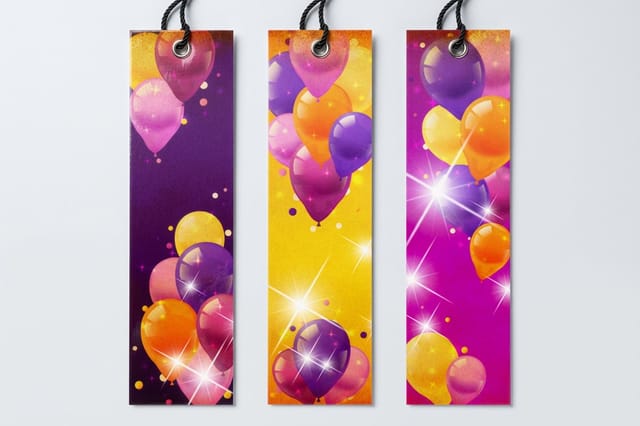
See it in use
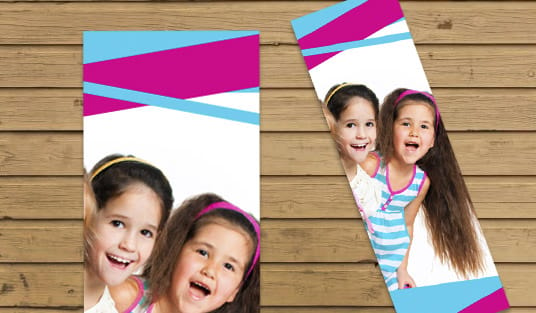
Bookmarks from finished customer orders
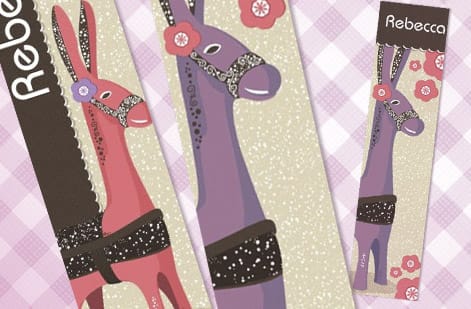
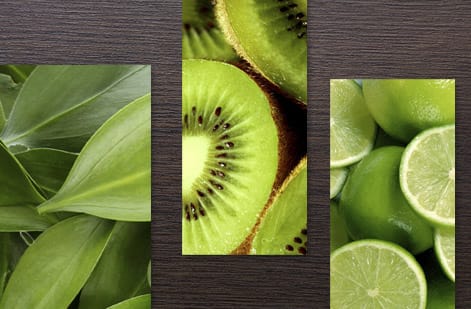

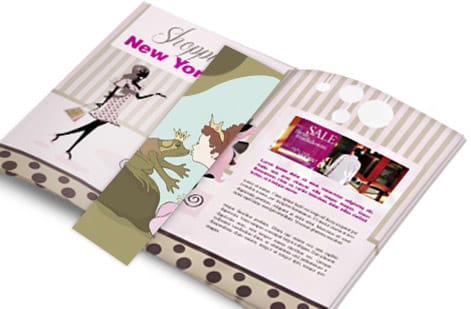
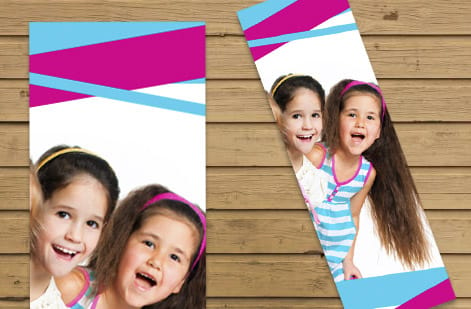
Explore more
Where to go next


By the numbers
What a small bookmark run sits inside
Common Questions
Common questions about making bookmarks
What is the best paper thickness for custom bookmarks?
14pt to 16pt for a bookmark that lives in a paperback, because it slides between pages without pushing them apart. Go to 18pt or 24pt only for a keepsake that sits on top of a book or in a gift box rather than inside it.
What size should I make my bookmarks?
Measure the book you print for. 2" x 6" sits inside most paperbacks, while 2" x 8" stands above a small paperback and suits taller trade books and hardcovers. A custom size covers anything else.
Can I print bookmarks on both sides?
Yes: choose full color on both sides, or full color on the front with a black back, which suits a reading list or contact details. Put the front on page one of the PDF and the back on page two.
What file format should I use for bookmark printing?
A PDF, ideally PDF/X-1a or PDF/X-4, which lock the colors and fonts. Native design files and Word documents can reflow when opened elsewhere, so export first, then open the PDF and check it at 100 percent before you upload.
What is the difference between gloss laminated and UV coated bookmarks?
Gloss laminated bookmarks carry a plastic film over 16pt stock, the tougher option for a bookmark that gets handled every day, from 100 for $200.84. Standard bookmarks with high gloss UV coating get a liquid shine on the paper itself, lighter and cheaper, with every stock and size of the standard line.
How do 3D lenticular bookmarks work?
A ribbed 31pt plastic lens sits over two to four interlaced images, and each angle shows a different one, so the picture flips as the bookmark tilts. Set the flip direction to match how the bookmark is held: top to bottom on a vertical card, left to right on a horizontal one. Orders start at 500 for $987.45.
Get Started
Order bookmarks sized to your book
Pick your size, drop in your art, choose a finish, and we print bookmarks that stay crisp and flat inside every book.
Legal Disclaimer
Gold Standard guarantees apply to all standard orders placed through 4over4.com. Price match requires verifiable proof of a competitor's published price for an equivalent product with matching specifications and turnaround time. Satisfaction guarantee covers manufacturing defects and print quality issues. Contact support with order number and documentation.
