
How to Turn Your Photos Into Custom Wall Art


Check your photo's resolution, choose between canvas, acrylic, and framed, then size the piece to your wall and order custom wall art that fits the room.
To make wall art from a photo, start with a high-resolution original, check it holds about 150 pixels per inch at print size, then choose canvas, acrylic, or framed. Size the piece to fill a good share of the wall, prepare the file with a wrap allowance for canvas, and order your custom wall art at 4OVER4.COM.
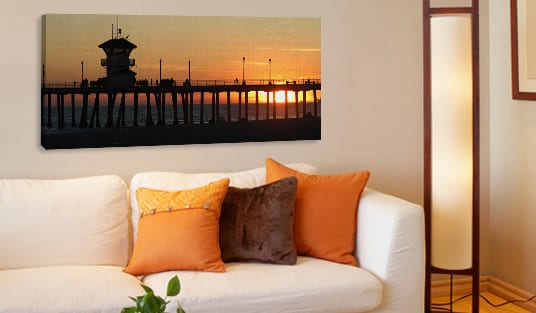
Start here
Canvas, acrylic, or framed
Great wall art starts with a high-resolution photo and the right medium. Check that your image holds around 150 pixels per inch at the size you want, choose canvas for warmth, acrylic for vivid depth, or framed for a formal finish, then size the piece to fill a good share of the wall. Prepare the file once and print it at any size. The diagram below maps the choice.
Why the photo comes first
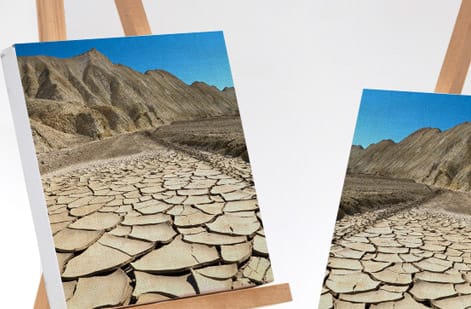
Making wall art from a photo feels like a design decision, but it starts as a technical one. The single biggest factor in whether your finished piece looks stunning or soft is the photo you begin with. A phone shot can look flawless on a screen and still fall apart when it is enlarged to two feet across on a wall, because a wall print asks far more of an image than a screen ever does.
So before you think about canvas or frames, think about pixels. The original file sets the ceiling on how large you can print while staying sharp. Start from the highest-resolution version you have, the untouched original from the camera or phone, not a copy that a messaging app or social feed has already shrunk down.
Get that right and the rest is a pleasure. This guide walks the resolution check, the choice between canvas, acrylic, and framed art, and how to size a piece to your wall, then hands off to a finished custom print you can order today.
Resolution and enlarging rules that keep art sharp
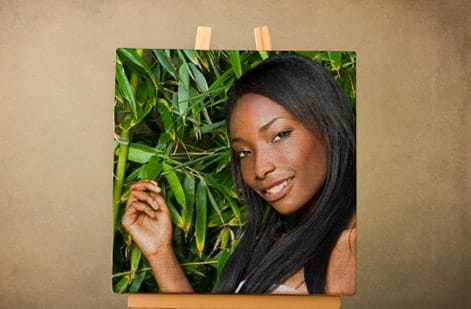
One calculation saves you from a blurry print. Take your image width in pixels and divide it by the print width in inches. The result is your pixels per inch at that size. For wall art, which people view from a few feet away rather than up close, roughly 150 pixels per inch or more at final size keeps things crisp, and 300 is comfortably generous.
An example makes it concrete. A photo that is 3000 pixels wide prints cleanly up to about 20 inches wide at 150 pixels per inch. Push that same file to 40 inches and it drops to 75 pixels per inch, where softness starts to show. The image did not change, only the size you asked of it did, which is why enlarging never adds real detail, it only stretches the pixels you already have.
If the number comes out low, you have simple options: print smaller, or choose a more forgiving medium. A textured canvas print hides mild softness far better than a glossy acrylic print, which shows every flaw. The same resolution discipline underpins all sharp printing, as our guide on getting an instant print quote touches on when you size a job.
Canvas vs acrylic vs framed: choosing the medium
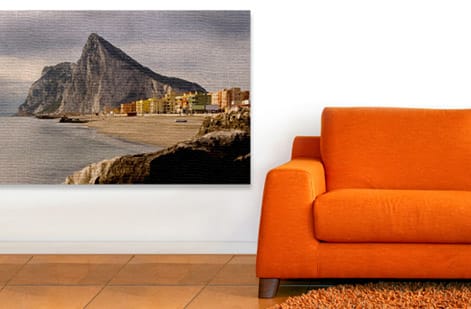
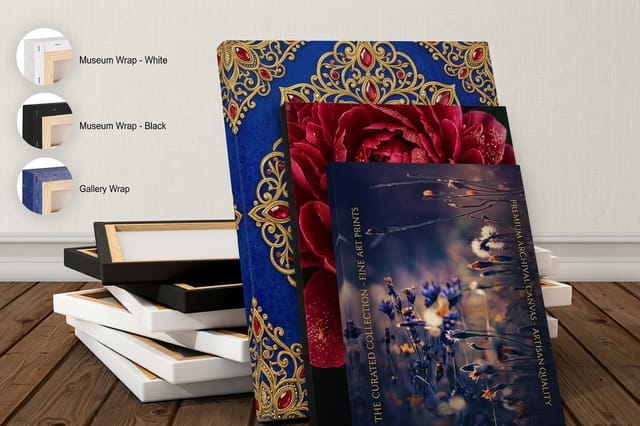
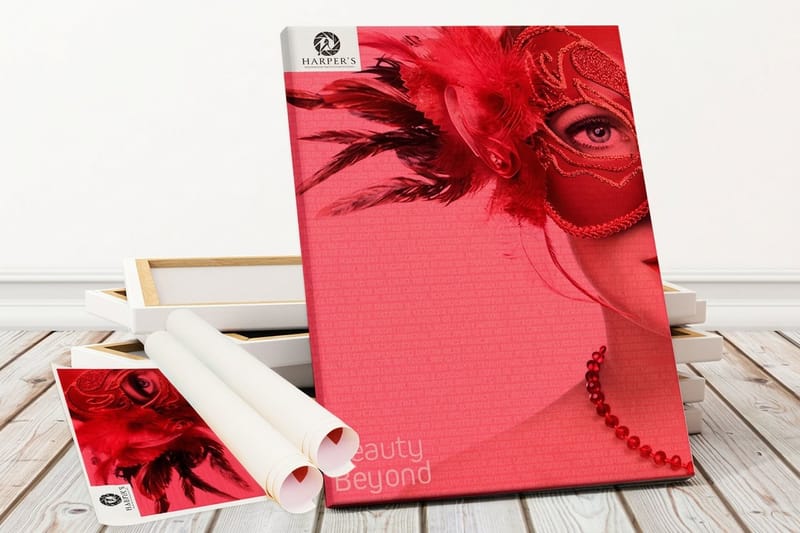
The medium changes the entire mood of the same photo, so choose it for the feeling you want. A canvas print is warm, matte, and textured. It softens an image, hides minor noise, and gives a classic, art-like result that flatters portraits and landscapes. It is the most forgiving choice for a photo that is not perfectly sharp.
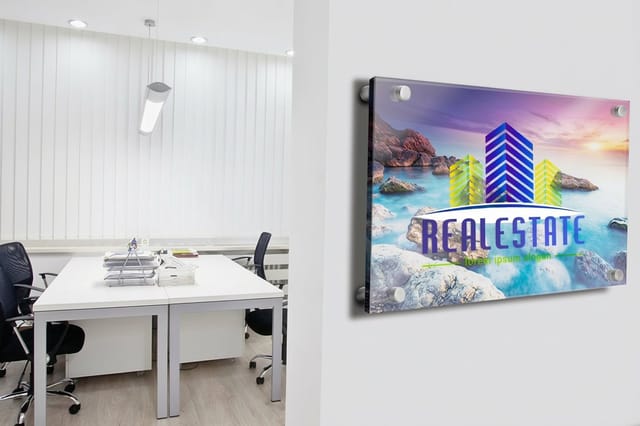
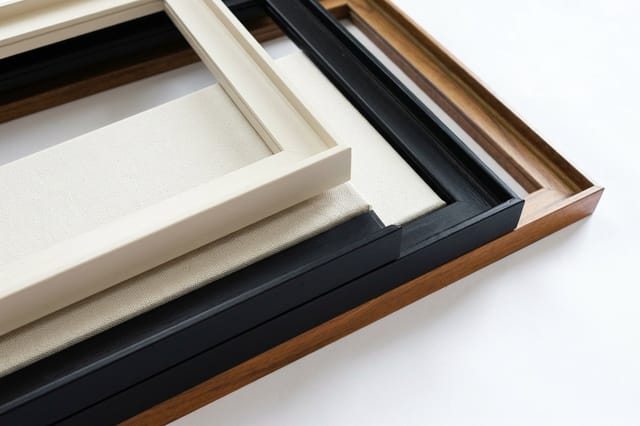
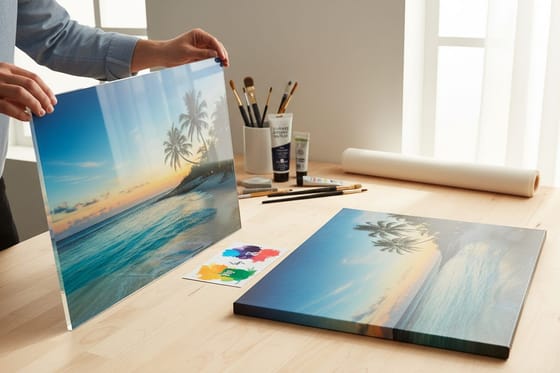
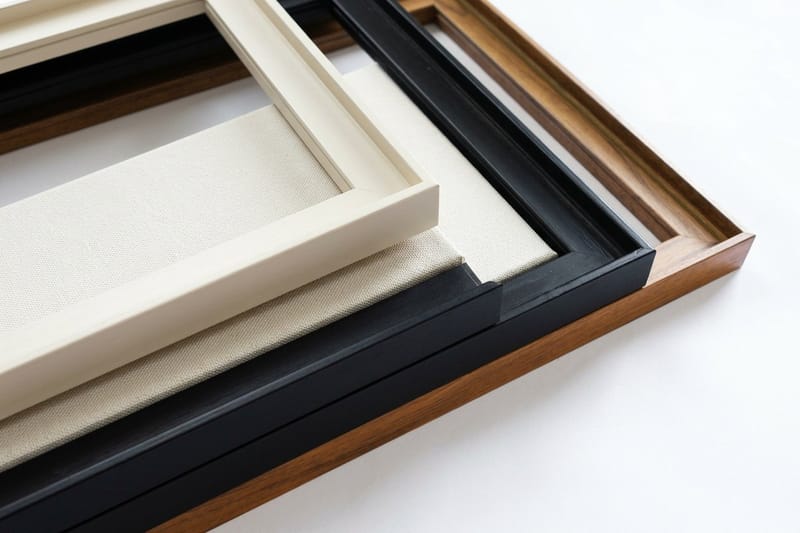
An acrylic print puts your image behind a glass-like face that adds real depth and makes color and contrast pop. It is the high-impact option for bold, saturated, high-contrast shots, though its glossy surface is honest about a low-resolution file. A framed canvas takes the canvas look and finishes it in a frame for a formal, traditional, ready-to-hang piece.
Beyond those three, a rigid metal print gives a sleek, modern, durable face that suits busy or humid rooms. If you are torn between the two most popular options, our dedicated guide on acrylic versus canvas prints compares them in detail, and you can browse the whole range in the canvas printing collection.
Sizing your art to the wall
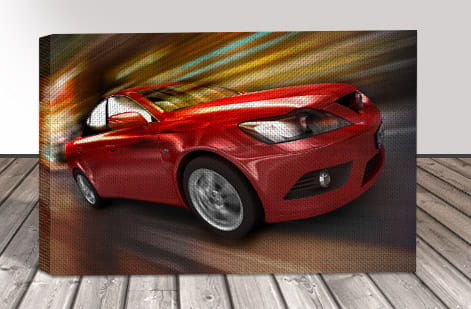
A common mistake is choosing a size that fits the photo instead of the wall. Art that is too small floats and looks lost, no matter how good the image is. Measure the wall first, then pick a print that fills a healthy share of it so the piece feels intentional rather than incidental.
Over furniture, there is a simple guide: a single piece above a sofa or bed usually looks right at around two thirds of the furniture width, hung so its center sits near eye level. On a large empty wall, go bigger than instinct tells you, or plan a set of prints that reads as one composition.
Keep the print proportions matched to how you crop the photo, so the image is not stretched or awkwardly trimmed to fit. Once you know the size and the medium, you can compare options quickly, since the price for premium canvas prints and other media updates live as you change dimensions.
From photo to finished print at 4OVER4
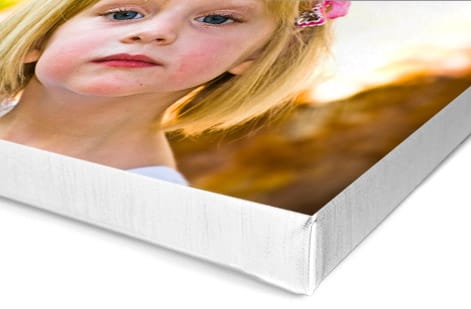
With the photo, size, and medium settled, finishing the file is quick. Crop the image to the print proportions so nothing important gets trimmed, set the color, and for canvas leave a little allowance around the edges for the wrap, so a face or a horizon does not fold around the side of the frame.
When you upload, the file runs through a free file check that flags resolution that is too low for the size you chose, catching a soft print before it happens rather than after. That safety step matters most on wall art, where the enlargement is dramatic and a small file is easy to overreach with.
From there, order the medium that fits your photo and your room: premium canvas prints for a warm, art-like look, acrylic prints for vivid depth, or framed canvas for a finished, gallery-ready piece. Set the size and material, and your one good photo becomes wall art made to fit the space.
Wally checks the pixels before the wall
Resolution first, then the medium and size
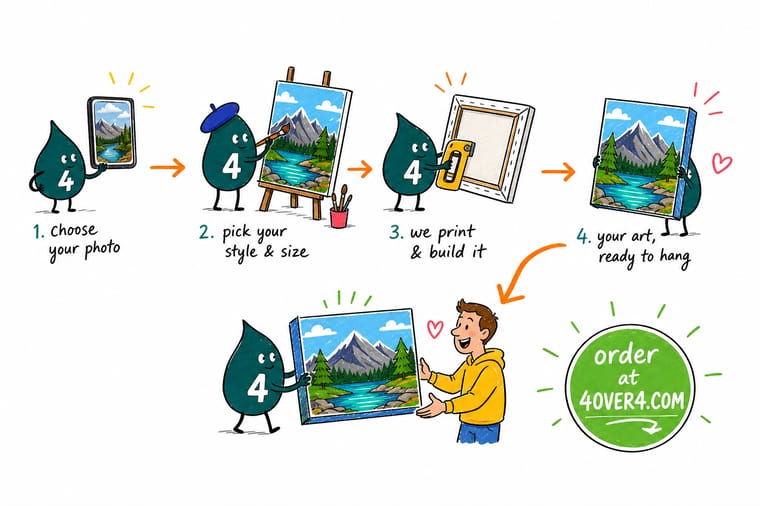
Wally treats wall art as a resolution question before a design one. He starts from the biggest, sharpest original, divides the pixels by the print size to confirm about 150 per inch, then picks canvas for warmth, acrylic for punch, or a frame for polish. Size it to fill the wall, leave a wrap allowance on canvas, and 4OVER4 prints your photo big and sharp.
Make your custom wall art →Quick reference
The wall-art mediums, at a glance
Same photo, four different feelings. Match the medium to your image and your room with this quick comparison.
| Medium | Look and feel | Best for |
|---|---|---|
| Canvas print | Warm, textured, matte | Softens photos and hides minor noise. A classic, art-like look that suits portraits and landscapes. |
| Acrylic print | Glossy, vivid, deep | A glass-like face makes color and contrast pop with real depth. Best for bold, high-contrast images. |
| Framed canvas | Finished, gallery-formal | A canvas print set in a frame for a polished, ready-to-hang piece that reads more traditional. |
| Metal or rigid print | Sleek, modern, durable | A hard, wipeable surface with a contemporary edge that holds up in busy or humid rooms. |
Step by step
Make wall art from a photo in 6 steps
- Pick your best original photo Start from the largest, sharpest version you have, straight off the camera or phone rather than a shrunk-down social copy. The more pixels you begin with, the bigger you can print.
- Check the resolution for your print size Divide the photo width in pixels by the print width in inches. Aim for roughly 150 pixels per inch or more at final size for large wall art, which is viewed from a few feet away.
- Choose the medium Decide the mood: canvas for warm and art-like, acrylic for vivid and deep, framed for formal, or a rigid metal print for a modern, durable face.
- Size it to the wall Measure the wall and aim to fill a good share of it. Above a sofa or bed, a piece around two thirds of the furniture width usually looks right.
- Prepare the file Crop to the print proportions, set the color, and leave a little wrap allowance for canvas so nothing important sits where the image folds around the edge.
- Order your custom wall art Upload the file, pick the size and medium, and let it run through a free file check. The price updates live as you change size and material.
Specs and pricing
Canvas print specs and live pricing
Once your photo and size are set, dimensions and finish are what is left. Premium canvas prints ship in 3 business days, acrylic and framed canvas in 4.
| Quantity | Price Per Unit | Total |
|---|---|---|
| 1 | $59.00 | $59.00 |
Print it
Turn your photo into wall art at 4OVER4
Explore more
Where to go next

By the numbers
Your photo file, our press and 60+ surfaces
Common Questions
Common questions about custom wall art
What is custom wall art from photos?
Custom wall art is a print of your own photo, produced at display size and finished as a piece you hang on a wall. Instead of a small photo print, the image is enlarged and output on a display medium such as stretched canvas, acrylic, framed canvas, or a rigid metal panel. Because it is made to order, you control the image, the size, the proportions, and the medium, which is what turns a personal photo into art that fits a specific wall and room.
Does my photo have the pixels for this wall?
Match the medium to the image and the room. Canvas warms and softens a photo and hides minor noise, so it flatters portraits and landscapes. Acrylic gives a glossy, deep, high-impact look that suits bold, colorful, high-contrast shots. Framed canvas reads formal and traditional, while a rigid metal print feels modern and stands up to humid or busy spaces. Then size it to the wall rather than the photo: measure the space and choose a print large enough to fill a good share of it.
What does custom wall art cost, and how are prices set?
Price scales mainly with size and medium. A small canvas is inexpensive, while a large acrylic or framed piece costs more because of the material and the finishing. Within a medium, the bigger the print, the higher the price, since it uses more material and ink. You choose the size and medium in the configurator and the total updates live, so you can compare a large canvas against a smaller acrylic and see the exact difference before you order, rather than guessing.
What sizes and finishes are available for custom wall art?
Wall art prints from smaller accent pieces up to large statement prints that anchor a room, in both square and rectangular proportions. Finishes depend on the medium: canvas comes matte and textured with a gallery or mirror edge wrap, acrylic has a glossy glass-like face, framed canvas adds a finished border, and metal prints offer a sleek, wipeable surface. Each product page lists the exact sizes and finish options so you can match the piece to the wall and the room.
How long does custom wall art take to print and ship?
Turnaround depends on the medium and size, since stretching canvas, mounting acrylic, or framing takes finishing time beyond the printing itself. Once your file clears our free file check, production runs on the schedule shown for that product, and larger or framed pieces may take a little longer than a simple canvas. Each product page shows the available turnaround and shipping options at checkout, so you can plan around a move, a gift, or a room refresh before you order.
Can I enlarge a small or low-resolution photo for wall art?
Only up to a point. Enlarging adds no real detail, it just stretches the pixels you already have, so a small or low-resolution photo will look soft or blocky when blown up to wall size. The safe check is to divide the image width in pixels by the print width in inches and aim for around 150 pixels per inch or more at final size for large art. If the number comes out low, print smaller, or choose canvas, which is more forgiving of softness than a glossy acrylic that shows every flaw.
Get Started
Order a premium canvas print, made in 3 business days
Bring your best photo to 4OVER4.COM and print it as canvas, acrylic, or framed wall art sized to your space. Acrylic prints ship in 4 business days at 4OVER4.
Legal Disclaimer
Gold Standard guarantees apply to all standard orders placed through 4over4.com. Price match requires verifiable proof of a competitor's published price for an equivalent product with matching specifications and turnaround time. Satisfaction guarantee covers manufacturing defects and print quality issues. Contact support with order number and documentation. On-time delivery rate based on tracked orders 1999 to 2026. Individual results may vary based on shipping carrier performance.
