
How to Make Clear Business Cards with Transparent Plastic


Emma is our prepress and print production voice, built from the knowledge of our production team, with over 20 years in printing.
Pick the plastic, add a white ink layer, keep the design bold and simple, then order see-through cards that stop people mid-conversation. Here is the full workflow from material to print-ready file.
To make clear business cards, choose 20 point clear plastic at the standard 3.5 by 2 inch size, or 30mil clear plastic at credit card size, 2.125 by 3.375 inches, the one that also prints white ink. On the 30mil card, put any opaque element on a white ink layer. Design in CMYK at 300 DPI with bleed and a safe zone, keep the layout bold and minimal, and pick frosted when you need readable contact detail.
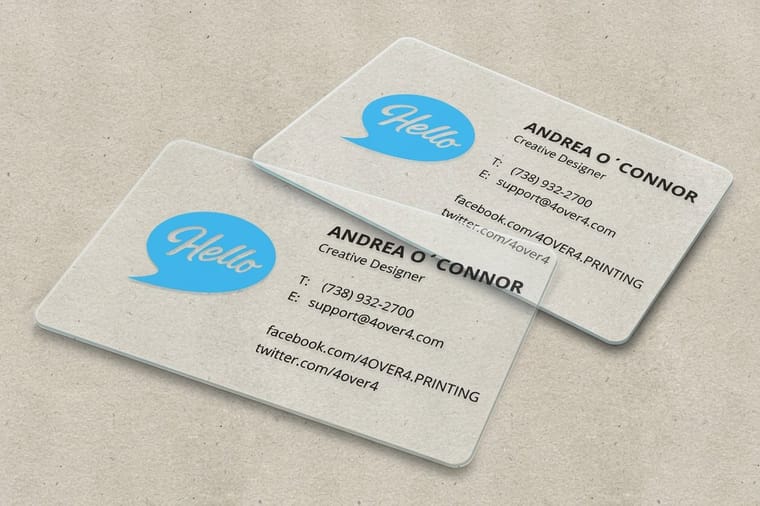
Quick tips
Quick tips for making clear business cards
Design clear business cards for the material, not for paper. Choose 30mil or 20-point transparent plastic, add a white ink layer for anything that should read opaque, and work in CMYK at 300 DPI with proper bleed. Keep type bold and sans-serif at 8pt or larger, print one side for a clean mirror effect, and pick frosted when a card carries a lot of contact detail. The same rules apply to opaque plastic business cards, minus the white ink layer.
Jump to the file setup or to the mistakes that ruin a clear card order.
Watch it printed
See 30mil clear plastic cards on the press, in 117 seconds
Why clear business cards stand out
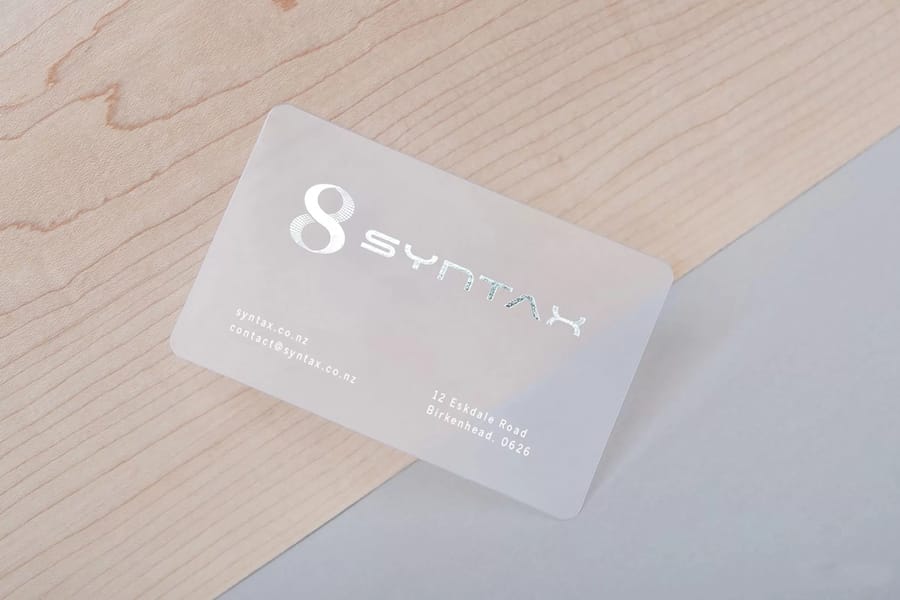
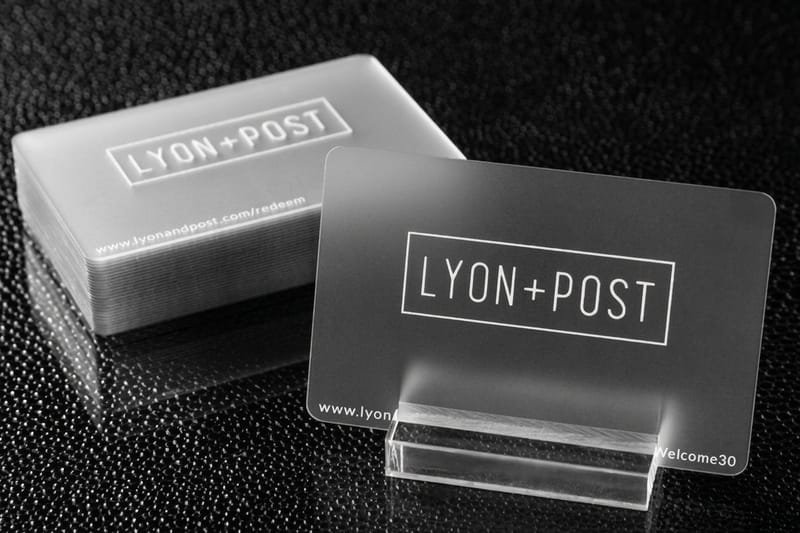
A clear business card on 30mil plastic, the thickness of a credit card, changes the moment you hand it over. Unlike standard cardstock, clear plastic lets your logo, colors, and contact info float on a see-through surface.
Making them is not the same as designing paper cards. The material behaves differently, colors print differently, and file setup has its own rules. Skip a step and the card looks muddy instead of sleek. The Online Designer lets you build a layout from scratch or start from a template, so you get the setup right the first time.
Whether you shoot photos, sell homes, or run a startup, this guide covers material choice through print-ready specs. Need something beyond the standard options? The custom projects team handles special requests.
Understanding clear and plastic business card materials
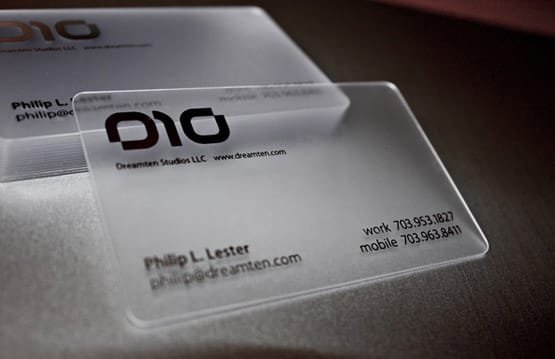
The foundation of a great clear business card is the material. You are not working with paper here, you are working with plastic. The heavier option is 30mil clear plastic, which matches the thickness of a standard credit card and comes at credit card size, 2.125 by 3.375 inches. It feels solid in the hand, and it is the clear card that prints white ink, foil and spot UV.
There is also 20-point clear plastic, slightly thinner and more flexible. It suits loyalty cards, VIP passes, or higher-quantity runs where you want to keep costs manageable. Both materials are durable, water-resistant, and will not bend or tear like paper cards do after a week in a wallet.
4OVER4.COM offers 30mil clear plastic cards as a flagship option. To feel the material before you commit to a full order, grab free samples first. Touching the actual card stock tells you more than any product description ever could.
If you want the durability of plastic without the transparency, opaque plastic business cards print on 20 point white rigid vinyl, so your artwork prints the way it would on paper and the card still survives a wallet. Frosted sits between the two, and 30mil frosted plastic cards are the pick when the card carries a lot of contact detail that has to stay readable.
Fully clear versus frosted finishes
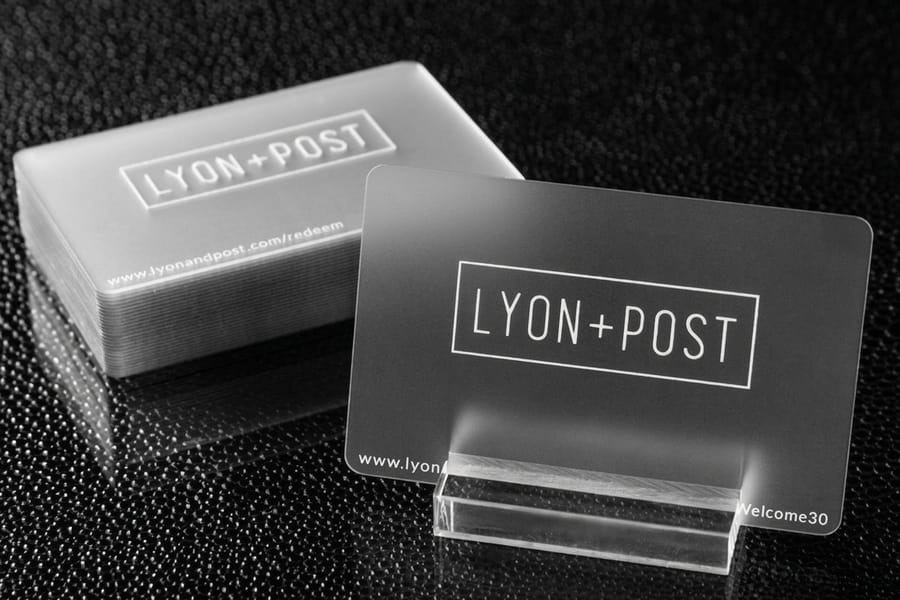
Not every clear card is the same level of transparent. You have two main directions to choose from, fully clear and frosted.
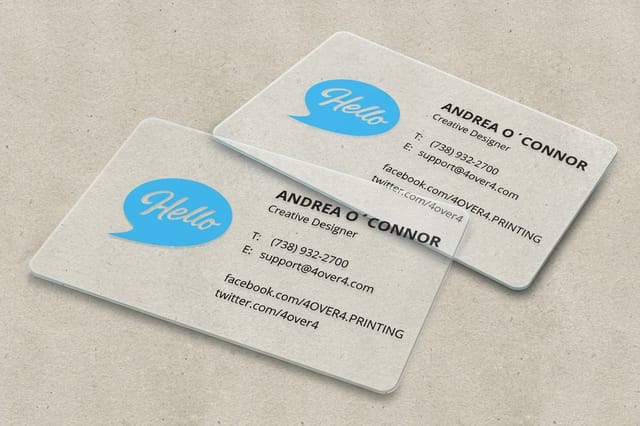
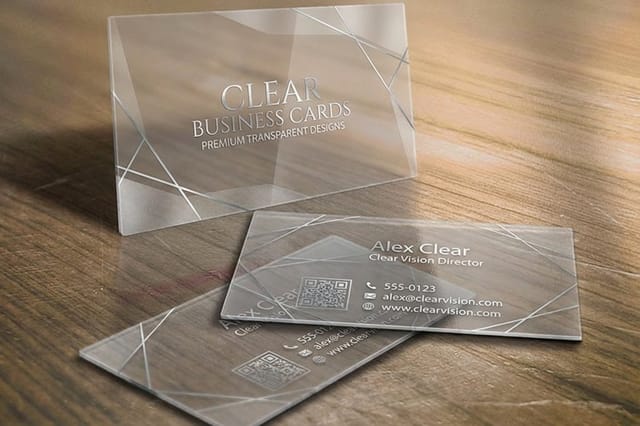
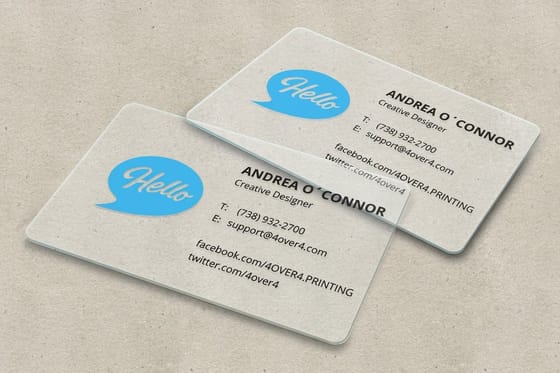
Fully clear cards are completely see-through, so your logo, text, and graphics look like they float on glass. This works best when the design is bold and graphic-heavy, with strong colors, thick fonts, and minimal text. The transparency becomes part of the design itself.
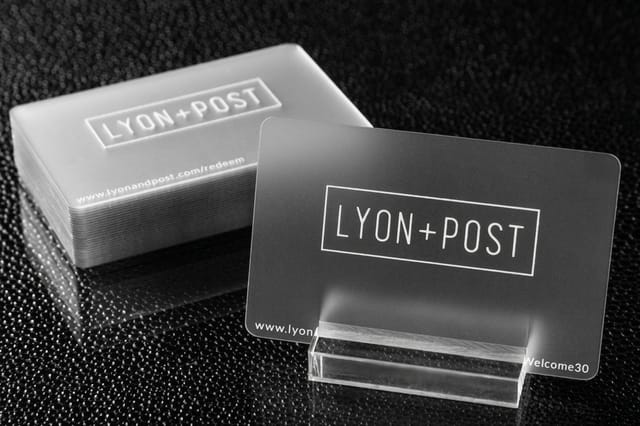
Frosted cards carry a translucent, etched-glass look. They soften the transparency and make text easier to read against busy backgrounds, which makes them the smarter pick when a card holds a lot of contact detail. Still deciding? Bold and minimal goes clear, detailed and information-rich goes frosted. For guidance across other print products, the guide hub covers everything from cards to large-format printing.
Designing for transparent material
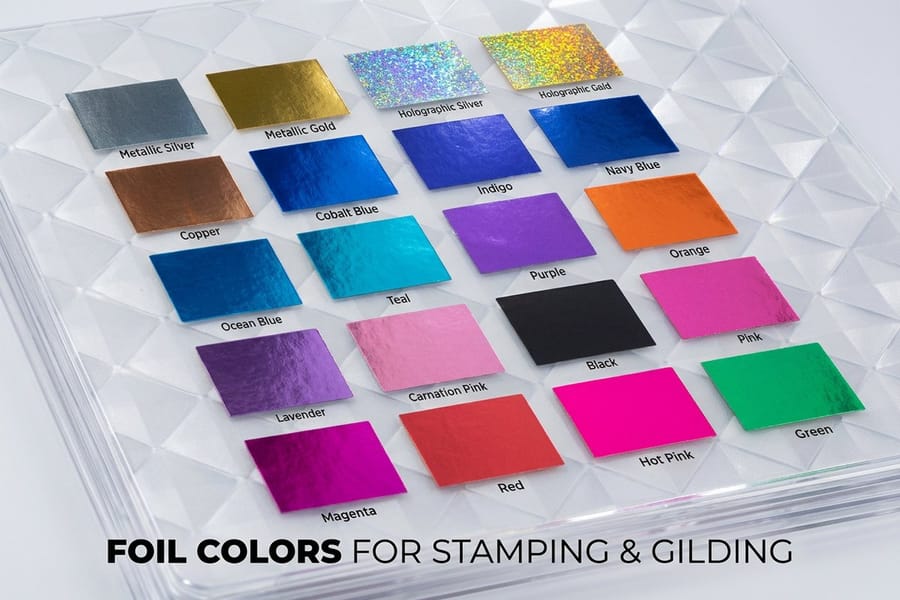
Designing for clear plastic is not the same as designing for white paper. On paper, white is the default background. On clear plastic there is no background, and white does not exist unless you specifically print it.
White ink is your best friend. For any element to appear white on a clear card, you need a dedicated white ink layer in your file. That layer tells the printer where to lay opaque white before or after your color layers. Without it, the white areas simply stay transparent.
Keep the design simple, because clear cards reward restraint. A clean logo, your name, a phone number, maybe a website is plenty. Overloading a transparent card with text and graphics defeats the purpose, so let it breathe.
Use bold, sans-serif fonts at 8pt or larger. Thin serif type looks wispy and hard to read on clear material. High-contrast pairings work best, like dark type on the clear surface or white ink with a single accent color. If you have set up flyers before, you already know readability comes first, and that rule doubles for clear cards.
Building the card in a browser instead of design software
You do not need Illustrator to get a clear card to press. Start from a 30mil clear plastic card template, which already carries the 2.125 by 3.375 inch trim, the 0.0625 inch bleed and the 0.125 inch safe zone, then drop your logo and type into it. The Online Designer does the same job in the browser and previews the layout before you order.
One caution is specific to clear stock. A browser tool works in flat color, and it has no way to build the spot layer named White that makes an element opaque. So design for transparency on purpose: bold sans-serif type at 8pt or larger, one accent color, and plenty of open space. Everything reads against the see-through surface rather than against a white field.
If a part of the design has to be solid white, that one file needs the extra layer built in design software. Order free samples first so you can see how your colors sit on the plastic before a full run.
Setting up your print-ready file
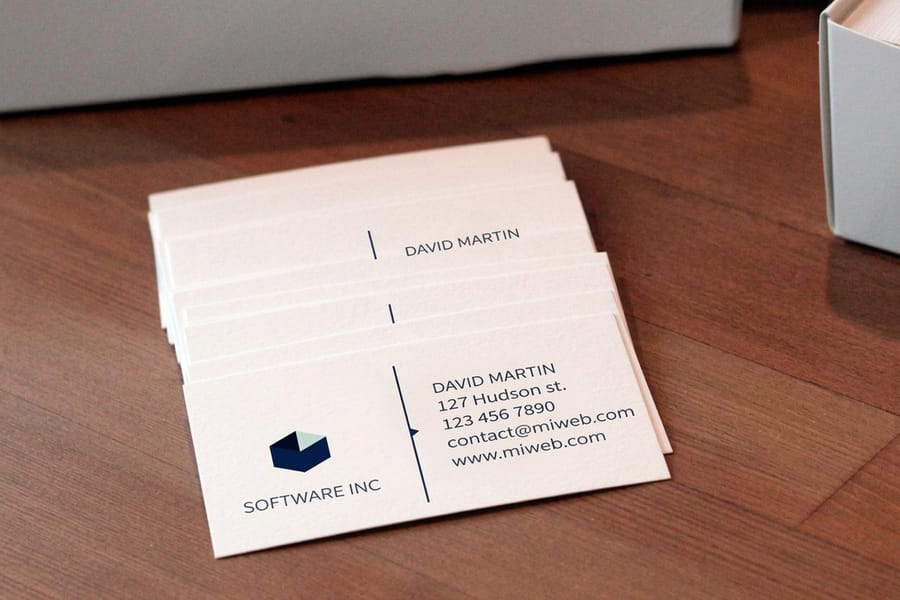
Getting the file right saves you time, money, and frustration. Here is what your design file needs before it goes to press.
- Color mode: CMYK, not RGB. Screen colors do not translate directly to print, so convert before you export.
- Resolution: 300 DPI minimum. Anything lower and your graphics look soft and pixelated on the card.
- Bleed: add 0.0625 inch on all sides. This prevents white edges after trimming.
- Safe zone: keep all critical text and logos at least 0.125 inch from the trim edge.
- White ink layer: create a separate spot color layer named "White" for any element that needs opaque white ink.
- File format: PDF is preferred. Flatten your layers except the white ink layer, which stays separate.
Not comfortable in design software? Start from a sized layout with 30mil clear plastic card templates or 3D lenticular business card templates, then upload your artwork and preview it before you order.
Design tips that actually work on clear cards
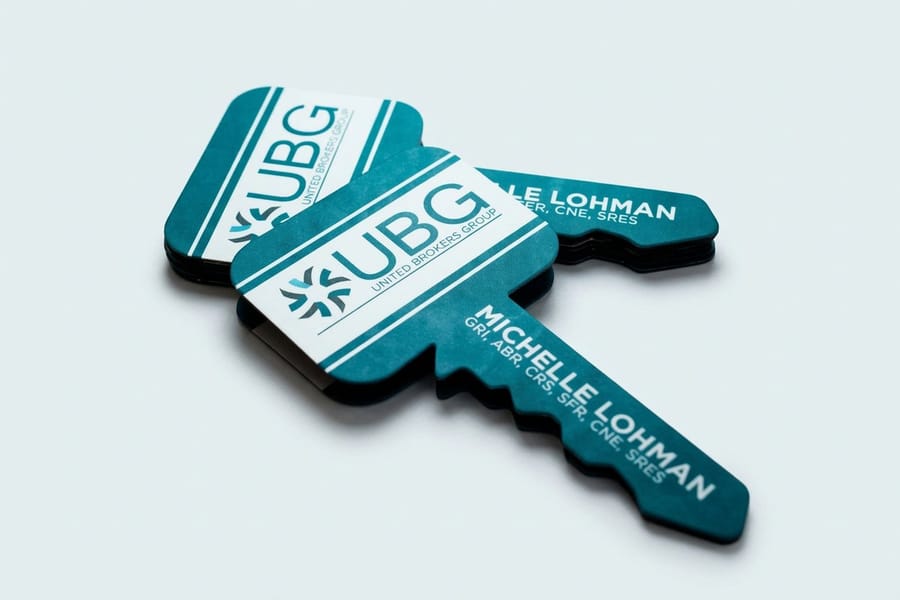
Let us get specific about what looks good on transparent material and what does not.
Use one-sided printing on purpose. Clear cards are see-through, so anything printed on the front shows in reverse from the back. Print both sides and the overlapping ink can turn into a cluttered, unreadable mess. Printing one side only lets the reverse read as a clean mirror effect.
Test your gradients, because a gradient that fades to nothing on paper fades to transparency here, which can look great or terrible depending on execution.
Do not forget the edge. The cut edge of clear plastic stays visible, so a clean, straight cut matters more than it does on opaque stock. There is nowhere for a rough edge to hide.
Who benefits most from clear business cards
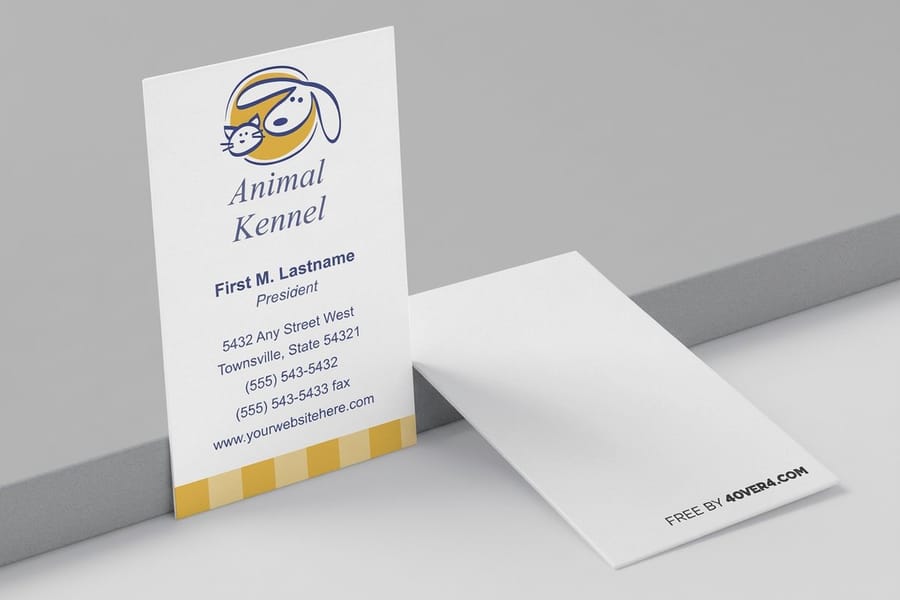
Photographers and creatives pick clear cards because the material itself communicates artistry. One logo in white ink on a 30mil clear card, printed on one side so the back reads as a mirror, says you care about aesthetics without a single word.
Real estate agents can use a clear card to stand apart from the white rectangles handed out at an open house. Tech startups get a modern read from it, and event planners and DJs get a conversation piece.
Beauty and salon professionals can double a clear card as a loyalty card or appointment reminder, since plastic survives purses, gym bags and car consoles.
Ordering and what to expect
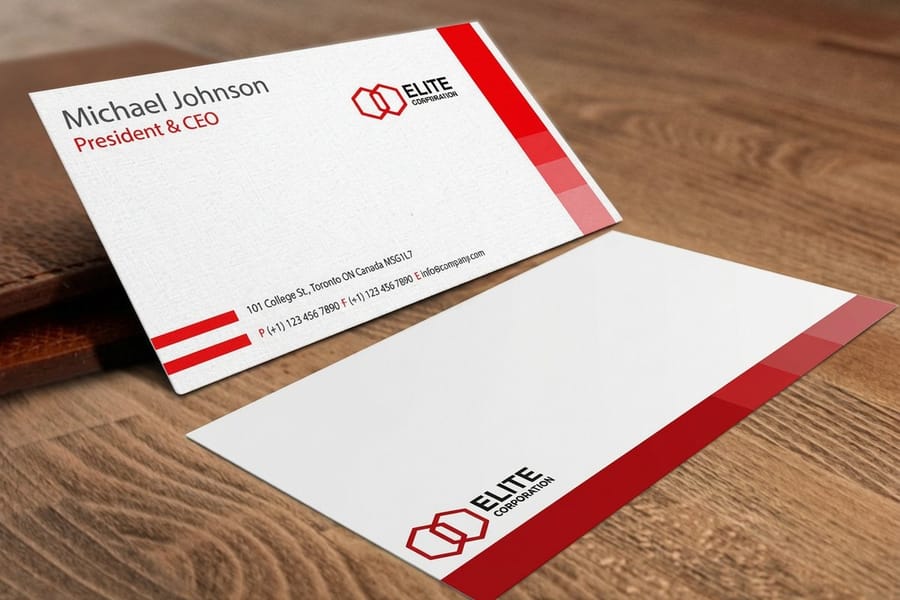
Once your file is ready, the ordering process is straightforward. Upload your design, pick your material as 30mil or 20-point clear plastic, choose your quantity, and confirm. You get a digital proof to review before anything goes to press.
Turnaround depends on the product and quantity, and 4OVER4.COM ships 82% of orders early. The 30mil clear and frosted cards take 15 business days, and the 20 point Clear Business Cards take 4 to 7, both longer than standard paper cards.
Mistakes that ruin clear business cards
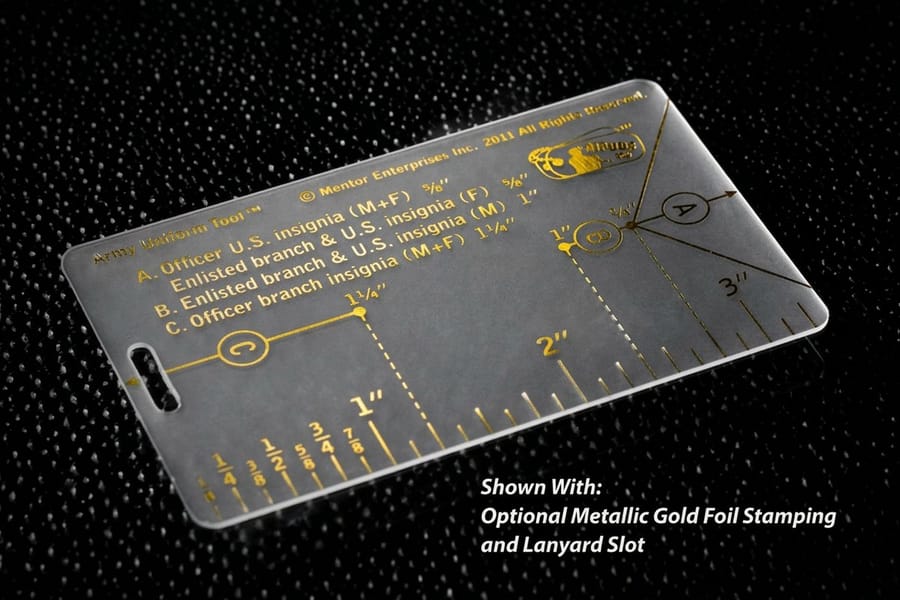
Even a solid design can get wrecked by a few common errors. Here is what to watch for before you submit any clear card file.
- Skipping the white ink layer. Without a dedicated white layer, your white elements are invisible on the clear material.
- Using tiny or thin fonts. Fine text that reads perfectly on white paper becomes nearly invisible on transparent plastic. Stick to bold fonts, 8pt minimum.
- Overcrowding the design. Clear cards need breathing room. Too many elements compete with the transparency and make the card look chaotic.
- Submitting RGB files. RGB colors shift unpredictably when converted to CMYK at the printer, so convert yourself and keep control of the outcome.
- Ignoring the back of the card. Both sides are visible at once, so print from the back shows through to the front. Plan for it or print one side only.
- Forgetting bleed and safe zones. Trimming errors are more noticeable on clear cards. Add proper bleed and keep important content inside the safe zone.
Run this check before you upload. Trim size 2.125 by 3.375 inches on 30mil or 3.5 by 2 on 20 point, artwork in CMYK at 300 DPI, 0.0625 inch bleed on all four sides, text inside the 0.125 inch safe zone, every opaque element on a 30mil card duplicated on a spot layer named White, and the whole file flattened to a PDF. Six checks, about two minutes, and the file goes straight to press instead of coming back to you.
A 99.8% on-time delivery rate means your cards arrive when promised, and getting the file right on your end means they arrive looking right too. Want to test the print quality first? Order free business cards and use them as a color and feel reference before a full clear run.
Wally explains clear cards
The transparency is the design, so let it breathe
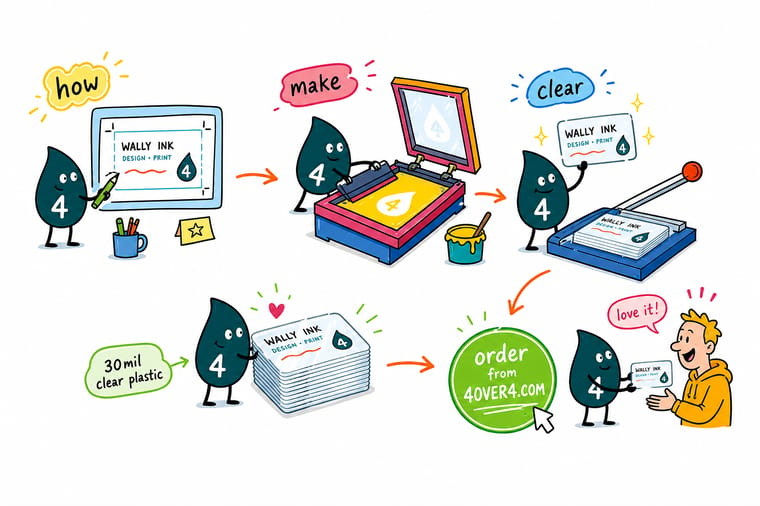
Wally treats a clear business card like a tiny pane of glass: the see-through surface is the whole effect, so a bold logo and a little white ink beat a crowded layout every time. Remember that white does not exist unless you print it, keep the type big and simple, and pick frosted when the card carries a lot of contact detail. When you are ready, order 30mil clear plastic cards built to your exact art at 4OVER4.
Order clear plastic cards →
Specs and pricing
Clear plastic card specs and live pricing
30mil clear plastic cards start at 500 for $529.26, printed in four color or CMYK plus white, on one side or both, with 1/8 inch rounded corners. Add foil stamping, spot UV, a signature panel, a magnetic stripe, barcode numbering or a lanyard slot, and read the live specs and price per unit straight from the configurator.
| Quantity | Price Per Unit | Total |
|---|---|---|
| 500 | $1.06 | $529.26 |
| 1,000 | 63.0¢ | $630.31 |
| 2,000 | 56.8¢ | $1,135.55 |
| 2,500 | 53.0¢ | $1,325.02 |
| 3,000 | 50.5¢ | $1,514.49 |
| 3,500 | 48.7¢ | $1,703.96 |
| 4,000 | 47.3¢ | $1,893.44 |
| 4,500 | 45.6¢ | $2,051.33 |
Print it
Best clear business card products at 4OVER4
See it in use
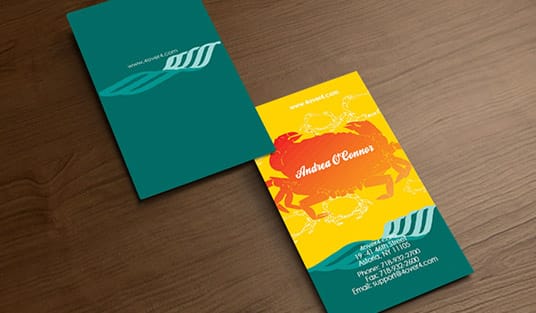
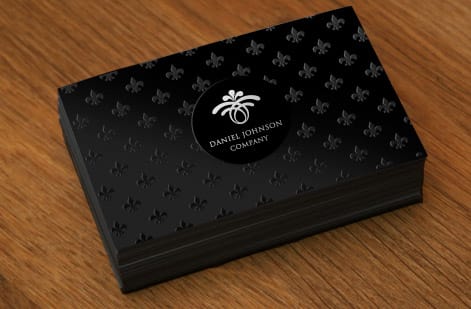
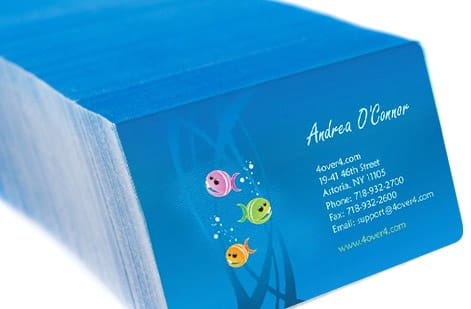
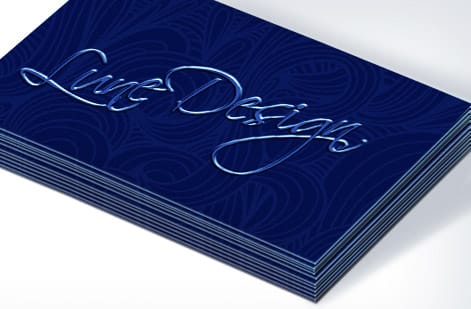
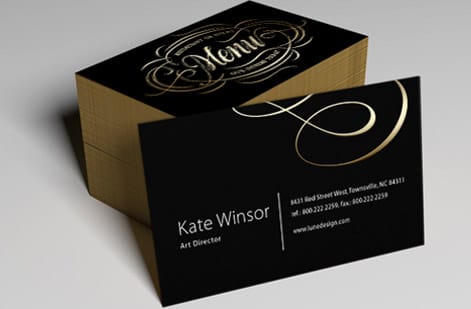
Business cards customers printed with us


Explore more
Where to go next


By the numbers
Paper and plastic types a card can print on
Common Questions
Your clear business card questions, answered
How much should I pay for 500 business cards?
It depends on the material. 500 standard paper business cards cost $36.26, 500 Clear Business Cards on 20 point plastic cost $130.72, and 500 of the 30mil clear plastic cards cost $529.26, because of the heavier plastic and the white ink pass.
Who makes the best quality business cards?
Judge a printer on the things you can check rather than on the claim. Ask what materials they carry, whether you get a digital proof before anything prints, and whether they will send you a physical sample of the stock. 4OVER4.COM prints on 60 plus paper and plastic types, ships 82 percent of orders early, hits on-time delivery 99.8 percent of the time, and serves more than 150,000 businesses. Order free business cards first and hold the print quality in your hand before you commit to a clear run.
How do you make plastic business cards?
The same way as a clear card, minus the white ink layer. Plastic business cards print on 20 point white rigid vinyl, so artwork prints the way it would on paper, in sizes from the standard 3.5 by 2 to a 4 by 6 postcard.
What is the difference between clear and frosted plastic cards?
Clear plastic is fully transparent, so whatever is behind the card shows through and any unprinted area disappears. It looks striking with a minimal design and little text. Frosted plastic is the same material with a translucent matte surface, which softens what shows through and gives small type a background to sit against. Choose clear for a bold logo and a few lines. Choose frosted when the card carries a name, title, phone, email and website and all of it has to stay readable.
What material are clear business cards made from?
Rigid clear plastic: 20 point clear vinyl on Clear Business Cards, or 30mil clear plastic at credit card thickness on the 30mil cards. Both are waterproof and tear-resistant.
Do I need a special file setup for clear card printing?
Only for white. On 30mil cards, any element that should read white or opaque goes on a separate spot layer named White; without it, those areas print clear. The 20 point cards print CMYK only, so plan the design without white.
Can I print on both sides of a clear business card?
Yes, both the 20 point and the 30mil cards print on both sides. Because the card is see-through, line the two sides up on purpose so the back does not fight the front.
How long do clear business cards last compared to paper?
Much longer. Plastic shrugs off water and bending that soften a paper card, so a clear card keeps looking new in a wallet.
Are clear business cards more expensive than standard paper cards?
Yes. 250 Clear Business Cards on 20 point plastic start at $125.22, against $17.57 for 100 standard paper cards, and the 30mil clear cards start at 500 for $529.26.
What finishes are available for clear business cards?
Clear or frosted on both card lines. The 30mil cards add white ink, foil stamping and spot UV, on one side or both, plus 1/8 inch rounded corners; the 20 point cards take 1/8 or 1/4 inch rounded corners.
What's the standard size for clear business cards?
Clear Business Cards on 20 point plastic come at 3.5 by 2, credit card size, a 3.5 by 2 oval or a 2.5 inch social square. The 30mil clear and frosted cards come at credit card size only, 2.125 by 3.375 inches.
Get Started
Ready to make your clear business cards?
Pick 30mil or 20-point plastic, drop in your logo and white ink layer, and we print see-through cards that people keep instead of toss.
Legal Disclaimer
Gold Standard guarantees apply to all standard orders placed through 4over4.com. Price match requires verifiable proof of a competitor's published price for an equivalent product with matching specifications and turnaround time. Satisfaction guarantee covers manufacturing defects and print quality issues. Contact support with order number and documentation.
