
30 Business Card Marketing Tips That Actually Get You Calls


Emma is our prepress and print production voice, built from the knowledge of our production team, with over 20 years in printing.
Business card marketing and design tips come down to one result: a card produces calls when it names the trade you practice, carries one next step on the back, and gets followed up within 48 hours of the handover. Print it as a 3.5 x 2 inch standard business card, from $17.57 for 100. The thirty tips below are grouped by the stage they fix: design decides whether the card is kept, handout decides whether it reaches somebody who buys, and response decides whether it becomes a phone call.
Where business card marketing leaks
| Stage | Tips | What usually fails | The fix | What it costs |
|---|---|---|---|---|
| Design | 1 to 10 | Blank back, no job title, 12pt stock that curls in a wallet | 16pt stock, one offer on the back, your trade named under your name | Stock upgrade, cents per card |
| Handout | 11 to 20 | A stack left on a counter where nobody is buying anything | Hand two cards, write on one, place stacks near the decision | Nothing but attention |
| Scan | 21 to 24 | A QR code pointing at the homepage, or printed too small to read | One landing page per batch, code at 0.8 inches with a quiet zone | One page on your site |
| Memory | 25 to 27 | A card that looks like the four others already in the pocket | Spot UV on the mark, raised foil, or plastic for the ones that matter | From $76.88 a run |
| Follow-up | 28 to 30 | Nobody calls back, and nobody knows which batch produced anything | A tracked number or URL per batch, contact within 48 hours | A calendar reminder |
Work down the table and find the row that describes your last box of cards. Fixing the wrong row is the most common waste in card marketing, because a new design cannot rescue a stack left somewhere nobody buys. When the design genuinely is the problem, you can order standard business cards from $17.57 and test a revision on 500.
Business card design tips in the order you apply them
Business card design tips work best as a sequence, because each choice limits the next one. Set them in this order before the file goes to press; the tip numbers point to the detail further down.
- Stock first. Choose 16pt over 14pt, uncoated or matte if you write on cards, and matte laminate for a dark design (tips 1, 2 and 9).
- Then the file. A 3.5 x 2 inch page with 0.125 inch bleed, live text 0.125 inches inside the trim, and rich black for large dark areas (tips 4 and 8).
- Then the words. Your name, your trade under it, one phone number and one email, nothing under 7pt and the phone number at 10pt (tips 5, 6 and 7).
- Then the back. One next step, such as a QR code at least 0.8 inches wide that opens one page (tips 3 and 24).
Why business cards still convert
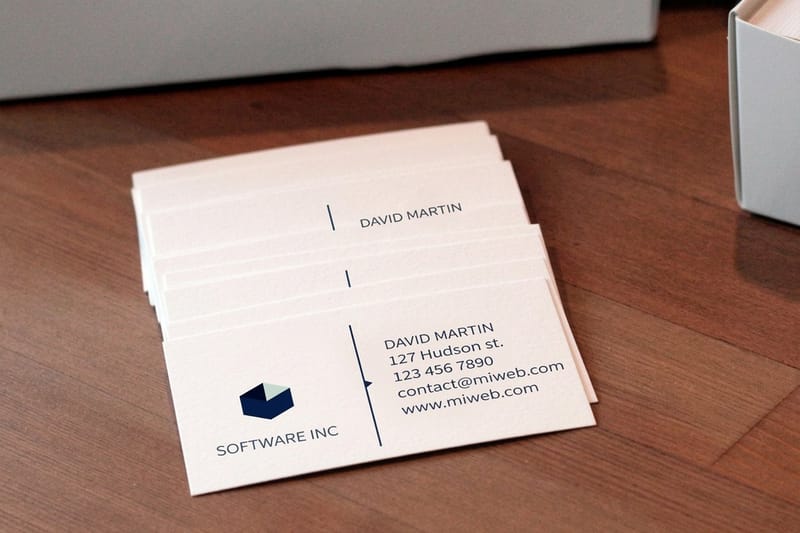
A business card is the only piece of marketing that a stranger volunteers to carry home in their pocket. Nothing else in print gets that. An ad has to interrupt somebody, an email has to survive a filter, and a flyer gets handled once, but a card that somebody accepts sits in a wallet or a drawer next to the desk where the decision eventually gets made.
That is also why most cards do nothing. They are handed out in bulk to people with no reason to call, they carry a name and a phone number and no clue about what the person does, and nobody follows up. The card is not the problem. The three stages around it are.
The thirty tips below are grouped by those stages: design decides whether a card is kept, handout decides whether it reaches somebody who buys, and response decides whether it turns into a call. Fix the stage that is actually losing you work. Reprinting artwork will not rescue a stack sitting on the wrong counter.
The test a card has to pass
Hand your card to somebody who has never met you, take it back after ten seconds, and ask them what you do and what they would call you about. If they cannot answer both, the card has failed at stage one and no amount of foil will fix it.
Most cards fail that test on one missing line: the trade, stated plainly. "Owner" tells nobody anything. "Owner, commercial HVAC repair, Queens and Brooklyn" tells them exactly when to reach for the card.
Design tips that get your card kept (tips 1 to 10)
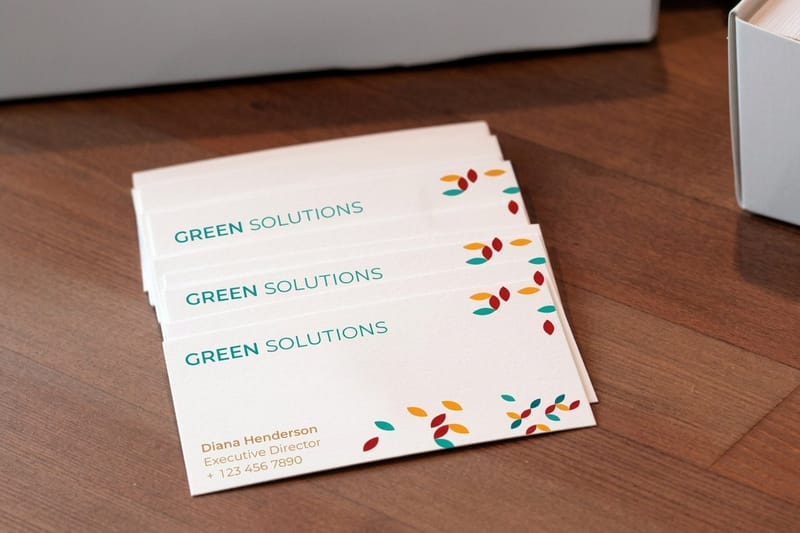
These ten decisions happen before the file goes to press, and they cost almost nothing to get right. Every one of them is about whether the card is still in a pocket a week later.
Start from a correct file. Our business card size and dimensions breakdown has the exact trim, bleed and safe area, and there are print-ready blanks in the blank template library if you would rather not build the document yourself.
Tips 1 to 5: the physical card
1. Print on 16pt, not 14pt. Both are fine to the eye, but 16pt resists the bend that a wallet puts into a card. A 14pt card that has ridden in a back pocket for a fortnight looks used; a 16pt one looks filed. Our breakdown of business card thickness covers where the extra points stop being worth paying for.
2. Leave the back writable if you write on cards. Gloss aqueous coating rejects ballpoint ink and smears gel pen. If you write the meeting date or a quoted price on the card before you hand it over, order matte or uncoated and keep one panel of the back clear.
3. Never leave the back blank. The reverse is half the surface area you paid for and it is the side that faces up when a card lands on a desk. Ideas for filling it sensibly are in 14 back of business card design ideas, and the arithmetic for printing both sides is in are double sided business cards a good idea.
4. Keep live text 0.125 inches inside the trim. Guillotine cuts move by a hair across a stack. Type that sits tight to the edge on screen comes back kissed by the blade on part of the run. Bleed 0.125 inches on all four sides, keep text 0.125 inches in, and nothing shifts.
5. Set nothing smaller than 7pt, and the phone number at 10pt. The card is read at arm’s length in bad light by somebody who is not wearing their reading glasses. If the number is the thing you want dialled, it should be the second largest element on the card after your name.
Tips 6 to 10: what the card says
6. One phone number and one email. Two numbers make the reader choose, and a reader who has to choose puts the card down. Pick the line that gets answered.
7. Name the trade under your name. A job title describes your position in a company nobody has heard of. A trade describes the problem you solve. Write the second one.
8. Build large black areas as rich black. A solid built from 100 percent black alone prints as a flat charcoal on coated stock. Adding cyan, magenta and yellow underneath (a common build is 60/40/40/100) gives a black that actually looks black next to a photograph.
9. Choose matte laminate for dark cards. A dark gloss card collects fingerprints on the way out of your hand and shows every scuff from the wallet. Matte hides both, and it is the reason most dark cards that still look good were never printed gloss.
10. Say the one thing you want to be remembered for. A card with a line of positioning on it outlives a card with only contact details, because the line is what somebody repeats when they pass your card to a colleague. There are examples worth borrowing in business card slogans that make you memorable.
Where and how to hand cards out (tips 11 to 20)
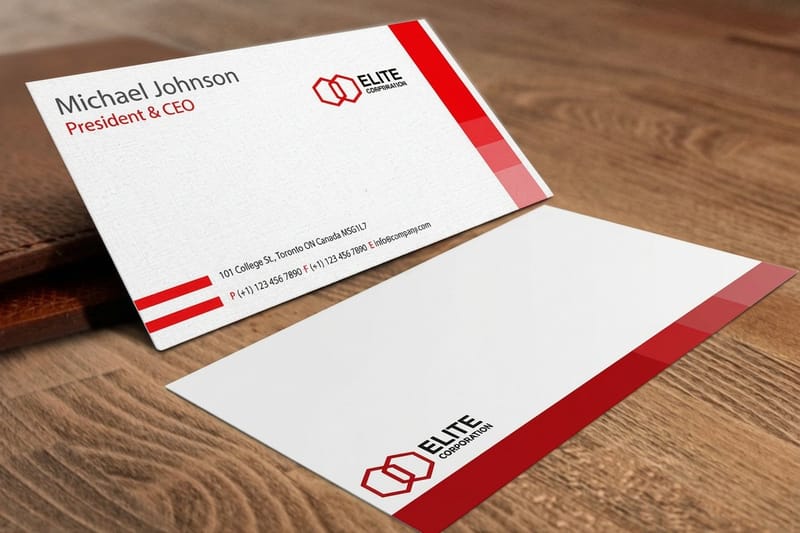
Distribution is where most card marketing quietly fails, because it is the stage nobody measures. A box of 500 cards that stays in a drawer produces the same number of calls as no cards at all.
Two rules run under all ten of these. Put cards where a buying decision is already being made, and give the person a reason to keep yours rather than the one they were handed before it.
Tips 11 to 15: in person
11. Hand over two cards, not one. One to keep, one to pass on. Say that out loud as you hand them across. It costs three cents and it turns one contact into a possible second.
12. Write on the card before you hand it over. The date, the price you quoted, the name of the thing you promised to send. A card with handwriting on it gets kept because it has become a note rather than an advert. This only works if you followed tip 2.
13. Leave stacks where the decision happens, not where people wait. A card holder at the counter of a paint shop reaches somebody mid-renovation. The same stack on a coffee shop noticeboard reaches somebody waiting for a coffee. There is a longer list of places that actually work in 10 creative places to leave your business cards.
14. Ask the manager before you leave a stack. A stack that was agreed to gets refilled and gets mentioned. A stack that appeared overnight gets binned when the counter is wiped down.
15. Put a card in every outgoing package and invoice. The customer already bought from you, which makes them the single most likely person to recommend you. This is free distribution you are already paying postage for.
Tips 16 to 20: everywhere else
16. Stay out of mailboxes. In the United States a mailbox is reserved for postage-paid mail under 18 U.S.C. 1725, so dropping cards in is an offence rather than a growth tactic. The detail, and the legal alternatives, are in can you put business cards in mailboxes.
17. At a show, attach the card to the sample. A card handed on its own goes into the tote bag with sixty others and gets emptied into a bin at the hotel. A card taped to the sample somebody actually wanted survives the sort.
18. Give a stack to the trades around you. Your electrician, your accountant, the supplier you buy from every month. They meet your customers before you do and they get asked for recommendations constantly.
19. Refresh corkboard cards monthly. A pinned card that has been there since spring reads as a business that has closed. Pin at eye height, and replace them on a set date rather than when you remember.
20. Adjust the handover when you travel. In much of East Asia the card is offered and received with both hands and read before it is put away, and pocketing it without looking reads as dismissive. The country by country detail is in business card etiquette around the world, and there is a softer approach for people who hate the pitch in handing out cards without being pushy.
Add a QR code or an offer worth scanning (tips 21 to 24)
A QR code is the cheapest tracking you can put on a card, and it is also the fastest way to teach somebody that your codes are not worth scanning. The difference is the destination.
Four rules cover it, and the wider set of print applications is in creative ways to use QR codes in print and marketing.
Tips 21 to 24: the code and the offer
21. Point the code at one page, never the homepage. Somebody scanning a card is asking a specific question: show me the work, book me a slot, send me the price list. A homepage answers none of those and the visitor leaves.
22. Use a different URL for each batch. A separate landing URL for the trade show run and the counter stack tells you which one produced traffic without any analytics work beyond reading two page counts.
23. Print the address in text under the code. Some people will not scan a code from a stranger, and some phones are old. A short typed URL underneath costs six millimetres of space and rescues those scans.
24. Give the code enough room. Print it around 0.8 inches wide with a clear quiet zone the width of a few modules around it, dark ink on a light background, and never reversed out of a photograph. A code squeezed to half an inch in a corner is decoration, not a link.
Specialty finishes that make a card hard to throw away (tips 25 to 27)
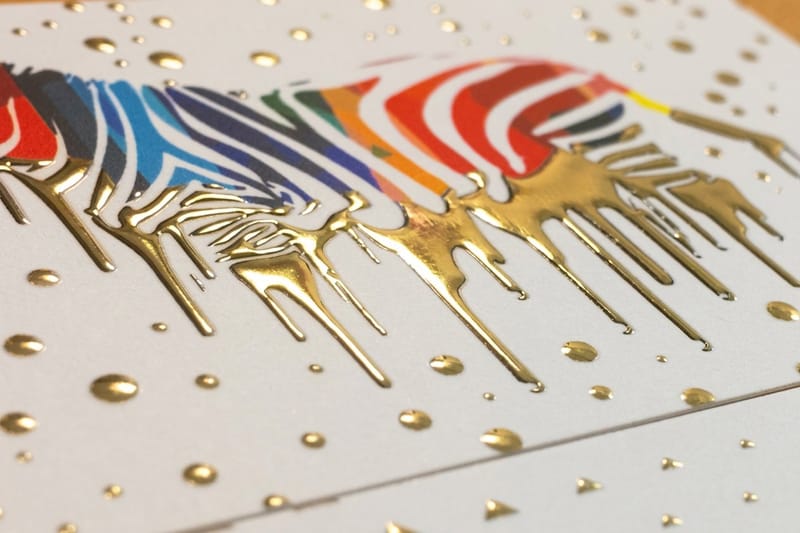
A finish is not decoration, it is a delay. It makes the person holding the card turn it over and look again, and a card that gets looked at twice gets kept. Every finish here costs more than a plain card, so use them on the cards that go to people who can actually hire you.
The honest limit: a specialty finish does nothing for a card handed to the wrong person. Print a small run of the expensive version and keep standard business cards at $17.57 for volume.
Tips 25 to 27: where the extra money goes
25. Spot UV on the mark only. Spot UV business cards from $76.88 put a raised gloss varnish on selected artwork. It reads best over a matte field, on the logo or one word, because the effect is the contrast rather than the shine. Flooding the whole card with it wastes the finish.
26. Raised foil for the card you hand to a decision maker. Raised foil business cards from $86.78 add metal that sits above the surface, so it catches light from across a table. Keep the foil artwork simple: fine hairlines and small serif type lose their edges in the foil.
27. Plastic when the card has to last years. Plastic business cards from $180.02 do not bend, do not absorb water, and do not go soft in a toolbox or a glovebox. That is the case for a trade that gets called back eighteen months later, and it is a poor use of money for a card handed out at a networking breakfast.
Business card pricing and specs at 4OVER4.COM
Card pricing moves with stock, coating, finish and quantity, and the per unit cost drops steeply as the run grows: 100 standard cards cost $17.57 and 200 cost $23.07, on stocks from 14pt Gloss Cover to 24pt Ultra Thick Gloss Cover. The numbers below come from the live configurator, so you can size a batch before you commit to a design.
Quantity and price
Business card pricing and specs
Real configurator numbers for standard business cards, where the run size does more to the unit price than any other choice on the page.
| Quantity | Price Per Unit | Total |
|---|---|---|
| 100 | 17.6¢ | $17.57 |
| 200 | 11.5¢ | $23.07 |
| 300 | 9.15¢ | $27.46 |
| 400 | 7.96¢ | $31.86 |
| 500 | 7.25¢ | $36.26 |
| 600 | 6.77¢ | $40.64 |

Every order also earns coins you can redeem against later printing, so a card program that reorders on a schedule gets cheaper over time. The rules are on the earn coins page.
Track which cards produced the calls (tips 28 and 29)
Most businesses cannot say which handful of their cards produced work, which is why card budgets get cut on a hunch. Two habits fix that without any software.
- 28. Put a tracked route on each batch. A dedicated phone extension, a call tracking number, or simply a different landing URL per stack. One number per placement turns a guess into a count, and it usually shows that two placements out of ten are doing all the work.
- 29. Call back within 48 hours, and reference where you met. The card bought you permission, not a sale. Follow-up after a week reads as a cold call because the person no longer remembers the conversation the card came from.
Print it
Business cards, ready to hand out
Standard sizes on premium stock, the fastest way to get a corrected design back into your pocket.

Stock and coating are worth one more thought before you reorder. A gloss aqueous coat lifts photography and shrugs off a damp pocket, matte cuts glare and hides fingerprints on dark artwork, and uncoated stays writable so tip 12 still works. If your cards get written on more often than they get admired, uncoated wins even though it photographs worse.
The reorder and update workflow (tip 30)
A card program dies quietly. The box runs low during a busy month, nobody reorders, and six months later the habit of handing cards out has gone. One tip prevents it.
- 30. Reorder at twenty percent remaining, and version the card. Set a reminder against the last hundred cards in the box rather than the last ten. Put a small version code in the smallest legible type on the back, such as v3 or a batch month, so when a caller reads it back to you, you know which design and which placement produced them.
Keep the working file in one place, and keep the exported print PDF next to it. The single most common reorder delay is somebody hunting for the file that produced the last batch, then rebuilding it from a JPEG. If you are starting again anyway, our design templates get you to a correct file quickly.
Print-ready file checklist
Run this before you upload. Every item here is a fault that costs a day at the proofing stage or, worse, gets missed and prints wrong on the whole run.
- Document size 3.5 x 2 inches with 0.125 inch bleed on every side, so the finished file is 3.75 x 2.25 inches.
- Live text and logos 0.125 inches inside the trim, because a stack is cut with a blade and blades wander.
- 300 DPI at final size, CMYK. An RGB file converts on our side, and a bright RGB blue or green will shift when it does. Convert it yourself and you see the shift before the press does.
- Fonts outlined or embedded. A missing font substitutes silently and the first you see of it is the proof.
- Large blacks built rich, not 100 percent K alone, so solid panels do not read as charcoal.
- Spot UV or foil supplied as a separate layer in 100 percent K, marking exactly where the effect goes.
- Both sides supplied, correctly oriented, so the back is not upside down relative to the front on the finished card.
Start fast
Templates and print-ready blanks
Business card design templates and exact size blanks, with bleed and trim already marked.
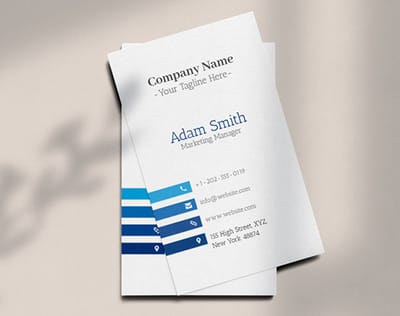
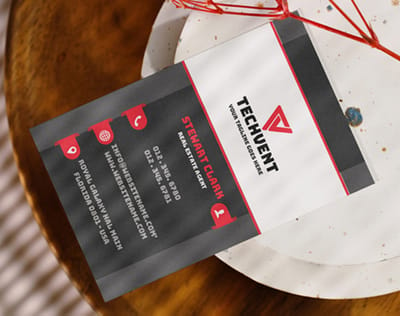
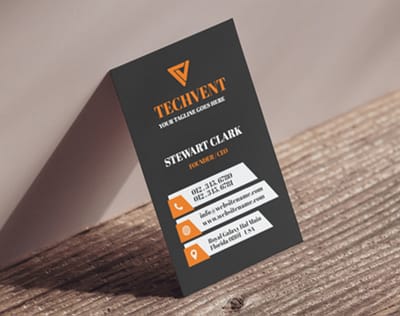
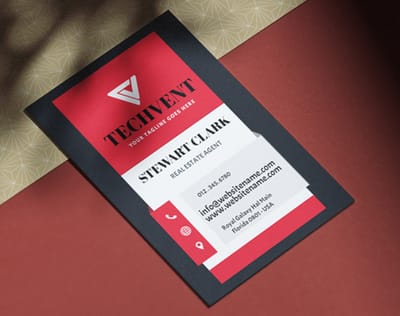
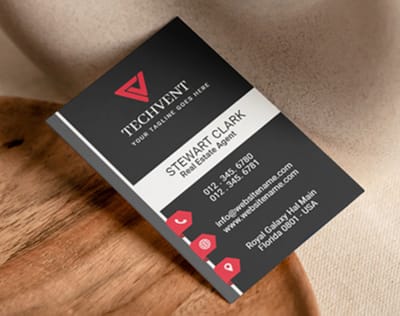
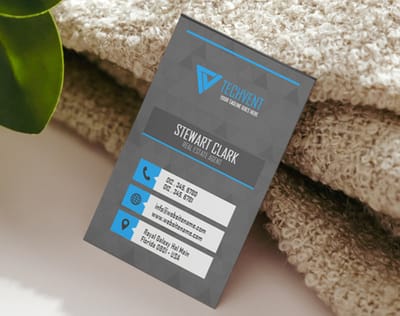
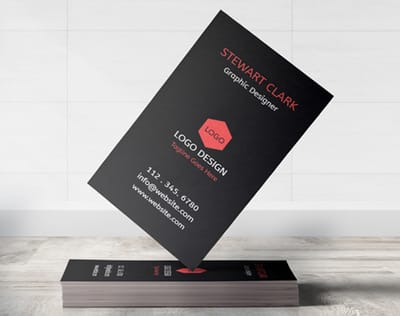
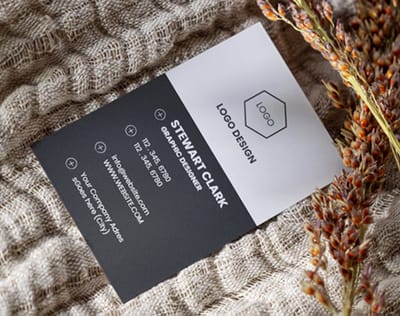





Wally hands out two cards, and writes on one
The three habits behind every card that turns into a call
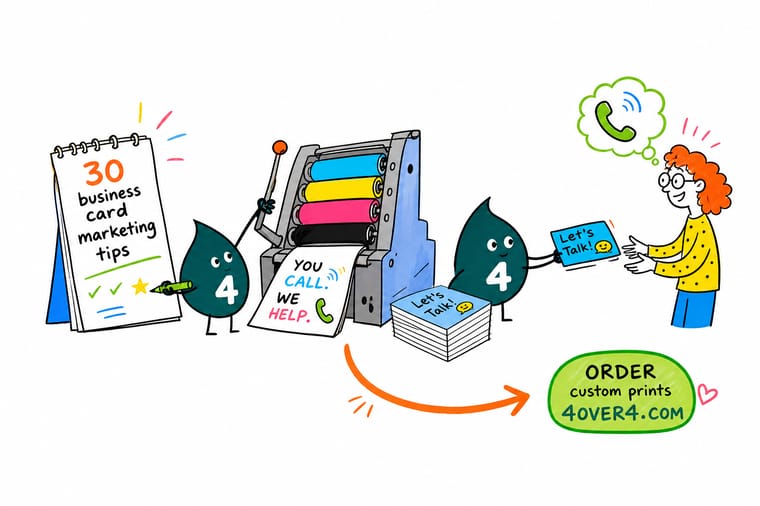
Hand two cards so one gets passed on, write the date or the price on the card before you let go of it, and point any QR code at a single landing page rather than your homepage. Print on 16pt with a matte or uncoated back so a pen actually works, keep live text 0.125 inches inside the trim, and reorder at twenty percent remaining so the habit never stops.
Order business cards →What decides whether a card gets a call
Five habits behind every card that gets calls
- Say what you do, not your title. A trade named plainly outperforms every clever line on the card, because it tells the reader when to reach for it.
- One number, answered. A single phone line that somebody picks up beats three contact routes that all end in voicemail.
- Write on the card in front of them. Handwriting turns an advert into a note. Order matte or uncoated stock so the pen actually works.
- One destination per batch. A separate URL for each place you hand cards out is the only free way to learn which place is working.
- Reorder before you run out. Reorder at twenty percent remaining. Running out mid-quarter is how a card program quietly stops.
Which tips matter most for your business
The same thirty tips do not carry equal weight everywhere. Here is where each type of business should spend its attention first.
- Trades and home services. The card lives in a kitchen drawer for a year before it is used. Spend on stock and durability, not on a finish, and put the trade and the service area on the front.
- Consultants and agencies. Cards go to a small number of people who can sign. This is where raised foil or spot UV earns its cost, on a run of a hundred rather than a thousand.
- Retail and hospitality. Volume matters more than finish. Put an offer on the back, use a tracked URL per location, and reprint often enough to keep the offer current.
- Event and trade show teams. Attach the card to the sample and use a separate landing URL per show, so the following week you know which show actually produced conversations.
- Real estate and field sales. Two cards every time, one to pass on. A plastic card survives a year in a car door pocket where a paper card does not.
Explore more
More ways to print and promote
Standard cards run 100 for $17.57 and raised foil 100 for $86.78 on 16pt velvet laminated.
Product Standard Business Cards From $17.57, the volume card for everyday handouts. 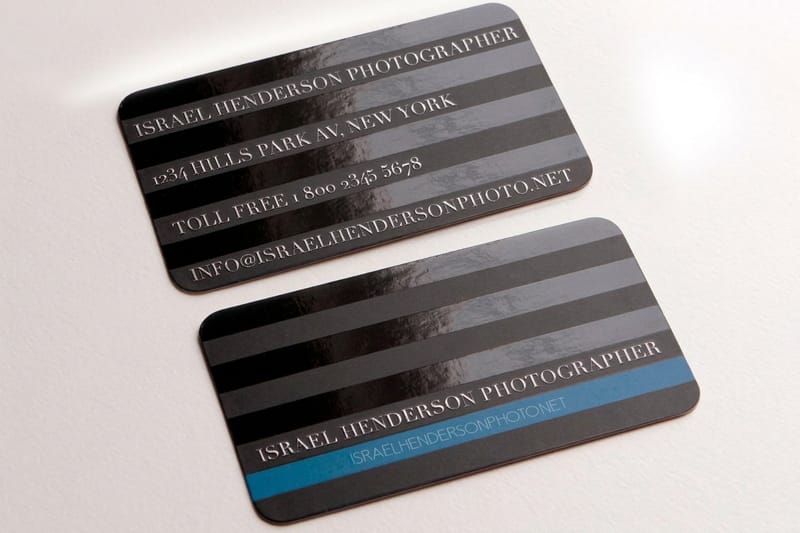 Product Spot UV Business Cards Raised gloss on the mark, matte everywhere else. Product Raised Foil Business Cards Metal that sits above the surface and catches the light.
 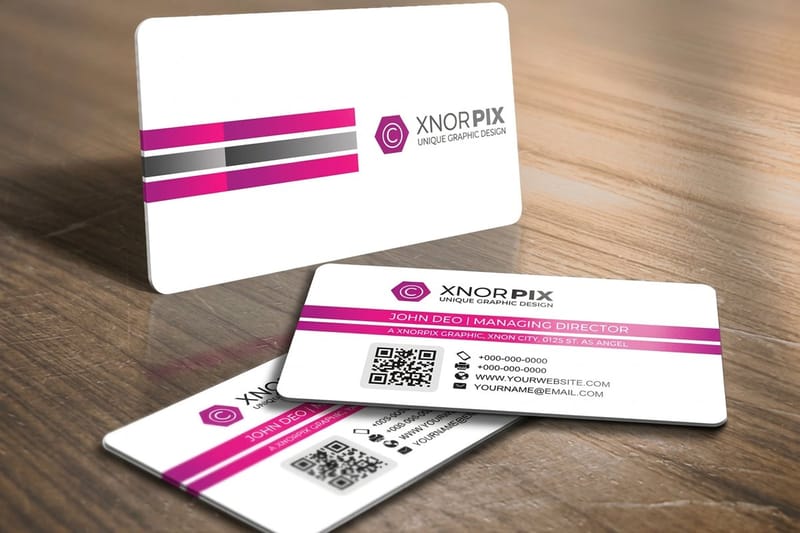 Product Plastic Business Cards For cards that live in a toolbox or a glovebox for years.
  Category Business Card Printing Every stock, size and finish we print, in one place.
  Article 10 Places to Leave Your Cards Where a stack actually gets picked up, and where it does not.
 Ready to print a card that gets called?
Pick your stock, drop in your design or a free template, and 4OVER4.COM prints it sharp on premium cardstock, as fast as your deadline needs.
Common questions about business card marketing
How many business cards should I order at once?
Order what you will hand out before the details change, then reorder at twenty percent remaining. For most one-person businesses that is 500 cards over six to twelve months. The temptation is to order 2,500 because the unit price collapses, and then a phone number changes in month three and the box becomes scrap. Standard business cards start at $17.57 at 4OVER4.COM, so the saving on a huge run is rarely worth carrying a design you have outgrown.
Does a QR code on a business card actually get scanned?
It gets scanned when the destination is obviously worth it and the code is printed large enough. Print it around 0.8 inches wide with a clear quiet zone, dark on light, never reversed out of a photograph, and point it at one specific page rather than your homepage. Put the typed URL underneath as a fallback. The most common failure is not the code at all, it is the landing page: somebody scans, lands on a general homepage, cannot find what the card promised, and leaves inside five seconds.
Is a specialty finish worth the extra cost?
On a short run to people who can hire you, yes. On a large run handed out indiscriminately, no. Spot UV business cards start at $76.88 and raised foil at $86.78, against $17.57 for standard, so the sensible pattern is two versions: a plain card for volume and a hundred finished cards for meetings that matter. The finish buys you a second look at the card, and a second look is what gets it kept. It cannot make the wrong person call you.
What should go on the back of a business card?
One thing, chosen on purpose. The strongest options are a single offer with an expiry, a short list of the services people do not know you offer, a QR code to one landing page, or a clear panel for writing on. A blank back wastes half the surface you paid for, and a repeated logo pattern is decorative rather than useful. If you write appointment times on cards, keep the back matte or uncoated so a ballpoint works on it.
How do I know which cards produced business?
Give each batch its own trackable destination. A different landing URL per stack or per event is free and tells you which placement produced visits. A dedicated phone number or extension for a batch does the same for calls. Failing both, ask every caller where they got your number and write it down for a month. That habit alone usually reveals that one or two placements produce almost everything and the rest of the box is being wasted.
