
How to Make a Magnetic Marker Board That Actually Holds Magnets


Jordan is our labels, packaging and sustainability voice, built from the knowledge of our production team, with over 20 years in printing.
Writable and magnetic are two different properties, made by two different layers. Getting both takes two layers, some dry erase products can never hold a magnet, and each build carries its own cost.
A magnetic marker board needs two layers: a dry erase surface you write on, and a steel layer underneath that the magnets pull against. Apply printed dry erase vinyl over a galvanized steel sheet, a steel door or a filing cabinet side and you have both. Order a dry erase aluminum, PVC or foamcore panel on its own and you get a first rate writing board that will drop every magnet you put on it, because none of those materials is ferrous.

Quick answer
The magnet grabs the steel, not the writing surface
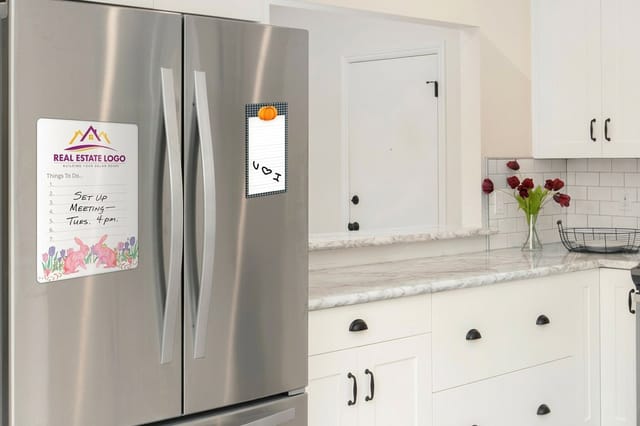
Every dry erase coating is non magnetic, so the magnetism has to come from the layer behind it. Printed film over steel is the build that gives you both, and it is cheaper than the rigid panels that cannot hold a magnet at all. If the wall or cabinet you have in mind already passes a fridge magnet test, you only need the print, and the short video on dry erase wall film covers that print layer on its own. If it fails, add a steel backer first, then apply the film to that. The one shortcut worth knowing: a printed dry erase magnet skips the construction entirely by sticking itself to steel you already own.
A Magnetic Marker Board Is Two Separate Layers
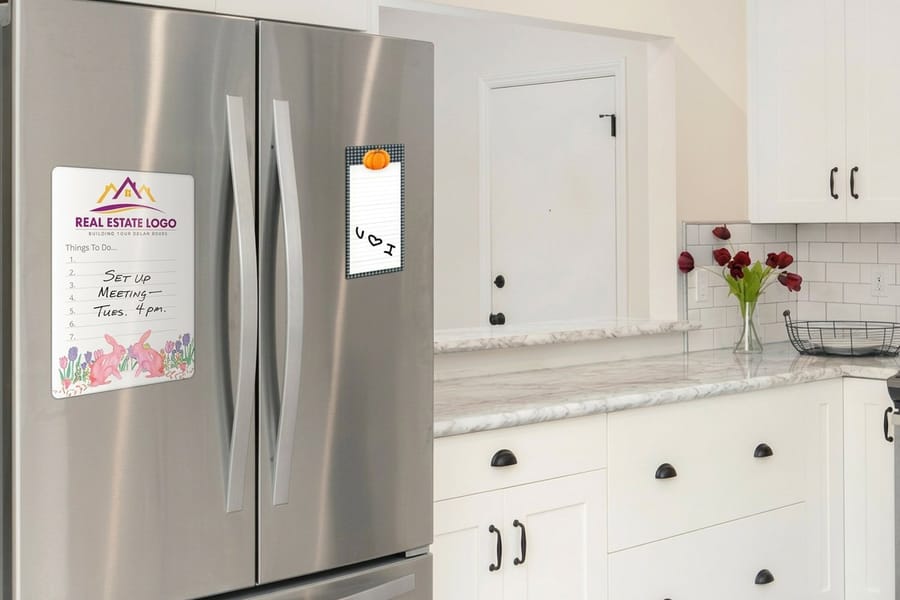
The confusion behind almost every failed board is that "magnetic whiteboard" sounds like one material. It is two, stacked, and they do completely different jobs.
The writing layer is a low porosity coating or laminate. Marker ink sits on top of it instead of soaking in, which is the whole trick behind erasing. Any substrate can carry that coating. Vinyl film, PVC, foamcore, coroplast, aluminum composite, even paper, all take a dry erase surface happily.
The holding layer has to be ferrous. Steel and iron pull on a magnet. Aluminum, PVC, plastic, foam, paper and glass do not, and nothing you paint, laminate or print on them will make them. This is where the money gets wasted: a beautiful rigid dry erase panel arrives, the magnets slide off it, and the panel was never the problem because it was never meant to hold them.
So there are only two honest ways to end up with a board that writes and holds. Put a printed dry erase film over steel, or put a printed magnet against steel you already own. The first gives you a real board with magnets on the face. The second gives you a writable magnet, which is a different tool. Our guide to making custom magnets covers the magnet side of the same material, and the dry erase printing collection lists every writable substrate we run.
Build It Step by Step: Steel First, Print Second
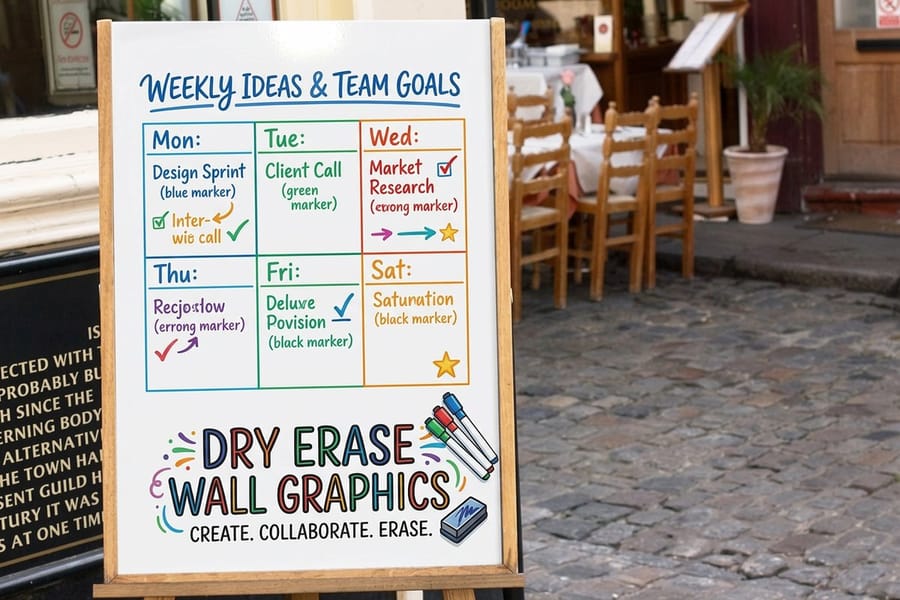
This is the build that works, in the order a sign shop would do it.
- Test the surface with a fridge magnet. Five seconds, before you spend anything. Press a cheap magnet against the wall, door, cabinet or partition you have in mind. If it drops, that surface will never hold magnets and you need to add steel.
- Get the steel in place. A galvanized steel sheet cut to your finished size is the standard backer, screwed or construction adhesived to the wall. Thicker gauge grips harder. If a steel door, a locker bank or the flat side of a filing cabinet is already there, use it and skip this step entirely.
- Size the artwork to the steel, not to the room. Measure the panel you are covering and order the print at that size with bleed, so the film runs to the metal edge with nothing to peel at. Start from the correctly proportioned layout in the blank template library.
- Order the printed film. Dry Erase Vinyl starts at $29 and is the usual pick for this build. Dry Erase Wall Graphics also start at $29 when the piece is going straight onto a wall surface rather than a cut panel.
- Apply from the center out. Hinge the film, peel a strip of liner, and squeegee outward in overlapping passes so the air leaves ahead of the adhesive. A trapped bubble under a dry erase surface is not cosmetic. The first marker stroke that crosses it skips.
- Trim and edge it. Cut steel edges are sharp and film lifts at a raw corner. An aluminum edge trim or a J channel covers both problems in one pass.
- Wait a day before the first scrub. Adhesive vinyl keeps building tack for roughly a day after application. Write on it immediately if you like, but leave the hard cleaning until the bond has set.
If you are covering a vehicle panel rather than a wall, the same ferrous logic applies in reverse, and making magnetic signs for vehicles walks through which body panels are steel and which are not.
Which Dry Erase Products Hold a Magnet and Which Never Will

Every product below writes and erases the same way. The core material is what decides whether a magnet stays on it.
| Product | Core material | Holds a magnet | Starts at | Use it for |
|---|---|---|---|---|
| Dry Erase Vinyl | Adhesive film, no core of its own | Yes, once it is over steel | $29 | Turning a steel door, cabinet or backer sheet into a full board |
| Dry Erase Wall Graphics | Adhesive film for wall surfaces | Only over a ferrous wall panel | $29 | Large writable zones applied straight to a smooth wall |
| Dry Erase Magnets | Flexible magnetic sheet | It is the magnet, so nothing stacks on its face | $33.99 | Fridges, lockers, filing cabinets, anywhere steel already exists |
| Dry Erase PVC Board | Expanded PVC | No | $33.99 | A rigid standalone board that takes knocks and cleans easily |
| Dry Erase Aluminum Signs | Aluminum composite | No, aluminum is not ferrous | $47.22 | The most durable rigid panel, indoors or out |
Read the third column before the price column. A $47.22 aluminum panel is the better board in every way except the one you came here for. If the room needs magnets, the $29 film over steel wins, and if the room already has steel in it, the $33.99 printed magnet skips the construction entirely. For the difference between the rigid substrates themselves, aluminum signs vs coroplast vs PVC breaks down how each one behaves over time.
Designing a Board the Marker Will Not Fight
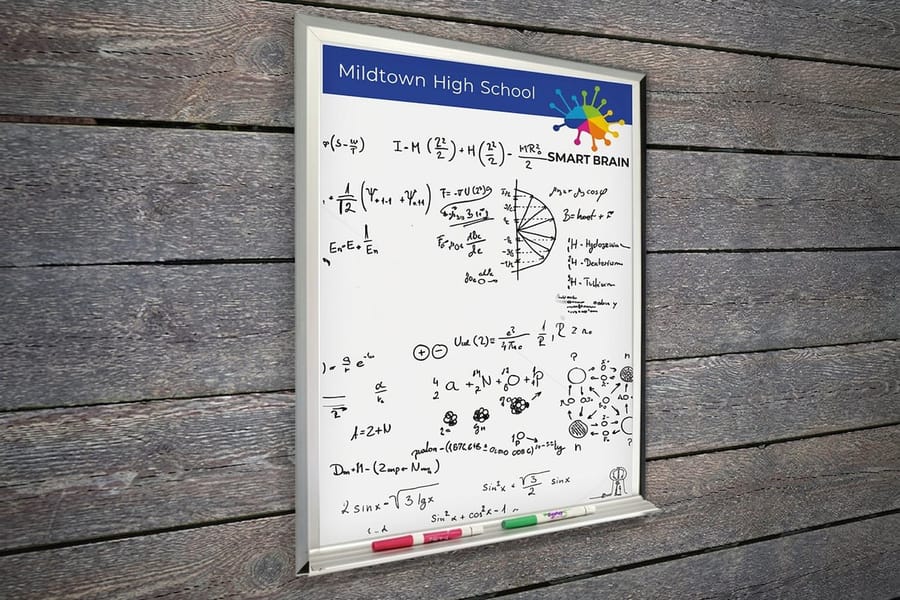
The printed layer is the reason to have a board made rather than buying a blank one, and it is also the easiest thing to overdo.
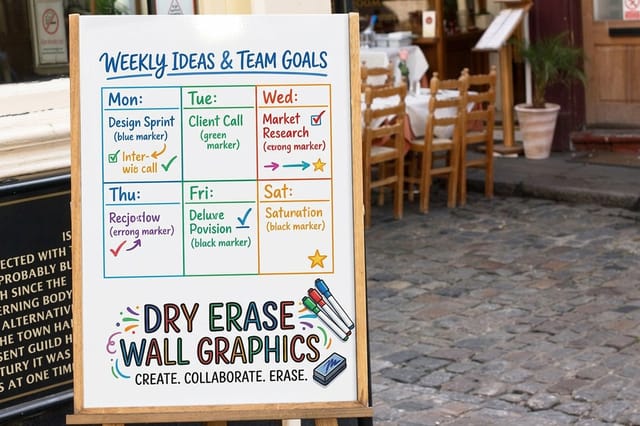
Keep the background light. Marker ink is semi transparent and black marker over a mid tone panel reads as mud from six feet away. Print structural elements such as grids, month rows, lane dividers and column headings at a light tint and leave the writing zones close to white. If you want brand color, put it in a header band or a border rather than behind the writing.
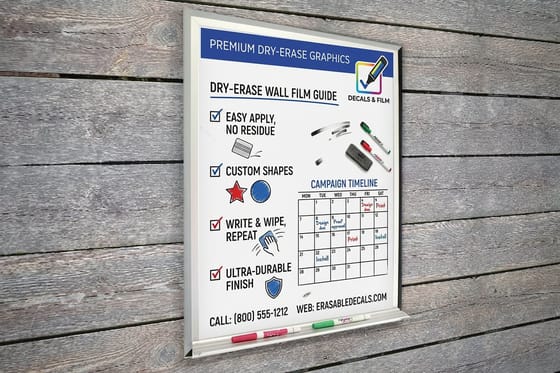
Print the parts that never change and write the parts that do. Day names, station numbers, department labels, safety headings, the logo, the week structure: all of that belongs in the print, because it is under the coating and it survives every scrub. What goes on top is only the content that moves.
Two smaller things that save reprints. First, keep printed rules at half a point or heavier, because a hairline that survives on paper disappears under a satin dry erase coating at arm's length. Second, plan for the magnets themselves. If the board is a scheduling wall running on printed magnet tiles, size the printed grid cells to the magnet, not the other way round, and order both together so the tolerances match. Standard magnets start at $19.68, and common magnet sizes is the fastest way to pick a cell size that a stock magnet actually fits.
One last check before you approve. Order a proof or a sample of the substrate and write on it with the markers your team already owns, then erase it after a day. Coatings differ, marker brands differ, and the combination is far easier to test for $29 than to discover across a whole wall. Order the smallest size in the dry erase collection as a test piece, and the marker compatibility FAQ covers what to use and what ruins the surface.
Wally explains magnetic marker boards
Two layers, and only one of them is magnetic
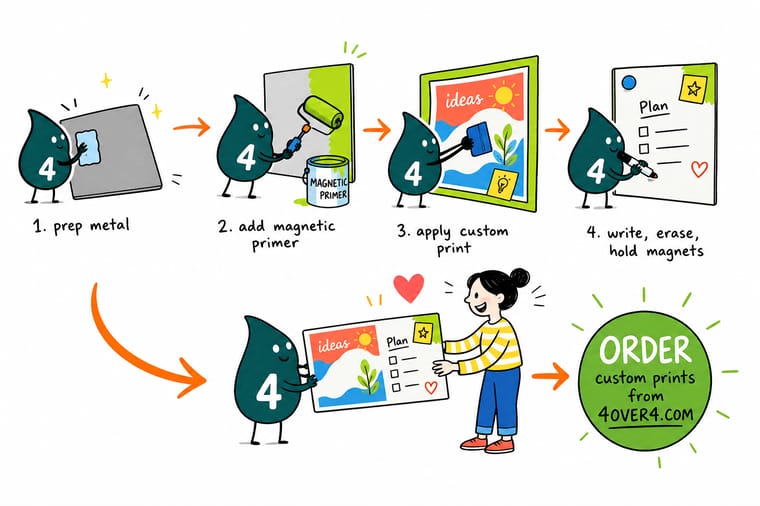
Wally writes on the top layer and the magnet holds onto the bottom one. The dry erase coating is just a slippery surface, so ink wipes off instead of soaking in. It is the steel underneath that pulls the magnet in, right through the printed film. Give Wally an aluminum or PVC panel and he will happily write on it all day, then watch every magnet slide to the floor, because there is nothing ferrous in the stack for them to hold.
Order printed dry erase vinyl →
Specs and pricing
Sizes, options and starting prices for each build
The film is a dry erase face on an adhesive vinyl backer, at 12 by 18, 18 by 26, 36 by 52 or 48 by 72 inches or any size you enter. The magnet is 30mil with a dry erase lamination, cut to any size, and the rigid PVC panel carries the same lamination with optional grommets. Configure the three side by side, with live options and starting prices straight from the 4OVER4.COM configurator.



Print it
Order the writable layer
Order dry erase vinyl or wall graphics sized to your steel sheet, door or cabinet side, up to 48 by 72 inches in one piece, and dry erase magnets at any size when the steel is already on the wall.


Explore more
Where to go next
Make the magnets that go on the board, compare the rigid substrates that cannot hold one, and see where a writable board sits among the other signs in an office or a store.





By the numbers
Dry erase boards inside 25 years of print work
Common Questions
Your magnetic marker board questions, answered
Will magnets stick to a dry erase aluminum sign?
No. Aluminum is not ferrous, so a magnet feels nothing when you press it against an aluminum composite panel, and no dry erase coating changes that. The same goes for expanded PVC, foamcore and coroplast. Those panels are worth buying when you want a rigid, durable board to write on, but if magnets are part of the plan you need steel behind the writing surface or a magnet backed board instead.
What do I put behind the print to make the board magnetic?
Either a surface you already own or a sheet you buy. Steel doors, metal lockers, filing cabinet sides, older refrigerator panels and steel studded partition panels all work. If you are building from scratch, a galvanized steel sheet cut to size is the usual backer, and thicker gauge holds harder than thin, because a very thin sheet saturates and the flux leaks out the back instead of gripping. Mount the steel to the wall first, then apply the printed dry erase film to it.
Do magnets still work through printed dry erase vinyl?
Yes, with less force than on bare metal. The film, the ink and the adhesive sit between the magnet and the steel, and magnetic pull drops off quickly as that distance grows. In practice a small neodymium disc holds several sheets of paper through printed vinyl without complaint, while a thin flat ceramic magnet that gripped bare metal may start sliding. If your team already owns a drawer of weak magnets, buy a handful of neodymium discs at the same time as the board.
Why will a magnet not stick to my stainless steel refrigerator?
Because stainless steel is a family of alloys, not one material. Ferritic grades such as 430 are magnetic. Austenitic grades such as 304, which most modern appliance fronts use, are not. That is why one stainless fridge holds a magnet and the one beside it in the showroom does not. Press a magnet against the door before you order anything, and if it drops, put the board on a side panel or a steel cabinet nearby.
Do I need special markers on a printed dry erase board?
Use dry erase markers only, and check the barrel rather than the cap color, because dry erase and permanent markers are packaged almost identically. Permanent ink and any solvent based paint pen will bond to the coating. Wipe the board regularly rather than leaving writing on it for weeks, since old ink dries into the surface texture and leaves a faint ghost. Isopropyl alcohol on a soft cloth clears ghosting. Abrasive pads and scouring cream do not, they dull the coating permanently.
Can I print a grid or a calendar into the board?
That is the main reason to print a board rather than buy a blank one. The artwork prints first and the dry erase coating goes over it, so the grid, the month names, the department headings, the lane dividers and your logo all sit under the writing layer. Nobody can wipe them away, and nobody has to redraw them every Monday. Keep printed backgrounds light so marker ink still reads over them.
Get Started
Order the printed film and the steel panel together
Send us the grid, the calendar or the shift chart, and we print it under a dry erase coating so it survives every wipe. Put it over steel and the magnets hold too.
Legal Disclaimer
Gold Standard guarantees apply to all standard orders placed through 4over4.com. Price match requires verifiable proof of a competitor's published price for an equivalent product with matching specifications and turnaround time. Satisfaction guarantee covers manufacturing defects and print quality issues. Contact support with order number and documentation.
