
Free Clip Art to Print: Designs for Any Print Project


Sofia is our design and templates voice, built from the knowledge of our production team, with over 20 years in printing.
What Free Clip Art Really Means Once You Take It to Press
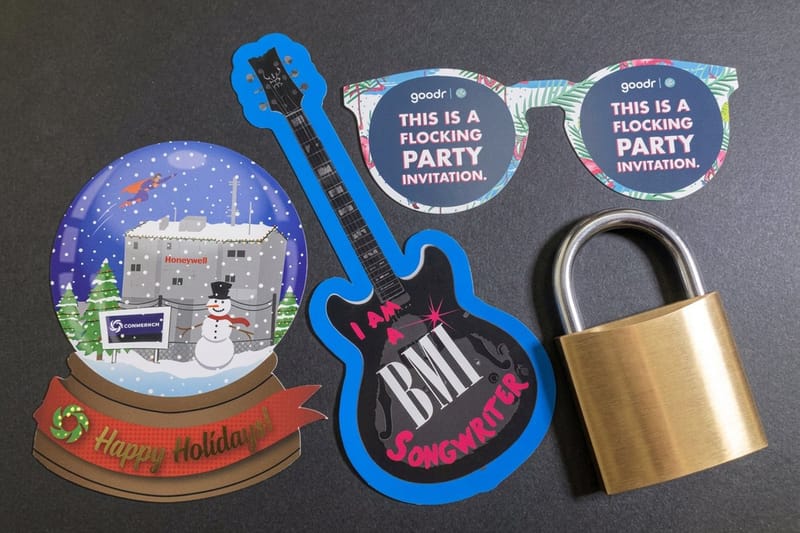
Free clip art is easy to find and easy to misuse. Image search is full of graphics labelled free that are only free for a classroom newsletter or a personal scrapbook, never for the flyer you are about to run two thousand copies of. Downloading takes three seconds. The step that protects you is the thirty seconds after it, when you actually read what the license permits.
Nearly every free library falls into one of three buckets. Public domain art carries no restrictions at all. Creative Commons art is free with conditions attached, usually credit or a ban on commercial use. Freemium libraries hand you a small preview file and keep the print-ready vector behind a paid plan. Knowing which bucket you downloaded from decides everything that happens next.
4OVER4.COM has printed 10 billion+ pieces since 1999, and the same file problem shows up every week. Someone pulls a lovely little illustration off a results page at 400 pixels wide, drops it into a 4 by 6 flyer, and sends the job to press. On a laptop screen it looks perfect. On paper the edges break into visible stair steps and the color goes muddy. Free art can absolutely hold up at commercial press quality. It just has to be the right file, prepared the right way.
Start with the file, not the thumbnail
Judge a clip art source by what it hands you when you press download. A vector file is worth ten pretty previews, because it can be scaled to a banner or shrunk to a sticker corner without losing a single edge. If the only option is a small transparent PNG, treat it as a comp and keep looking.
Decide the finished size first
Sizing after the fact is where free art usually dies. Write down how wide the graphic will sit on the finished piece, in inches, before you download anything. That single number tells you whether a raster file has enough pixels and whether the linework will survive at print scale.
Check whether you can modify it
Most projects need the art recolored to brand colors or trimmed down to one element. Some licenses allow use but forbid derivative works, which quietly rules that out. If you plan to edit, confirm modification is permitted before you build a layout around the graphic.
Shape it
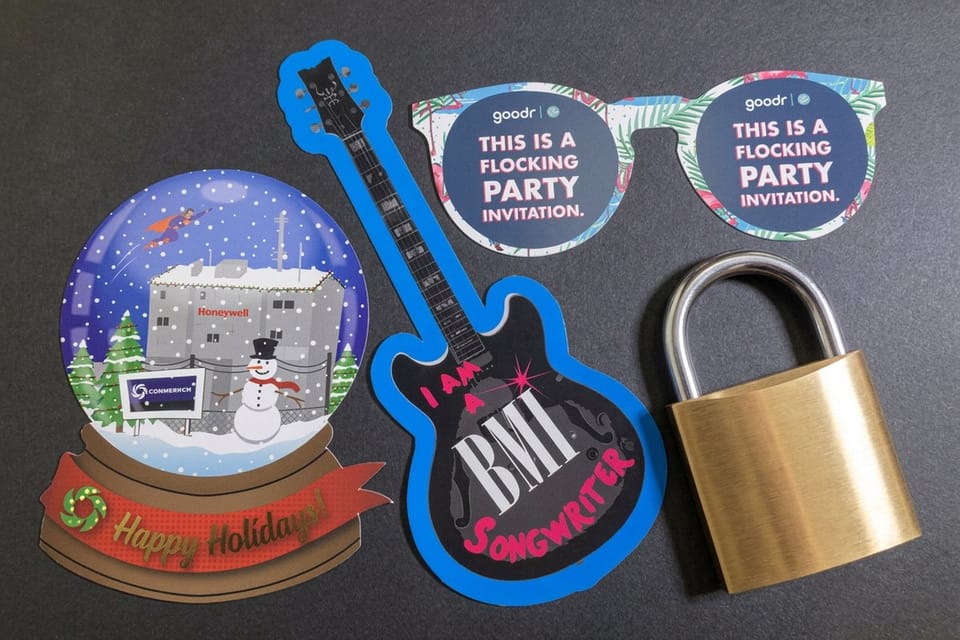
Custom die-cut paper shapes
Your clip art outline becomes the cut line, so the printed piece is the illustration.
Free Clip Art Libraries That Hold Up at Print Quality
The best free sources share one trait: they give you the original vector, an SVG, EPS or AI file, rather than a flattened preview. That is the difference between art you can print at any size, from a 2 by 2 inch die-cut to a full letter sheet, and art that only works as a web thumbnail: a 400 pixel PNG covers barely 1.3 inches at 300 DPI. These libraries are the ones designers keep coming back to, and every one of them lets you filter or search by license.
Pair the art with type that carries the same mood, since a warm hand-drawn illustration next to a cold corporate typeface reads as a mismatch. Our roundup of free fonts to download is a useful companion when you are assembling a whole free-resource kit for a seasonal piece.
- Openclipart. A long-running public domain archive with tens of thousands of SVG graphics, all released for unrestricted commercial use.
- Public Domain Vectors. Vector-first, with EPS and SVG downloads and clear public domain terms on every asset.
- SVG Repo. Strong for icons, symbols and simple line art, with the license shown on each item so you can filter for commercial-safe files.
- Wikimedia Commons. Enormous range including historical engravings and maps, though licenses vary per file and attribution is often required.
- The Noun Project. Consistent icon families that keep a set visually unified, free with attribution or unrestricted on a paid plan.
- Vecteezy and Freepik. Large free tiers with print-usable vectors, on the condition that you follow their attribution rules for the free license.
Whichever library you use, save the license page alongside the artwork in your project folder. Six months later, when a client asks where the illustration came from or a reprint goes out at a different size, that saved page is the answer you will be glad you kept.
Print picks
Three formats built for clip art shapes
Live starting prices, ready to customize with your downloaded artwork.
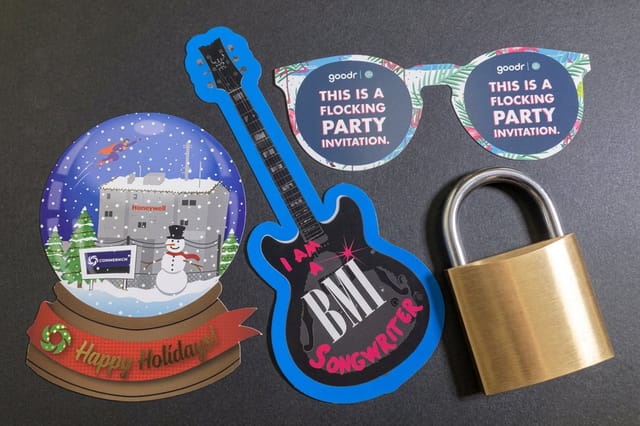 Any Shape Size Paper Die-Cut 50 for $87.00 Turn a clip art outline into the actual cut shape of the printed piece.
 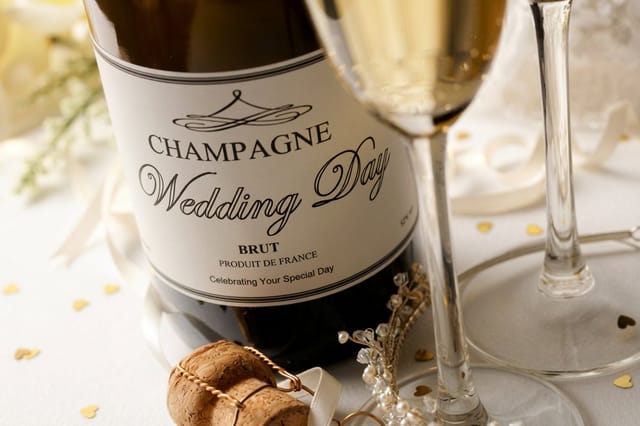 Any Shape Wine Labels 250 for $267.89 Adhesive labels cut to your artwork, good for bottles, jars and tins.
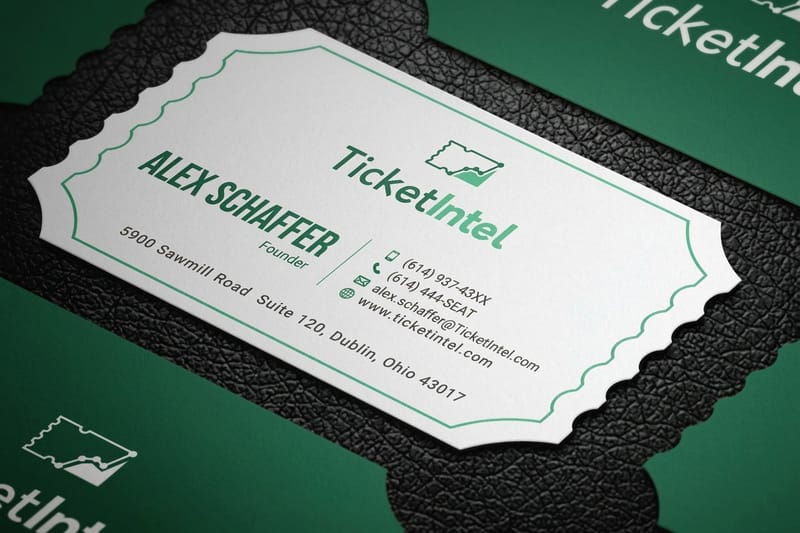
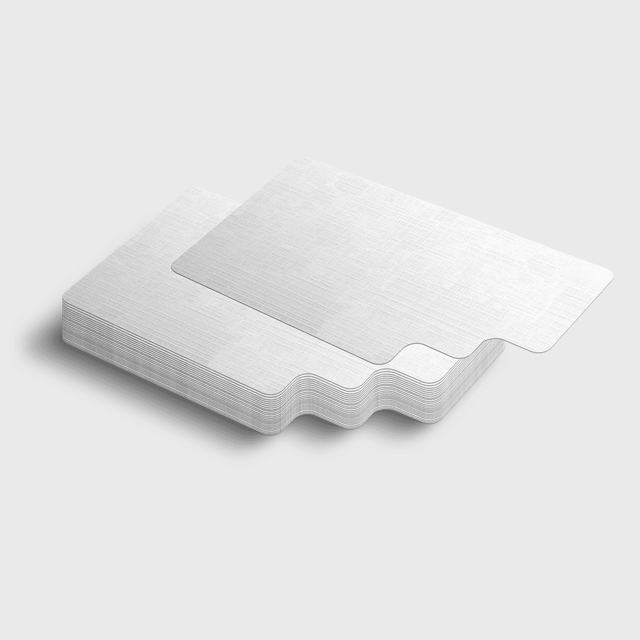
 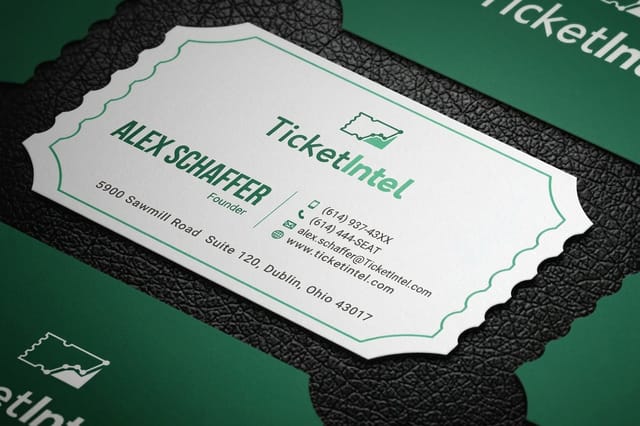 Die-Cut Any Shape Business Cards 50 for $95.56 A silhouette card that reads as a logo before anyone reads a word.
 Reading the License Before the Job Goes to Press
License terms are short, plain and almost never read. They are also the only thing standing between a free download and a takedown notice on a printed run you already paid for. Four or five common license types cover nearly everything you will meet, and once you can recognize them at a glance the check takes seconds.
- CC0 and public domain. Use it, sell it, modify it, no credit needed. The safest possible starting point for commercial print.
- CC BY. Free for commercial work as long as you credit the creator, which on a printed piece usually means a small credit line on the back or in the footer.
- CC BY-NC. Noncommercial only. Fine for a community bulletin, not for anything that promotes a paid product or service.
- CC BY-SA. Share alike, meaning derivative work must carry the same license. Rarely a fit for branded material you want to keep control of.
- Editorial use only. Allowed to illustrate news or commentary, never to advertise. This one catches people out most often.
Two extra traps deserve a mention. Art can be free while the brand inside it is not, so a cartoon coffee cup is fine but a recognizable logo on that cup is not. And free plus attribution still means attribution, so plan where the credit line will physically sit on the piece before you finalize the layout rather than squeezing it in at the last minute.
Resolution and File Types That Survive the Press
Screens forgive a lot. Paper forgives nothing. A graphic that looks crisp at 100 percent zoom on a monitor is being displayed at roughly a third of the detail a commercial press will demand of it, which is why so much free clip art falls apart the moment it is printed at real size.
The arithmetic is simple. Commercial printing works at 300 dots per inch, so a graphic that will sit three inches wide on your flyer needs about 900 pixels of width in the source file. Anything less and the press reproduces the softness faithfully. Open the file, check the pixel dimensions, and divide by 300 to see the largest size it can safely print.
Vector beats raster every time
SVG, EPS, AI and PDF store shapes as math rather than pixels, so the same file prints identically on a business card and on a trade show banner. When a library offers both, always take the vector. It also lets you recolor individual elements, delete the parts you do not want, and use the outline as a die line later.
When PNG is the only option
A transparent PNG can still work if it is genuinely large. Never scale one up past 100 percent, since upsampling invents detail that was never captured. If the art is a flat two-color illustration, tracing it into vector with the auto-trace tool in Illustrator or Inkscape usually takes under a minute and solves the problem permanently.
Mind the transparency
Clip art often arrives with a transparent background, which is exactly what you want. Watch for a white box hiding behind the shape, and for soft drop shadows that print as a visible gray haze on uncoated paper. Zoom to 400 percent on a white page and the stray background will show itself immediately.
Quantity and price
Die-cut paper pricing and specs
Real configurator numbers. The larger the run, the lower the cost per piece.
| Quantity | Price Per Unit | Total |
|---|---|---|
| 50 | $1.74 | $87.00 |
| 100 | 91.0¢ | $91.00 |
| 200 | 51.2¢ | $102.50 |
| 300 | 37.7¢ | $113.00 |
| 400 | 30.9¢ | $123.50 |
| 500 | 26.6¢ | $133.00 |
Turning a Clip Art Outline Into a Die-Cut Shape
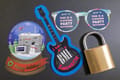
Here is where free clip art becomes genuinely powerful rather than merely decorative. A clean vector outline is artwork and a cut path at the same time. Hand a printer that outline and the finished piece can be cut to the silhouette of the illustration instead of the usual rectangle, which turns a two dollar graphic into a product people keep.
Simple shapes cut best. Bold silhouettes with smooth curves and no hairline spikes hold their form through the cutting process, while intricate lace-like art with thin connecting pieces tends to tear. Simplify the path first, round off any sharp internal corners, and keep at least an eighth of an inch of material between separate elements.
- Build the cut line on its own layer. A single closed path in a spot color, clearly named, so nobody has to guess what to cut.
- Extend the artwork past the cut. An eighth of an inch of bleed beyond the die line stops white slivers appearing on the finished edge.
- Pull text away from the edge. Keep type and important detail an eighth of an inch inside the cut so normal cutting tolerance never clips it.
- Close every path. Open or overlapping paths confuse the cutter, so join the outline into one continuous shape before you export.
- Think about the peel. On labels and stickers, a slightly rounded silhouette lifts off the backing far more easily than one with fine points.
Adhesive labels are the most forgiving place to experiment, because a shaped label reads as a deliberate design decision even when the artwork underneath came from a free archive. A single strong silhouette, one flat brand color and a legible name will outperform a busy illustration nine times out of ten.
Shaped labels
Any shape wine labels
Adhesive labels cut to your artwork outline, for bottles, jars, tins and gift packaging.

Designing a Flyer or Business Card Around Free Art
Card format
Die-cut any shape business cards
A silhouette card turns one strong illustration into a mark people remember and keep in a wallet.
The fastest way to make free clip art look expensive is restraint. One illustration, sized generously, with plenty of empty space around it, reads as art direction. Five small graphics scattered across the same page read as a template someone filled in. Pick the single strongest element and let it carry the layout.
Recolor everything to your palette. Clip art usually arrives in whatever colors the original artist chose, and nothing gives away a stock graphic faster than a stray teal that appears nowhere else on the piece. In a vector file this is a two minute job, and it makes assorted downloads from different libraries look like one commissioned set.
- Give it a clear job. Icon, background texture, or hero illustration. A graphic without a role becomes clutter.
- Keep one visual style. Flat, line, or hand-drawn. Mixing all three in one layout is the classic amateur tell.
- Let type lead on business cards. On a piece this small, the graphic is a mark next to the name, not a scene.
- Use scale for hierarchy. One large graphic and one small one beats three at identical size.
- Print a proof at actual size. A desktop print on plain paper reveals every detail that is too fine to survive.
If you are designing in a browser-based tool rather than professional software, export at the highest quality the tool allows and check the result at full zoom before ordering. Our walkthrough on printing your Canva designs covers the export settings that keep placed graphics sharp on the way out.
Color and Ink Behavior on Real Stock
Clip art is drawn for screens, which means it arrives in RGB, a color space that includes vivid greens and electric blues no printing press can reproduce. Convert to CMYK early, while you still have time to react, rather than discovering on delivery that a glowing lime turned into a flat olive.
Paper changes the result as much as the file does. Uncoated stock absorbs ink and softens fine detail, so hairlines thicken and small counters inside letterforms fill in. Coated and gloss stock holds edges tightly and pushes color saturation higher. If your artwork depends on delicate linework, choose a coated stock or thicken the strokes before you commit.
- Keep strokes above 0.5 pt. Anything finer risks breaking up, especially in a light color on absorbent paper.
- Avoid pure white knockouts inside thin shapes. Ink spread closes them and the detail disappears.
- Watch heavy total ink coverage. Rich dark areas built from all four inks can look flat and take longer to dry.
- Never trust a monitor for exact color. Order a printed sample when the shade genuinely matters.
When color accuracy is critical, ask for a proof before the full run. Free proofing is one of the things worth comparing between printers, and our 123Print alternative comparison lays out how proofs and pricing differ once you are ready to place a real order.
Compare finishes
Popular card formats, side by side
Stock, finish, size, quantity, turnaround and price, compared in one view.
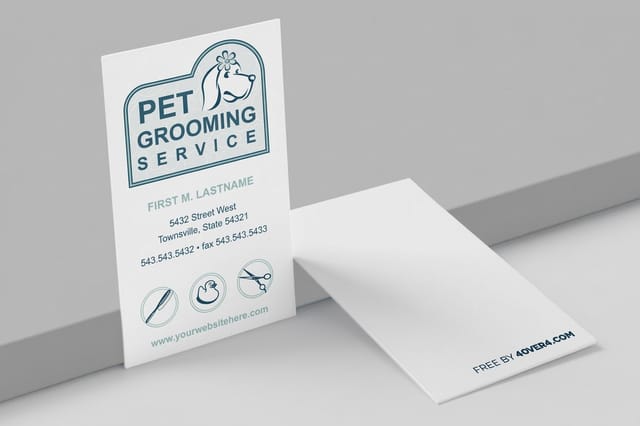 free business cards |  Standard Business Cards | 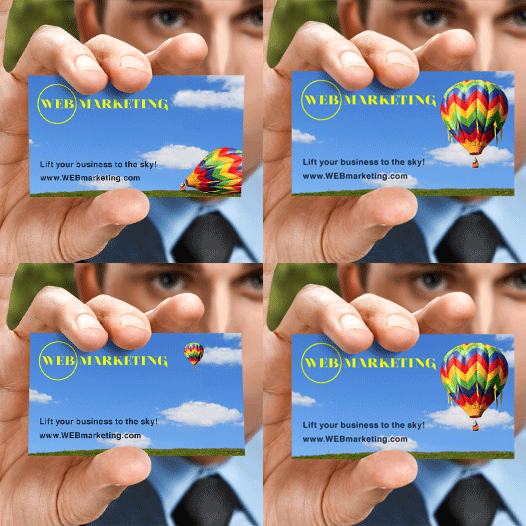 3D Lenticular Business Cards | 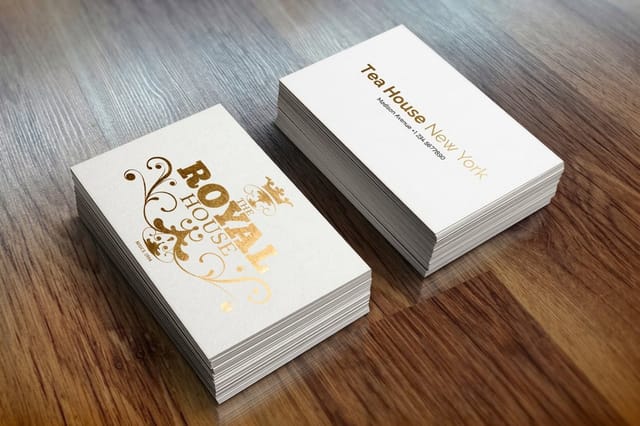 Metallic Foil Business Cards | |
|---|---|---|---|---|
| Min price | Free | $17.57 | $690.88 | $222.13 |
| Paper / stock | 14pt Gloss Cover | 14pt Gloss Cover | 31pt Lenticular Lens | 16 Point Silk Laminated |
| Finish | - | Standard Finish | - | - |
| Size | 2" x 3.5" | 2" x 3.5" | 2" x 3.5" - Vertical | 2" x 3.5" |
| Default qty | 200 | 100 | 500 | 500 |
| Turnaround | 5 business days | 3 business days | 22 business days | 7 business days |
| Rating | ||||
| View & customize | View & customize | View & customize | View & customize |
From Download to Print-Ready File
The gap between a folder full of free art and a file a press can run is smaller than most people expect. Work inside a correctly sized template, place the graphic, convert your colors, outline your fonts, and export a print-ready PDF. That sequence takes fifteen minutes once you have done it twice.
Starting from a proper template removes the two most common causes of a rejected file, which are wrong dimensions and missing bleed. The free printing templates library covers business cards, flyers and more at exact press sizes, with the bleed and safety guides already drawn for you.
The pre-flight checklist
- Bleed. An eighth of an inch of artwork past every trim edge, with nothing important inside that band.
- Resolution. Every placed raster image at 300 dpi at its final placed size, not its original size.
- Color mode. The whole document in CMYK, with no leftover RGB or unnamed spot colors.
- Type. Fonts outlined or fully embedded so the press sees exactly the letterforms you chose.
- Flatten transparency. Export as a print PDF with transparency flattened so soft shadows behave predictably.
Save the finished file with a name that says what it is and what size it is, then archive the source art with it. Reprints are far cheaper in time when the next person, including future you, can open one folder and find the working file, the license and the export together.
Start fast
Templates and print-ready blanks
Free layouts plus exact-size blanks so trim, bleed and safety margins are correct before you place any art.
Wally checks your free clip art before it hits the press
License, resolution, color, cut line, in that order
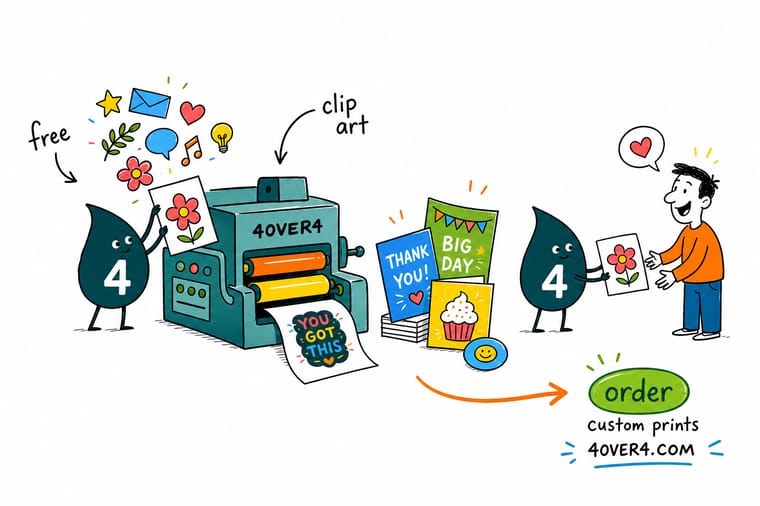
Free art fails at press for four predictable reasons. The license did not allow commercial use, the file had too few pixels for its finished size, the colors were still in RGB, or the outline was too intricate to cut. Run those four checks in order and almost every free download becomes a file a commercial press can run cleanly, whether you are making flyers, shaped labels or die-cut cards.
Print your clip art design →Making Free Art Look Like It Was Commissioned
Explore more
More free design resources and printing comparisons
Any shape paper die-cuts run 50 for $87.00 in 5 business days and any shape wine labels 250 for $267.89 in 6.
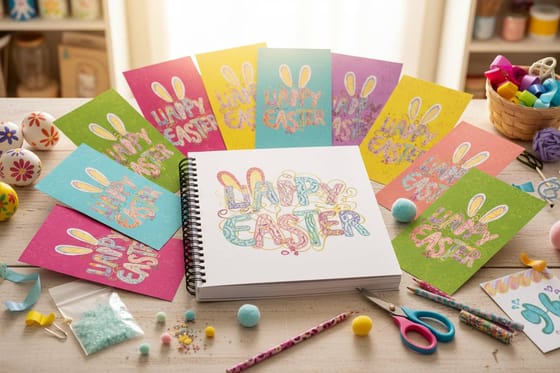 Article 15 Free Fonts to Download Type that pairs well with free illustration work.
  Update Free Printing Templates Library Exact-size layouts with bleed and safety already set.
  Alternative Printing Your Canva Designs Export settings that keep placed graphics sharp.
  Alternative 123Print Alternative How free proofs and coin pricing compare. Alternative GotPrint Free Shipping Alternative Shipping and turnaround compared side by side. Alternative MOO Free Shipping Alternative Premium card printing without the shipping bill. Alternative MOO Prints Alternative Finishes, stocks and pricing next to MOO. Alternative PrintPlace Free Shipping Alternative What changes when shipping is included.
 Turn the artwork into something people keep
Pick a paper die-cut from 2 by 2 inches to 9 by 9 inches, 50 for $87.00, or a shaped wine label from 1 by 1 inch to 6 by 6 inches on white gloss or weatherproof BOPP, drop in your vector, and let the outline become the cut line. Flat prints, shaped labels and die-cut cards all start from the same clean file.
Free Clip Art Printing Questions, Answered
What is free clip art to print?
Free clip art to print is ready-made illustration or icon artwork you can download at no cost and reproduce on physical printed pieces such as flyers, cards, labels and stickers. The word free describes the license rather than the quality, so terms range from full public domain use to noncommercial or attribution-only permission. For print specifically, the files that matter are vector formats such as SVG and EPS, because they can be enlarged to any finished size without softening. A large transparent PNG can also work when the pixel dimensions are generous enough for the space it will fill.
How do I choose the right free clip art to print?
Work backwards from the printed piece. Decide how wide the graphic will sit in inches, confirm the license allows commercial use and modification if you need it, then check the file type. Prefer a vector download every time, and if only a raster file exists, make sure it carries at least 300 pixels for every inch of finished width. After that it is a design decision. Pick one strong illustration rather than several small ones, keep a single visual style across the layout, and recolor the art to your own palette so it stops looking borrowed.
What does printing with free clip art cost and how are prices set?
The artwork costs nothing, so your entire budget goes into the printing. Pricing at 4OVER4.COM is driven by quantity, size, paper stock, finish and turnaround, and the per-piece cost falls sharply as the run grows. Custom die-cut paper shapes start at $87.00, die-cut any shape business cards start at $95.56, and any shape wine labels start at $267.89. Configure the exact combination on the product page and the live price updates as you change quantity or stock, so you can see precisely what each upgrade adds before you order.
What sizes, stocks and finishes are available for free clip art to print?
Almost anything you would print commercially. Standard flat sizes cover business cards, postcards, flyers and posters, while custom die-cut products let the outline of your clip art become the actual shape of the piece. Stocks run from lightweight text weight through heavy card stock, in coated, uncoated, kraft and specialty options. Finishes include gloss, matte, soft touch, spot UV and foil accents. Coated stock holds fine linework tightly, which matters when the illustration has delicate detail, while uncoated stock softens edges and gives a warmer, more tactile result.
How long does free clip art to print take to print and ship?
Production time depends on the product and the finish you choose, and it is shown on each product page as you configure the order. Straightforward flat printing moves fastest, while die cutting, foil and specialty coatings add production steps. Shipping time is separate and depends on the method you select at checkout. The practical advice is to submit a correct file first time, because a rejected artwork file costs more days than any production upgrade. Check bleed, resolution and CMYK color before you upload and the schedule usually holds without drama.
