
Postcard Mailing Size Guide to USPS Dimensions


Keep your postcard between 3.5 by 5 and 4.25 by 6 inches, hold the thickness to 0.016 inches, and build the file with bleed and safe zones. That is the whole recipe for mailing at the cheapest USPS postcard rate.
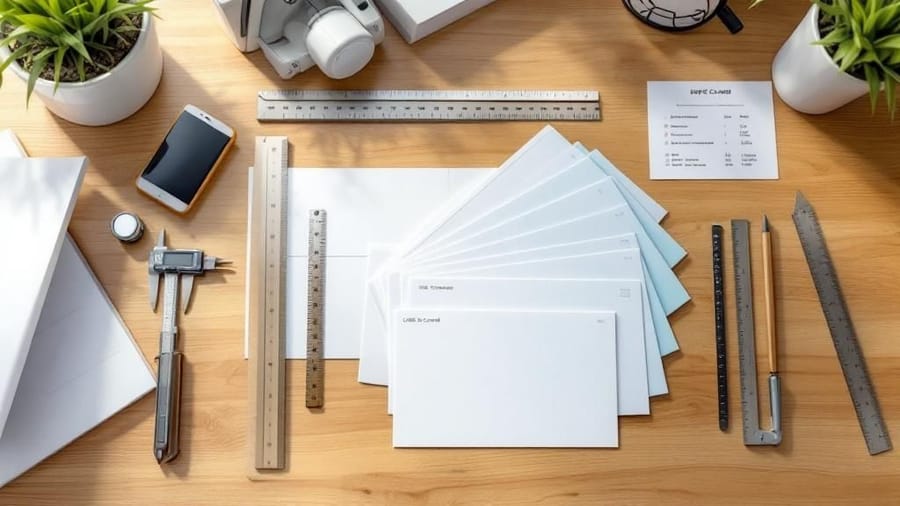
To mail at USPS postcard rate, keep the card between 3.5 by 5 inches and 4.25 by 6 inches, with a thickness of 0.007 to 0.016 inches. Anything larger mails as a letter or a flat at higher postage. Build the file with 0.125 inch bleed on every side, keep text inside the safe zone, and reserve the right half of the back for the address and barcode. Match the size to your campaign and 4 by 6 wins on cost for most mailers. The full USPS postcard size rules are built into every postcard we print.
Quick answer
The short version on postcard mailing sizes
Postcard-rate mail must be 4.25 by 6 inches or smaller and between 0.007 and 0.016 inches thick. Go bigger and USPS charges letter or flat rates. Design at your finished size plus 0.125 inches of bleed, keep the address side clean for scanning, and pick 4 by 6 when cost matters most. 4OVER4.COM prints every size to USPS spec so your campaign mails without surcharges.
Watch it printed
See standard postcards on the press, in 154 seconds
Why postcard dimensions make or break your mailing budget
Postcard mailing sizes are not just design preferences. They are postal regulations that decide what you pay per piece. Send a card that runs even slightly oversized and USPS bumps it to letter-rate postage. On a 5,000-piece campaign that adds up fast.
This guide covers USPS-compliant dimensions, the popular marketing sizes, design file setup, and how to pick the right format for your goal. Whether you are running a real estate mailer or a restaurant promo, you will know exactly which size to choose and why.
Working on other print projects alongside your postcards? Our guides on how to clean rubber stamps and how to fold a brochure live right next door in the 4OVER4.COM marketing materials library, so you can plan a full print run without guesswork.
USPS postcard size requirements, the numbers that matter

Start with the non-negotiable specs. For your mailer to qualify for USPS First-Class Mail postcard rates it has to be rectangular and land inside a tight window.
- Minimum size is 3.5 inches high by 5 inches long.
- Maximum size is 4.25 inches high by 6 inches long.
- Thickness runs from 0.007 to 0.016 inches.
Anything outside those boundaries gets treated as a letter or a flat, not a postcard, which means higher postage on every single piece. The aspect ratio matters too. USPS wants the length to be at least 1.3 times the height, so a square card will not qualify. Neither will rounded corners that crowd the address block or barcode area.
Standard postcard sizes for direct mail campaigns
USPS sets the floor and the ceiling, but the printing industry has settled on a handful of popular sizes. Each one serves a different job.
4 by 6, the workhorse. The most common size in direct mail. Trimmed to 4.25 by 6 inches or smaller it earns the cheapest postcard rate. Restaurants, salons, and local services lean on it for appointment reminders and seasonal offers.
5 by 7, the sweet spot. A little more room for imagery and copy. It mails as a letter rather than a postcard, but the extra real estate can lift response. Real estate agents love it for listings.
6 by 9, the attention grabber. The largest common direct mail size, classified as a letter. It stands out in the mailbox, which is why event promotions and grand-opening announcements reach for it.
6 by 11, the jumbo. Maximum presence. It prices as a flat, yet the response can justify the cost on high-value offers. If you want a format that really stops people mid-sort, 3D lenticular postcards add motion on top of size.
The same postcard sizes in millimetres, A series names and pixels
The table puts the four American sizes and the three European ones side by side, with the pixel count a 300 DPI file needs and the USPS class each one falls into.
| Size | Inches | Millimetres | Pixels at 300 DPI | USPS class |
|---|---|---|---|---|
| 4 by 6 | 4 x 6 | 102 x 152 | 1200 x 1800 | Postcard rate |
| A6 | 4.13 x 5.83 | 105 x 148 | 1240 x 1748 | Postcard rate, it fits inside 4.25 by 6 |
| 5 by 7 | 5 x 7 | 127 x 178 | 1500 x 2100 | Letter rate |
| A5 | 5.83 x 8.27 | 148 x 210 | 1748 x 2480 | Letter rate |
| DL | 3.9 x 8.27 | 99 x 210 | 1169 x 2480 | Letter rate, too long for a postcard |
| 6 by 9 | 6 x 9 | 152 x 229 | 1800 x 2700 | Letter rate |
| 6 by 11 | 6 x 11 | 152 x 279 | 1800 x 3300 | Letter rate, at the top of the limit |
Two things fall out of the table. A6 is the only European size that mails at the American postcard rate, because 105 by 148 millimetres sits just inside the 4.25 by 6 inch ceiling. And the pixel column is the trim size only, so add 0.125 inches of bleed on every edge, which is 38 pixels a side at 300 DPI, before you export. A standard postcard in 4 by 6 wants a 1275 by 1875 pixel file with the bleed included.
How postcard size affects your postage costs
This is where knowing your dimensions pays for itself. The size you choose decides your postage class.
- Postcard rate, the cheapest, needs a piece 4.25 by 6 inches or smaller that stays inside the thickness range.
- Letter rate covers anything larger than postcard size but still within letter limits, up to 6.125 by 11.5 inches.
- Flat rate, the priciest, applies once the piece exceeds letter dimensions.
The gap between postcard rate and letter rate looks small per piece. Multiply it across thousands of mailers and it becomes a real budget hit. It also helps to know your mailing class before you commit.
First-Class postcards give you the lowest per-piece rate and delivery in roughly 1 to 5 business days, as long as the piece stays within postcard size. First-Class letters keep the same speed once your piece is too big or thick to be a postcard, at higher postage. USPS Marketing Mail drops the per-piece cost on volumes of at least 200 pieces, trading speed for savings with delivery in about 3 to 21 days.
Here is how the four sizes people order most run in each class.
| Finished size | First-Class | USPS Marketing Mail |
|---|---|---|
| 4 by 6 in | Postcard rate, the cheapest option there is, 1 to 5 business days | Mails as a letter, because Marketing Mail has no postcard rate, 200 pieces minimum, 3 to 21 days |
| 5 by 7 in | Letter rate, same 1 to 5 business days | Letter rate, 200 pieces minimum |
| 6 by 9 in | Letter rate, still inside the 6.125 by 11.5 inch letter limit | Letter rate, 200 pieces minimum |
| 6 by 11 in jumbo | Letter rate, right at the top of the letter limit | Letter rate, 200 pieces minimum |
| Larger than 6.125 by 11.5 in | Flat rate, the priciest per piece | Flat rate, and the size EDDM requires |
Two things decide which column you live in. Marketing Mail only pays off if you can hit the 200 piece minimum and you can wait, and it needs a permit plus presorted addresses, so a 500 piece run that has to land by Friday still belongs in First-Class. Marketing Mail pieces are also not forwarded or returned unless you pay for that service, so a stale list quietly eats the discount you just bought.
Setting up your design files for the right size
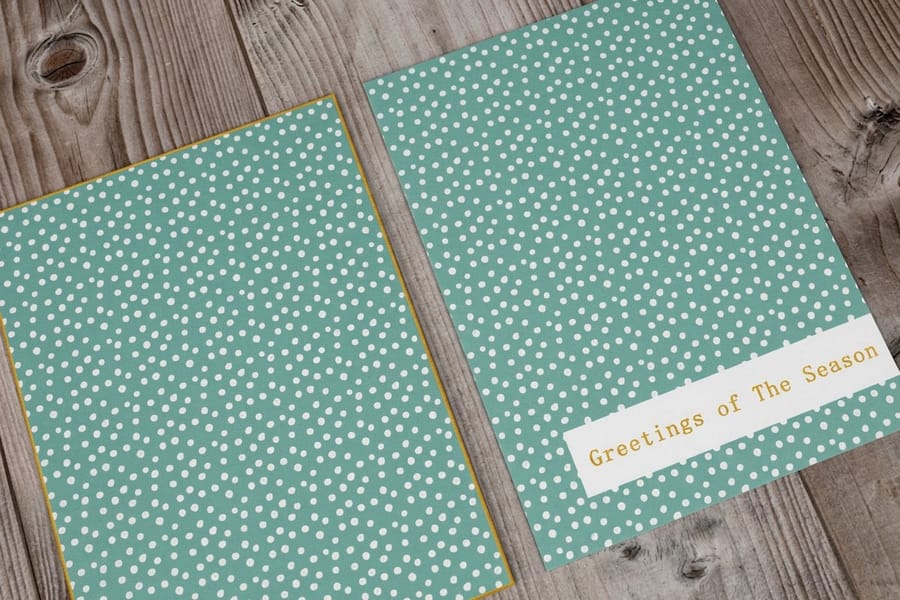
Getting the physical dimensions right is only half the battle. Your design file has to match.
Bleed area. Add 0.125 inches on every side beyond the trim. A finished 4 by 6 postcard needs a 4.25 by 6.25 inch file so no white edges appear after cutting.
Safe zone. Keep text and key graphics at least 0.125 inches inside the trim line. Anything closer risks getting clipped in production.
Resolution and color. Use 300 DPI minimum and CMYK color, not RGB. Postcards are read at arm's length, so soft images show immediately and RGB files can print dull.
Address panel. Reserve the right half of the back for the delivery address, postage, and barcode, and leave the bottom 5/8 inch clear for the USPS barcode. Professionally printed address labels keep that block clean and machine-readable. The same file rules carry over to related pieces, so our how to make flyers and how to make envelopes guides are worth a look before you send everything to press.
Paper thickness and weight, the overlooked size spec
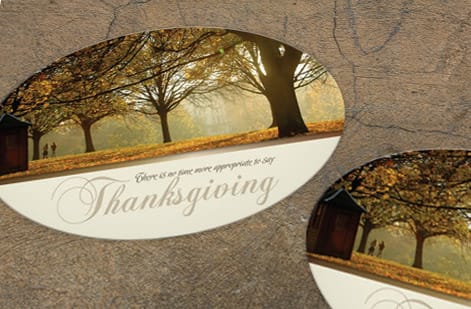
When people picture postcard size they think height and length. Thickness matters just as much for USPS compliance, and the card has to land between 0.007 and 0.016 inches thick.
- 14pt cardstock runs about 0.014 inches. It is the most common direct mail choice, sturdy enough to feel solid and thin enough to qualify.
- 16pt cardstock sits near the thickness of a credit card. Still inside USPS specs, and noticeably more premium in hand.
- 32pt ultra-thick exceeds the postcard thickness limit. It is beautiful for hand-delivered pieces or counter displays, but it will not mail at postcard rate.
If you want that thick, luxurious feel and still need postcard-rate postage, stay with 14pt or 16pt. Save the 32pt for cards you hand out at trade shows or leave on countertops.
Postcard size and automation compatibility

Large-volume mailers have to think about automation. USPS sorting machines have their own requirements for a postcard to run through cleanly.
- Cards need to be rigid enough not to bend inside sorting equipment.
- The address area has to be machine-readable with proper barcode placement.
- A glossy finish on the address side can cause scanning issues, so matte or uncoated works better on the back.
- Rounded corners are fine for hand delivery but can jam automated gear.
Every postcard from 4OVER4.COM prints to automation specs out of the box, so your mailer moves through processing without delays or surcharges. Need it out the door in a hurry? Same-day printing is available on select products, and green printing covers recycled and eco-friendly stocks when sustainability is part of the brief.
EDDM postcard sizes and how they differ
Every Door Direct Mail runs on the opposite rule from everything above. EDDM pieces have to be larger than a First-Class letter, not smaller. A piece qualifies once it exceeds one of the letter limits, which means longer than 11.5 inches, taller than 6.125 inches, or thicker than 0.25 inches, and it has to stay within 15 inches long by 12 inches high.
That is why the popular EDDM sizes are all oversized. 6.25 by 9 inches and 6.5 by 9 inches are the workhorses, cheap to print and tall enough to clear the letter limit. 8.5 by 11 inches is the full-page option for menus, service lists, and coupon sheets that need real space.
The other requirement is the mailing panel. EDDM has no address list, so instead of a name and street you leave a clear blank area, at least 3.5 by 4.5 inches, carrying the EDDM Retail indicia in the top right, the words Local Postal Customer or ECRWSS where the address would go, and your return address. Keep that panel free of artwork and coating so it stays scannable.
Pick your route by carrier route or ZIP code on the USPS site, then print the piece to match. Our oversized postcards and direct mail postcards both come in the EDDM sizes with the mailing panel already accounted for.
Choosing the right postcard size for your campaign
Your size should match your goal, not just your budget. Here is how to think about it by use case.
Appointment reminders and thank-you cards belong on 4 by 6. It is personal, inexpensive, and it mails at postcard rate, so a dental office sending 2,000 reminders a month saves real money.
Product launches and event invitations earn the 5 by 7 format. You pay letter rate, but the room for a hero image and event details often drives higher attendance.
Real estate just-listed and just-sold mailers run on 6 by 9. Agents need space for photos, price, and neighborhood stats, and the larger format signals professionalism.
Retail sales and seasonal promotions shine on the 6 by 11 jumbo, which pulls out of a stack of bills first. For more project ideas, browse the 4OVER4.COM guide hub or see how to make custom magnets for another way to keep your brand in front of customers.
Postcard sizing mistakes that cost you money
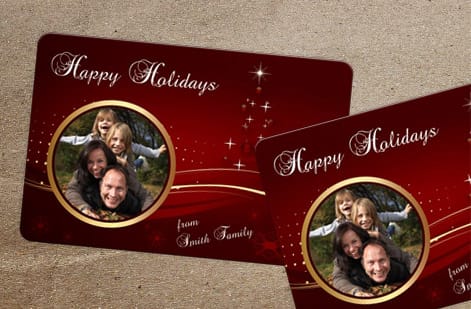
Designing at the wrong dimensions is the most expensive mistake in direct mail. These are the errors 4OVER4.COM sees most often, and how to sidestep them.
Forgetting the bleed. The file looks perfect on screen, then white edges appear after trimming. Always add 0.125 inches of bleed on every side.
Exceeding postcard-rate dimensions. A 4.5 by 6.5 card gets reclassified as a letter, adding postage to every piece. Check your trim against the 4.25 by 6 inch maximum.
Using 32pt stock for mailed pieces. Ultra-thick cards break the 0.016 inch limit and ship at letter or flat rates instead of postcard rates.
Placing text in the address zone. USPS reserves the right half of the back for addressing, and design elements there can delay or reject your mailing.
Designing in RGB instead of CMYK. Colors shift at press, so a bright monitor preview can print muddy. Convert to CMYK before you submit.
Wally explains postcard sizing
A card that fits the ruler mails for less
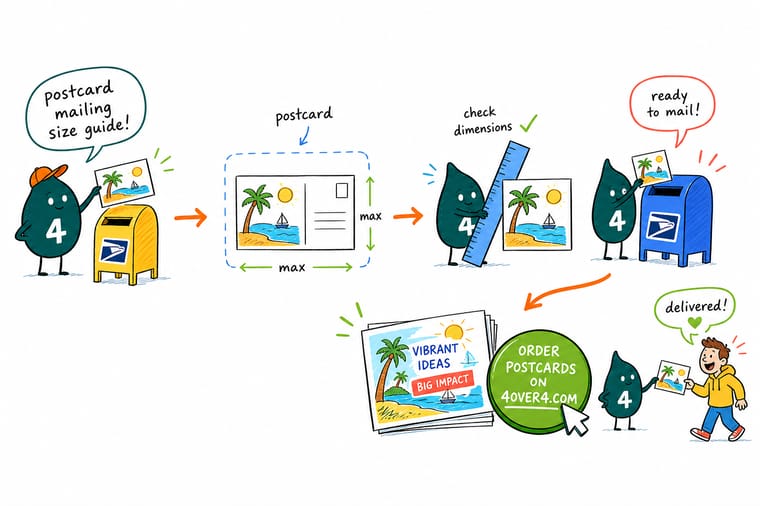
Wally treats the post office like a bouncer at the door: land inside 4.25 by 6 inches and 0.016 inches thick and your postcard walks in at the cheapest rate, go one hair over and it pays the letter fee on every piece. Build the file with bleed, keep the address side clean, and pick 4 by 6 when the volume is high. When you are ready, 4OVER4.COM prints every size to USPS spec so nothing gets bumped at the counter.
Order postcards →Size reference
USPS postcard dimensions and rate chart
Two tables to keep on hand: the exact USPS size window for postcard-rate mail, and how the popular direct mail sizes map to postage class and use case.
| Dimension | Minimum | Maximum |
|---|---|---|
| Height | 3.5 inches | 4.25 inches |
| Length | 5 inches | 6 inches |
| Thickness | 0.007 inches | 0.016 inches |
| Size | Postcard rate? | Mails as (First-Class) | USPS Marketing Mail | Best use |
|---|---|---|---|---|
| 4" x 6" | Yes | Postcard | Letter rate, minimum 200 pieces or 50 lbs | Budget campaigns, reminders, thank-you cards |
| 5" x 7" | No | Letter | Letter rate, minimum 200 pieces or 50 lbs | Invitations and promotions with more detail |
| 6" x 9" | No | Letter | Letter rate while it stays inside 6.125 by 11.5 in | High-impact marketing and product showcases |
| 6" x 11" | No | Large envelope / flat | Flat rate, and the usual EDDM starting point | Grand openings and detailed service menus |
Specs and pricing
Standard postcard specs and pricing
Here is what a mail-ready standard postcard gives you at 4OVER4.COM, with live specs and price-per-unit straight from the configurator.
| Quantity | Price Per Unit | Total |
|---|---|---|
| 50 | 33.0¢ | $16.48 |
| 100 | 24.2¢ | $24.16 |
| 200 | 15.9¢ | $31.86 |
| 300 | 12.8¢ | $38.45 |
| 400 | 11.3¢ | $45.04 |
| 500 | 10.3¢ | $51.62 |
| 600 | 9.89¢ | $59.31 |
| 700 | 9.57¢ | $67.00 |
Print it
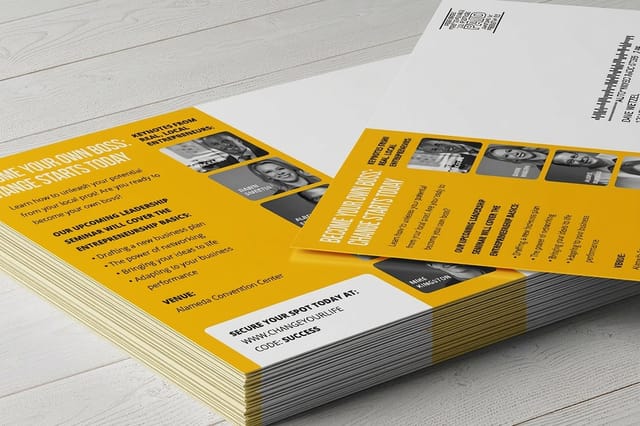
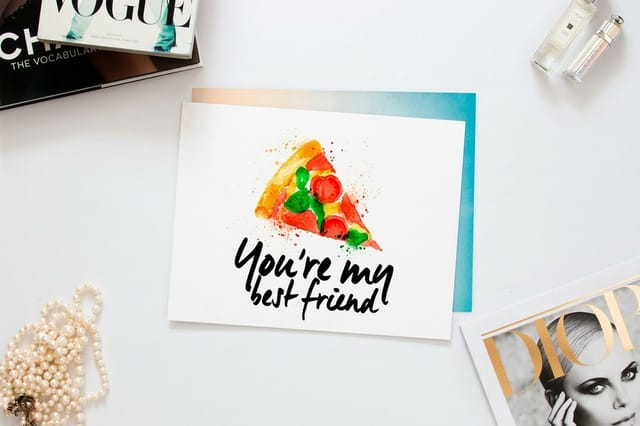
Postcards built for mailing at 4OVER4
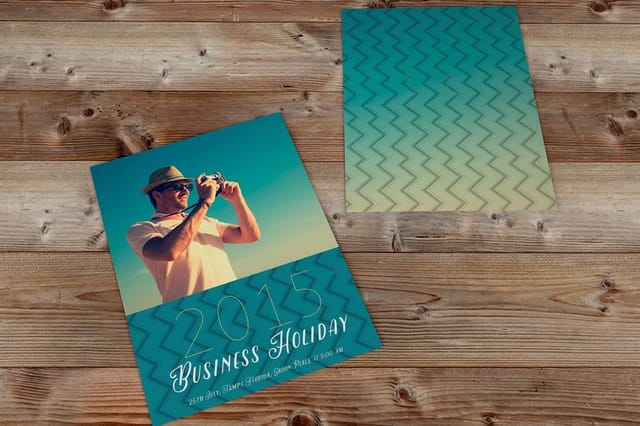
Start from a template
Free postcard templates, sized and ready
Skip the setup math. These print-ready blank templates come with bleed, trim, and safe zones already built in for the most popular postcard formats.

See it in use
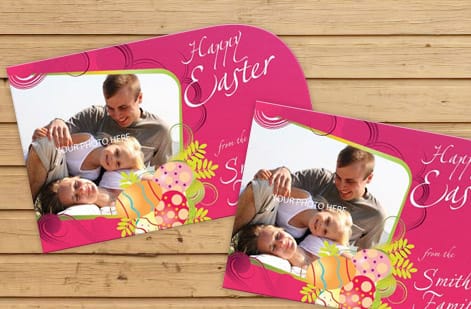
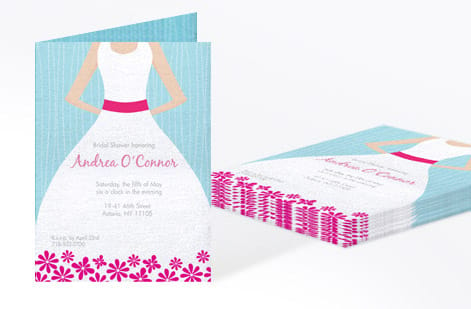
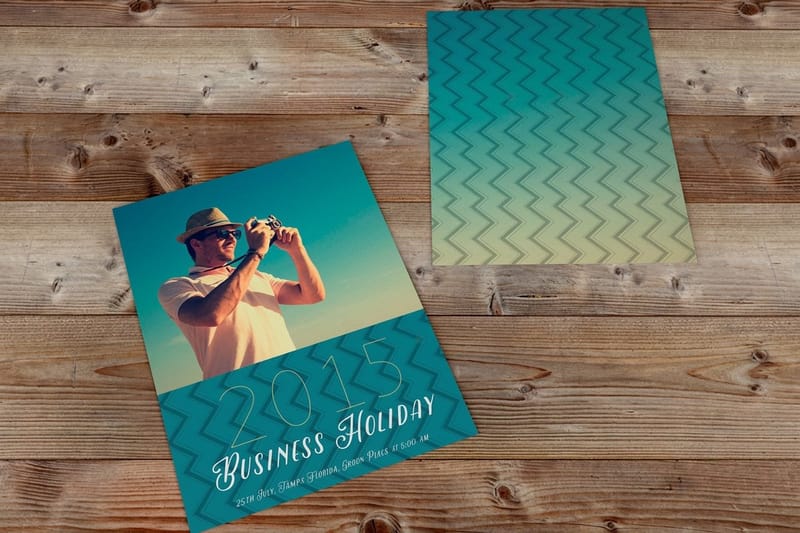
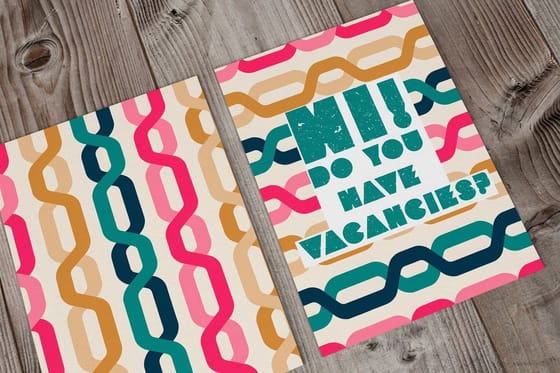
Postcards customers mailed, printed here



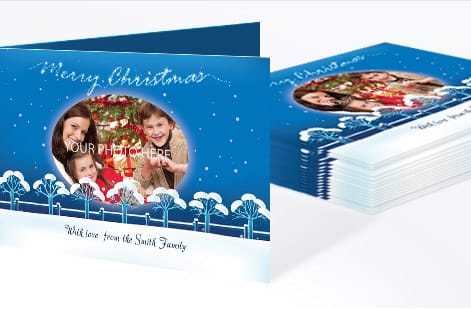
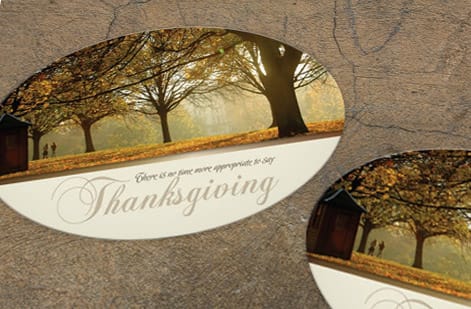

Explore more
Where to go next
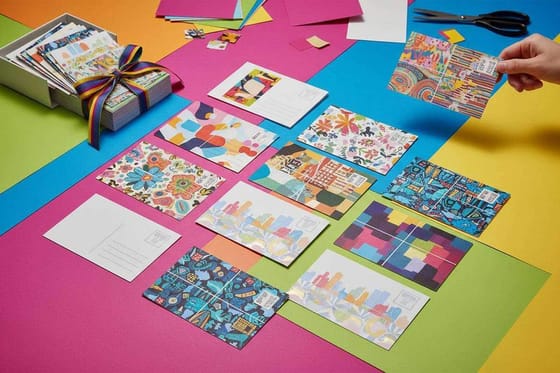


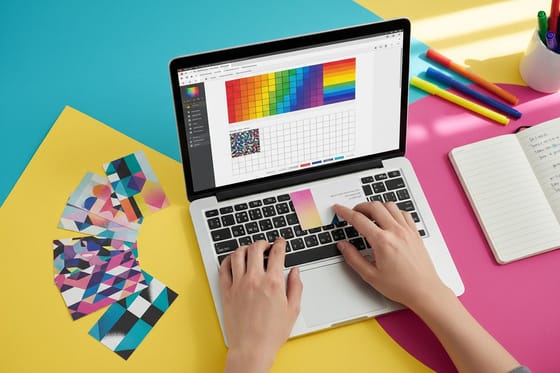
By the numbers
Mail-ready cards, 10B+ of them printed
Common Questions
Common questions about postcard mailing sizes
Is a postcard 4x6 or 5x7?
Both are postcards, but only one mails as one. A 4 by 6 card sits inside the USPS postcard window of 4.25 by 6 inches, so it earns the cheapest First-Class rate. A 5 by 7 is bigger than that window and mails at the letter rate. Pick 4 by 6 for volume mailings and 5 by 7 when the extra room for a photo is worth the postage.
Is a postcard A5 or A6?
In Europe the everyday postcard is A6, which is 105 by 148 millimetres, or 4.13 by 5.83 inches. A5 is twice that size at 148 by 210 millimetres and is closer to a flyer. For American mail an A6 still qualifies for postcard rate because it fits inside 4.25 by 6 inches, while an A5 mails as a letter.
What is postcard size in cm?
A 4 by 6 inch postcard is 10.2 by 15.2 centimeters. A 5 by 7 is 12.7 by 17.8 centimeters, a 6 by 9 is 15.2 by 22.9 and a 6 by 11 is 15.2 by 27.9. The USPS postcard rate window in metric runs from 8.9 by 12.7 centimeters up to 10.8 by 15.2 centimeters, with a thickness between 0.18 and 0.41 millimetres.
What is the maximum postcard size for USPS postcard-rate postage?
The maximum size for USPS postcard-rate mail is 4.25 inches high by 6 inches long, with a thickness no greater than 0.016 inches. Anything larger gets reclassified as a letter or a flat, which means higher postage on every piece. Always verify your finished trim size before you print.
Can I mail a 5 by 7 postcard at the postcard rate?
No. A 5 by 7 postcard exceeds USPS postcard dimensions and gets charged at the letter rate. It stays a popular direct mail size because the extra space boosts visual impact, so budget for letter-rate postage when you use this format.
What paper thickness qualifies for USPS postcard mailing?
USPS requires postcards to measure between 0.007 and 0.016 inches thick. Standard 14pt and 16pt cardstock both fall inside that range. Ultra-thick stocks like 32pt exceed the limit and will not qualify for postcard-rate postage, though they work well for hand-delivered pieces.
How much bleed should I add to my postcard design file?
Add 0.125 inches of bleed on all four sides. For a 4 by 6 finished postcard your file should measure 4.25 by 6.25 inches. That prevents white edges after trimming. Keep all important text and graphics at least 0.125 inches inside the trim line, and use the 4OVER4.COM QR code generator to drop a trackable code inside your safe zone.
Does a glossy finish cause problems with USPS mail processing?
A glossy coating on the address side of your postcard can interfere with barcode scanning inside automated USPS sorting equipment. Use a matte or uncoated finish on the back so processing runs clean. The front can be as glossy as you want.
What is the best postcard size for a direct mail campaign?
For most campaigns 4 by 6 gives you the best balance of cost and results. It qualifies for the cheapest postcard-rate postage and leaves enough room for a clear message and a strong call to action. Step up to 6 by 9 when you need more visual real estate for property photos or event details. Match the size to your goal rather than defaulting to the biggest option.
Get Started
Ready to print mail-ready postcards?
Pick your size, drop in your design, and we print crisp, USPS-compliant postcards that mail at the right rate every time.
Legal Disclaimer
Gold Standard guarantees apply to all standard orders placed through 4over4.com. Price match requires verifiable proof of a competitor's published price for an equivalent product with matching specifications and turnaround time. Satisfaction guarantee covers manufacturing defects and print quality issues. Contact support with order number and documentation. On-time delivery rate based on tracked orders 1999 to 2026. Individual results may vary based on shipping carrier performance.
