Table of Contents
- Home
- content hub
- What Should You Not Put on a Business Card?
 Share and earn
What Should You Not Put on a Business Card?

Mar 17, 20239787 views
Mar 17, 20239787 views
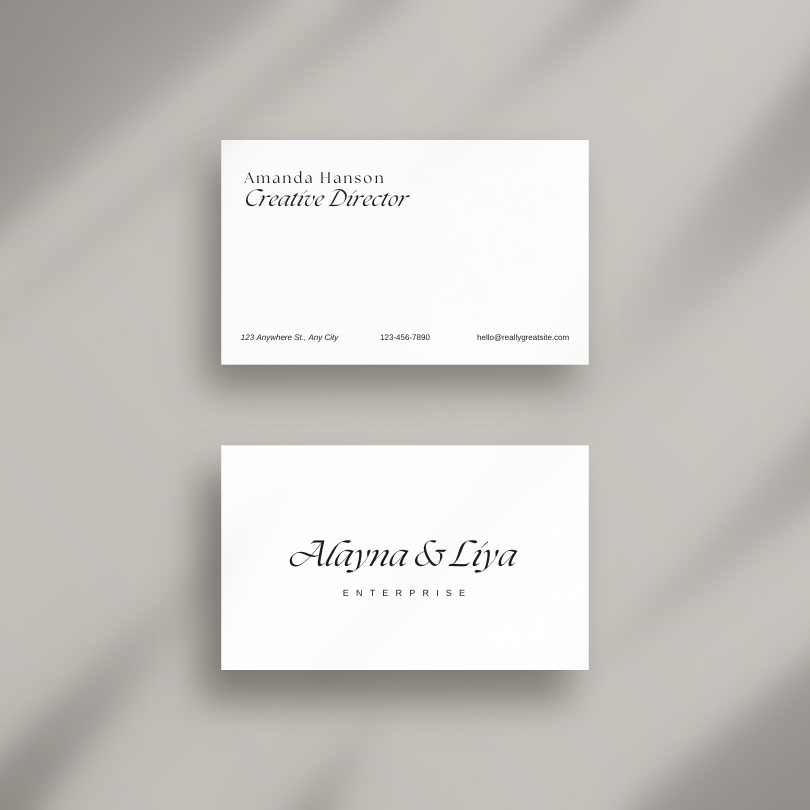
Business cards remain the go-to marketing tool for promoting one's brand. However, these cards can only hold limited information. So, an effective design excludes unnecessary details. In addition, some information will be inappropriate and may cast a shadow on your brand.
So, what should you not put on a business card? We'll see.
What Information Should You Not Put on a Business Card? Typical Mistakes
Business cards are ideal for networking and promoting your brand. But what should you not put on a business card? You should leave out the following information:
Personal information: Exclude personal information, such as your home address, social security number, or personal phone number. Use your business contact information instead.
Confidential information: Leave out confidential information, such as trade secrets, financial information, or client details.
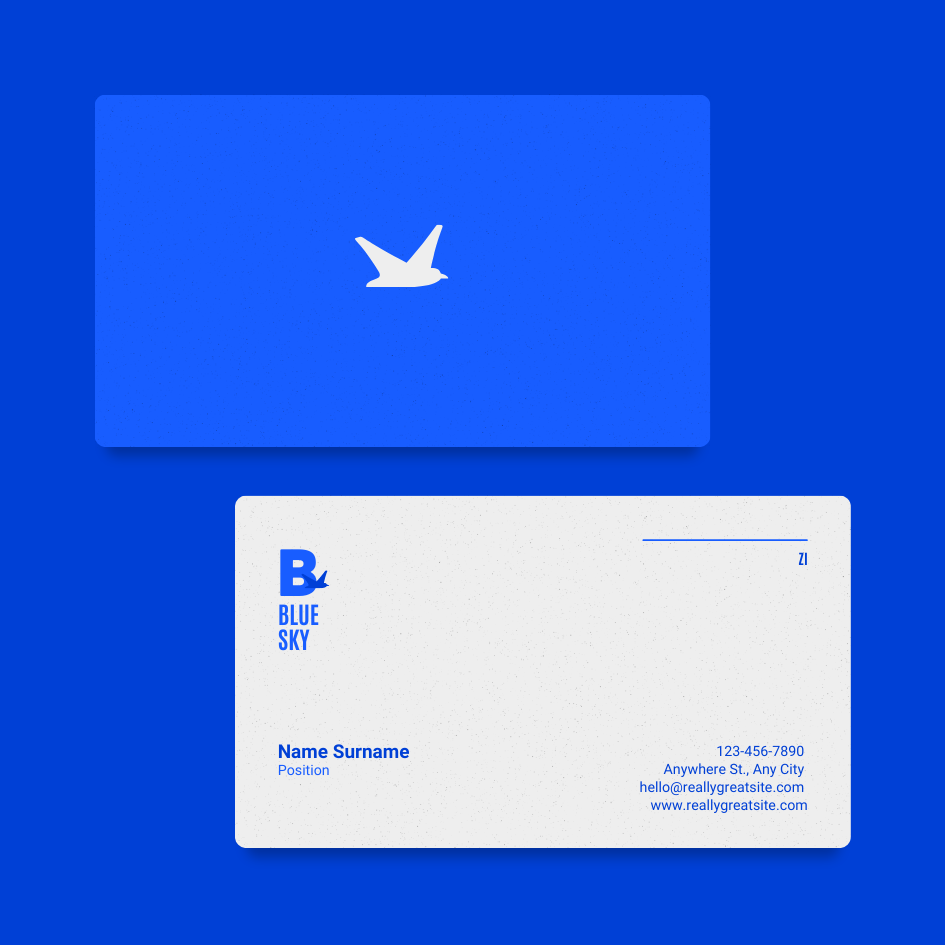
Unprofessional email addresses: Use a professional email address appropriate for a business context. Inappropriate email addresses are overly casual and shouldn't be included. Examples of unprofessional email addresses are:
-
gamer4life@email.com
-
partygirl@email.com
-
beerlover@email.com
Use a variation of your name or company name for your email address.
Outdated information: A design with an outdated or inaccurate phone number, email address, or job title looks unprofessional.
Designing the Perfect Business Card: What Information to Include
You should include the following essential information when designing a card:
-
Your name and job title
-
Your company name and logo
-
Contact information
-
A tagline or value proposition
In addition to the above essential details, you can also include:
Your photo: A personal photograph will make your brand easy to recognize. But you must know of these some potential drawbacks when using your snapshot.
QR codes: A QR code will allow people to access your website or other online resources easily.
Professional affiliations and certifications: Medical, legal, finance, engineering, or educational professionals can include their affiliations and certifications to help establish their credibility and expertise.
Special offers or promotions: Is there an offer you're promoting? Including it on your card will encourage people to take action.
Appointment scheduling information: Service-based businesses can include information on how people can schedule an appointment.
Social media: Including social media accounts will make it easier for people to find, follow, and engage with you on those platforms.
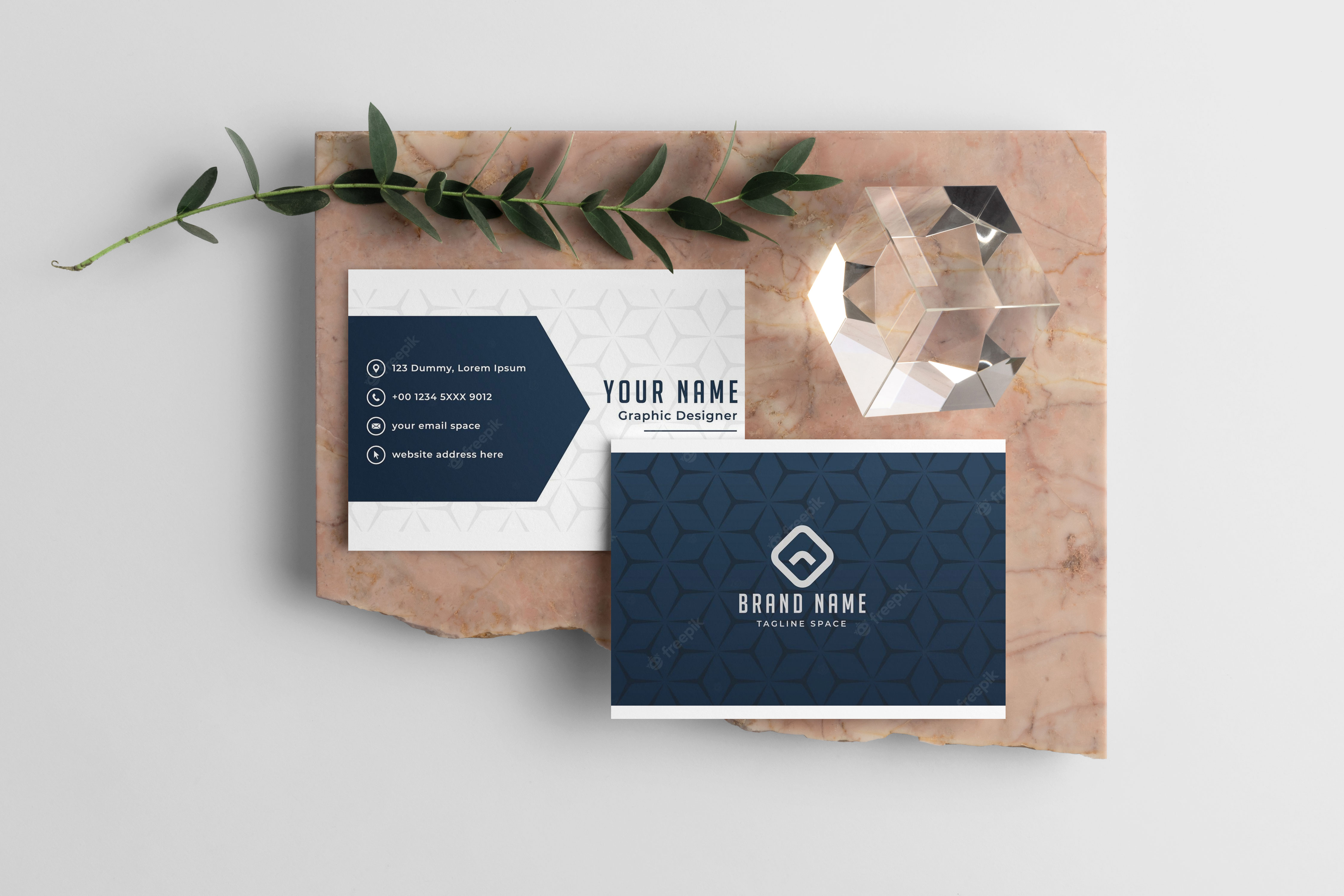
Is It Recommended to Include Information on the Back of My Business Card?
Including information on the back of your business card is optional, but we recommend that you utilize the free space. For example, you can have the following information on the back
-
A brief overview or mission statement
-
A list of your products or services
-
Your social media handles and website URL
-
A customer testimonial or quote
-
A call-to-action to visit your website or schedule a consultation
Leaving the back of your business card blank may cheapen your brand and offer. Conversely, you gain these benefits by printing on both sides of your card:
More space for information: The back of your business card is additional space for including more information, such as the ones listed above.
Increased engagement: You can include a call-to-action: a visit to your website, social media handles, or other online resources to increase engagement.
Improved credibility: Establish your credibility or industry expertise by including customer testimonials, professional affiliations, or industry awards on the back of your business card.
Remember, an effective business card design is clutter-free and easy to read. So it's helpful to utilize the vacant space on the back of your card.
Avoiding Common Business Card Mistakes with Professional Templates
Templates are a great starting point, but they are not a one-size-fits-all solution. You must tailor them to suit your specific needs. It’s essential to scrutinize every detail in the design process, from making sure your business name stands out to verifying that the contact information is correct and easily readable.
Avoid dense blocks of text or images that make your card look unbalanced, and resist the urge to fill every inch with content. Remember, a business card that’s too busy or complicated can be as detrimental as one that’s too sparse. Your template should serve as a guide to create a card that is not just visually appealing but also functional and representative of your personal brand ethos.
Conclusion
Business cards remain an essential marketing tool for professionals, but it's crucial to include relevant and accurate information. You can now answer the question, “what should you not put on a business card?” You should know what to include and what to leave out as it relates to information on your business card.
Remember to browse our catalog of business card products for custom cards that will impress any client, like our Custom-Shaped!
FAQs
Q: What information should I put on my business card?
A: You should include essential details such as your company name, contact details (phone number, email address), and any relevant social media handles.
Q: Is it okay to use photos on my business card?
A: While it's not a strict rule, using a photo on a business card can make it more memorable. Just make sure the photo is of high quality and professional.
Q: Should I include a QR code on my business card?
A: Adding a QR code can be a great way to provide easy access to more information about your business. Just ensure it's relevant and adds value.
Q: What are some common mistakes to avoid when designing a business card?
A: Some common mistakes to avoid include cluttering the card with too much information, using a difficult-to-read font, or neglecting to proofread for errors.
Q: How can I make sure my business card stands out?
A: To ensure your card makes a lasting impression, use a unique design and quality cardstock, and consider adding a special finish like embossing or foil stamping.
Q: Is keeping my business card design consistent with my company branding necessary?
A: Yes, maintaining consistency with your brand's colors, fonts, and overall aesthetic can reinforce brand recognition and professionalism.
Q: Should I include my physical business address on my business card?
A: Including a physical address is optional, but it can help establish credibility and make it easier for potential clients to find you.
More from

14
If you've ever wondered about the standard gift card dimensions, there’s one number you need to know: CR80
 Emma Davis
Mar 17, 2026

23
When you’re launching a product, your bottle label is often the first thing a customer sees. Think of it as your silent salesperson
Emma Davis
Mar 16, 2026

64
When you're brainstorming ideas for landscaping business cards, it helps to think beyond just contact information. Your c
Emma Davis
Mar 15, 2026

157
When you think of a yard sign, the classic 18"x24" is probably what comes to mind. It’s the industry workhorse fo
Emma Davis
Mar 14, 2026

89
When you’re ready to invest in an A-frame sign, the first question you'll ask is, "What size do I need?" It usually comes down
Emma Davis
Mar 13, 2026

953
The real secret to mastering your direct mail budget isn't complicated. It comes down to one simple fact: a standard 4" x 6&q
Emma Davis
Mar 12, 2026

136
Tear-off flyers are a classic for a reason. They’re a tangible marketing tool, designed with perforated, removable tabs at the bottom. Each
Emma Davis
Mar 11, 2026

225
Printing stickers at home is a seriously fun and rewarding project. It boils down to four main parts: designing your image, picking the right
Emma Davis
Mar 10, 2026