
Online Designer Benefits for Easy Print Customization


Sofia is our design and templates voice, built from the knowledge of our production team, with over 20 years in printing.
The 4OVER4 online designer puts professional layout tools in your browser. Pick a product, drop in your logo and text, and walk away with a print-ready file in minutes. No software to install and no design degree required.
The 4OVER4 online designer lets you create print-ready artwork right in your browser. It is free to use: nothing to install, no license to buy, no extra line on the order. Choose a product, then use drag-and-drop text, image uploads, and full font control to build custom artwork from a blank canvas or a ready-made template. Built-in bleed lines, trim marks, and safe zones keep every file within spec, and low-resolution warnings catch mistakes before they cost a reprint. The tool works across the 1,000+ products in the 4OVER4 catalog.
Three steps, blank canvas to press. 1. Pick the product and lock the specs. Open the product page you actually want, say standard business cards, and set size, stock and turnaround before you design, so the canvas opens at that exact trim size instead of forcing you to resize artwork later. 2. Design it in the browser. Start from a blank canvas or a ready-made template, drop in your logo and photos, set the type, then keep every word of live text inside the safe zone while backgrounds and photos run all the way out to the bleed line. 3. Approve the proof. Read the on-screen preview and the automatic file checks for low-resolution images, text sitting in the bleed zone and the wrong color mode, fix anything flagged while it is still free to fix, then send it to print.
What the designer does
- The 4OVER4 online designer runs in your browser. No downloads, no subscriptions, and no design software to learn.
- Drag-and-drop text, image uploads, font selection, and layer controls give you real creative control, not just template fill-ins.
- Built-in bleed lines, trim marks, safe zones, and low-resolution warnings keep your file print-ready and catch mistakes before they cost a reprint.
- The designer works across the 1,000+ products in the 4OVER4 catalog, from business cards to postcards, banners, and stickers, and the catalog runs on 60+ paper stocks.
- Designing is free; you pay only for the print, at the same price as an uploaded file.
How it works
From blank canvas to print-ready file
The designer opens from the product page after you set the specs, so a standard business card canvas opens at 3.5 by 2 inches with its bleed and safe zone already drawn. You drop in your content, and the tool keeps the file formatted correctly for production.
Select your product and specs
Pick your paper stock, size, finish, and quantity. The online designer loads the correct dimensions for that product automatically.
Start blank or from a template
Drop in your logo, photos, and text. Resize, rotate, and reposition anything with simple click-and-drag controls.
Check your layout
Built-in bleed lines, trim marks, and safe zones show exactly where content prints. No guessing about the edges.
Preview and approve
See a realistic mockup of the finished piece before it goes in your cart. What you approve is what prints.
The online designer adapts to each product, from business cards and postcards to banners and stickers, and formats your file at that product's own size.
Browser only
Design print-ready files without software
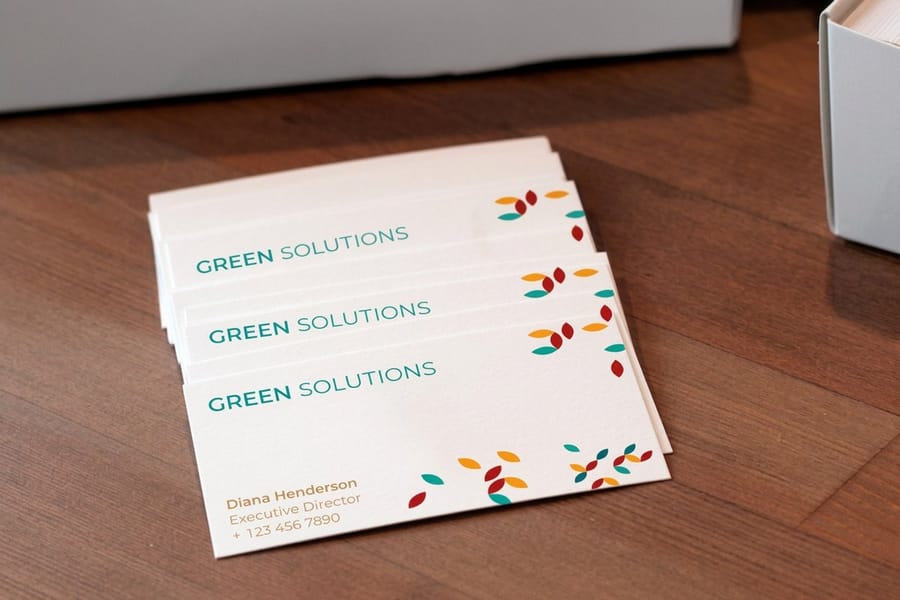
The 4OVER4 online designer runs in your browser, with nothing to download and no subscription. You pick a product, choose one of its sizes, 3.5 by 2 inches for a standard card, and start building your artwork from a blank canvas or one of the 10,000+ ready-made design templates.
For many buyers the hard part of ordering is the file. The online designer removes the biggest barrier to ordering, which is creating a print-ready file. You get drag-and-drop controls, text editing, image uploads, and automatic bleed guides, so everything stays within spec and your finished product looks exactly how you intended.
Layers, fonts, both sides
What you can actually do inside the designer
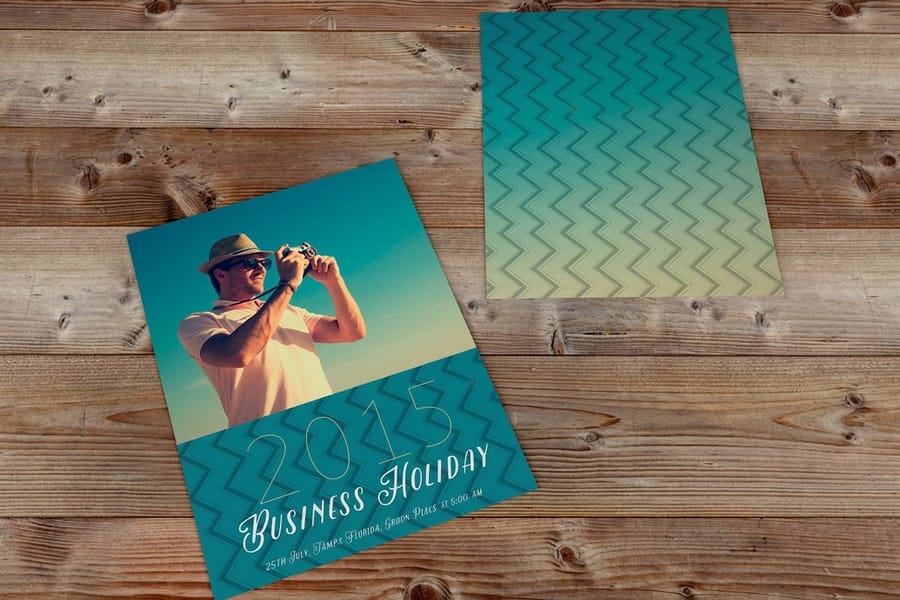
The online designer goes past swapping text on a template. Upload your own high-resolution images, add multiple text layers with full font selection, adjust colors, opacity, and alignment, and stack elements on top of each other. You are building custom artwork, not filling in blanks.
Need a starting point? Browse Blank Templates sized to every product in the catalog. Each one comes with correct dimensions, bleed areas, and safe zones already mapped out, so you just add your content and you are done. The designer also handles both sides of double-sided products, so you switch between front and back with a single click and keep your branding consistent.
Low-resolution image warnings pop up before you finalize, and text that sits too close to the trim edge triggers a visual alert. These are not suggestions, they are guardrails that save you from reprints and wasted money on a run of 500 business cards or 1,000 postcards.
Designer or your own file
Online designer vs uploading your own files
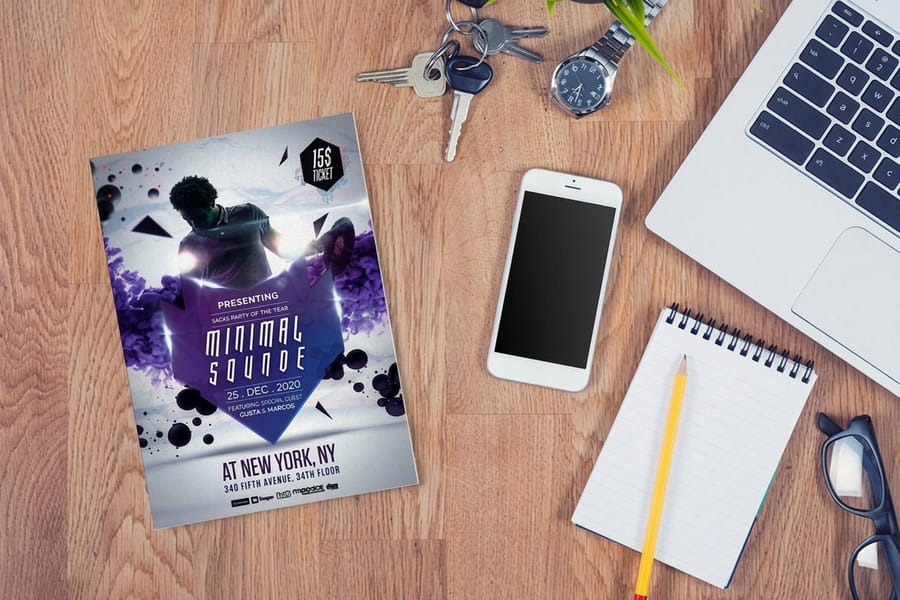
You have two paths at 4OVER4. Upload a pre-made PDF, or build your design in the browser with the designer that opens on every product page. Both work, and each makes sense at a different moment.
Upload your own file when you have a designer on staff, you are working from brand-approved templates in Illustrator or InDesign, or you need complex vector artwork that goes beyond a browser tool. Use the online designer when you need something fast, do not have design software, want quick edits without round-tripping through a freelancer, or you are testing a new layout before committing to a large run.
Here is where the browser tool stops, plainly, because nobody wants to find this out at proof stage. It is not the place to build spot color or Pantone-matched artwork, a separate layer for foil or spot UV, a die line for a custom shape, a long multi-page booklet that has to be imposed, heavy vector illustration, or variable data where every piece carries a different name. Those jobs belong in Illustrator or InDesign, exported as a print-ready PDF and uploaded. Everything else, business cards, flyers, postcards, brochures and signs, is usually faster to finish in the browser than it is to open design software at all.
Either way, output quality does not change. Your file goes through the same prepress process no matter how it was created. Same paper, same ink, same 99.8% on-time delivery rate. The only difference is how you got the file ready. The choice is not permanent either: a layout you build in the browser today can be replaced by an uploaded PDF on the next order without changing the product, the stock or the turnaround you already picked.
Canvas at the trim size
25+ years behind every pixel you place
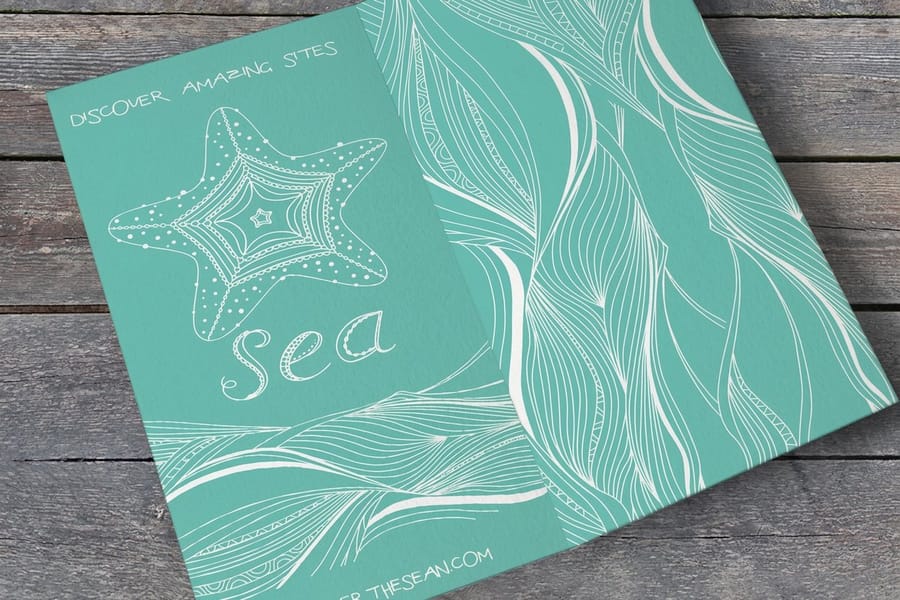
4OVER4 has printed since 1999, and that production knowledge sits in every product template, bleed guide and file check the designer runs: a standard card canvas knows its 3.5 by 2 inch trim before you place a pixel. That is the edge over a generic graphics app: the canvas already knows the trim size, the bleed and the safe zone of the product you selected, so you are not measuring anything by hand or guessing how much of your background gets cut away.
The checks target the faults that send files back: low-resolution images, text in the bleed zone, the wrong color mode. The online designer catches these issues before they become problems, and it flags them while they are still free to fix, not after the press has run and the paper is spoiled.
Designing in the browser does not put your job in a slower or cheaper queue: same presses, same operators, same checks as a file that arrived from an agency.
The specs you control
Configure it, then start designing
Pick the card first and the canvas opens at its trim, 3.5 by 2 inches for a standard business card, so the artwork never has to be resized later.
Wally from 4OVER4 explains
Wally sets up your file the right way
A 3.5 by 2 inch card canvas with its bleed and safe zone already drawn
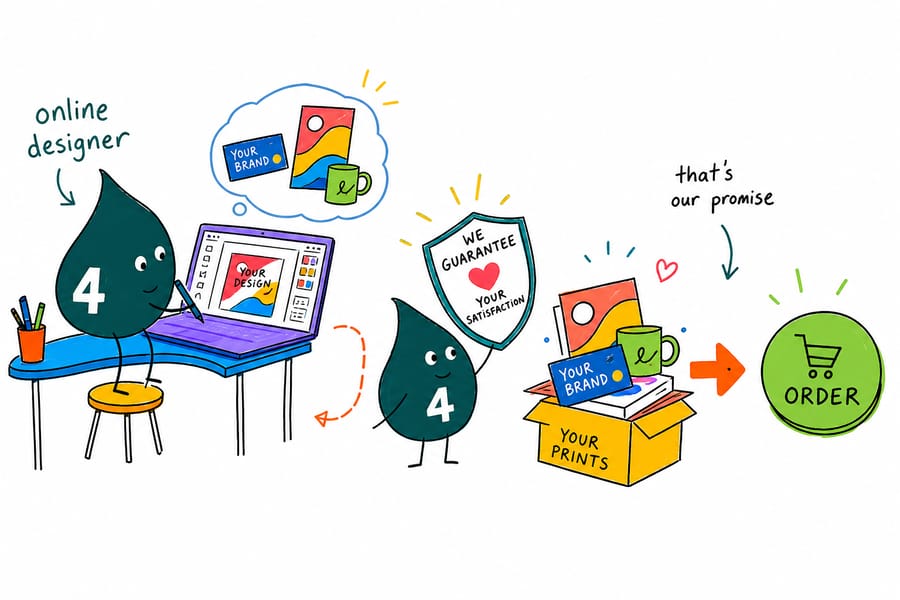
Wally shows you where the edges are. The online designer draws your bleed lines, trim marks, and safe zones right on the canvas, around a 3.5 by 2 inch trim on a standard business card, so your logo and text land exactly where they should. Drop in your artwork, watch the guides, and approve a file that prints clean the first time.
Start designingWho designs online
Real people, real results from browser-based design
Uploading your own file is always an option. The designer serves everyone without Illustrator on their laptop, and these four lean on it most.
Small business owners
Create business cards in under ten minutes. Upload a logo, pick a stock, and walk away with print-ready artwork, no Photoshop required. Start from Blank Templates if you want a head start.
Event planners and nonprofits
Build flyer and invitation layouts between meetings. Bleed guides keep important text away from the trim edge, so nothing gets cut off on the final print, and orders still arrive on time.
Real estate agents
Refresh postcard designs each season without calling a graphic designer. Swap the listing photo, update the details, and reorder in minutes. Your postcards stay current with every new listing.
Anyone earning rewards
Every order placed through 4OVER4 earns points through the Loyalty Program. Design your artwork, place your order, and stack coins to redeem on future prints.
The scale the online designer runs on.
Side by side
Compare popular business cards
Every card below opens in the same online designer. Configure the specs, then lay out your artwork right in the browser. Compare the real entry price and specs, then pick the card that fits the job.
| Spec |  Standard Business Cards Standard Business Cards |  Die-Cut Business Cards Die-Cut Business Cards |  Spot UV Business Cards Spot UV Business Cards |  Raised Foil Business Cards Raised Foil Business Cards |
|---|---|---|---|---|
| Starts at | $17.57 | $26.37 | $76.88 | $86.78 |
| Paper / stock | 73 paper types | 7 paper types | 3 paper types | 1 paper types |
| Finish | Standard Finish | Standard Finish | Standard Finish | Standard Finish |
| Size | 2" x 3.5" | 2" x 3.5" Rounded Corners | 2" x 3.5" | 2" x 3.5" |
| Rating | ||||
| Order | Design & customize | Design & customize | Design & customize | Design & customize |
Cards, postcards, flyers, banners
Products you can design in your browser
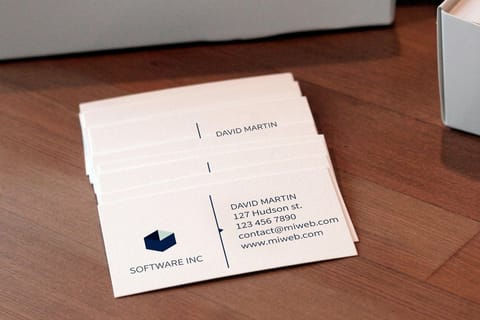
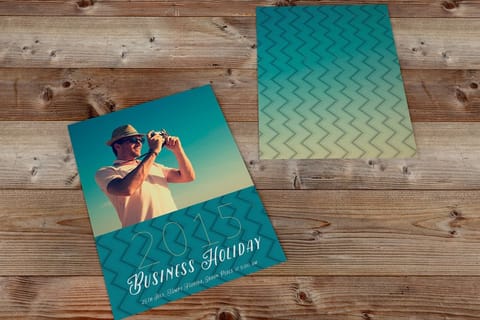
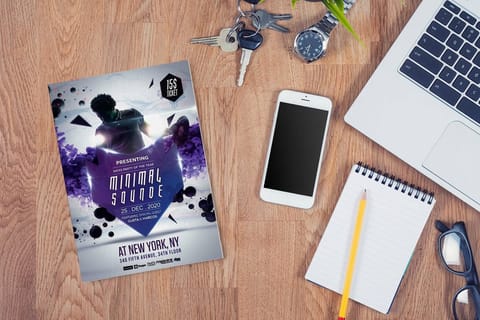
The online designer works across the 1,000+ products in the 4OVER4 catalog. Design business cards at 3.5 by 2 inches from $17.57 for 100, build postcard layouts with full-bleed photos from $16.48 for 50, or scale flyer artwork to exact dimensions from $39.54 for 50. Browse Marketing Materials Printing for everything from brochures to door hangers and rack cards.
Need something larger? Signs Banners Canvas Printing covers vinyl banners, retractable displays, and canvas prints.
%22%2F%3E%3Ccircle%20cx%3D%2234%22%20cy%3D%2219%22%20r%3D%2229%22%20fill%3D%22%2314b8a6%22%20opacity%3D%220.15%22%2F%3E%3Ccircle%20cx%3D%2233%22%20cy%3D%2229%22%20r%3D%229%22%20fill%3D%22%2314b8a6%22%20opacity%3D%220.1%22%2F%3E%3Crect%20x%3D%2274%22%20y%3D%229%22%20width%3D%2234%22%20height%3D%2219%22%20rx%3D%224%22%20fill%3D%22%2314b8a6%22%20opacity%3D%220.08%22%20transform%3D%22rotate(14%2080%2030)%22%2F%3E%3C%2Fsvg%3E)
Guarantees
Every Free Print Backed by 4OVER4's 5 Guarantees
Free printing with full guarantees. No trade-offs.

Premium Quality Guarantee
Premium papers, professional-grade inks, and hands-on quality control on every print job.

110% Price Match Guarantee
Find the same product for less at a U.S. retail printer and we beat that price by 10%. Rules apply.

Rush Fee Back Guarantee
Well over 99% of deadlines met for nearly 30 years. If a paid rush misses its date, the rush fee comes back.

Responsive Customer Service Guarantee
Live support from 10AM to 6PM EST weekdays plus instant Live Chat responses.

100% Satisfaction Guarantee
Flawless finishing and printing on every order, or we make it right.
Our Story
Every canvas in this designer opens at a size the Queens plant, opened by two friends in 1999, prints every day.
Partner With Innovators
They told us we were crazy. We don't want to be sane.
The Beginning
In 1999, Google was barely starting out. WiFi didn't exist. People were afraid of Y2K. And two best friends, second-generation immigrants and patent-holding engineers in Queens, New York, launched 4OVER4.COM as the second web-based printer in the entire United States.
The Innovation
4OVER4 was the first printer to introduce full-color printing with 24 to 48 hour turnaround. When the industry said it couldn't be done that fast, they did it anyway. No compromises, no excuses, just engineering.
25+ Years and Counting
Over 350 standard products. More than 6,000 possible combinations. 150,000+ businesses served, from solo freelancers to Google and the United Nations. A facility in Queens that still runs on soy inks and waterless presses, built that way from day one because it was the right thing to do.

Keep exploring
More ways to get to a print-ready file
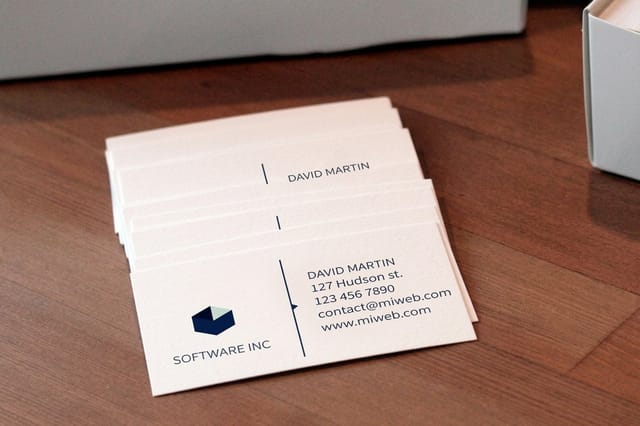 Templates Blank Templates Correctly sized files with bleed and safe zones built in.
 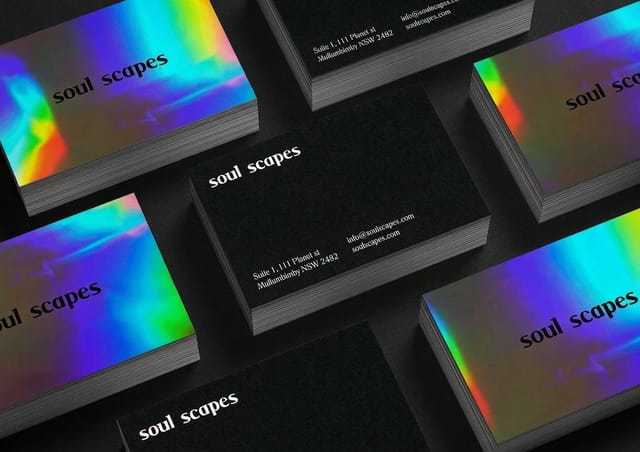 Templates Design Templates Ready-made layouts you can customize in the browser.
 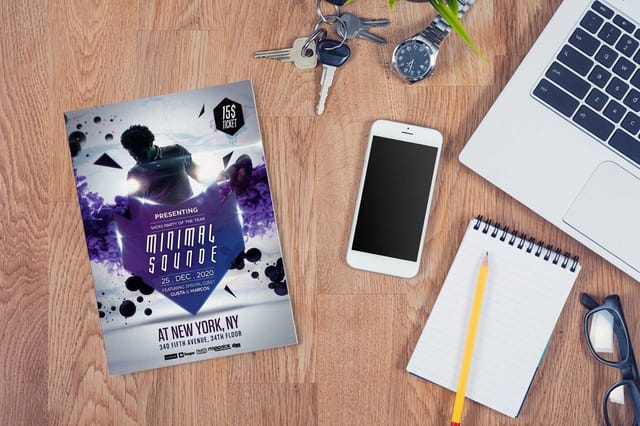 Benefit Free Proofs Check every detail before the full run prints.
 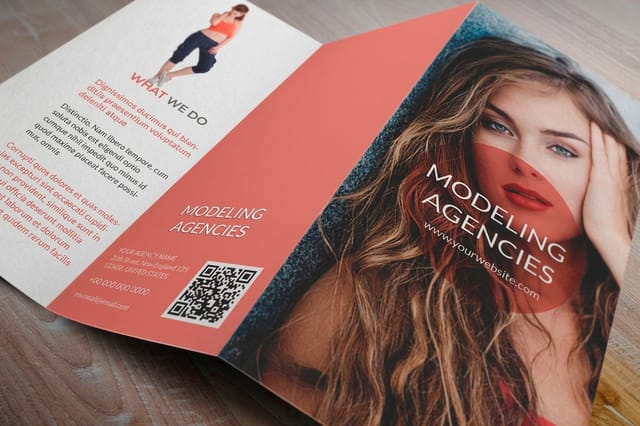 Benefit Bulk Discounts Order more of your finished design and pay less per piece.
 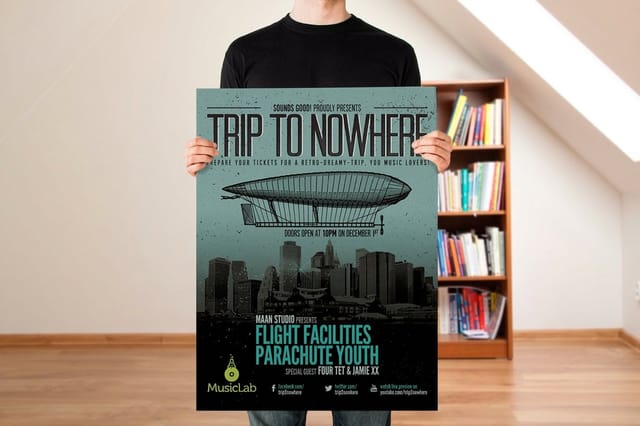 Product Free Business Cards Design and claim 200 free cards to start.
 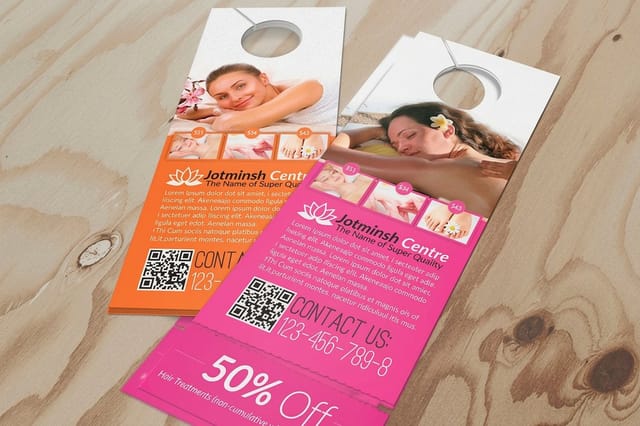 Guides Printing Guides How-tos for getting your artwork print-ready.
 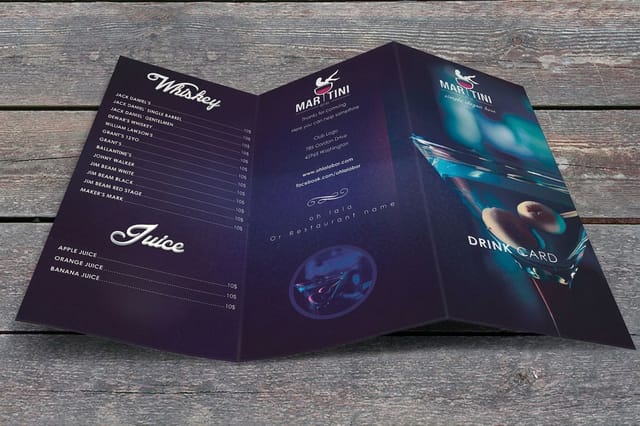 Benefit Why 4OVER4.COM Every feature 4OVER4 offers, in one place.
 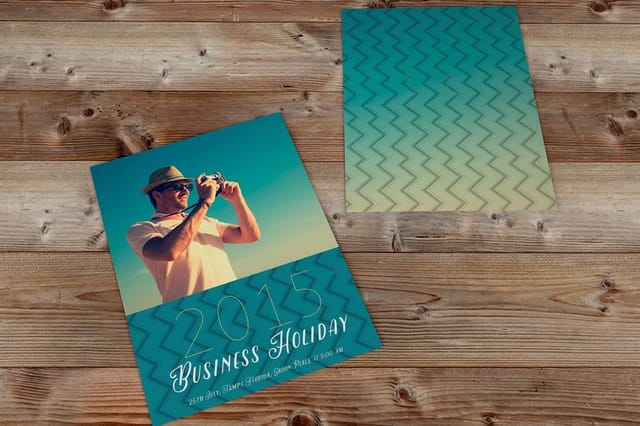 Product Postcards Full-bleed postcard layouts, designed online.
  Category Marketing Materials Flyers, brochures, rack cards, and more to design.
  Samples Free Samples Feel the 60+ paper stocks before you print.
 Common questions about the online designer
Common questions about the online designer
Do I need design software to use the online designer?
No. The 4OVER4 online designer runs entirely in your browser. There is nothing to download, no subscription, and no design experience required. You pick a product, choose your specs, and start building right away.
Is the online designer free to use?
Yes. Designing is free. You only pay when you place your print order, and the price you see for your product and quantity is what you pay at checkout.
Can I upload my own logo and photos?
Absolutely. Upload high-resolution images, add multiple text layers with full font selection, and adjust colors, opacity, and alignment. You are building custom artwork, not filling in a fixed template.
How does the designer keep my file print-ready?
Built-in bleed lines, trim marks, and safe zones show exactly where content prints. Low-resolution image warnings and trim-edge alerts flag problems before you finalize, so you avoid reprints.
Which products can I design in the browser?
The online designer works across 1,000+ products on 60+ paper stocks, from business cards and postcards to flyers, brochures, banners, and stickers. Every product loads with the correct dimensions automatically.
Can I design both sides of a double-sided product?
Yes. Switch between front and back with a single click, copy elements from one side to the other, and keep your branding consistent without managing separate files.
Get Started
Design it now. Print it right.
Open the online designer, drop in your logo and text, and build a print-ready file in minutes. No software, no subscription, and no design degree required.
Legal Disclaimer
The 4OVER4 online designer is a browser-based tool available on product pages at 4over4.com. Print-ready checks, bleed guides, and low-resolution warnings help prevent common file errors but do not guarantee against every design mistake. On-time delivery rate based on tracked orders 1999 to 2026. 150,000+ businesses served and 10 billion+ cards printed based on cumulative totals. Individual results may vary.
