
Standard Booklets

See Standard Booklets in action
Saddle-stitched books of 8 to 60 pages in 5.5" x 8.5", 8.5" x 11" or 11" x 11", on 7 inside and 3 cover stocks, full color or black, from $240.55 per 25.
- From $240.55 per set of 25, with the per-booklet price falling to about 62 cents at 1,000 and around 24 cents at 5,000 across 18 quantity tiers.
- 8 to 60 pages, added 4 at a time, saddle-stitched with staples on the long or short edge so the booklet lays flat when it opens.
- 7 inside stocks plus 3 cover stocks: gloss, silk/matte and uncoated text and cover weights from 70# up to 14pt, printed full color (4/4) or black (1/1) on both sides.
- 3 sizes, a pocket 5.5" x 8.5", a letter 8.5" x 11" and a square 11" x 11", plus custom sizing anywhere inside that range.
- 7 business day standard turnaround, with rush as fast as 1 business day, and a free online proof or a next-day hardcopy proof before you print.
Print a Booklet People Keep and Read
When one page can't carry the whole story, you bind it into a booklet. An event gets its program, a product line gets its catalog, a class gets its manual, a studio gets its lookbook, and a portfolio finally reads better on thick paper than on a screen. Standard booklets start at $240.55 for a set of 25, saddle-stitched on your choice of 7 inside stocks and rated 4.9 out of 5 across 72 reviews, bound the same careful way we've printed booklets online since 1999. Staple those pages into one flat book and you hand someone something they flip through, set on a desk, and pick up again later.
A standard booklet is a working book: your pages folded and stapled into one, sized to go in a bag or lie open on a table. See every page count, stock and size together on booklets and catalogs printing.
Twenty-five booklets cost $240.55, near $9.62 a copy, which suits a pilot program or a proof run for the client. A full print run brings each copy down to about 62 cents at 1,000 and around 24 cents at 5,000; each of the 18 tiers below shows its total.
How Many Pages Can a Booklet Have
A standard booklet runs from 8 to 60 pages, and you add them 4 at a time, because every sheet folded into the spine carries two pages on each side. Count the cover in that total. An 8-page booklet is a cover wrapped around 4 inside pages, while a 60-page booklet gives you 56 inside pages for a full catalog or manual. Saddle stitching holds all of it with staples through the fold, which keeps the book flat and the budget low for anything in this range. Need a thicker spine you can print a title on? The Perfect Bound Book picks up where the staples run out. For the full comparison, read catalogs vs booklets vs perfect bound books.
What Paper Stocks Can You Choose for a Booklet
You get 7 inside-page stocks and 3 cover papers, so the pages and the cover can feel different in the hand. Inside, pick a 100# Gloss Text for punchy product photos, a 100# Silk/Matte Text for portraits and reading-heavy pages, or a 70# Uncoated Text that takes a pen, and heavier cover-weight inside stocks run all the way up to a 14pt Uncoated Cover made with 30% post-consumer recycled fiber. The cover itself takes a 100# Gloss Text, a 14pt Gloss Cover, or an 80# Gloss Cover. Every page prints on both sides, in full color (4/4) or black ink (1/1), so a 24-page booklet still reads as 24 real pages. The full grid of stocks, inks and binding is below, grouped the way the live configurator on this page presents it.
What Size Should a Booklet Be
Three standard sizes cover most jobs. The 5.5" x 8.5" is the pocket program and pocket guide, easy to carry and cheap to print. The 8.5" x 11" is the letter-size workhorse for catalogs, training manuals and annual reports. The square 11" x 11" reads like a lookbook and gives photography room. Want something in between? Custom sizing runs anywhere from 5.5" x 8.5" up to 11" x 11", so the trim fits the content instead of forcing the content to fit the trim. The Square Booklets are built around that square format if you know that is the look you want.
Booklet sizes and page counts
Three trims plus custom, against a page count that always moves in fours. Pick the trim first, because it decides how much copy each spread can carry.
| Trim | Page count | What it suits |
|---|---|---|
| 8.5" x 11" letter | 8 to 60 pages, in multiples of 4 | Manuals, reports, product catalogs, anything with tables or long copy |
| 5.5" x 8.5" pocket | 8 to 60 pages, in multiples of 4 | Event programs, menus, handbooks, anything handed out and carried |
| 11" x 11" square | 8 to 60 pages, in multiples of 4 | Lookbooks and photo-led work, where a square spread suits the images |
| Custom | 8 to 60 pages, in multiples of 4 | Any trim inside that range when a fixed size does not fit the shelf, the envelope or the rack |
Why the multiple of 4 rule
A saddle stitched booklet is built from folded sheets, and one folded sheet carries 4 pages, 2 on each side. That is why the count moves 8, 12, 16 and so on, and why a 14 page booklet cannot exist. If your content lands between two counts, round up and use the spare pages for a contents page, a blank inside the back cover, or notes.
Spreads or single pages?
Supply single pages, in reading order, front cover first. Do not send reader spreads and do not impose the file yourself, because we do the imposition and a pre-imposed file gets built in the wrong order. Keep 0.125 inch bleed on every edge that runs off, keep live text well inside the trim, and export one print-ready PDF with the pages in sequence. On a thick saddle stitched book, allow for creep: the inner pages push outward as the sheets nest, so the trim shaves a little more off the outside edge of the center spread than the outer pages, and anything critical sitting right on that edge should move in.
Set up your file the right way
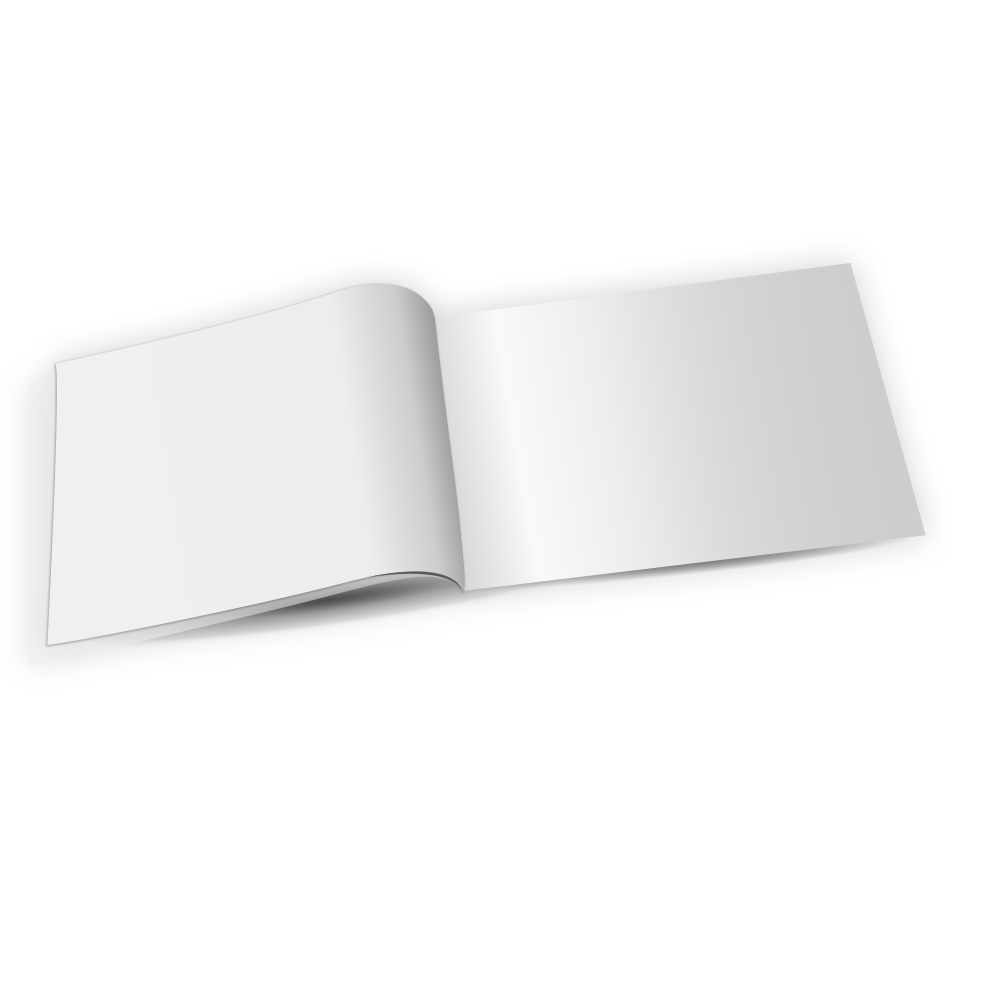
A booklet is a multi-page layout, so the file setup matters more than it does on a flat card. Start from a blank booklet template built at the real trim with the 1/8" bleed and the safe margin already drawn in, so your art never crowds the staples or the fold. If you are weighing how the pages should hold together before you design, our complete guide to binding types for books and booklets walks through page counts, spine behavior and when saddle stitch beats glue. Grab the size that matches your run below, drop your spreads in, and upload.
Press-Ready Blank Templates
What Image Resolution Does a Booklet File Need
Build every page at 300 DPI in CMYK, the setting our help center gives for print files, measured at the final printed size. A photo saved from a website is usually made for a screen, not for paper, so it holds far fewer pixels than a printed page needs; it looks fine on a monitor and prints soft on a 100# Gloss Text page. Before you upload, open each image at 100 percent in your layout program at its placed size: if edges look jagged or blurry there, they will print that way.
Then check the rest of the file the same way the blank template sets it up. Every edge that runs off the page needs the 1/8" (0.125 inch) bleed, live text stays inside the safe margin away from the trim, the staples and the fold, and the page count must be a multiple of four, from 8 to 60, counting the cover. Export one print-ready PDF with single pages in reading order, and the free online proof shows how it lands before the run.
How Much Does Booklet Printing Cost
Cheap booklet printing comes down to run size. A set of 25 at $240.55 lands near $9.62 a copy, 1,000 fall to about 62 cents, and 5,000 drop to around 24 cents each. Page count, stock and ink move the total too, since more pages and full color cost more than a short black-and-white book. The slider below does the math for any quantity.
How Are Booklets Bound
Standard booklets are saddle-stitched, which means staples driven through the folded spine, and you choose whether they land on the long edge or the short edge. It is the binding behind most event programs, comic books, church bulletins and short catalogs; for church bulletins printing, our guide covers the weekly setup. Saddle stitching has two real advantages. The book lays completely flat when you open it, so a recipe or a score or an assembly guide stays put on the table. And it runs cheaper per copy than any glued method, which keeps short runs affordable. For a stapled book under roughly 64 pages, it is hard to beat. The Saddle Stitch Booklet is the same binding called out by name.
Saddle stitch, perfect bound and wire-o compared
Standard booklets are saddle stitched, which is the right binding for 8 to 60 pages. Past that the spine has to change, so here is how the three bindings behave against each other before you commit a page count.
| Saddle stitch | Perfect bound | Wire-o | |
|---|---|---|---|
| Page count | 8 to 60 pages on this product, added 4 at a time | For counts above what staples will hold shut | Mid counts, capped by the largest wire that suits the trim |
| Spine | Folded, with staples through it, nothing printable | Flat glued spine you can print a title on, so it reads on a shelf | Twin wire loops, no spine to print |
| Lay flat | Opens flat at the center spread and springs closed nearer the covers | Holds its shape, needs a hand to keep it open | Fully flat on any page, pages turn a full circle |
| Cost | Lowest per copy of the three | Mid, and the price per page drops as the count rises | Highest, because the wire and punching are extra steps |
| Best for | Programs, newsletters, short catalogs, lookbooks | Catalogs, manuals and anything that lives on a shelf | Anything written in or worked from with both hands busy |
If the page count is climbing past what a stapled spine can hold, move to the thicker formats in booklets and catalogs printing rather than forcing a saddle stitched book to close.
How Do Booklets Compare to Other Bound Books
A printable spine, a higher page count or a hardcover feel all mean a different binding. The chart below prices standard booklets beside those bound siblings.
See How a Finished Booklet Looks
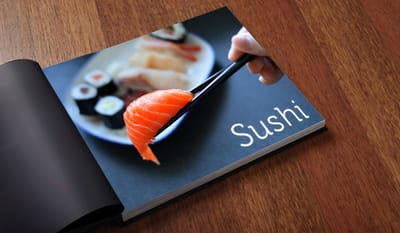
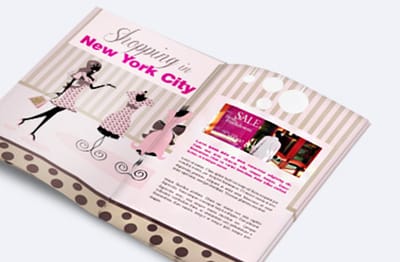
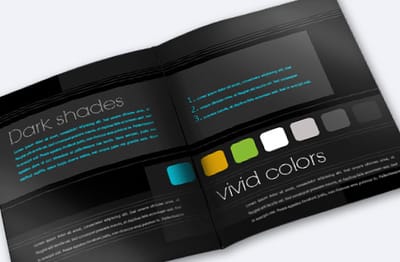
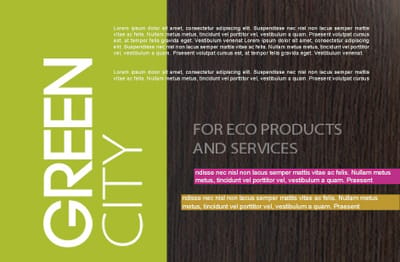
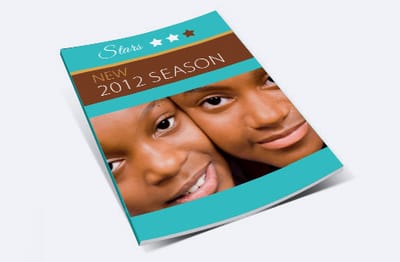
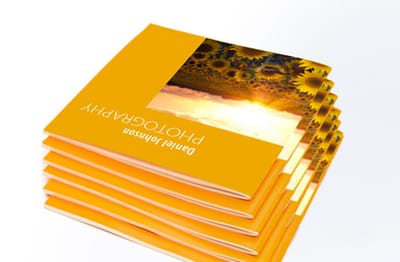
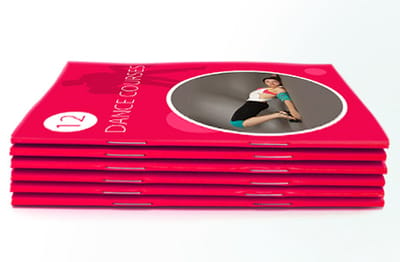
Gloss text, silk and uncoated pages read differently once they are stapled into a book. The booklets below came off our presses for customers, in several sizes and finishes, so you can judge a choice on paper. Tap any print to see it larger.
Real Booklets Our Customers Printed

Booklets Built for a Specific Job
The standard booklet flexes to fit a trade, and a few versions come ready-built for one. The Photography Booklets pair silk and matte stocks with full-color pages for portfolios and proofs, the Education Booklets handle student handbooks and course packets, and the Fabric Booklets add a soft cloth cover for invitations and keepsake programs. Each starts at the same $240.55 for 25 and binds the same way, so you pick the one whose default setup matches your project and skip the guesswork.
How Fast Can You Get Booklets Printed
Standard booklets print on a 7 business day turnaround, and when a deadline sneaks up you can move that up through 6, 5, 4, 3, 2 and even 1 business day production. Each step buys back time for a set percentage on top of the base price, so you only pay for speed when you actually need it. You can also lock in a free online proof or order a next-day hardcopy proof first, which is the single best way to catch a layout slip before a 1,000-copy run. Compare every turnaround tier below and see exactly what each rush adds.
Shipping adds its own days to the production time. Enter your ZIP code below for the ground delivery window to your door, so you plan the print date and the arrival date together.
See the Rest of Our Booklets and Catalogs
Thicker spines, square trims and cloth covers are listed below and in the full print product range.
More From Book Printing - Professional Quality


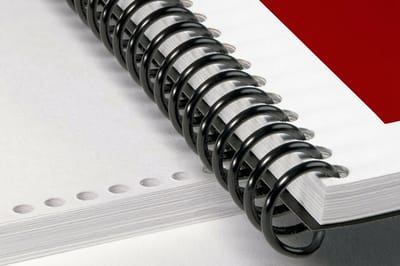


If the standard trims are not the shape you need, square booklets give the photo-led format its own page. For a longer product line, catalog printing covers the higher page counts, and for anything bound as a proper book, start at book printing.
Why Print Booklets With 4OVER4.COM
Before you trust a 1,000-copy book to a shop you cannot visit, check its record. The numbers below cover every order since we started printing booklets online in 1999, on-time shipping included.
Print Your Booklets Today
At 4OVER4.COM, quality comes first, and it's backed by a satisfaction guarantee and 25+ years of printing since 1999. Whatever the size, page count or stock, these booklets are bound to lay flat and read clean. Run through the file do's and don'ts below before you upload, on bleed, resolution and the safe margin around the spine, and your pages clear preflight on the first try.
Wally puts the whole story in one book
Why a $240.55 stack of booklets says more than any single sheet.
A run of 25 booklets starts at $240.55, and the saddle-stitched format holds 8 to 60 pages of your catalog, program, or lookbook. Pick a size from 5.5 by 8.5 inch up to an 11 by 11 inch square, choose your inside and cover stock, and Wally staples it clean and ships it fast.
One last thing before you check out. A booklet rarely travels alone, so here are the products our customers most often order alongside their standard booklets, each priced and ready to drop into the same cart.
Pairs Well With Standard Booklets
Standard Booklets: Frequently Asked Questions
How much does booklet printing cost?
Standard booklets start at $240.55 for a set of 25, which works out to about $9.62 a copy. The per-booklet price drops to roughly 62 cents at 1,000 and around 24 cents at 5,000, across 18 quantity tiers from 25 up to 5,000. Page count, stock and ink color move the total too, so a long full-color catalog costs more than a short black-and-white run.
How many pages can a booklet have?
A standard booklet runs from 8 to 60 pages, added 4 at a time, and the cover counts in that total. An 8-page booklet is a cover wrapped around 4 inside pages. A 60-page booklet gives you 56 inside pages. For more pages with a flat, printable spine, step up to a Perfect Bound Book.
What paper stocks can I choose for a booklet?
You get 7 inside-page stocks and 3 cover stocks. Inside options run from 70# Uncoated Text up to 14pt cover weights, in gloss, silk/matte and uncoated. Covers are 80# Gloss Cover, 14pt Gloss Cover, or a 14pt Uncoated Cover with 30% post-consumer recycled fiber. Every page prints on both sides in full color (4/4) or black ink (1/1).
What sizes do booklets come in?
Three standard sizes: a pocket 5.5" x 8.5", a letter 8.5" x 11", and a square 11" x 11". Custom sizing is available anywhere from 5.5" x 8.5" up to 11" x 11", so the trim can match your content instead of forcing the content to fit a fixed size.
How are the booklets bound?
Standard booklets are saddle-stitched, meaning staples driven through the folded spine, on either the long or the short edge. The book lays completely flat when open, which suits programs, manuals and short catalogs. Saddle stitch works best under about 64 pages. Above that, a Perfect Bound Book gives you a glued, printable spine.
How fast can I get booklets, and can I see a proof first?
Standard turnaround is 7 business days, with rush options as fast as 1 business day for a set percentage on top. You can lock in a free online proof, or order a next-day hardcopy proof, before production starts. Standard booklets are rated 4.9 out of 5 across 72 reviews.
Questions about Standard Booklets? See answers